
Getaria GWS-8
Getaria GWS-8 Wireless Guitar System User Manual
Model: GWS-8
Brand: Getaria
1. Introduction
Thank you for choosing the Getaria GWS-8 Wireless Guitar System. This system is designed to provide musicians with unparalleled freedom and professional-grade audio transmission for electronic musical instruments such as electric guitars, bass guitars, and more. With its advanced 2.4GHz digital technology, you can enjoy crystal-clear sound, ultra-low latency, and reliable performance. This manual will guide you through the setup, operation, and maintenance of your new wireless system.
2. What's in the Box
Upon unboxing your Getaria GWS-8 Wireless Guitar System, you should find the following components:
- 1 x GWS-8 Wireless Transmitter (Black)
- 1 x GWS-8 Wireless Receiver (Silver)
- 1 x Dual Type-C USB Charging Cable
- 1 x User Manual (this document)
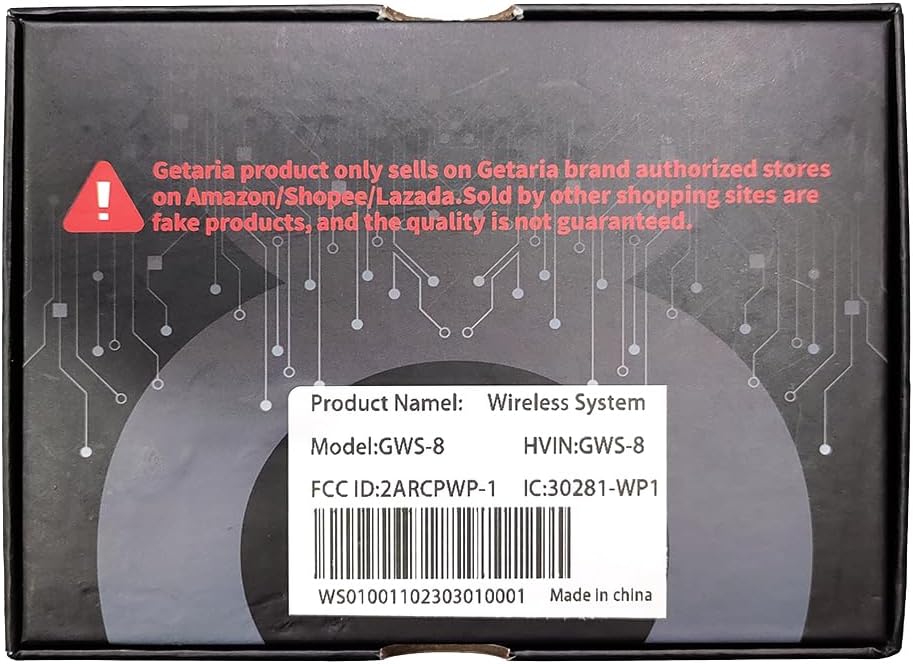
Image: Contents of the Getaria GWS-8 Wireless Guitar System packaging.
3. Setup Guide
3.1 Initial Charging
Before first use, ensure both the transmitter and receiver units are fully charged. Each unit has a built-in 750mAh rechargeable lithium battery.
- Connect the provided dual Type-C USB charging cable to both the transmitter and receiver units.
- Plug the USB-A end of the cable into a standard USB power adapter (not included) or a computer USB port.
- The charging indicator light on each unit will illuminate during charging. A full charge typically takes approximately 1.5 hours.
- Once fully charged, the indicator light will change or turn off (refer to unit's specific LED behavior).
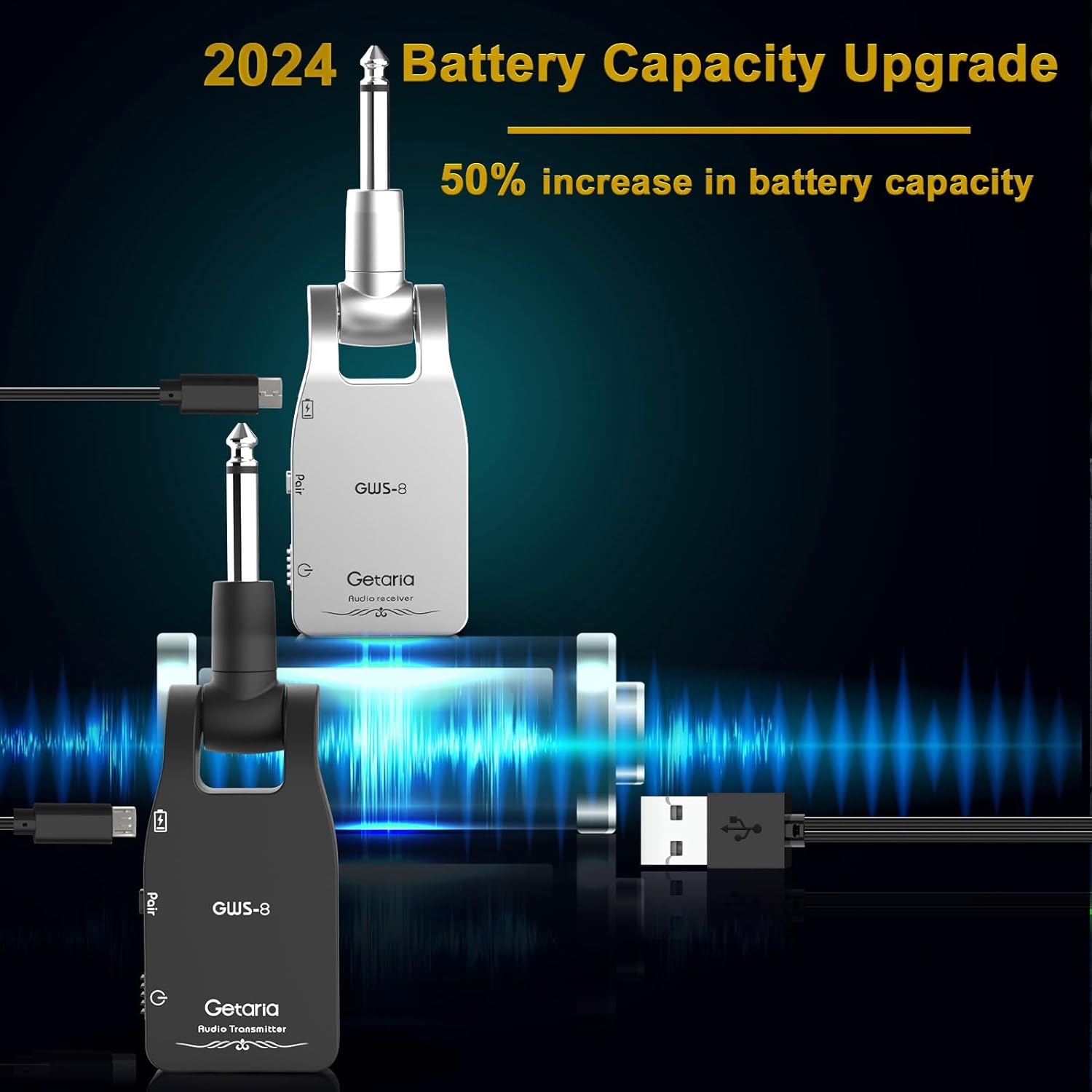
Image: Charging the GWS-8 units using the provided Type-C cable.
3.2 Pairing the Units
The transmitter and receiver are usually pre-paired from the factory. If re-pairing is necessary or if you are using multiple systems, follow these steps:
- Turn on both the transmitter and the receiver units by pressing and holding their respective power buttons.
- Press the 'Pair' button on the receiver unit. The indicator light will start blinking, indicating it's in pairing mode.
- Within 3 seconds, press and hold the 'Pair' button on the transmitter unit for more than 3 seconds.
- The indicator lights on both units will become solid, confirming successful pairing.
4. Operating Instructions
4.1 Connecting to Instruments and Amplifiers
The GWS-8 system features a 280° rotatable 1/4" plug, allowing for flexible connection to various instruments and amplifiers regardless of their input jack position.
- Plug the transmitter unit (marked 'Audio Transmitter') into your electronic musical instrument's output jack (e.g., guitar, bass). Adjust the rotatable plug for optimal positioning.
- Plug the receiver unit (marked 'Audio Receiver') into your amplifier's input jack or effect pedal.
- Ensure both units are powered on and successfully paired.

Image: The 280° rotatable plug design for flexible instrument connection.
4.2 Wireless Performance
The GWS-8 operates on a 2.4GHz frequency band, providing a stable and clear signal transmission. It offers a professional 24bit/48KHz stereo digital transmission sampling rate, ensuring low latency, no signal loss, and minimal noise for professional sound quality.
- Effective Range: The system has an effective transmission range of more than 30 meters (100 feet) in open environments.
- Multi-Device Support: The system supports up to 6 pairs of GWS-8 units working simultaneously in the same environment without interference. Additionally, one transmitter can send signals to multiple receivers (up to 6) for versatile setups.
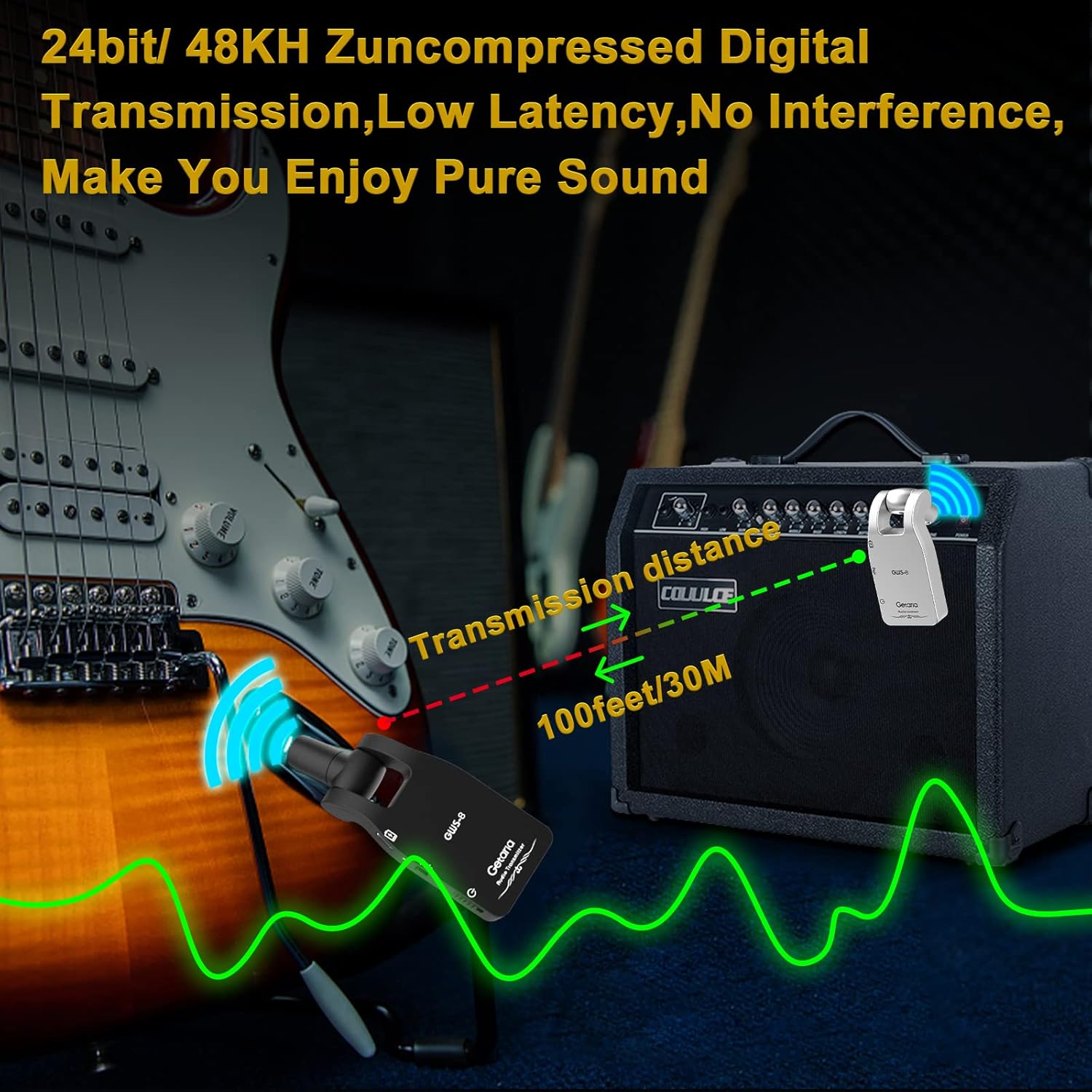
Image: Illustration of the 100-foot transmission distance.

Image: Demonstrating support for up to 6 sets of devices working simultaneously.
4.3 Product Demonstration Video
Watch this official product video from Getaria for a visual demonstration of the GWS-8 Wireless Guitar System in action:
Video: Official demonstration of the Getaria GWS-8 Wireless Guitar System, showcasing its features and performance.
5. Maintenance
5.1 Battery Care
To ensure optimal battery life and performance:
- Always fully charge the units before extended use.
- Avoid completely draining the battery frequently.
- Store the units in a cool, dry place when not in use.
- If not used for a long period, charge the units every 3 months to maintain battery health.
5.2 Cleaning
Use a soft, dry cloth to clean the exterior of the units. Do not use liquid cleaners or abrasive materials.
6. Troubleshooting
| Problem | Possible Cause | Solution |
|---|---|---|
| No Sound / Intermittent Sound |
|
|
| Distorted Sound / Noise |
|
|
| Units not turning on |
|
|
7. Specifications
| Feature | Detail |
|---|---|
| Model | GWS-8 |
| Brand | Getaria |
| Item Weight | 6.3 ounces |
| Product Dimensions | 5.1 x 1.5 x 0.5 inches |
| Country of Origin | China |
| Battery Type | Rechargeable Lithium Polymer (750mAh) |
| Voltage | 5 Volts (DC) |
| Material Type | Acrylonitrile Butadiene Styrene (Plastic) |
| Hardware Interface | 1/4-inch Audio Jack |
| Transmission Frequency | 2.4GHz |
| Transmission Range | ~30 meters (100 feet) |
| Charging Time | ~1.5 hours |
| Working Time | ~5 hours |
8. Warranty and Support
For warranty information and customer support, please refer to the product packaging or contact Getaria customer service directly through their official website or the platform where the product was purchased. Keep your purchase receipt as proof of purchase for any warranty claims.