
NOERDEN 6970754370589
NOERDEN LIFE2 Hybrid Smart Watch User Manual
Model: 6970754370589 | Brand: NOERDEN
1. Introduction
The NOERDEN LIFE2 is a sophisticated hybrid smartwatch that combines the timeless elegance of a traditional analog watch with advanced smart functionalities. Designed for seamless integration into your daily life, it offers comprehensive activity tracking, sleep analysis, smart notifications, and more, all while maintaining a classic aesthetic. This manual provides detailed instructions to help you set up, operate, and maintain your NOERDEN LIFE2 watch.

Front view of the NOERDEN LIFE2 Hybrid Smart Watch, showcasing its red silicone band and white watch face with red hands.

Angled view of the NOERDEN LIFE2 Hybrid Smart Watch, highlighting its stainless steel case and red silicone strap.
2. Setup
Before using your NOERDEN LIFE2 watch, it is essential to set it up correctly by pairing it with the dedicated NOERDEN Smart APP on your smartphone.
2.1 Unboxing and Initial Inspection
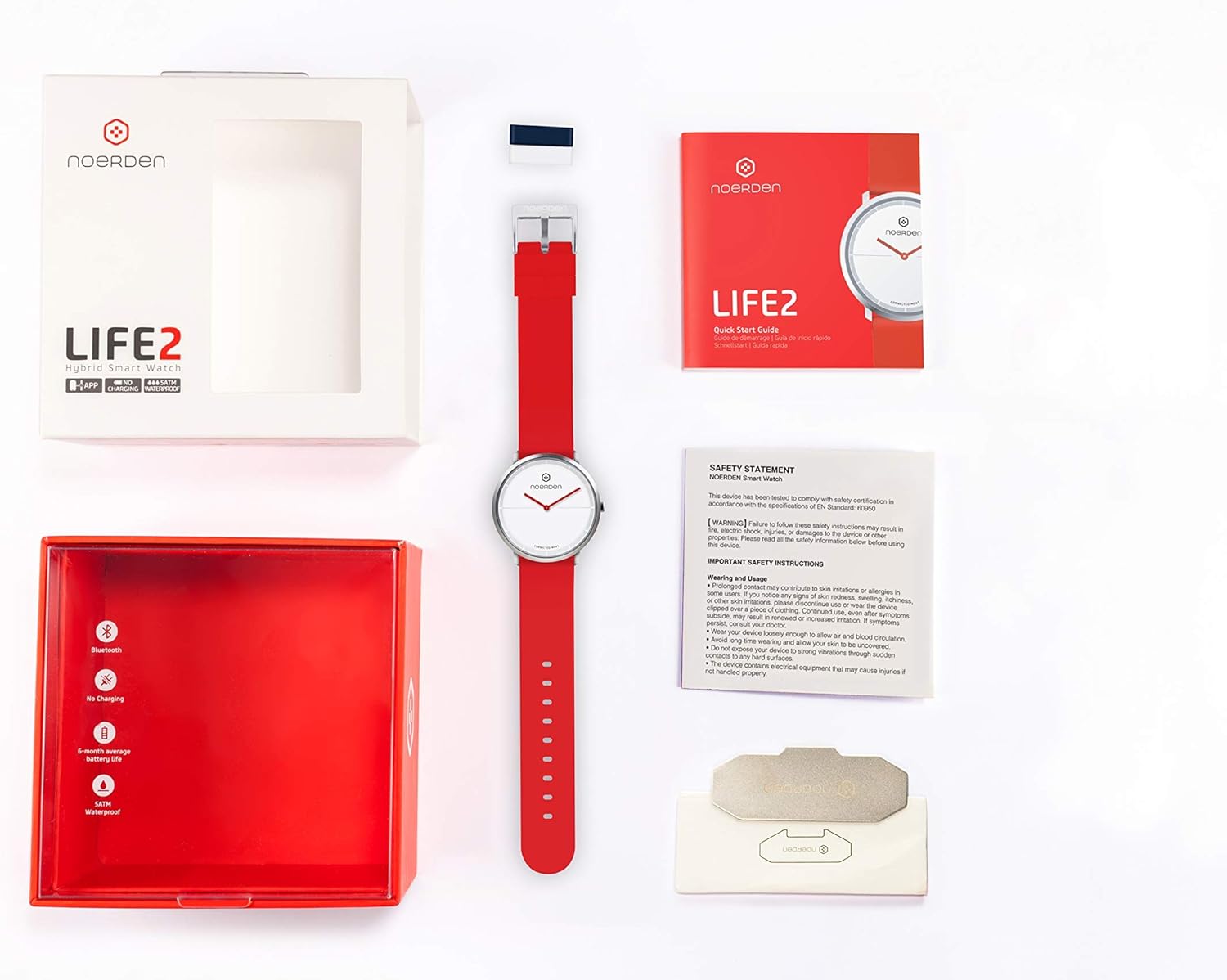
Upon opening the package, ensure all components are present:
- NOERDEN LIFE2 Hybrid Smart Watch
- Quick Start Guide
- Safety Statement

Contents of the NOERDEN LIFE2 watch box, including the watch, quick start guide, and safety statement.
2.2 App Download and Installation
- Download the official NOERDEN Smart APP from your smartphone's app store. The app is compatible with iOS 11.0 and Android 6.0 operating systems or newer.
- Install the app and grant necessary permissions for Bluetooth and notifications.
2.3 Pairing Your Watch
- Ensure Bluetooth is enabled on your smartphone.
- Open the NOERDEN Smart APP and follow the on-screen instructions to create your personal profile.
- The app will guide you through the pairing process. Select your NOERDEN LIFE2 from the list of available devices.
- Once paired, the watch will synchronize its time automatically with your phone. If the time does not match, you may need to manually adjust the time within the app to ensure accurate synchronization.
3. Operating Your NOERDEN LIFE2
The NOERDEN LIFE2 offers a range of smart functions accessible through the watch and the companion app.
3.1 Activity Tracking
Your watch continuously tracks your daily activity:
- Steps: Counts the number of steps taken throughout the day.
- Distance: Estimates the distance covered based on your steps and stride length.
- Calories: Calculates calories burned during your activities.
- Automatic Running Sensor: Automatically detects and tracks running sessions.
All activity data is synchronized with the app, allowing you to view trends, history, and track your goal completion.
3.2 Sleep Analysis
Wear your watch to bed for automatic sleep monitoring:
- Light vs. Deep Sleep: Differentiates between sleep stages.
- Duration: Records total sleep time.
- Wake-ups: Identifies periods of wakefulness during sleep.
Detailed sleep data and analysis are available in the NOERDEN Smart APP.
3.3 Smart Notifications and Alerts
Receive discreet alerts directly on your wrist:
- Vibration Notifications: For incoming calls, SMS, emails, and social media alerts.
- Call Rejection: Reject incoming calls directly from your watch.
- Silent Alarm: Set a vibrating alarm that wakes you gently without disturbing others.
3.4 Additional Smart Functions
- Music Control: Control music playback on your smartphone (play, pause, skip tracks).
- Camera Remote Control: Use your watch as a remote shutter for your smartphone camera.
- Find My Phone: Trigger an alert on your phone to locate it quickly.
- World Time Synchronization: Automatically updates time based on your location.
A user interacting with the NOERDEN Smart APP on their smartphone, with the watch visible on their wrist, demonstrating data tracking.
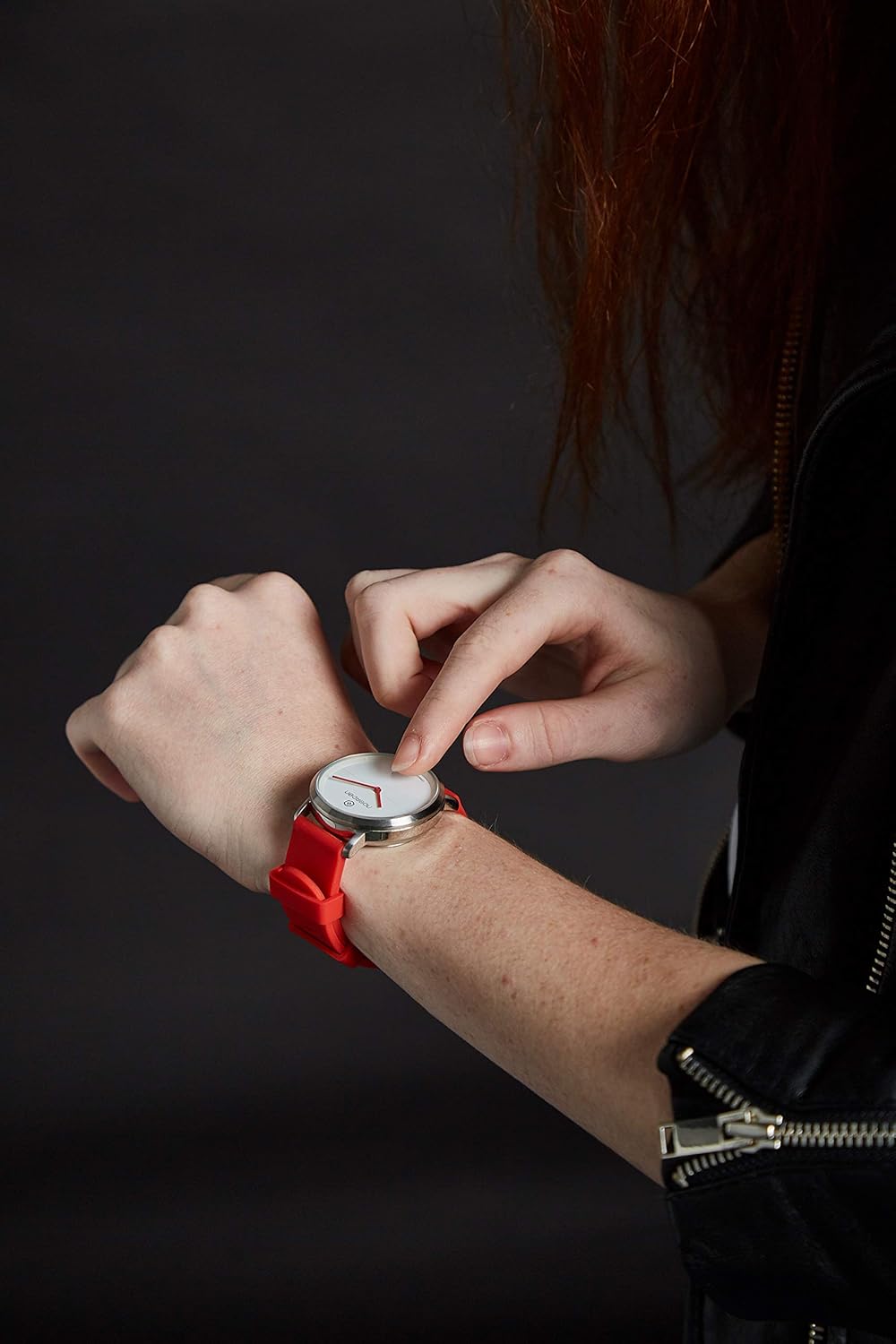
A user touching the watch face of the NOERDEN LIFE2, indicating interaction with the device.
3.5 Data Synchronization and Power Saving
- Data Synchronization: Your activity and sleep data can be synchronized with Apple Health and WeChat Sport for broader health tracking.
- Power Saving Mode: The app includes a power-saving mode to optimize battery life.
4. Maintenance
Proper maintenance ensures the longevity and optimal performance of your NOERDEN LIFE2 watch.
4.1 Battery Life and Replacement
The NOERDEN LIFE2 is powered by a CR2 battery, offering an impressive battery life of 6 months to 1 year, depending on usage. When the battery is low, the app will notify you. Battery replacement should be performed by a qualified technician or by following the instructions provided by NOERDEN to ensure water resistance is maintained.
4.2 Water Resistance
The watch is water-resistant up to 5 ATM, meaning it can withstand splashes, rain, and brief immersion in water. It is suitable for showering and swimming in shallow water. However, it is not recommended for diving or high-pressure water activities. Do not press any buttons while the watch is wet.
4.3 Cleaning and Care
- Clean the watch case and strap regularly with a soft, damp cloth.
- Avoid using harsh chemicals, abrasive cleaners, or solvents, as these can damage the watch's finish and materials.
- Ensure the watch is dry before storing it or wearing it again.
- The silicon band is interchangeable, allowing for easy cleaning or replacement.
5. Troubleshooting
If you encounter issues with your NOERDEN LIFE2 watch, try the following troubleshooting steps:
- Watch Not Connecting to App:
- Ensure Bluetooth is enabled on your smartphone.
- Make sure the watch battery is not depleted.
- Restart both your smartphone and the NOERDEN Smart APP.
- Try unpairing and re-pairing the watch through the app's settings.
- Time Not Synchronizing:
- Verify that the watch is successfully connected to the app.
- Manually adjust the time within the NOERDEN Smart APP if automatic synchronization fails.
- Activity Data Not Syncing:
- Ensure the app is open or running in the background.
- Check your phone's internet connection for data upload to cloud services.
- Short Battery Life:
- Ensure you are using the power-saving mode in the app.
- Frequent use of smart functions (e.g., notifications, music control) can reduce battery life.
- If battery life is significantly shorter than expected, consider replacing the battery.
6. Specifications
| Feature | Detail |
|---|---|
| Model Number | 6970754370589 |
| Case Dimensions | 38mm diameter, 13mm thickness |
| Case Material | Stainless Steel |
| Glass Type | Mineral Glass |
| Strap Material | Silicone (interchangeable 20mm) |
| Movement | Ronda Movement (Mechanical Hands) |
| Battery Type | 1 CR2 battery |
| Battery Life | 6 months to 1 year |
| Water Resistance | 5 ATM |
| Connectivity | Bluetooth 4.0 / 4.1 |
| Operating System Compatibility | iOS 11.0 & Android 6.0 or newer |
| Product Dimensions | 7.5 x 12.5 x 13 cm |
| Item Weight | 57.5 g |
7. Important Safety Information
This device has been tested to comply with safety certification as required by applicable regulations. Failure to follow these safety instructions may result in fire, electric shock, injury, or damage to the device or other properties. Please read all the safety information below before using the device.

Image of the Safety Statement document included with the NOERDEN Smart Watch.
7.1 Wearing and Usage
- Some users may experience skin irritations or allergies to certain materials. If you experience redness, swelling, itchiness, or other skin irritations, please consult a doctor before continuing use.
- Prolonged contact with the device may cause skin irritation in some individuals. May result in renewed or increased irritation. If symptoms persist, consult a doctor.
- Do not expose the device to extreme temperatures or direct sunlight.
- Avoid long-time wearing and allow your skin to breathe.
- Clean the device regularly with a soft, damp cloth. Do not use harsh chemicals.
- The device contains electrical equipment that may cause injuries if not handled properly.
8. Warranty and Support
Specific warranty details for the NOERDEN LIFE2 Hybrid Smart Watch are not provided in the available product information. For warranty claims, technical support, or further assistance, please refer to the official NOERDEN website or contact their customer service directly. Keep your proof of purchase for any warranty-related inquiries.
Related documents6970754370589

Ask a question about this manual
Ask about setup, troubleshooting, compatibility, parts, safety, or missing instructions. Manuals+ will review the question and use this page’s manual context to help answer it.