
Product Overview
The Tenda AV1000 Powerline Ethernet Adapter Kit (PH6) provides a reliable and high-speed wired network connection using your home's existing electrical wiring. This kit is designed to extend your internet access to areas where Wi-Fi signals may be weak or inconsistent, offering a stable connection for activities such as 4K HD video streaming, online gaming, and large data transfers.

Figure 1: Tenda AV1000 Powerline Ethernet Adapter Kit (PH6)
Key features include AV1000 Gigabit ports for speeds up to 1000 Mbps, an integrated power outlet passthrough to ensure no wall sockets are wasted, intelligent power-saving mode, and a filter-isolation feature to reduce electrical noise interference.
Setup Guide
The Tenda PH6 Powerline Adapter Kit offers a simple plug-and-play setup, allowing you to establish a wired network connection quickly without complex configurations.
Initial Installation Steps:
- Connect the First Adapter: Plug one PH6 adapter into a wall outlet near your internet router. Use an Ethernet cable to connect the adapter's Ethernet port to an available LAN port on your router.
- Connect the Second Adapter: Plug the second PH6 adapter into a wall outlet in the room where you need internet access (e.g., near your PC, gaming console, or smart TV).
- Connect Your Device: Use another Ethernet cable to connect your device (PC, game console, smart TV, etc.) to the Ethernet port of the second PH6 adapter.
- Pairing (Automatic): The adapters are designed to automatically pair. If pairing does not occur automatically, press the Pair button on the first adapter for one second, then within two minutes, press the Pair button on the second adapter for one second. The Powerline LED indicator should turn solid green, indicating a successful connection.

Figure 2: Plug and Play Setup
Once powered on and connected, your devices should immediately gain internet access through the powerline network.
Official Product Presentation:
Video 1: Tenda PH6 Powerline Ethernet Adapter Kit Product Presentation. This video provides a visual overview of the PH6 adapter's features and simple setup process.
Operating Features
AV1000 Gigabit Port:
The PH6 utilizes the latest Homeplug AV2 technology, delivering transmission rates up to 1000 Mbps. This high-speed capability is ideal for bandwidth-intensive activities like 4K HD video streaming, online gaming, and rapid data transfers over your existing electrical wiring.
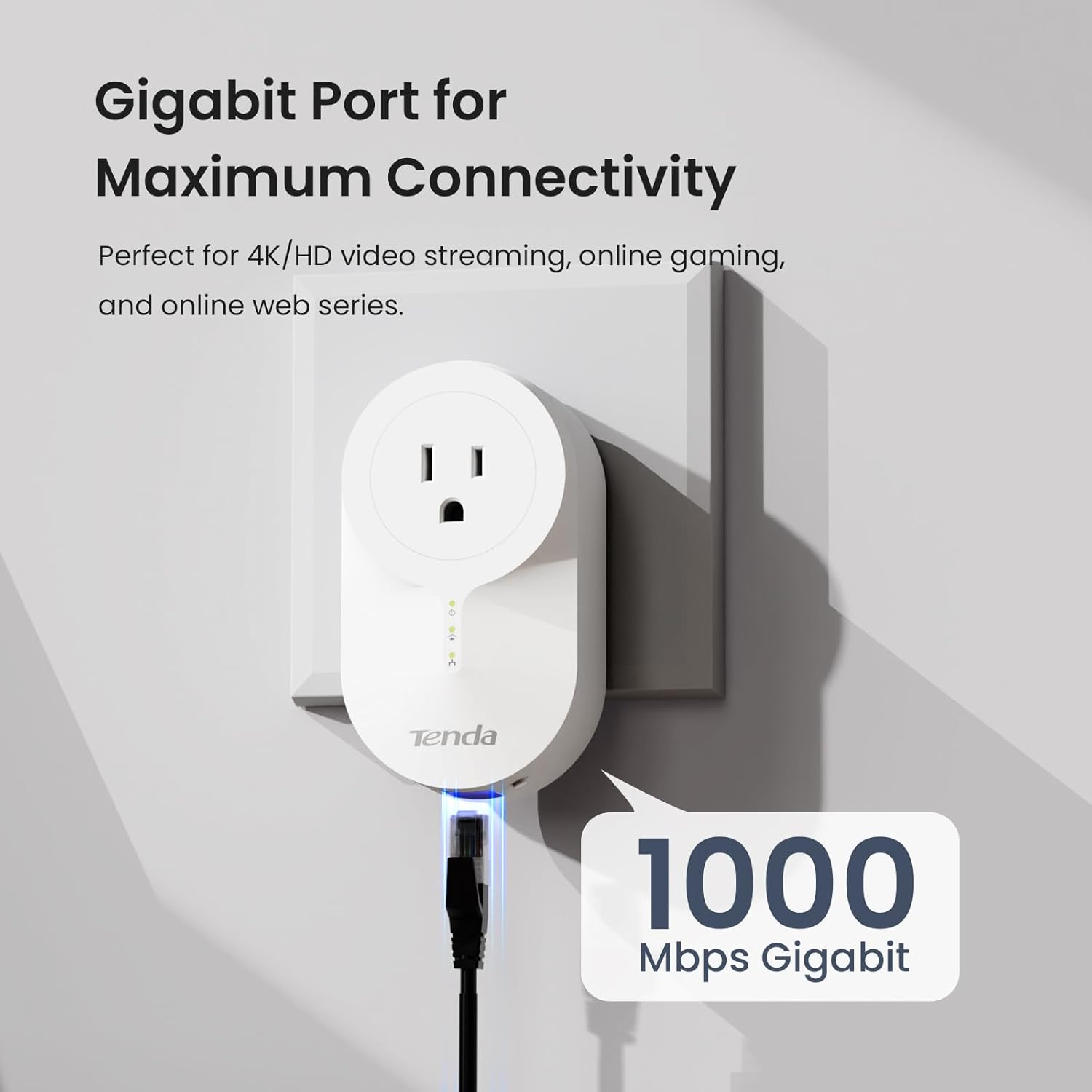
Figure 3: Gigabit Port for Maximum Connectivity
Ethernet Over Power with Passthrough Outlet:
Each PH6 adapter is equipped with a power socket that supports up to 16A current passthrough. This design ensures that plugging in the powerline adapter does not reduce the number of available power outlets in your home, allowing you to power other devices like TVs, game consoles, or set-top boxes directly through the adapter.

Figure 4: Built-in Power Socket for Additional Devices
Intelligent Power-Saving Mode:
The PH6 features a built-in intelligent detection function that automatically reduces power consumption by over 85% when the device is not in use. This not only saves energy but also helps to prolong the service life of the adapters.
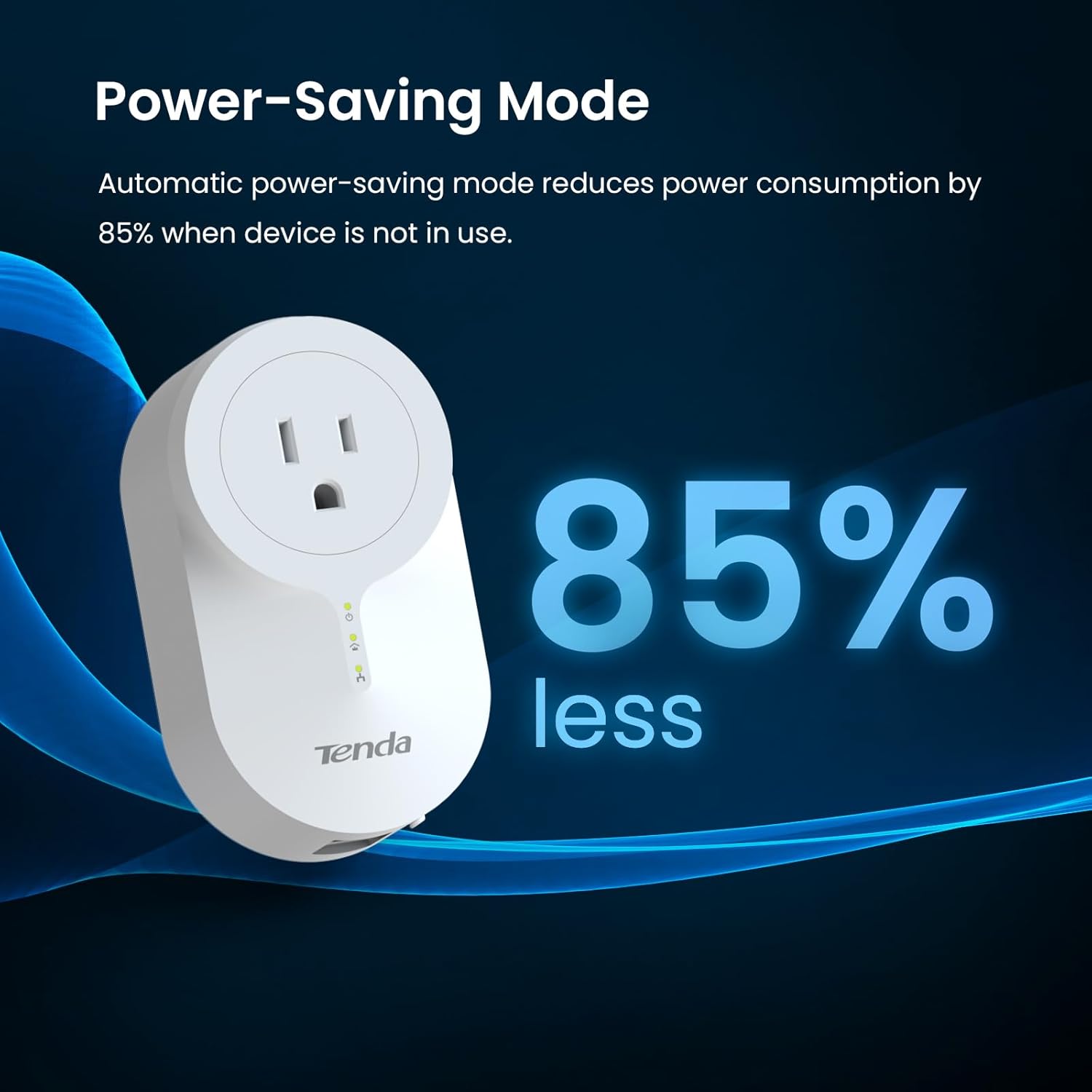
Figure 5: Power-Saving Mode
Universal Compatibility:
The Tenda PH6 Powerline Adapter Kit is universally compatible, allowing you to connect it to any standard router, access point, or Ethernet switch to seamlessly extend your network throughout your home or office.

Figure 6: Universally Compatible
Maintenance
To ensure optimal performance and longevity of your Tenda PH6 Powerline Ethernet Adapter Kit, follow these general maintenance guidelines:
- Keep Dry: Avoid exposing the adapters to water or high humidity.
- Clean Regularly: Gently wipe the exterior of the adapters with a soft, dry cloth to remove dust. Do not use liquid cleaners or aerosols.
- Proper Ventilation: Ensure the adapters are plugged into outlets with adequate space around them to allow for proper airflow and prevent overheating.
- Avoid Overloading: While the passthrough socket supports up to 16A, avoid plugging in high-power consumption devices that could overload the circuit.
- Electrical Noise Filter: The embedded noise filter helps suppress "noise" from connected electronic equipment, enhancing network quality. No specific maintenance is required for this feature, but ensuring clean power sources can further optimize performance.
Troubleshooting
If you encounter issues with your Tenda PH6 Powerline Ethernet Adapter Kit, consider the following common troubleshooting steps:
- No Connection/Slow Speed:
- Ensure both adapters are plugged directly into wall outlets, not power strips, surge protectors, or extension cords, as these can interfere with powerline communication.
- Verify that both adapters are on the same electrical circuit. Powerline adapters work best when on the same circuit and may experience reduced performance or no connection across different electrical phases or circuit breakers.
- Check the Ethernet cables connecting the adapters to your router and devices. Ensure they are securely plugged in and undamaged.
- Re-pair the devices by pressing the Pair button on each adapter for one second within two minutes of each other.
- Intermittent Connection:
- Electrical interference from other appliances (e.g., refrigerators, washing machines, hair dryers) can affect powerline performance. Try plugging the adapters into different outlets or temporarily unplugging other high-power devices to identify the source of interference.
- Ensure the firmware of your adapters is up to date (check the Tenda support website for the latest versions).
- Powerline LED Indicator Status:
- Solid Green: Good connection.
- Flashing: Data transfer.
- Off: No power or no connection.
For more detailed troubleshooting or advanced configurations, please refer to the official User Manual PDF or contact Tenda support.
Specifications
| Model Number | PH6 |
| Product Dimensions | 4.27 x 2.42 x 1.77 inches (108.5 x 61.5 x 45 mm) |
| Item Weight | 1.08 pounds (approx. 0.49 kg) |
| Data Transfer Rate | 1000 Megabits Per Second (Mbps) |
| Hardware Interface | Ethernet |
| Color | White |
| Compatible Devices | Game Console, PC, Smart TV, Router, Access Point, Ethernet Switch |
| UPC | 885397271062 |

Figure 7: Product Dimensions
What's in the Box
- AV1000 Gigabit Passthrough Powerline Adapter (x2)
- Quick Installation Guide (x1)
- Cat5e Ethernet Cable (x2)
Warranty and Support
Tenda offers a 3-year warranty for the PH6 Powerline Ethernet Adapter Kit, providing long-term assurance for your product.
For technical support or any inquiries, please contact Tenda directly:
- Email: support.us@tenda.cn
Additional resources: