
Kenneth Cole New York RK50815005
Kenneth Cole Reaction Men's RK50815005 Analog-Digital Display Quartz Black Watch User Manual
Model: RK50815005
Introduction
This manual provides comprehensive instructions for the setup, operation, maintenance, and troubleshooting of your Kenneth Cole Reaction Men's RK50815005 Analog-Digital Display Quartz Black Watch. Please read this manual thoroughly to ensure proper use and longevity of your timepiece.
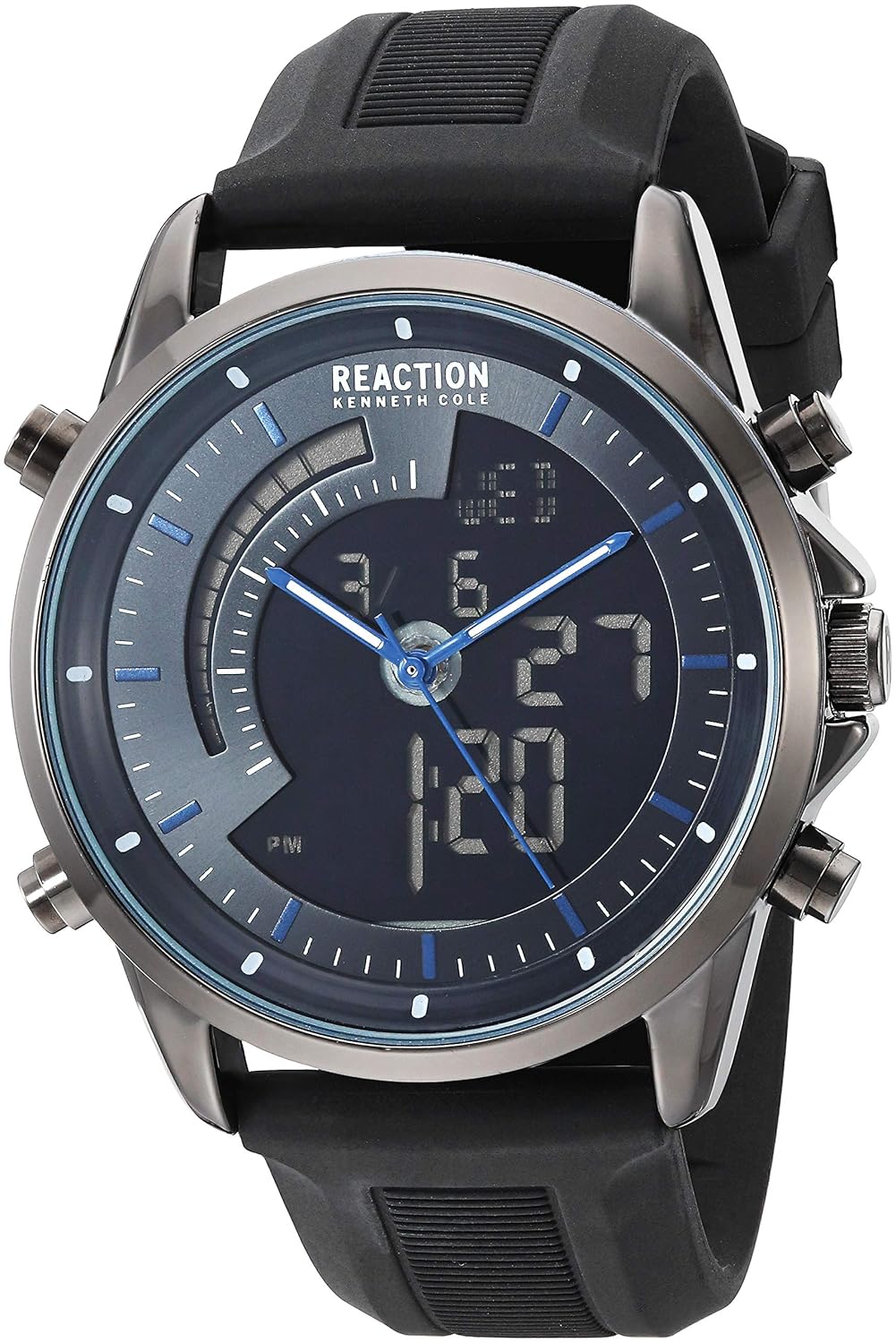
Image: Front view of the Kenneth Cole Reaction RK50815005 Analog-Digital Watch, showcasing its black silicone strap, dark grey case, and analog-digital display with blue accents.
Product Features
- Analog and Digital Display: Combines traditional analog hands with a digital display for versatile timekeeping.
- Quartz Movement: Ensures accurate timekeeping.
- Durable Metal Case: Constructed with high-quality metal, rust and stain resistant, measuring 44mm diameter and 11mm thickness.
- Quick Release Soft Silicone Strap: 24mm wide, 100% silicone band for comfort, easy cleaning, and suitability for sports. Features a buckle closure.
- Water Resistance: While specific water resistance depth is not provided, this watch is designed for daily wear and light splashes. Avoid submersion or operating buttons underwater.

Image: Full front view of the Kenneth Cole Reaction RK50815005 watch, showing the entire watch face and strap, highlighting its sleek black design.
Setup and Initial Configuration
1. Setting Analog Time
- Locate the crown (the small knob on the right side of the watch case).
- Gently pull the crown out to the first or second click position (depending on the model, some watches have multiple positions for date/time).
- Rotate the crown clockwise or counter-clockwise to set the hour and minute hands to the correct time.
- Once set, push the crown back in completely to start the analog movement.
2. Setting Digital Time and Date
The RK50815005 model features multiple buttons for digital display control. Typically, these are located on the sides of the watch case.
- Mode Button: Usually cycles through different digital modes (Time, Date, Alarm, Stopwatch). Press this button to enter time setting mode.
- Adjust/Set Button: Used to select the digit or setting to be adjusted.
- Start/Reset Button: Used to increase or decrease the selected value.
General Steps:
- Press the Mode button until the digital display shows the time setting screen (often flashing digits).
- Use the Adjust/Set button to move between hours, minutes, year, month, and day.
- Use the Start/Reset button to change the value of the flashing digit.
- Once all settings are correct, press the Mode button again to exit the setting mode.
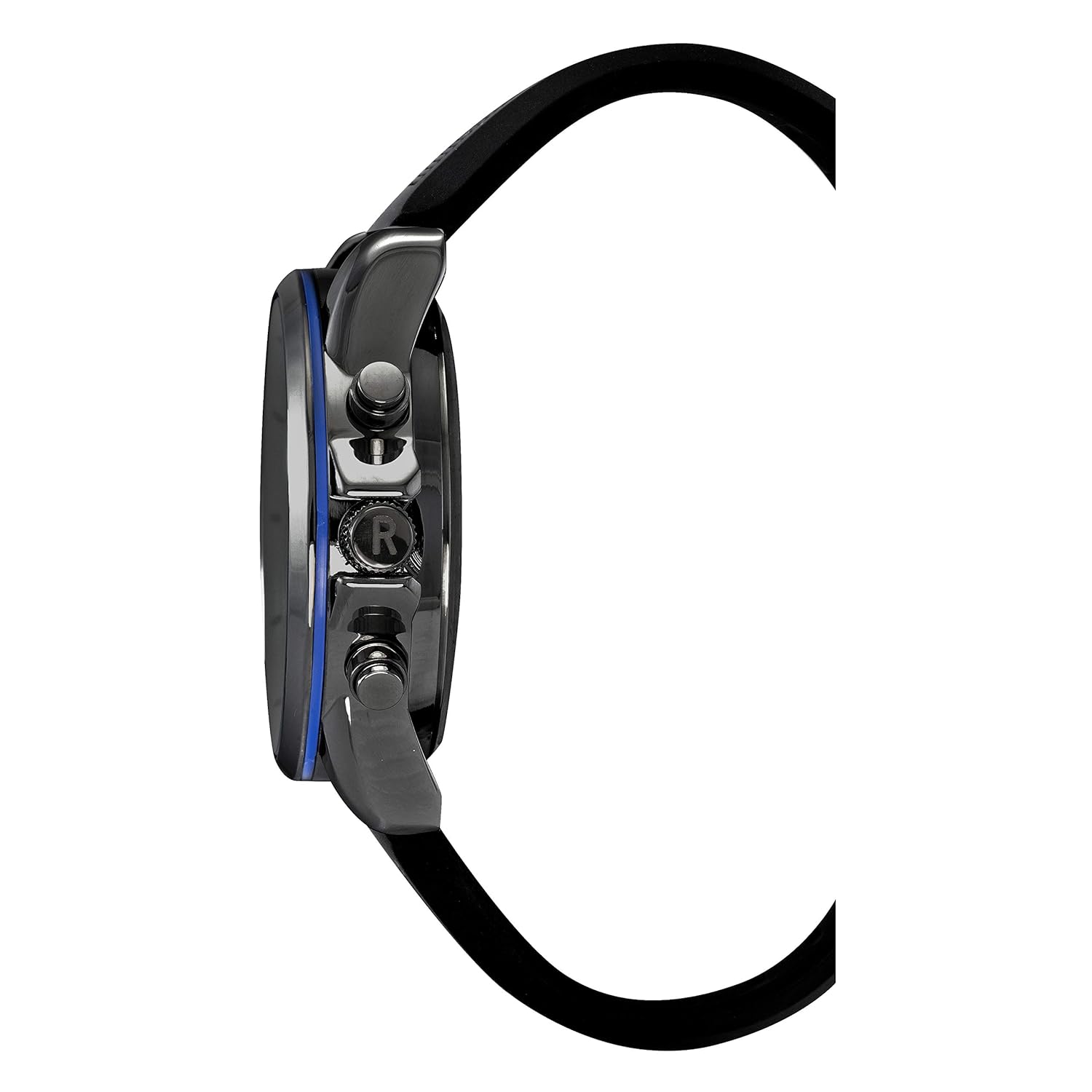
Image: Side view of the Kenneth Cole Reaction RK50815005 watch, showing the crown and pushers used for setting time and accessing digital functions.
Operating Instructions
Digital Display Modes
Press the Mode button to cycle through the following functions:
- Time Display: Shows current time (hour, minute, second), day of the week, and AM/PM indicator.
- Date Display: Shows month, day, and year.
- Alarm: Allows setting a daily alarm.
- Stopwatch: For measuring elapsed time.
- Backlight: Some models feature a backlight button (often a dedicated button or a long press of another button) to illuminate the digital display in low light conditions.
Using the Stopwatch
- Press the Mode button until the stopwatch function is displayed (usually shows "00:00:00").
- Press the Start button to begin timing.
- Press the Start button again to pause timing.
- Press the Reset button to clear the stopwatch to zero.
Maintenance and Care
- Cleaning: Wipe the watch case and strap regularly with a soft, damp cloth. For the silicone strap, mild soap and water can be used. Ensure the watch is dry before wearing.
- Water Resistance: While the watch is designed for daily wear, avoid prolonged exposure to water, hot water, or steam. Do not operate buttons underwater.
- Battery Replacement: The watch uses 1 Product Specific battery. When the display dims or the analog hands stop, it's time for a battery replacement. It is recommended to have this done by a professional watch repair service to ensure proper sealing and water resistance.
- Storage: When not in use, store the watch in a cool, dry place away from direct sunlight and extreme temperatures.
- Avoid Chemicals: Do not expose the watch to strong chemicals, solvents, or detergents, as these can damage the case, strap, or internal components.
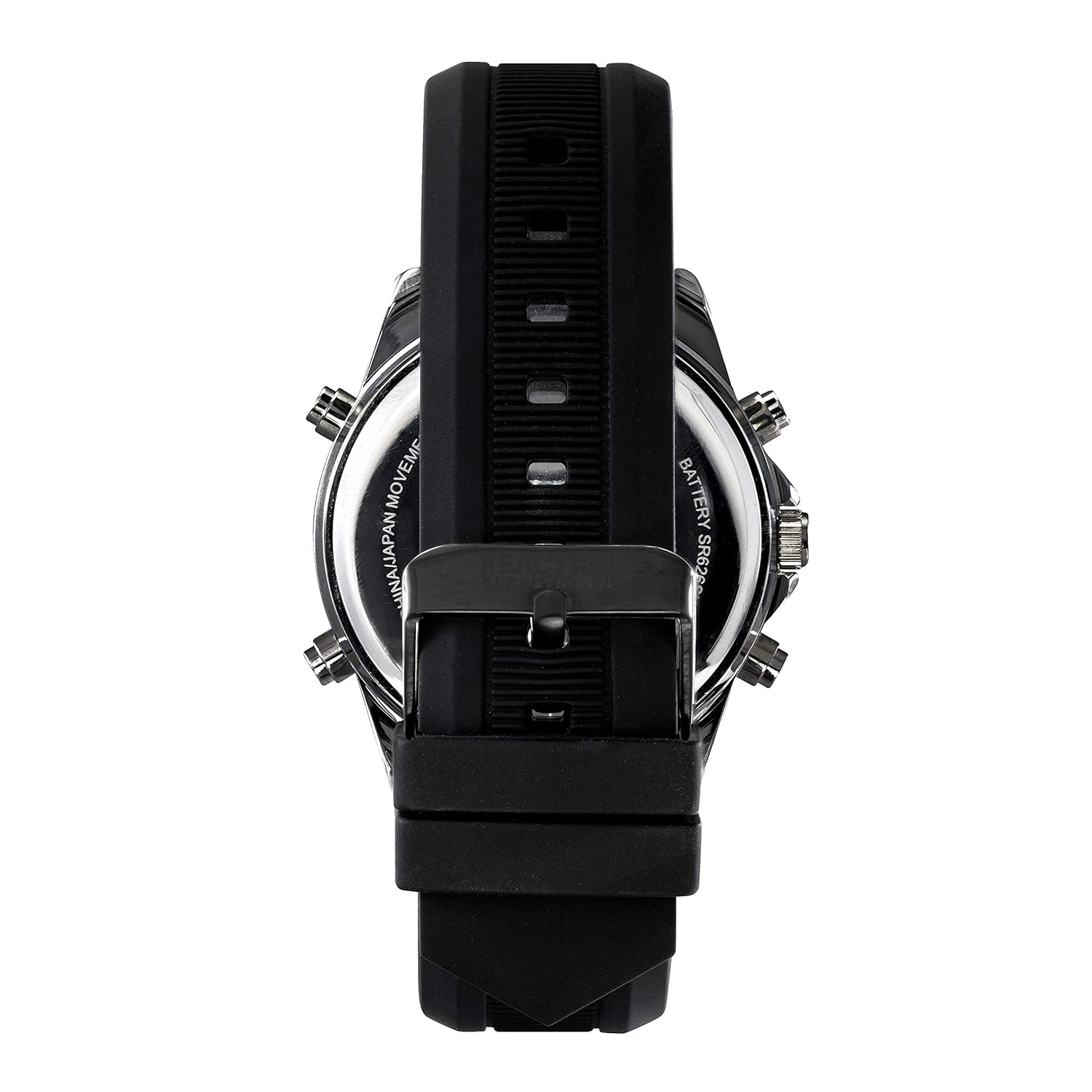
Image: Back view of the Kenneth Cole Reaction RK50815005 watch, showing the stainless steel case back and the attachment point for the silicone strap.
Troubleshooting
| Problem | Possible Cause | Solution |
|---|---|---|
| Analog hands not moving. | Battery depleted; Crown not pushed in completely. | Replace battery; Push crown fully in. |
| Digital display is dim or blank. | Battery depleted. | Replace battery. |
| Buttons are stuck or unresponsive. | Debris lodged around buttons; Internal mechanism issue. | Gently clean around buttons; If issue persists, seek professional repair. |
| Incorrect time/date displayed. | Time/date not set correctly; Battery low. | Refer to "Setup and Initial Configuration" section; Replace battery if needed. |
| Condensation inside the watch. | Exposure to extreme temperature changes or water ingress. | Immediately take to a professional watch repair service to prevent damage. |
Specifications
- Model Number: RK50815005
- Movement Type: Quartz
- Case Diameter: 44 Millimetres
- Case Thickness: 11 Millimetres
- Band Material Type: Silicone
- Band Colour: Black
- Item Weight: 113 g
- Batteries: 1 Product Specific battery (included)
- Manufacturer: Kenneth Cole Reaction
- First Available Date: 12 December 2018

Image: The Kenneth Cole Reaction RK50815005 watch displayed on a wrist, illustrating its size and fit.
Warranty and Support
For warranty information and customer support, please refer to the documentation included with your purchase or contact Kenneth Cole New York directly through their official website or customer service channels. Keep your proof of purchase for any warranty claims.

Image: The packaging box for the Kenneth Cole Reaction watch, typically containing the watch, user manual, and warranty information.
Related Documents - RK50815005
 |
Kenneth Cole Wellness Watch: Instruction Manual and Warranty Official instruction manual and warranty booklet for the Kenneth Cole Wellness Watch, providing setup, usage, and support information. |
 |
Cole-Parmer 18200-20 USB-Based Analog and Digital I/O Module Operating Manual Operating manual for the Cole-Parmer 18200-20, a USB 2.0 full-speed module with 8 analog inputs and 8 digital I/O. Details installation, configuration, functional details, and specifications. |
 |
Cole-Parmer 18200-00 USB Analog and Digital I/O Module Operating Manual Operating manual for the Cole-Parmer 18200-00, a low-cost, USB-based module featuring 8 analog inputs, 2 analog outputs, 16 digital I/O connections, and a 32-bit event counter. Includes installation, configuration, functional details, and specifications. |
 |
Traceable Analog Radio Atomic Wall Clock Instructions (Model 1077) User guide and instructions for the Traceable Analog Radio Atomic Wall Clock (Cat. No. 1077), covering specifications, operation, signal reception, manual settings, battery replacement, and warranty information. |
 |
Traceable 24-Hour Digital Stopwatch Instructions and Specifications User manual and specifications for the Traceable 24-Hour Digital Stopwatch, detailing operation modes, time/date/alarm settings, battery replacement, and warranty information. |
 |
Traceable Digital-Bottle Thermometer Instructions and Operation User manual for the Traceable Digital-Bottle Thermometer, covering specifications, operation, minimum/maximum memory, monitoring procedures, battery replacement, and warranty information. |