
Introduction
This manual provides instructions for the proper setup, operation, maintenance, and troubleshooting of your Castle Rock: The Complete First Season Blu-ray set. Please read this guide thoroughly to ensure an optimal viewing experience.
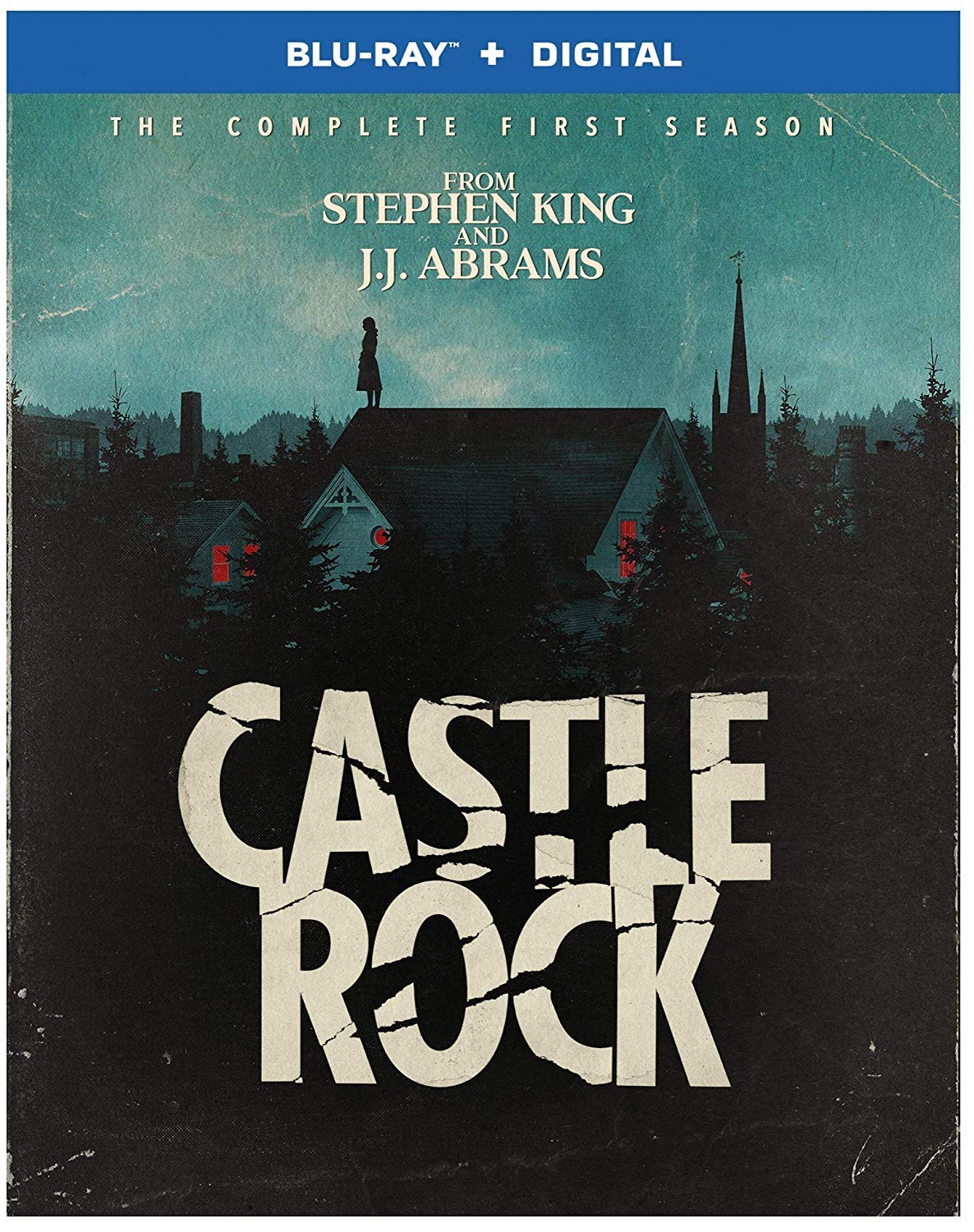
Image: Front cover of the Castle Rock: The Complete First Season Blu-ray set, featuring key characters and thematic elements.
Setup
To begin watching your Blu-ray set, follow these steps:
- Compatible Player: Ensure you have a Blu-ray Disc player. This product is not compatible with standard DVD players.
- TV Connection: Connect your Blu-ray player to your television using an HDMI cable for the best audio and video quality.
- Power On: Power on your Blu-ray player and television. Select the correct HDMI input on your TV.
- Audio System (Optional): If using an external audio system, ensure it is properly connected and configured to receive audio from your Blu-ray player.
Operating Instructions
Follow these instructions to play and navigate the Blu-ray discs:
- Insert Disc: Gently insert one of the Blu-ray discs into the disc tray of your player, label side up.
- Main Menu: The disc should automatically load and display the main menu. If it does not, press the 'Play' or 'Menu' button on your remote control.
- Navigation: Use the arrow keys on your remote to navigate through menu options such as 'Play All', 'Episode Selection', 'Scene Selection', 'Audio', 'Subtitles', and 'Special Features'. Press 'Enter' or 'OK' to confirm your selection.
- Episode Selection: To watch a specific episode, select 'Episode Selection' from the main menu and choose your desired episode.
- Audio and Subtitles: Access the 'Audio' or 'Subtitles' menu to select your preferred language track or subtitle option. Available languages include English (Dolby Digital 5.1) and French (Dolby Digital 5.1) for audio, and Dutch, English, French, Portuguese, and Spanish for subtitles.
- Special Features: Explore additional content such as behind-the-scenes footage or interviews by selecting 'Special Features' from the menu.
Maintenance
Proper care of your Blu-ray discs will ensure their longevity and optimal performance:
- Handling: Always hold discs by their edges or by placing a finger through the center hole. Avoid touching the playback surface.
- Cleaning: If a disc becomes dirty, gently wipe it with a soft, lint-free cloth from the center outwards. Do not use abrasive materials or harsh cleaning solutions.
- Storage: Store discs in their original case, away from direct sunlight, extreme temperatures, and high humidity.
- Scratches: Avoid scratching the disc surface, as deep scratches can affect playback quality.
Troubleshooting
If you encounter issues while using your Blu-ray set, refer to the following common problems and solutions:
| Problem | Solution |
|---|---|
| Disc does not play or load. | Ensure the disc is clean and free of scratches. Verify that you are using a Blu-ray Disc player, not a DVD player. Try restarting your player. |
| No audio or poor audio quality. | Check all audio cable connections. Ensure your TV or audio system is on the correct input and volume is up. Verify the audio track selection on the Blu-ray menu. |
| No video or poor video quality. | Check HDMI cable connections. Ensure your TV is on the correct input. Verify your TV's display settings. |
| Subtitles are incorrect or not appearing. | Access the 'Subtitles' menu on the disc and select the desired language. Ensure subtitles are enabled. |
| Disc is region-locked. | This Blu-ray is typically Region A. Ensure your Blu-ray player is compatible with Region A discs or is a region-free player. |
Specifications
Key technical details for Castle Rock: The Complete First Season (Blu-ray):
- Aspect Ratio: 1.78:1
- Run Time: Approximately 9 hours and 10 minutes
- Release Date: January 8, 2019
- Actors: Andre Holland, Bill Skarsgård, Jane Levy, Melanie Lynskey, Scott Glenn
- Subtitles: Dutch, English, French, Portuguese, Spanish
- Producers: Ben Stephenson, Dustin Thomason, J.J. Abrams, Sam Shaw, Stephen King
- Language (Audio): English (Dolby Digital 5.1), French (Dolby Digital 5.1)
- Studio: WarnerBrothers
- Number of Discs: 2
- Genre: Drama, Horror, Mystery & Suspense/Thrillers
- Media Format: NTSC, Subtitled
- Product Dimensions: 0.7 x 7.5 x 5.4 inches; 4 ounces

Image: A promotional image related to Castle Rock, possibly a logo or key art.
Warranty and Support
This Blu-ray disc set is covered by standard manufacturer warranties against defects in materials and workmanship. For specific warranty details or support inquiries, please refer to the packaging or contact WarnerBrothers customer service directly.
Please note that physical damage to discs due to improper handling or storage is typically not covered under warranty.