
1. Introduction
Flashback is an action-adventure game set in the year 2142. The narrative follows Conrad B. Hart, a young scientist who awakens on Titan, a colonized moon of Saturn, with no memory. Players must guide Conrad through a dangerous new world, defending against adversaries and uncovering an extraterrestrial plot that threatens the planet.
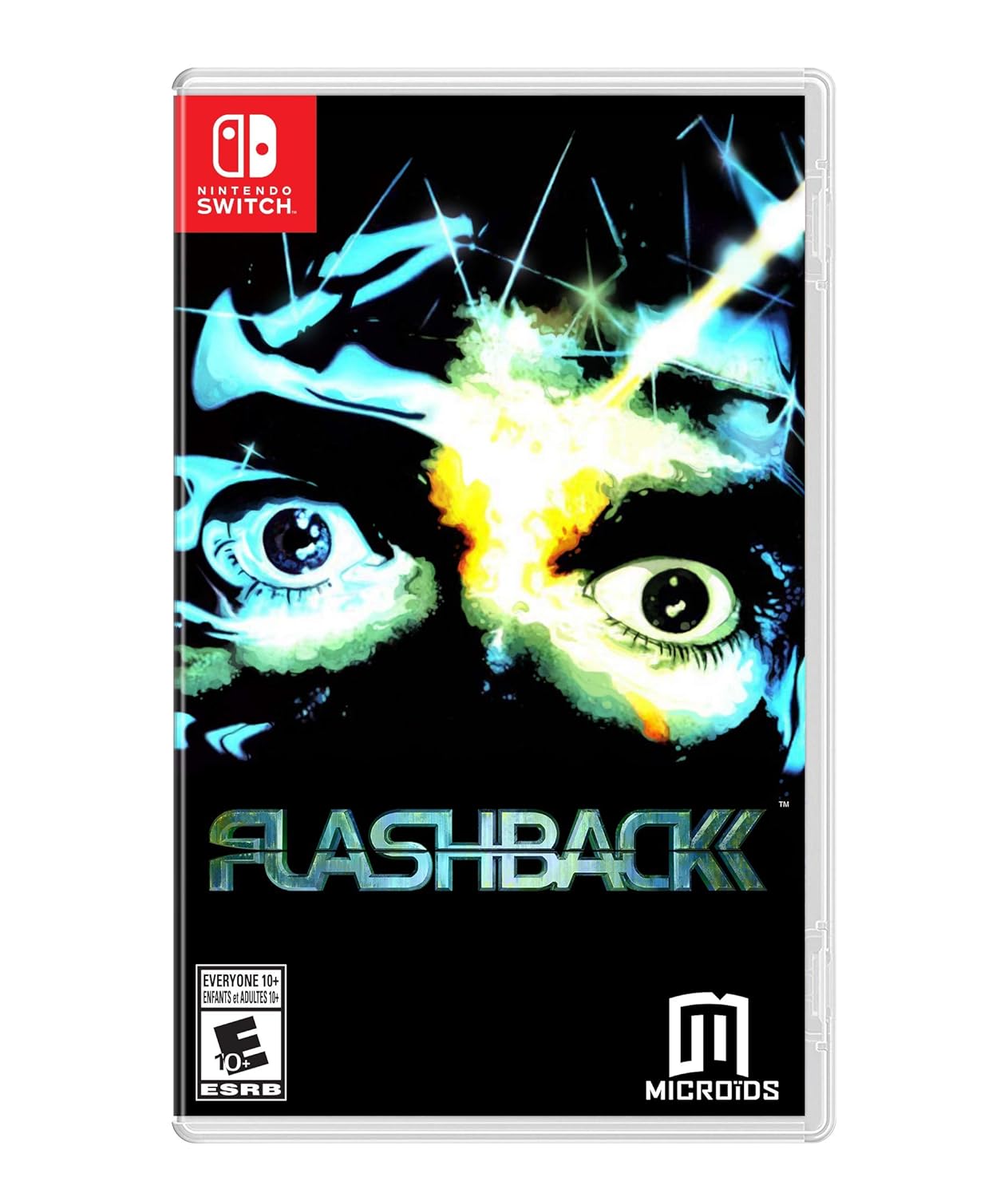
Image 1.1: Flashback game cover for Nintendo Switch.
2. Setup
2.1. System Requirements
- Nintendo Switch console
- Flashback game cartridge or digital download
- Sufficient storage space for digital version (if applicable)
2.2. Installation
- For Physical Cartridge: Insert the Flashback game cartridge into the Nintendo Switch console's game card slot.
- For Digital Download: Purchase and download Flashback from the Nintendo eShop. Ensure your console is connected to the internet.
- Once installed, select the Flashback icon from the Nintendo Switch HOME Menu to start the game.
3. Operating Instructions
3.1. Basic Gameplay
Flashback is an action-adventure title featuring platforming, puzzle-solving, and combat elements. Players navigate various environments, interact with characters, and engage in gunfights to progress through the story.

Image 3.1: In-game scene from Flashback, featuring the 'Death Tower Show'.
3.2. Controls
Detailed control schemes are available within the game's tutorial section or in-game manual. Players will utilize the Joy-Con controllers or a Pro Controller for movement, jumping, interacting with objects, and combat actions such as aiming and firing weapons.

Image 3.2: Gameplay screenshot depicting platforming in Flashback.
3.3. Game Modes
The game primarily features a single-player story mode. The Nintendo Switch version includes a 'Modern mode' which offers enhanced features for contemporary players.

Image 3.3: Conrad B. Hart in an urban environment within Flashback.
4. Features
- Modern Mode: This mode updates the classic experience with Post-FX graphic filters, remastered sound, and new music.
- Rewind Function: A new feature allowing players to rewind gameplay, adjustable according to the chosen difficulty level.
- Tutorials: Integrated tutorials assist new players in understanding game mechanics and controls.
- Motion Capture Technology: Flashback was one of the first games to utilize motion capture for more realistic character animations.
- Hand-Drawn Backgrounds: The game features entirely hand-drawn backgrounds, contributing to its distinctive visual style.

Image 4.1: Conrad B. Hart performing an acrobatic maneuver in Flashback.

Image 4.2: Jungle environment gameplay in Flashback.
5. Specifications
| Feature | Detail |
|---|---|
| Computer Platform | Nintendo Switch |
| Compatible Video Game Console Models | Nintendo Switch, Nintendo Switch - OLED Model, Nintendo Switch 2, Nintendo Switch Lite |
| Item Model Number | FLBNS-C-USCALATAM |
| UPC | 850340008088, 850340008071 |
| Release Date | November 20, 2018 |
| Product Dimensions | 3.94 x 3.94 x 0.79 inches |
| Item Weight | 1.59 ounces |
| Manufacturer | Maximum Games |
| Rated | Rating Pending |
6. Troubleshooting
If you encounter issues while playing Flashback, consider the following steps:
- Game Not Starting: Ensure the game cartridge is properly inserted or the digital download is complete. Restart your Nintendo Switch console.
- Performance Issues: Close other applications running on your Switch. Ensure your console's system software is up to date.
- Control Problems: Verify your Joy-Cons or Pro Controller are properly paired and charged. Check in-game control settings.
- Audio/Visual Glitches: Restart the game. If the problem persists, check for any available game updates.
- Save Data Issues: Ensure you have sufficient storage space for save files. Do not power off the console during a save operation.
For persistent issues, please refer to the official Maximum Games support resources.
7. Warranty and Support
This product is covered by the standard manufacturer's warranty provided by Maximum Games. For specific warranty details, please refer to the documentation included with your game purchase or visit the official Maximum Games website.
For technical support, gameplay assistance, or warranty claims, please contact Maximum Games customer support through their official website or the contact information provided in the game's packaging.