
Product Overview
The BLACK+DECKER EM036AB14 Digital Microwave Oven is designed for efficient and convenient cooking. Featuring a 1.4 Cu.ft capacity and 1000 watts of power, it offers versatile cooking options for various food items. Its sleek stainless steel design complements modern kitchen aesthetics.
Key Features
- Pre-programmed buttons for popular food items: popcorn, potato, pizza, frozen vegetable, beverage, and dinner plate.
- 1000 Watts of cooking power with 10 adjustable power settings.
- Digital LED display with clock and kitchen timer functions.
- 30 Seconds Express Cooking feature for quick heating.
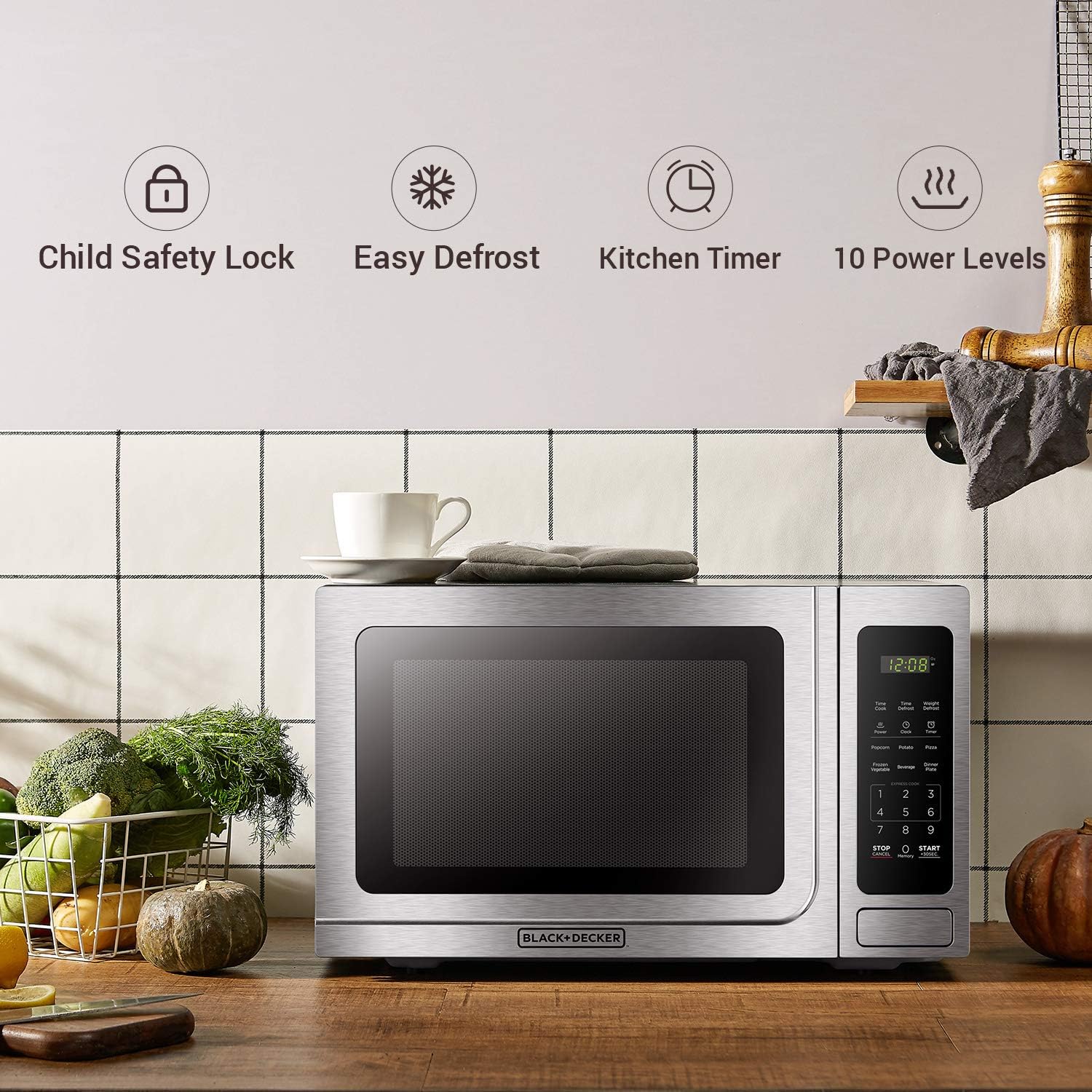
- Child safety lock for enhanced security.
- Interior light for visibility during cooking.
- Removable 12.4-inch glass turntable for even heating and easy cleaning.
- Convenient push-button door release.
Setup and Installation
Unpacking
Carefully remove the microwave oven from its packaging. Inspect the unit for any damage. Retain the packaging materials for future transport or if service is required.
Placement
Place the microwave on a flat, stable surface. Ensure adequate ventilation around the unit. A minimum clearance of 3.0 inches (7.5 cm) is required between the oven and any adjacent walls, with one side remaining open. Leave a minimum clearance of 12 inches (30 cm) above the oven to allow for proper heat dissipation.
Power Connection
Plug the microwave oven into a standard household outlet (110V). Ensure the voltage and frequency of the outlet match the rating label on the appliance. Do not install the oven over a range cooktop or other heat-producing appliance, as this may damage the unit and void the warranty.
Operating Instructions
Control Panel Overview
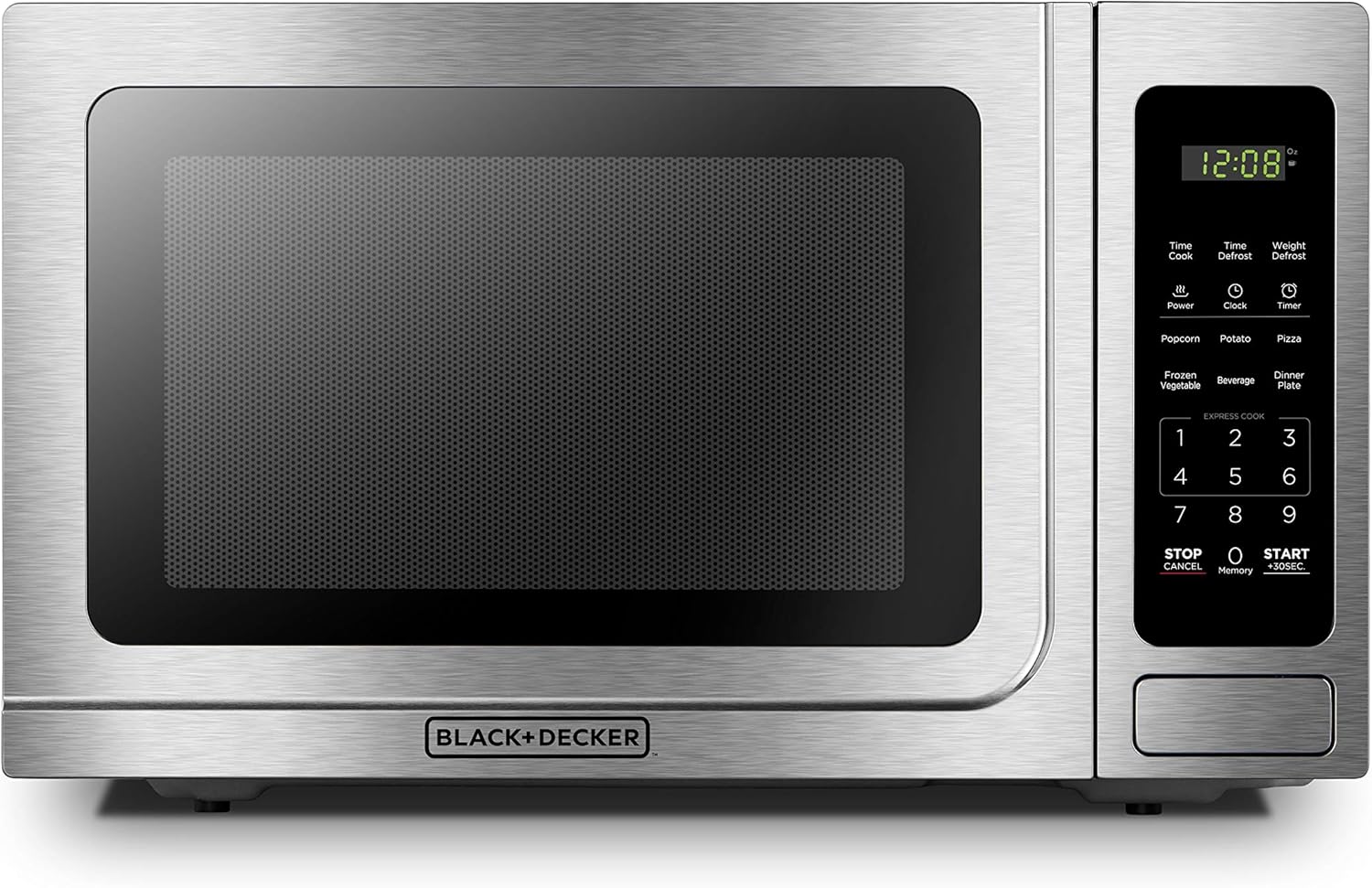
Front view of the BLACK+DECKER EM036AB14 Digital Microwave Oven, highlighting the control panel with its digital display and various function buttons.
Pre-Programmed Settings
The microwave features six convenient pre-programmed settings for common food items. Simply press the corresponding button to automatically set the optimal cooking time and power level.

Close-up of the microwave's control panel showing the six auto-cook presets for common food items like popcorn, potato, pizza, frozen vegetable, beverage, and dinner plate.
- Popcorn: For quick and easy popcorn preparation.
- Potato: Ideal for baking potatoes to perfection.
- Pizza: Reheat or cook pizza slices with ease.
- Frozen Vegetable: Optimized for various frozen vegetables.
- Beverage: Quickly heat drinks.
- Dinner Plate: Reheat a full dinner plate evenly.
Time Cook and Power Level
To manually set cooking time and power level:
- Press the "Time Cook" button.
- Enter the desired cooking time using the number pad.
- Press the "Power" button.
- Enter the desired power level (1-10) using the number pad.
- Press "Start" to begin cooking.
The microwave's interior with a rotating turntable, ensuring even cooking and heating of food.
Defrost Functions
The microwave offers two defrost options:
- Time Defrost: Press "Time Defrost", enter the desired defrosting time, and press "Start".
- Weight Defrost: Press "Weight Defrost", enter the weight of the food in ounces, and press "Start". The microwave will automatically calculate the defrosting time.

The microwave offers both Time Defrost and Weight Defrost options for versatile thawing.
Child Safety Lock
To prevent unintended operation, especially by children, activate the child safety lock:
- To Activate: Press and hold the "Stop/Cancel" button for 3 seconds until "LOC" appears on the display.
- To Deactivate: Press and hold the "Stop/Cancel" button for 3 seconds until "LOC" disappears from the display.

The control panel highlighting the child safety lock feature, which prevents unintended operation.
Care and Cleaning
Interior Cleaning
Regularly clean the interior of the microwave with a soft, damp cloth and mild detergent. For stubborn food splatters, place a bowl of water with lemon slices inside and microwave for a few minutes to loosen residue. The glass turntable can be removed and washed with warm, soapy water or in a dishwasher.
Exterior Cleaning
Wipe the exterior surfaces with a soft, damp cloth. For stainless steel finishes, use a specialized stainless steel cleaner to maintain its shine and prevent fingerprints. Avoid abrasive cleaners or scouring pads that could scratch the surface.
Troubleshooting Guide
| Problem | Possible Cause | Solution |
|---|---|---|
| Oven does not start | Power cord not plugged in; Door not closed properly; Circuit breaker tripped. | Ensure power cord is securely plugged in; Close door firmly; Reset circuit breaker. |
| Food not heating | Cooking time/power level set incorrectly; Door not closed properly. | Check and adjust cooking settings; Ensure door is fully latched. |
| Turntable not rotating | Turntable not placed correctly; Obstruction under turntable. | Ensure turntable is seated properly on its support; Remove any obstructions. |
| Unusual noise during operation | Food container touching oven walls; Loose parts. | Adjust food container position; Contact customer support if noise persists. |
Product Specifications
| Specification | Detail |
|---|---|
| Model Number | EM036AB14 |
| Capacity | 1.4 Cubic Feet |
| Wattage | 1000 Watts |
| Voltage | 110 Volts |
| Product Dimensions (W x D x H) | 20.4" x 16.9" x 12.4" |
| Item Weight | 12 Ounces |
| Material | Stainless Steel, Glass |
| Special Feature | Child Safety Lock |
| Installation Type | Countertop |
Warranty and Support
For detailed warranty information, product registration, and customer support, please refer to the official user manual provided with your appliance or visit the manufacturer's website.
Manufacturer: BLACK+DECKER
User Manual (PDF): Download Here


