
Myvision 012
Myvision Water Dispenser User Manual
Model: 012
Brand: Myvision
Introduction
This manual provides instructions for the Myvision Portable USB Charging Electric Water Pump, designed for dispensing water from 3-5 gallon bottles. Please read this manual carefully before use to ensure proper operation and maintenance.
Key Features
- Constructed from BPA-free, food-grade materials including a silicone hose, 304 stainless steel, and high-density ABS plastic, ensuring no toxic substances or odors.
- Equipped with a built-in rechargeable 1200mAh battery, capable of dispensing water for 30-40 days or approximately 4-6 bottles of 5-gallon water on a single full charge.
- Universally compatible with pure bottled drinking water, suitable for various models of 3-5 gallon jugs for use in homes, kitchens, living rooms, offices, and during camping.
- Features a simple one-switch operation, making it easy to use for all ages.
- Provides fast pumping, dispensing 1.5 liters of water in 60 seconds, and includes an automatic stop function after 60 seconds of continuous operation.
- Includes a food-grade silicone lid to help firmly grip the bottle mouth, ensuring a secure fit for multiple-sized buckets.
- Features a patented design (US D910,084 S) for quiet operation (less than 30dB), a leakless design, and stain resistance.

Figure 1: Patented Design Features
Package Contents
Please verify that all items listed below are included in your package:
- 1 x Myvision Water Dispenser Pump (White)
- 1 x 304L Food Grade Stainless Steel Tube
- 1 x Micro-USB Charge Cable
- 1 x 19.69" Food-Grade Silicone Hose
- 1 x Food-Grade Silicone Cap

Figure 2: Included Components
Setup Instructions
Initial Charging
Before first use, fully charge the water dispenser pump.
- Connect the Micro-USB charge cable to the charging port on the side of the pump and plug the other end into a 5V USB power adapter (not included).
- During charging, a red light will illuminate on the pump's top button.
- The light will turn off once the battery is fully charged.
- A full charge typically allows the pump to dispense 6-8 bottles of 5-gallon water.
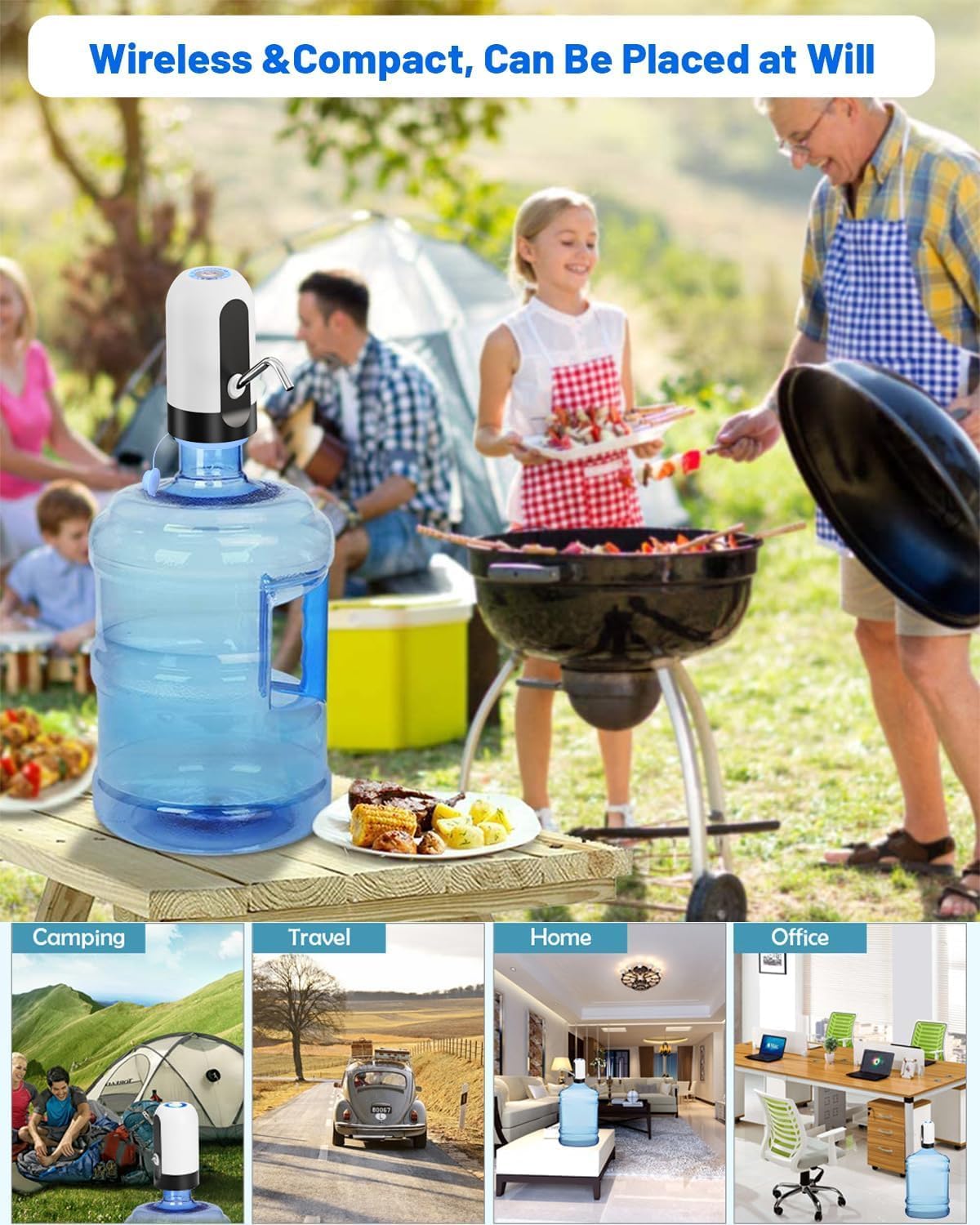
Figure 3: USB Charging Indicators
Assembly and Installation
Follow these steps to assemble and install the water dispenser on your bottle:
- Insert the stainless steel tube into the outlet port on the front of the pump.
- Attach the food-grade silicone hose to the inlet port located at the bottom of the pump.
- If your water bottle has a wide mouth, place the provided food-grade silicone cap onto the neck of the bottle to ensure a tighter seal.
- Carefully insert the assembled pump into the water bottle, ensuring the silicone hose reaches the bottom of the bottle and the pump is securely seated on the bottle neck.
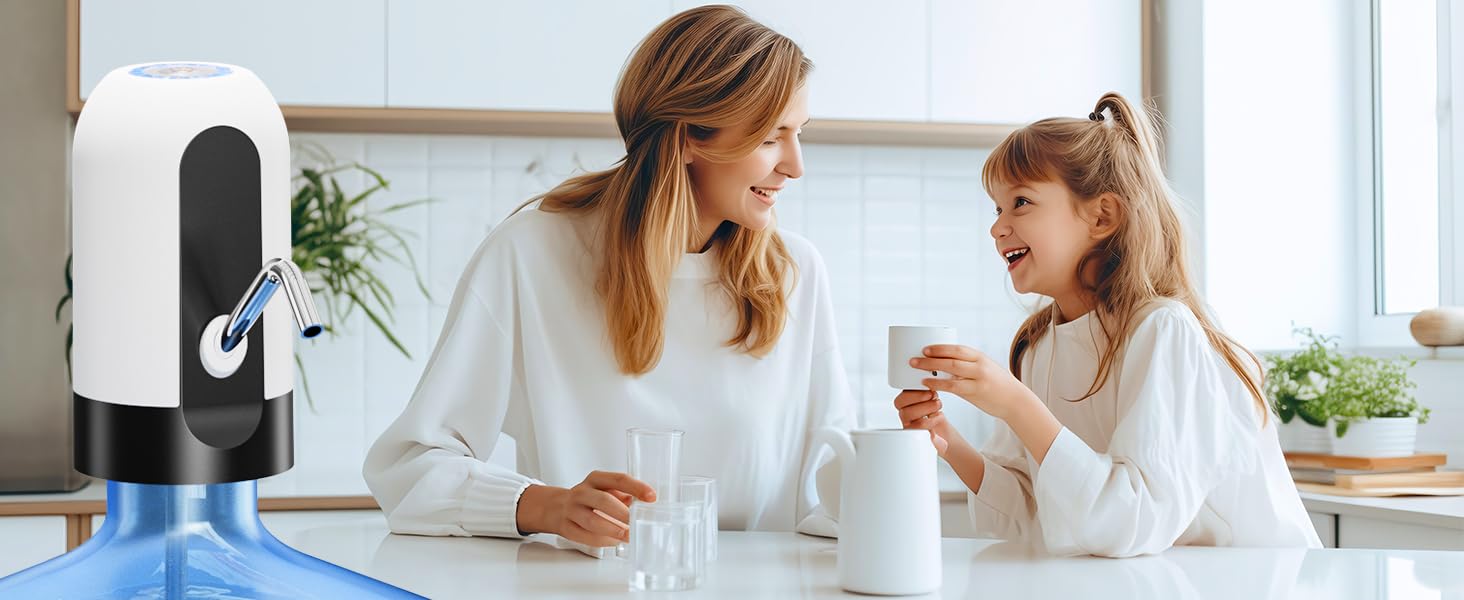
Figure 4: Easy Installation Steps

Figure 5: Compatibility with 3-5 Gallon Bottles and Silicone Cap Usage
Operating Instructions
Dispensing Water
The Myvision Water Dispenser is designed for simple, one-touch operation.
- To begin dispensing water, press the power button located on the top of the dispenser. The blue light will illuminate, indicating operation.
- To stop dispensing water, press the power button again.
- The pump is equipped with an automatic stop feature; it will cease operation after approximately 60 seconds of continuous pumping, having dispensed about 1.5 liters of water.
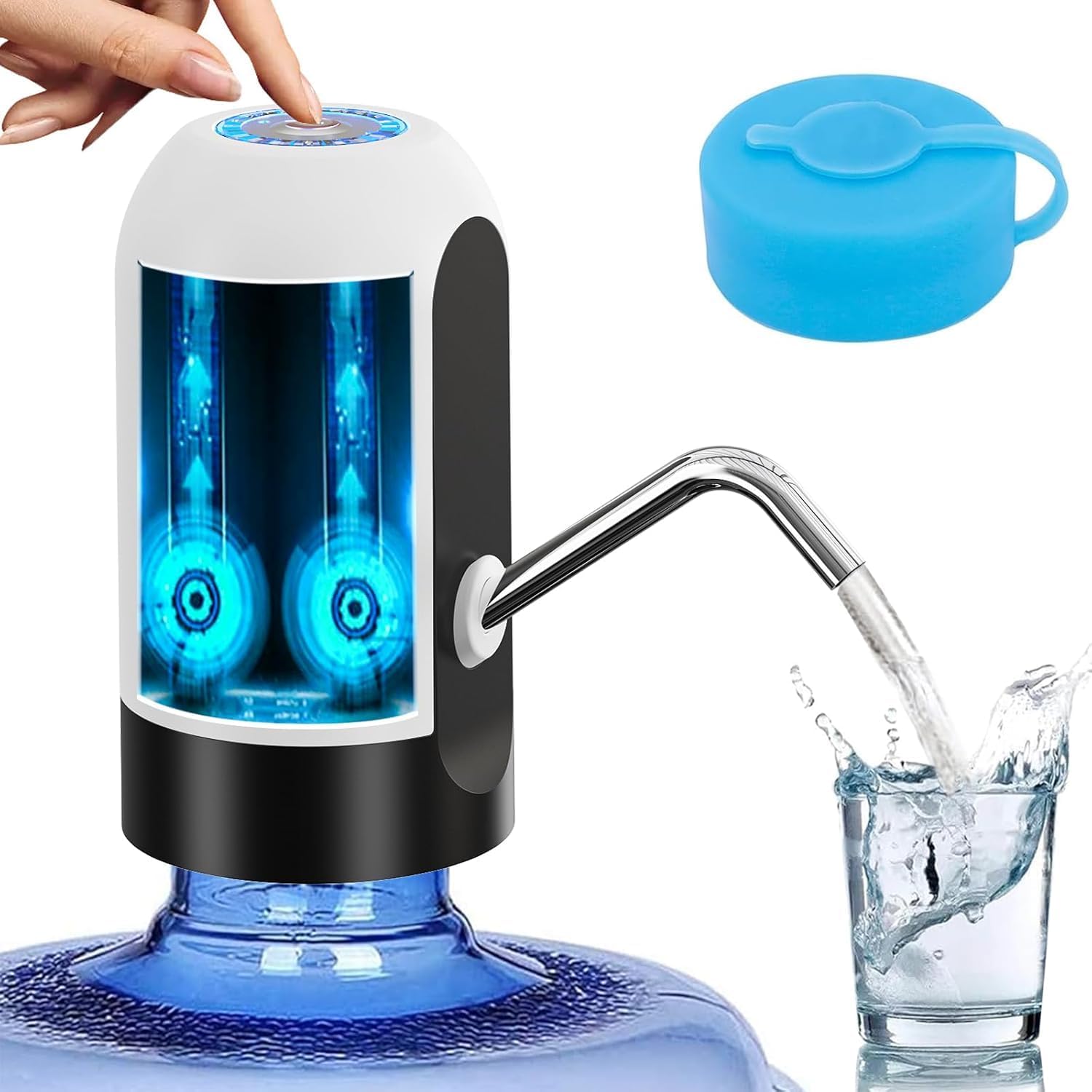
Figure 6: One-Button Operation

Figure 7: Fast Pumping and Auto Stop Feature
Maintenance
Regular cleaning and proper care will ensure the longevity and hygiene of your Myvision Water Dispenser.
- Exterior Cleaning: Wipe the exterior of the pump with a soft, damp cloth. Do not immerse the main unit in water.
- Tube and Hose Cleaning: Periodically remove the stainless steel tube and silicone hose. Wash them with warm, soapy water and rinse thoroughly. Ensure they are completely dry before reattaching.
- Storage: When not in use for extended periods, store the dispenser in a cool, dry place away from direct sunlight.
Troubleshooting
If you encounter any issues with your Myvision Water Dispenser, please refer to the following common problems and solutions:
| Problem | Possible Cause | Solution |
|---|---|---|
| Pump not turning on. | Low battery or no charge. | Recharge the pump fully. Ensure the charging cable is properly connected. |
| Slow or no water flow. | Silicone hose is kinked, blocked, or not reaching the water. Air leak at the bottle connection. | Straighten the silicone hose and ensure it reaches the bottom of the bottle. Check for any obstructions. Ensure the pump is securely attached to the bottle neck, using the silicone cap if necessary. |
| Water leaking from connection. | Pump not securely seated or silicone cap not used/installed correctly. | Ensure the pump is firmly pressed onto the bottle neck. If the bottle mouth is wide, use the provided silicone cap to create a tighter seal. |
Product Specifications
| Specification | Detail |
|---|---|
| Brand | Myvision |
| Model | 012 |
| Color | White |
| Material | Plastic |
| Capacity Compatibility | Universal for 3-5 Gallon Bottles |
| Product Dimensions | 2.9"D x 2.9"W x 5.1"H |
| Battery | 1200mAh Rechargeable |
| Power Source | USB Charging |
| Item Weight | 3.13 ounces |
| UPC | 633322867176 |
Warranty and Support
Warranty Information
Myvision provides a 2-year replacement service for this product. If the water dispenser ceases to function within two years from the date of purchase, you are eligible for a replacement.
Customer Support
For warranty claims, technical assistance, or any other inquiries, please contact Myvision Store customer service through the Amazon platform where you made your purchase. Our dedicated customer service team is committed to resolving your issues within 24 hours.
Ask a question about this manual
Ask about setup, troubleshooting, compatibility, parts, safety, or missing instructions. Manuals+ will review the question and use this page’s manual context to help answer it.