
1. Introduction
The Samsung Original Wireless Fast Charging Pad is designed to provide convenient and efficient wireless charging for Qi-enabled devices. This compact charging pad allows you to power up your smartphone without the need for direct cable connections, offering a seamless charging experience. It supports fast wireless charging when used with a compatible fast charging adapter.
2. Package Contents
Please check the box for the following items:
- Samsung Original Wireless Fast Charging Pad (Model: EP-P1100BBEGWW)
Note: A power adapter and USB-C charging cable are not included with this product and must be purchased separately. For optimal performance, use a Samsung Fast Charging adapter.
3. Setup Guide
Follow these steps to set up your wireless charging pad:
- Connect to Power: Connect a USB-C cable (not included) to the USB-C port on the charging pad. Plug the other end of the cable into a compatible power adapter (not included). For fast charging, ensure your adapter supports Samsung Fast Charging.
- Placement: Place the charging pad on a flat, stable surface, such as a desk or nightstand. Ensure there are no metallic objects or foreign materials between the charging pad and the device to be charged.

Image: Side view of the charging pad, highlighting the reversible USB Type-C input port for power connection.
4. Operating Instructions
To charge your Qi-enabled device:
- Place Device: Carefully place your Qi-enabled smartphone or smartwatch onto the center of the charging pad. Ensure the device is properly aligned with the charging coil for optimal performance.
- Charging Indicator: The charging pad may have an LED indicator that illuminates to confirm that charging has begun. Refer to your device's screen for charging status.
- Fast Charging: If your device and power adapter support fast wireless charging, the pad will automatically initiate fast charging.
- Remove Device: Once your device is fully charged or you wish to stop charging, simply lift it off the pad.
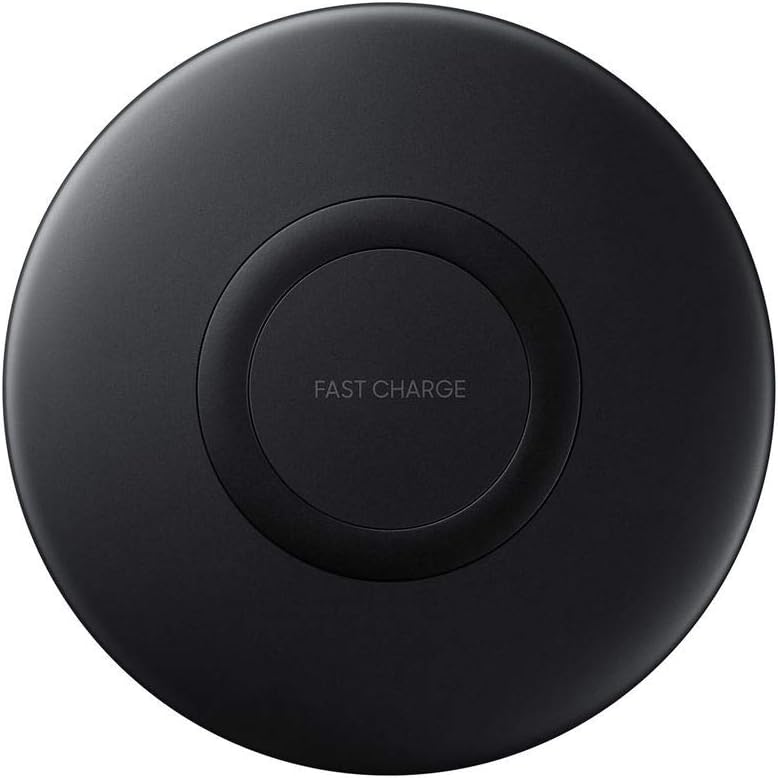
Image: Top-down view of the Samsung Wireless Fast Charging Pad, showing the central charging area and 'FAST CHARGE' branding.

Image: Angled view of the charging pad, illustrating its sleek, circular design suitable for tabletop use.
5. Maintenance
To ensure the longevity and proper functioning of your charging pad:
- Cleaning: Use a soft, dry cloth to clean the surface of the charging pad. Do not use harsh chemicals or abrasive materials.
- Storage: When not in use, store the charging pad in a cool, dry place away from direct sunlight and extreme temperatures.
- Handling: Avoid dropping the device or subjecting it to strong impacts.
6. Troubleshooting
If you encounter issues with your charging pad, try the following solutions:
- Device Not Charging:
- Ensure the charging pad is properly connected to a working power source.
- Verify that your device is Qi-enabled and compatible with wireless charging.
- Remove any thick cases or metallic attachments from your device that might interfere with wireless charging.
- Reposition your device on the center of the charging pad to ensure proper alignment.
- Slow Charging:
- Ensure you are using a Samsung Fast Charging compatible power adapter and cable.
- Check if your device supports fast wireless charging.
- Avoid using the device while it is charging, as this can slow down the process.
- Overheating:
- If the charging pad or your device feels excessively hot, disconnect it from power and allow it to cool down.
- Ensure proper ventilation around the charging pad.
7. Specifications
| Feature | Detail |
|---|---|
| Model Number | EP-P1100BBEGWW |
| Product Dimensions | 4.33 x 3.15 x 3.15 inches |
| Item Weight | 3.53 ounces |
| Color | Black |
| Connectivity Technology | USB (Type C) |
| Compatible Devices | Cellular Phones, Smartwatches (Qi-enabled devices) |
| Special Features | Fast Wireless Charging, Indoor Charger |
| Form Factor | Charger Pad |
| Mounting Type | Tabletop Mount |
| Thickness | 11.9 mm |
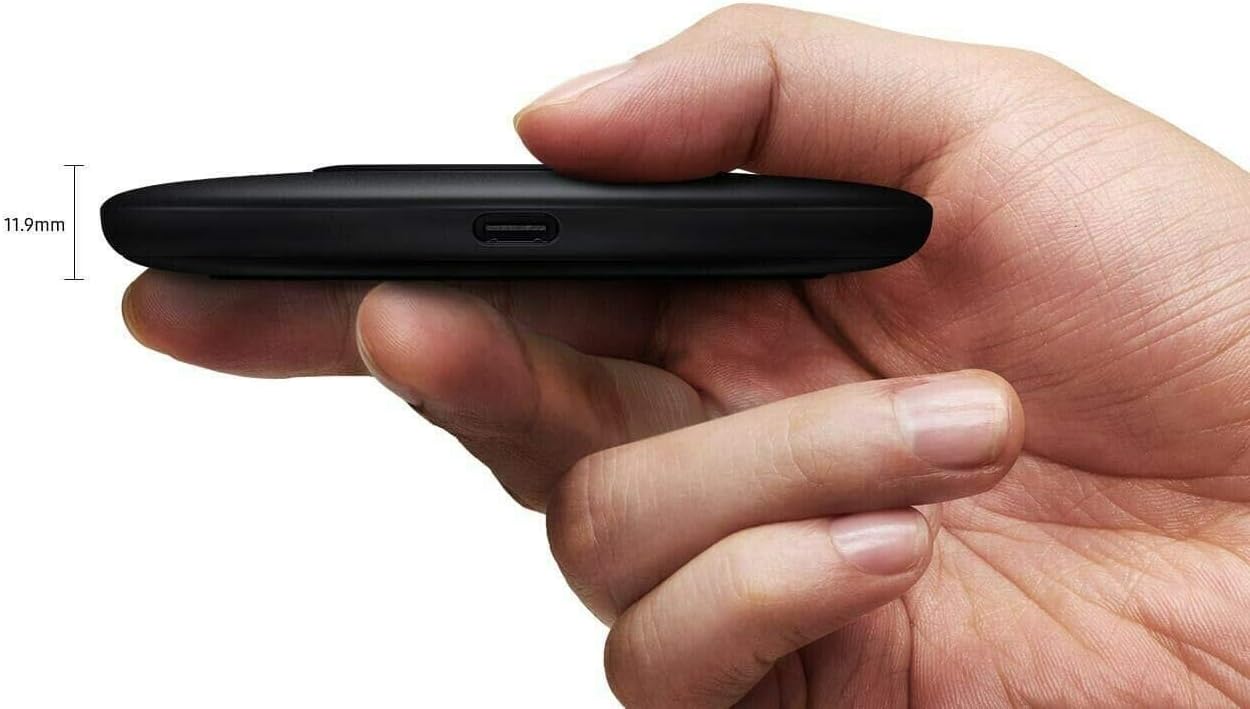
Image: Side profile of the charging pad, illustrating its slim design with a thickness of 11.9mm.
8. Warranty and Support
This Samsung product is covered by a limited manufacturer's warranty. For detailed warranty information, terms, and conditions, please refer to the warranty card included with your purchase or visit the official Samsung support website.
For technical support, service, or further inquiries, please contact Samsung customer service or visit their official support channels. Keep your proof of purchase for warranty claims.
You can typically find support information on the official Samsung website: www.samsung.com/us/support/