
Introduction
Thank you for choosing the Nobebird Bluetooth Meat Thermometer. This smart cooking device is designed to help you achieve perfectly cooked meats every time, whether you're grilling, smoking, or baking. With its advanced features, including multiple probes, a user-friendly app, and precise temperature monitoring, you can enjoy a hassle-free cooking experience. Please read this manual carefully to ensure proper use and maintenance of your thermometer.
What's in the Box
- Nobebird Bluetooth Meat Thermometer Unit
- 6 Temperature Probes (Stainless Steel and Silicone)
- Carrying Case
- User Manual
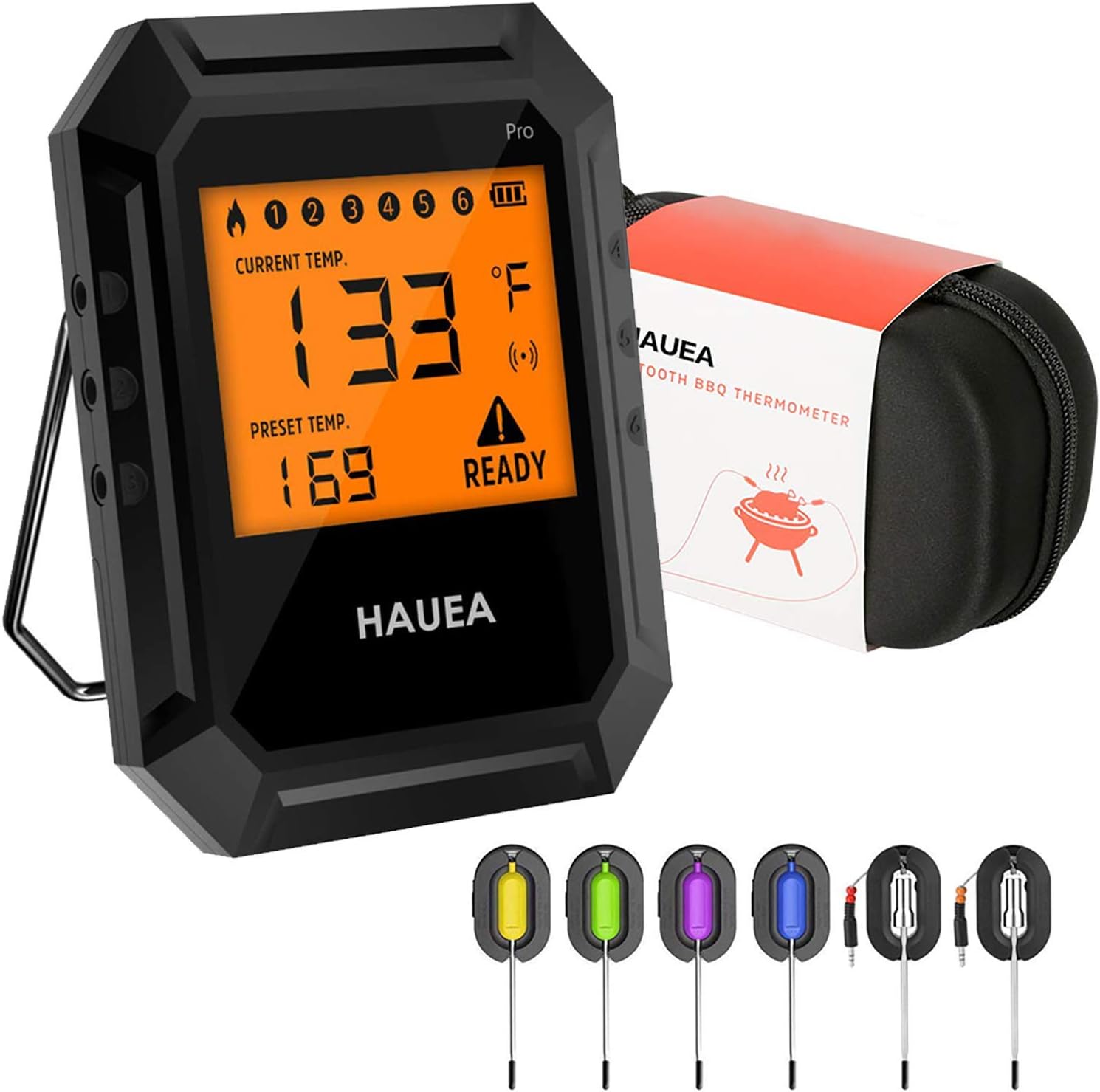
Image: The Nobebird Bluetooth Meat Thermometer unit, six color-coded probes, and the included carrying case.
Setup
- Insert Batteries: Open the battery compartment on the back of the thermometer unit. Insert 2*AA batteries (not included), ensuring correct polarity. Close the compartment securely.

Image: Step-by-step guide on inserting batteries into the device.
- Power On: Long press the power button on the device for 3 seconds to turn it on.
- Download the App: Search for "HAUEA" in your device's App Store (iOS) or Google Play Store (Android) and download the application.
- Bluetooth Connection: Turn on Bluetooth on your smartphone. Open the HAUEA app. The app will guide you through connecting to the thermometer. Press the button on the device once when prompted by the app to establish a successful connection.
Video: Demonstrates unboxing, battery installation, app download, and Bluetooth connection process for the HAUEA Meat Thermometer.
Operating Instructions
- Probe Insertion: Insert the desired temperature probes into the meat or food you are cooking. The thermometer supports up to 6 probes simultaneously.
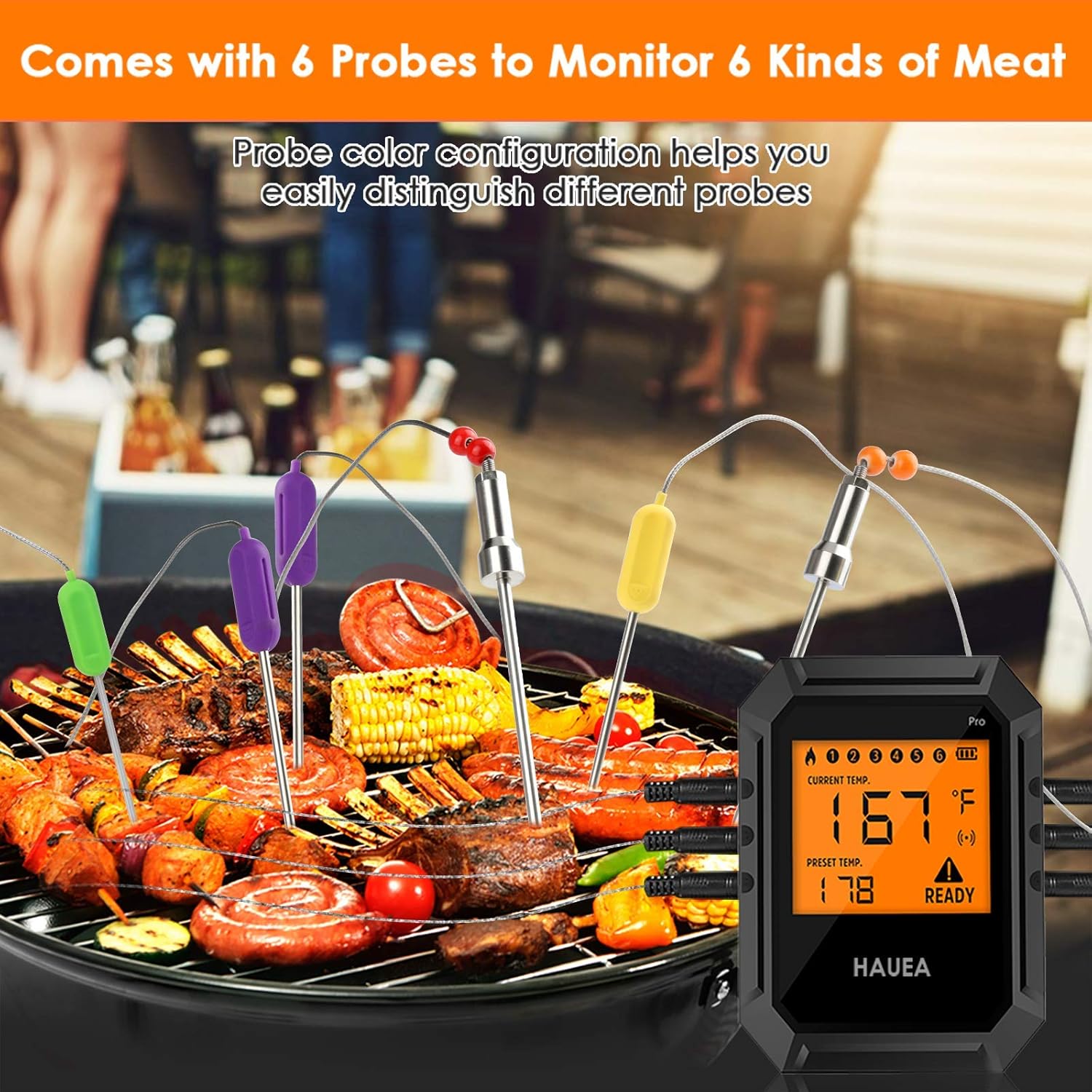
Image: Illustrates the use of multiple probes for monitoring different types of meat.
- Temperature Monitoring: The device and the HAUEA app will display the current temperature readings from each probe.
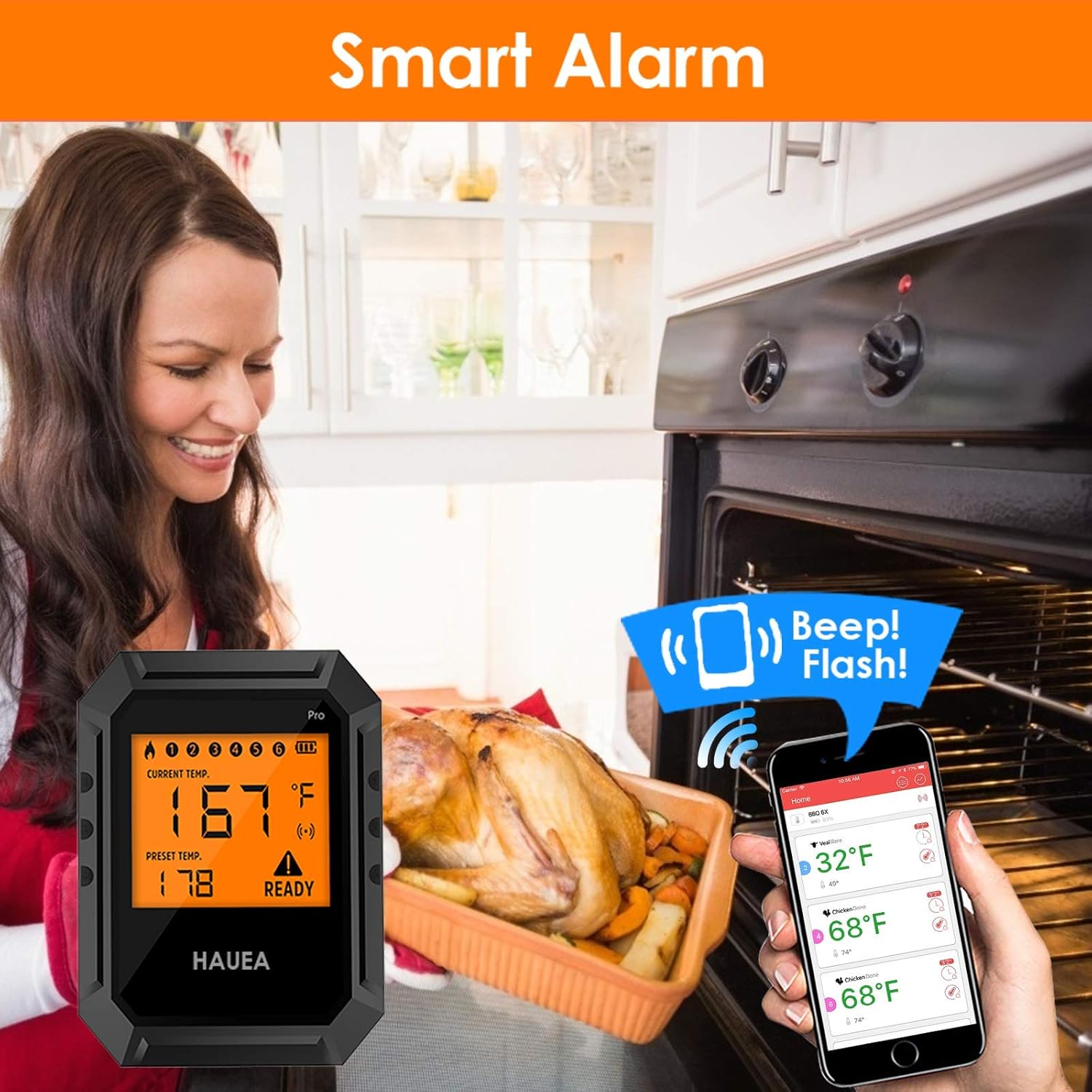
Image: The smart alarm feature notifying the user when the target temperature is reached.
- Temperature Ranges:
- Stainless Steel Probe Temperature Range: 1°C~380°C / 33°F~716°F
- Silicone Probe Temperature Range: 1°C~250°C / 33°F~482°F
Note: Stainless steel probes can be used in ovens, grills, and smokers. Silicone probes are not suitable for direct oven use above 482°F to prevent distortion.

Image: Guidelines for using stainless steel and silicone probes in different cooking environments.
- App Features:
- Fast Response & Accurate Reading: The thermometer provides quick and precise temperature updates on both the device and the app.

Image: Detail of the probe's design, emphasizing accuracy and heat resistance.
- Adjustable Timer & Temperature Control: Set custom timers and desired temperatures for various meats and doneness levels directly within the app.
- Instant Notifications: Receive alerts on your device and smartphone when the target temperature is reached.
- Fast Response & Accurate Reading: The thermometer provides quick and precise temperature updates on both the device and the app.
Care and Maintenance
- Cleaning: Wipe the thermometer unit clean with a damp cloth. The probes can be washed with soap and water. Ensure probes are completely dry before storage.
- Storage: Store the thermometer and probes in the provided carrying case when not in use to protect them from damage.
- Battery Life: Remove batteries if the device will not be used for an extended period to prevent leakage.
Troubleshooting
| Problem | Possible Solution |
|---|---|
| Device won't power on. | Check battery installation and ensure batteries are new or fully charged. |
| Bluetooth connection fails. | Ensure Bluetooth is enabled on your phone. Restart both the thermometer and the app. Make sure the device is within the Bluetooth range (up to 196ft outdoor wireless range). |
| Inaccurate temperature readings. | Ensure probes are fully inserted into the thickest part of the meat, avoiding bone. Check if probes are damaged. |
| App notifications not received. | Check app notification settings on your phone. Ensure the app is running in the background. |
Specifications
- Brand: HIPFATE
- Model Name: 8541960751
- Connectivity Technology: Bluetooth
- Display Type: Digital
- Power Source: Battery Powered (2 AA batteries required)
- Stainless Steel Probe Temperature Range: 1°C~380°C / 33°F~716°F
- Silicone Probe Temperature Range: 1°C~250°C / 33°F~482°F
- Response Time: 0.5 seconds
- Material: Stainless Steel (probes)
- Special Feature: High Accuracy
- FDA Approved: Yes
- Included Components: Carrying Case
Warranty and Support
For warranty information, technical support, or any inquiries regarding your Nobebird Bluetooth Meat Thermometer, please refer to the contact information provided on the product packaging or visit the official HIPFATE website. Keep your purchase receipt for warranty claims.