
Introduction
This manual provides instructions for the installation and use of the Kratax 3100mAh 11.1V Lithium-ion replacement battery designed for the Jawbone Big Jambox wireless Bluetooth speaker. Please read this manual carefully before proceeding with the installation to ensure safe and proper operation.

Image: Kratax replacement battery and included screwdriver tool.
Safety Information
- Do not short circuit the battery terminals.
- Do not expose the battery to high temperatures (above 140°F / 60°C).
- Do not disassemble, crush, or puncture the battery.
- Dispose of used batteries according to local regulations.
- Keep out of reach of children.
- Use only with compatible devices as specified.

Image: Close-up of the battery label showing model number, voltage, capacity, and caution warnings.
Package Contents
The package includes the following items:
- 1 x Kratax 3100mAh 11.1V Replacement Battery
- 1 x Screwdriver Tool

Image: The Kratax replacement battery, screwdriver, and a user guide as packaged.
Installation Guide
This section details the steps to replace the battery in your Jawbone Big Jambox speaker. A screwdriver tool is included for this process.

Image: Visual guide illustrating the battery replacement process for the Jawbone Big Jambox speaker.
- Remove End Caps: Use a plastic opening tool (not included, but often found in electronics repair kits) to gently pry around the seam of both end caps until they are completely removed.
- Access Screws: Turn the Jambox upside down. Locate the indicated rubber tabs and use a plastic opening tool to remove them. Unscrew the three T6, 7.0 mm screws found underneath each rubber tab.
- Remove Second Set of Screws: With the Jawbone logo facing you and the correct orientation, place the Jambox with the left end cap facing upwards. Unscrew three indicated screws. If the Jambox has another end cap, repeat the above step for that side.
- Pry Bottom Panel: Carefully pry up the bottom panel. This may require some effort. Once removed, the battery will be visible.
- Unscrew and Remove Plates: Before unscrewing, take a picture of the top view for reference during reassembly. Unscrew the eight indicated screws and remove any metal grounding plates.
- Disconnect Circuit Board: Remove the indicated screw holding the auxiliary board. Carefully lift the circuit board up and off to the side.
- Disconnect Old Battery: Pull on the red and black cables to disconnect the old battery from the auxiliary board.
- Install New Battery: Use your finger to pry out the old battery. Install the new Kratax battery, ensuring the red and black wires are properly connected and not pinched during installation.
- Reassembly: Reverse all steps to reassemble your Jawbone Big Jambox speaker.

Image: The Kratax replacement battery and screwdriver alongside a Jawbone Big Jambox speaker.
Operating Instructions
After successful installation, the Kratax replacement battery operates identically to the original battery. Charge the speaker using its standard charging cable and adapter. The battery is designed to provide extended playtime for your Jawbone Big Jambox speaker.
- For optimal performance, fully charge the battery before first use.
- Avoid completely draining the battery frequently to prolong its lifespan.
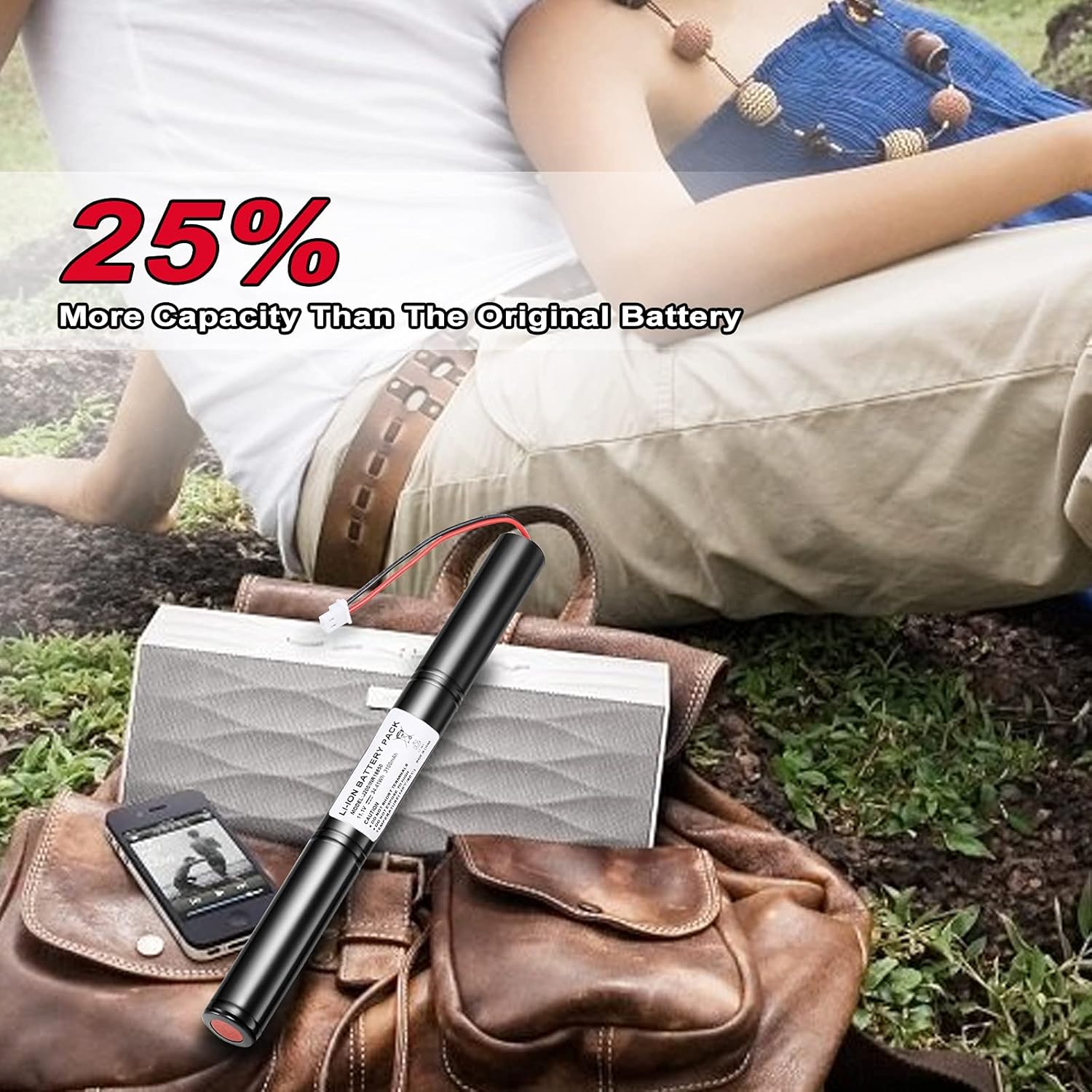
Image: A person enjoying music with a Jawbone Big Jambox speaker, powered by the Kratax replacement battery.
Maintenance
Proper maintenance can extend the life of your battery:
- Store the speaker and battery in a cool, dry place when not in use.
- If storing for extended periods, charge the battery to approximately 50% capacity.
- Avoid exposing the speaker or battery to extreme temperatures or direct sunlight.
Troubleshooting
| Problem | Possible Cause | Solution |
|---|---|---|
| Speaker does not power on after battery replacement. | Battery not properly connected or not charged. | Ensure battery connector is securely seated. Charge the speaker for at least 30 minutes. |
| Speaker powers on but battery life is short. | Battery not fully charged or incorrect installation. | Fully charge the battery. Review installation steps to ensure all connections are correct. |
| Speaker not charging. | Charging cable or adapter issue, or battery connection problem. | Try a different charging cable and adapter. Verify battery connection inside the speaker. |
Specifications
- Brand: Kratax
- Model Name: ICR18650B4
- Battery Cell Composition: Lithium Ion
- Battery Capacity: 3100 mAh
- Voltage: 11.1 Volts
- Reusability: Rechargeable
- Compatible Devices: Jawbone Big Jambox Speaker (Models: J2011-01-US, J2011-03-US, J200/ICR18650F1L, 8390-KA02-0580, ICR18650B4)
- Item Dimensions: 8.46 x 3.15 x 0.98 inches
- Item Weight: 188 Grams

Image: Diagram illustrating the physical dimensions of the Kratax replacement battery.
Warranty and Support
Kratax products are manufactured to high-quality standards. For any issues or questions regarding your replacement battery, please contact Kratax customer support through the retailer where the product was purchased. Please retain your proof of purchase for warranty claims.