
1. Product Overview
The Tihoo Rechargeable Electric Pencil Sharpener is designed for efficient and precise sharpening of No.2 and colored pencils with diameters between 6-8mm. It features a durable helical blade, automatic sharpening, and a safety mechanism.
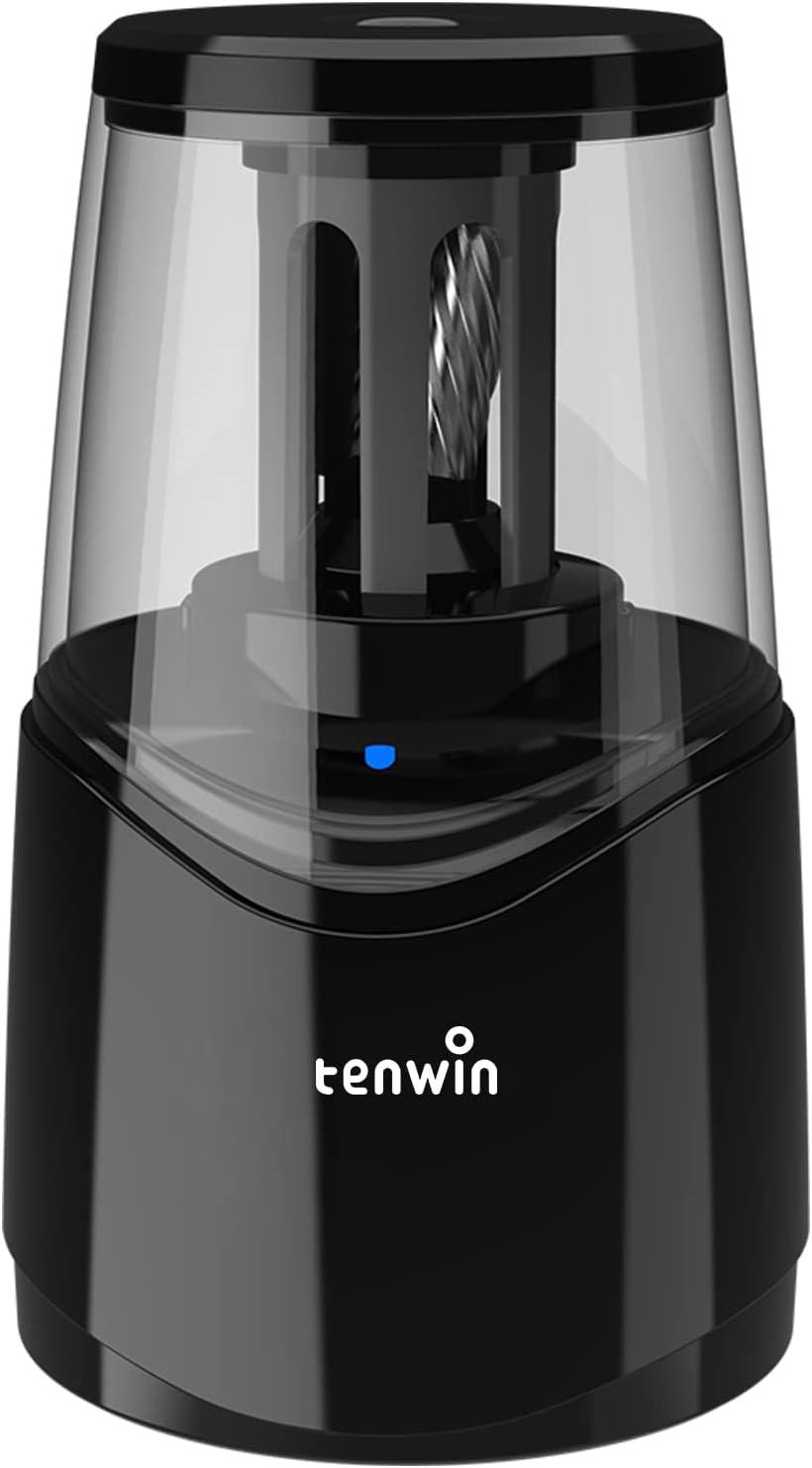
Image 1: Front view of the Tihoo Rechargeable Electric Pencil Sharpener.
2. Setup
2.1 Charging the Sharpener
The sharpener is equipped with a built-in 2000 mAh Lithium Battery. Before first use, or when the battery is low, charge the unit using the provided USB cable.
- Connect the small end of the USB cable to the charging port on the sharpener.
- Connect the other end of the USB cable to a USB power source (e.g., computer, power bank, or a wall adapter, not included).
- A full charge takes approximately 2 hours with an AC adapter or 4 hours with a standard USB cable.
- Once fully charged, the sharpener can be used approximately 300 times.

Image 2: Charging the Tihoo Electric Pencil Sharpener.
2.2 Power Options
The sharpener can be operated using its internal rechargeable battery or directly via USB power.

Image 3: USB power cord connection options.
Video 1: Demonstration of the Tihoo Electric Pencil Sharpener's features, including USB charging and sharpening action.
3. Operating Instructions
3.1 Sharpening a Pencil
- Ensure the sharpener is charged or connected to a power source.
- Insert a 6-8mm diameter pencil (No.2 or colored pencil) into the sharpening hole on the top of the unit.
- Gently press the pencil down into the sharpener. The motor will activate automatically.
- Hold the pencil firmly during sharpening. The sharpener will stop automatically when a perfect point is achieved (typically within 3-5 seconds for new pencils).
- Remove the sharpened pencil.

Image 4: Fast sharpening capability.
3.2 Automatic Stop Feature
The sharpener is designed to automatically stop sharpening once the pencil reaches a perfect point, preventing over-sharpening and pencil waste.
3.3 Safety Device
For safety, the sharpening mechanism will automatically stop if the top lid is opened during operation.
4. Maintenance
4.1 Cleaning the Shavings Reservoir
The large shavings reservoir can hold a significant amount of pencil shavings. To clean:
- Hold the pencil sharpener firmly.
- Point the shavings bin towards a garbage can.
- Carefully remove the top lid in the direction indicated by any arrows or guides on the unit.
- Empty the shavings.
- Replace the lid securely before further use.

Image 5: Shavings reservoir.
4.2 Extruding Broken Lead
The sharpener is designed to automatically extrude broken lead. If a lead breaks inside, continue to insert the pencil and the mechanism will typically push out the broken piece.

Image 6: Mechanism for extruding broken lead.
5. Troubleshooting
5.1 Sharpener Not Activating
- Ensure the sharpener is sufficiently charged or connected to a power source.
- Verify that the top lid is securely closed. The safety mechanism prevents operation if the lid is open.
- Confirm the pencil is inserted correctly and pressed down firmly enough to engage the motor.
5.2 Pencil Not Sharpening Properly
- Check if the pencil diameter is within the 6-8mm range.
- Empty the shavings reservoir if it is full, as excessive shavings can impede sharpening.
- Ensure the pencil lead is not already broken inside the sharpener. The unit should extrude broken lead, but a blockage might occur if the reservoir is too full.
6. Specifications
| Feature | Detail |
|---|---|
| Brand | Tihoo |
| Model Number | 43396-262320 |
| Item Weight | 15.5 ounces |
| Product Dimensions | 9 x 9 x 18 inches |
| Batteries | 1 Lithium Ion battery (included) |
| Color | Black |
| Material Type | Plastic |
| Pencil Diameter Compatibility | 6-8mm |
| Power Source | Battery Powered / USB |
7. Warranty and Support
7.1 Warranty Information
The Tihoo Rechargeable Electric Pencil Sharpener comes with a one-year warranty from the date of purchase, covering any quality issues. Please retain your proof of purchase.
7.2 Customer Support
For any questions, concerns, or warranty claims, please contact the seller or manufacturer directly. Refer to your purchase documentation for specific contact details.