
1. Introduction
Thank you for choosing the Umarex T2 080.820A Laser Rangefinder. This manual provides essential information for the safe and efficient operation of your device. Please read it thoroughly before use and keep it for future reference. This device is designed for precise distance and length measurements in various applications.
2. Safety Instructions
General Safety:
- Do not attempt to modify or disassemble the device.
- Keep the device away from children and unauthorized personnel.
- Avoid exposing the device to extreme temperatures, moisture, or direct sunlight for extended periods.
- Use only specified batteries.
Laser Safety:
- This product emits a Class 2 laser. Do not stare into the laser beam or direct it at other people or animals.
- Avoid direct eye exposure to the laser beam.
- Do not use optical instruments (e.g., binoculars, telescopes) to view the laser beam.
3. Package Contents
Upon unpacking, please ensure all items are present and in good condition:
- Umarex T2 080.820A Laser Rangefinder
- Carrying Pouch
- AAA Batteries (pre-installed or separate)
- Instruction Manual (this document)

Image 3.1: The Umarex T2 Laser Rangefinder, its protective carrying pouch, and AAA batteries.
4. Device Overview
The Umarex T2 080.820A features a robust and ergonomic design for comfortable handling and durability. Key components include:
- LCD Color Display: Bright 3-line display for clear measurement readings and status indicators.
- "DIST" Button: Activates the laser for measurement.
- Power Button: Turns the device on and off.
- Laser Aperture: Emits the laser beam.
- Measurement Reference Point Selector: Allows switching between front, tripod, and rear measurement origins.
- 1/4" Tripod Thread: For mounting on a standard tripod.
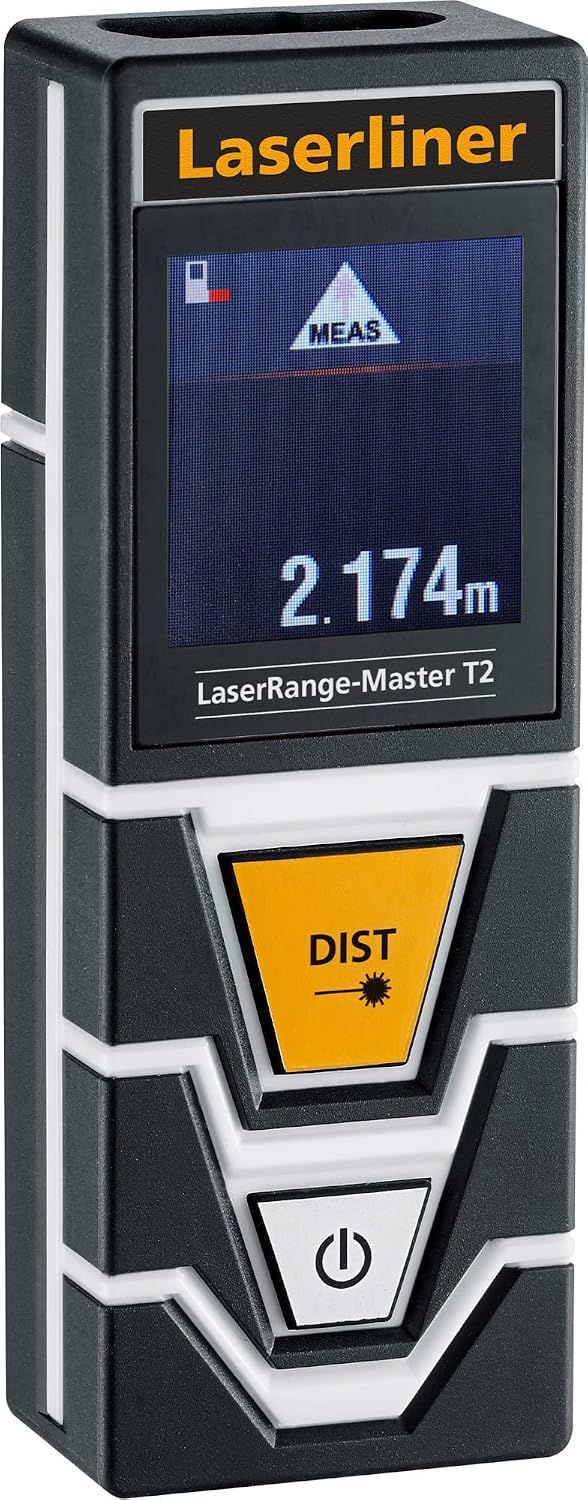
Image 4.1: Front view of the Umarex T2 Laser Rangefinder, highlighting the display and control buttons.
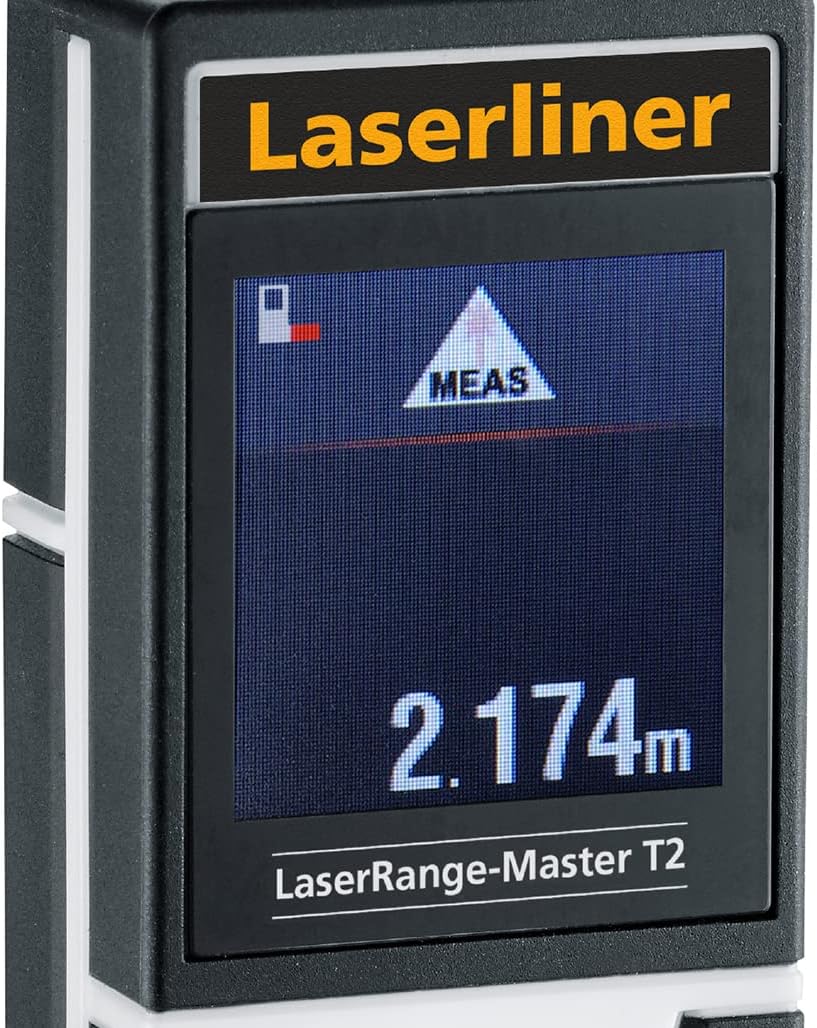
Image 4.2: Detailed view of the bright 3-line color LCD display.

Image 4.3: Close-up of the "DIST" measurement button and the power button.
5. Setup
5.1 Battery Installation
- Locate the battery compartment cover on the rear of the device.
- Open the cover by sliding or unlatching it.
- Insert the AAA batteries, ensuring correct polarity (+/-).
- Close the battery compartment cover securely.

Image 5.1: Rear view of the device, illustrating the battery compartment and tripod connection.
5.2 Powering On/Off
- To turn on: Press the Power button (marked with a power symbol). The display will illuminate.
- To turn off: Press and hold the Power button for a few seconds, or the device will automatically shut off after a period of inactivity to conserve battery life.
6. Operating Instructions
6.1 Basic Distance Measurement
- Turn on the device.
- Aim the laser aperture at the target point.
- Press the "DIST" button. The laser will activate, and the measurement will be displayed on the screen.
- The measurement will typically appear on the main line of the display.
6.2 Measurement Reference Points
The Umarex T2 allows you to select from three different reference points for your measurements:
- Front: Measurement starts from the front edge of the device. Ideal for measuring from edges or corners.
- Tripod: Measurement starts from the tripod mounting point. Use this when the device is mounted on a tripod.
- Rear: Measurement starts from the rear edge of the device. This is the standard setting for most measurements.
To switch between reference points, refer to the on-screen indicator and the device's specific button combination (usually a short press of the power button or a dedicated reference button, if available, not explicitly detailed in product info but implied by "3 levels of measurement").
6.3 Using with a Tripod
The device is equipped with a standard 1/4" tripod thread for stable and precise measurements, especially over longer distances or when using the tripod reference point.
- Screw the device onto a compatible tripod.
- Ensure the tripod reference point is selected in the device settings for accurate readings.
Image 6.1: The laser rangefinder securely mounted on a tripod, utilizing its 1/4" thread.
7. Maintenance
7.1 Cleaning
- Use a soft, damp cloth to clean the exterior of the device.
- Do not use abrasive cleaners or solvents.
- For the laser aperture and display, use a lens cleaning cloth to avoid scratches.
7.2 Storage
- Store the device in its protective carrying pouch when not in use.
- Remove batteries if the device will not be used for an extended period to prevent leakage.
- Store in a cool, dry place, away from direct sunlight and extreme temperatures.
7.3 Battery Replacement
When the battery indicator on the display shows low power, replace all batteries with new AAA batteries, following the installation steps in Section 5.1.
8. Troubleshooting
This section addresses common issues you might encounter with your Umarex T2 Laser Rangefinder.
- Device does not turn on:
- Check if batteries are correctly installed with proper polarity.
- Replace batteries with new ones.
- Inaccurate measurements:
- Ensure the laser aperture and receiver lens are clean.
- Verify that the correct measurement reference point (front, tripod, or rear) is selected.
- Ensure the target surface is suitable for laser reflection (avoid highly reflective or transparent surfaces).
- Confirm the device is held steady during measurement.
- Display is dim or unreadable:
- Check battery level and replace if low.
- Ensure the device is not exposed to extreme temperatures.
- Rapid battery consumption:
- Operating in colder temperatures can reduce battery life.
- Ensure the device is turning off automatically after inactivity.
9. Specifications
| Feature | Specification |
|---|---|
| Brand | Umarex (Manufactured by Laserliner) |
| Model Number | 080.820A |
| Measurement Range | 5 - 600 meters |
| Power Type | Manual operation (Battery-powered) |
| Special Features | 1/4" Tripod connection, 3 switchable measurement reference points (front, tripod, rear) |
| Display | Bright 3-line color LCD |
| Included Components | Laser Rangefinder, Carrying Pouch, Batteries |
| Batteries | AAA (included) |
| Water Resistance Level | Waterproof (IP54 rating) |
| International Protection (IP) Rating | IP54 |
| Product Dimensions (L x W x H) | 23.5 x 11 x 6.5 cm |
| Weight | 240 grams |

Image 9.1: The device's robust construction, featuring anti-shock rubber for durability.
10. Warranty and Support
For warranty information, technical support, or service inquiries, please refer to the warranty card included with your product or contact the manufacturer directly. Keep your purchase receipt as proof of purchase.


