
Introduction
This manual provides essential information for the setup, operation, and maintenance of your FurReal Rock-A-Too The Show Bird. Please read these instructions carefully before use to ensure proper function and safety.
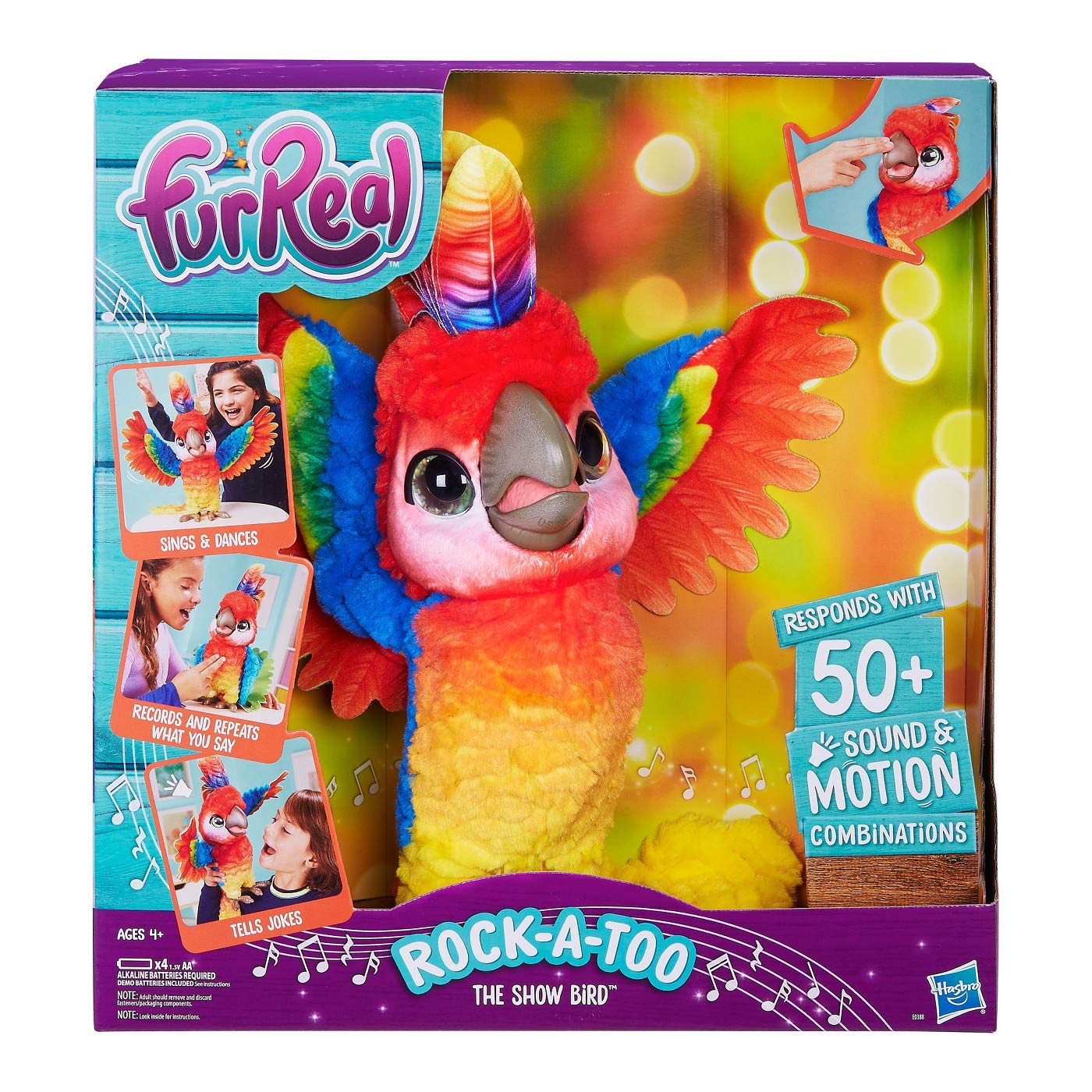
Image: The FurReal Rock-A-Too The Show Bird, a colorful interactive parrot toy.
Safety Information
- Battery Safety: Use only the specified battery type (4 AA batteries). Do not mix old and new batteries, or different types of batteries. Insert batteries with correct polarity (+/-). Remove exhausted batteries promptly. Do not recharge non-rechargeable batteries.
- Supervision: Adult supervision is recommended during play.
- Choking Hazard: This product may contain small parts. Not suitable for children under 3 years.
- Cleaning: Do not immerse in water. Surface clean only.
Package Contents
Verify that all items are present in the package:
- 1 x FurReal Rock-A-Too The Show Bird figure
- 1 x Instruction Manual
Setup
Battery Installation
- Locate the battery compartment on the underside of the Rock-A-Too figure.
- Using a Phillips head screwdriver (not included), unscrew the battery compartment cover.
- Insert 4 new AA (LR6) alkaline batteries, ensuring correct polarity (+/-) as indicated inside the compartment.
- Replace the battery compartment cover and secure it with the screw.
Operating Instructions
Turning On/Off
Locate the power switch on the back or bottom of the figure. Slide the switch to the 'ON' position to activate Rock-A-Too. Slide to 'OFF' to conserve battery life when not in use.
Interaction Modes
Rock-A-Too features various interactive modes activated by touch and sound:
- Touch Interaction: Rock-A-Too responds to touch on its beak, head, and chest. Try petting its head or touching its beak to elicit different sounds and movements.
- Voice Interaction: Speak to Rock-A-Too, and it may respond with phrases, jokes, or impressions. Experiment with different tones and words.
- Music and Dance: Rock-A-Too can sing and dance. Its movements and sounds are designed to be engaging.

Image: Children engaging with the Rock-A-Too bird, demonstrating interactive play.
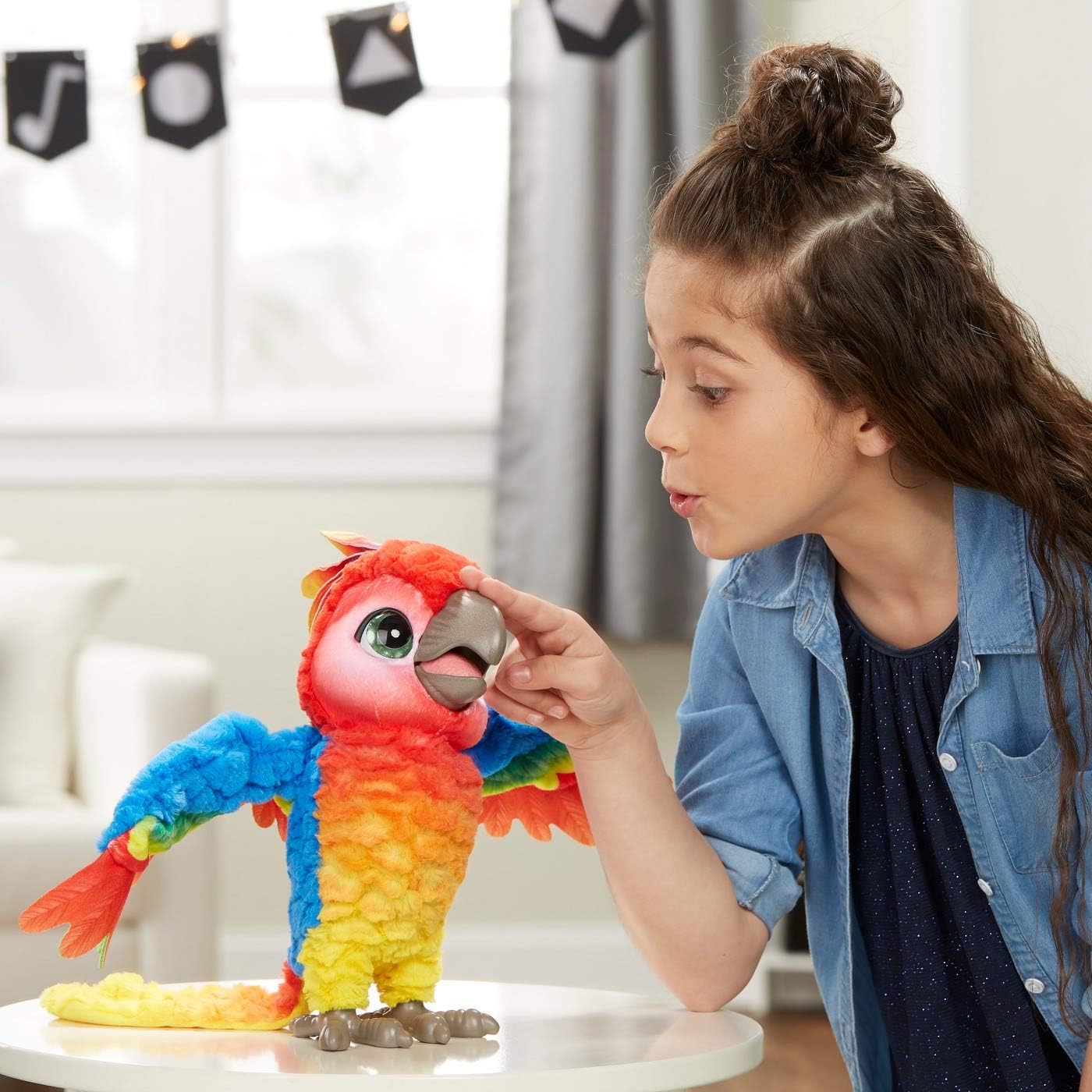
Image: A girl interacting with the bird by touching its beak, triggering a response.

Image: A girl engaging in imaginative play, pretending to feed the interactive bird.
Care and Maintenance
- Cleaning: To clean the surface of Rock-A-Too, gently wipe with a damp cloth. Do not use harsh chemicals or abrasive cleaners. Do not submerge the toy in water.
- Storage: Store the toy in a cool, dry place away from direct sunlight and extreme temperatures. If storing for an extended period, remove the batteries to prevent leakage.
- Handling: Avoid dropping the toy or subjecting it to strong impacts, as this may damage internal components.
Troubleshooting
| Problem | Possible Cause | Solution |
|---|---|---|
| Rock-A-Too does not turn on. | Batteries are dead or incorrectly installed. Power switch is off. | Check battery polarity and replace with fresh AA batteries. Ensure the power switch is in the 'ON' position. |
| Rock-A-Too is not responding to touch or voice. | Low batteries. Sensors are obstructed. | Replace batteries. Ensure sensors (beak, head, chest) are clean and unobstructed. Try turning the toy off and on again. |
| Unexpected sounds or movements. | Temporary electronic glitch. | Turn the toy off, wait a few seconds, then turn it back on to reset. |
Specifications
| Feature | Detail |
|---|---|
| Brand | Furreal |
| Model Name | E0388 |
| Model Number | 53343319 |
| ASIN | B07GL9WB9R |
| GTIN (UPC) | 630509732098 |
| Item Dimensions (L x W x H) | 14.8 x 14 x 8 inches |
| Material Type | Plastic |
| Power Source | Batteries |
| Battery Type | 4 AA batteries (not included) |
| Educational Objective | Language development, social skills, understanding of animal behaviors |
| Additional Features | Interactive Audio, Sound, Jokes, Impressions |
Warranty Information
This product is covered by a manufacturer's warranty. For specific details regarding warranty coverage, duration, and terms, please refer to the documentation included with your purchase or visit the official Furreal website. Keep your proof of purchase for warranty claims.
Customer Support
If you have any questions, require assistance, or encounter issues not covered in this manual, please contact Furreal customer support. You can typically find contact information on the product packaging or by visiting the official Furreal brand website.
Online Support: Visit the FurReal Store on Amazon