
GASLAND IH60BF
GASLAND 4 Burners Induction Cooktop User Manual
Model: IH60BF
24 Inch, 7200W Built-in Induction Stovetop
1. Product Overview
The GASLAND 24-inch, 7200W Built-in Induction Cooktop is a high-power appliance designed for modern kitchens. It features four cooking zones, 9 power levels, and precise slide touch controls for versatile cooking. This induction hob is compatible with magnetic, flat-bottomed cookware and includes multiple safety functions to ensure a secure cooking environment.

2. Safety Information
Please read all instructions carefully before using the appliance. Improper installation, adjustment, alteration, service, or maintenance can cause injury or property damage. Refer to this manual for assistance.
General Safety Precautions:
- Ensure the appliance is properly grounded and installed by a qualified electrician.
- Do not touch hot surfaces. Use handles or knobs.
- Never leave the cooktop unattended during operation.
- Only use magnetic, flat-bottomed cookware suitable for induction cooking.
- Keep children away from the cooktop during operation and when it is cooling down.
- Do not store flammable materials on or near the cooktop.
- In case of a crack in the glass surface, immediately switch off the appliance and disconnect it from the power supply.
3. Setup and Installation
The GASLAND induction cooktop is a 220-240V appliance and requires hardwiring. Professional installation is highly recommended.
What's in the Box:
- Induction Cooktop Unit
- Screws
- Brackets
- Instruction Manual
Installation Steps:
- Prepare the Countertop: Ensure the cutout dimensions are 22.2'' x 19.5'' (565mm x 495mm). Allow for a measurement error of ±0.4 inch.
- Secure the Cooktop: Use the provided screws and brackets to secure the cooktop from underneath the countertop.
- Electrical Connection: Connect the cooktop to a 220-240V power supply. This appliance does not come with a plug and must be hardwired by a qualified person. Refer to the wiring diagram in the manual for correct connections (Red wire L1, Black wire L2, Green wire Ground, White wire Neutral).
- Initial Power On: After installation, power on the cooktop to ensure all functions are operational.

Official installation video for the GASLAND Chef 24-inch induction cooktop (IH60BF), demonstrating the unboxing, cutout preparation, and securing process.
4. Operating Instructions
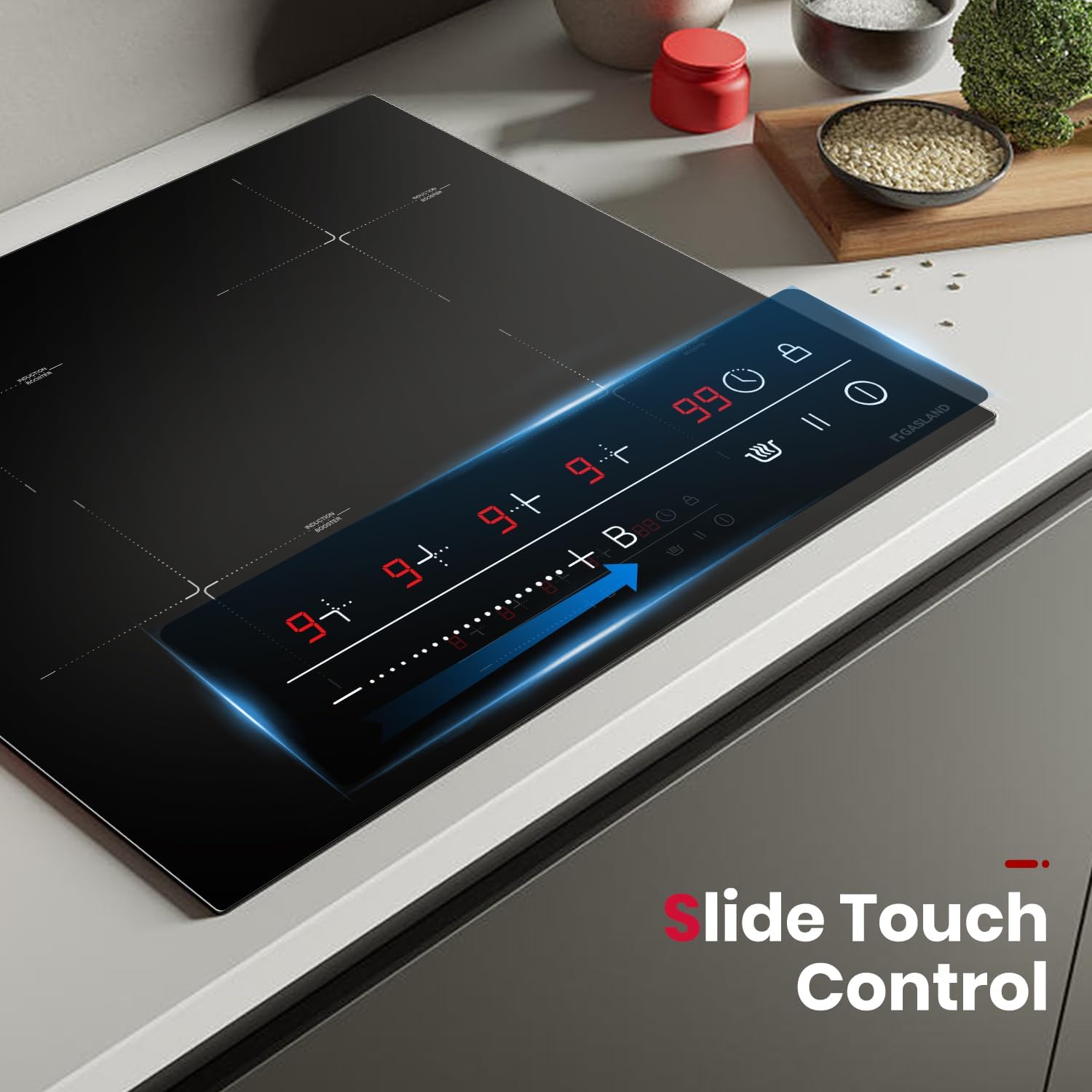
The GASLAND induction cooktop features intuitive slide touch controls for easy operation.
Control Panel:
Key Functions:
- Power Levels: The cooktop offers 9 power levels to meet various cooking needs, from simmering to boiling. Adjust by sliding your finger along the control bar.
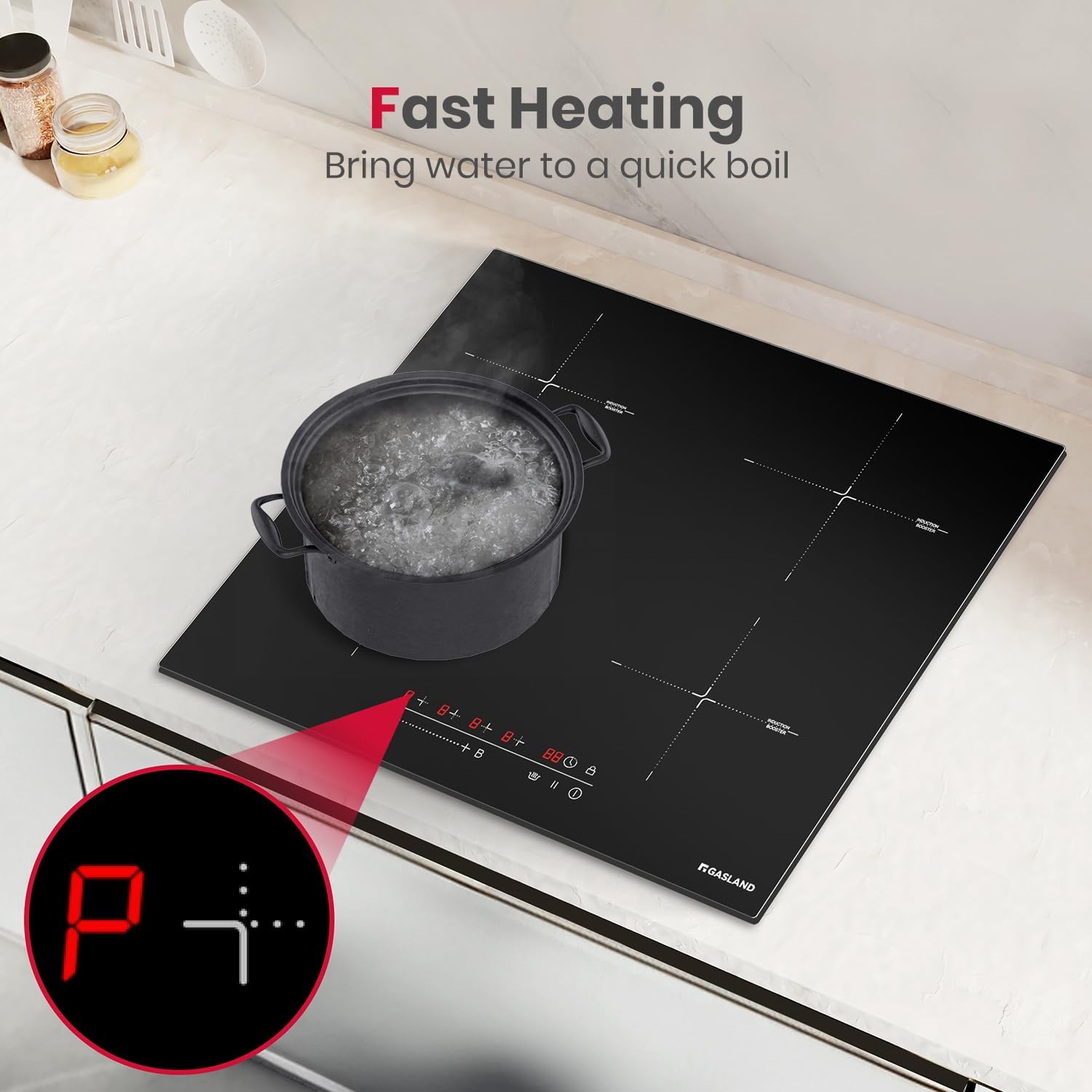
- Boost Function: Increase the power of any cooking zone for faster heating, ideal for bringing water to a rapid boil. This function provides a larger power output for a limited time.
- 99-Minute Timer: Set a timer for individual cooking zones, which will automatically shut off when the time expires, preventing overcooking.
- Child Lock: Activate the child lock to prevent accidental operation, enhancing safety in households with children.
- Pause Function: Temporarily pause cooking on all active zones, allowing you to attend to other tasks without losing your settings.
- Keep Warm: Maintain food at a warm temperature after cooking, preventing it from getting cold.
- Overheat Protection: The cooktop automatically shuts off if it detects excessive temperatures, protecting the appliance from damage.
- Residual Heat Warning: An 'H' indicator will appear on the display to warn you if a cooking zone is still hot after use.

Compatible Cookware:
Induction cooktops require cookware with a magnetic base. Test your pots and pans with a magnet before use. Suitable materials include cast iron, steel, and magnetic stainless steel. Ceramic, aluminum, glass, and cookware with uneven bottoms are not compatible.

5. Maintenance and Cleaning
Maintaining your GASLAND induction cooktop is simple due to its sleek glass surface.
Cleaning Instructions:
- Always ensure the cooktop is cool before cleaning.
- Wipe down the smooth glass surface with a damp cloth and mild detergent.
- For stubborn stains, use a ceramic cooktop cleaner.
- Avoid abrasive cleaners, scouring pads, or harsh chemicals that could scratch the surface.
- Dry thoroughly with a clean cloth to prevent water spots.

6. Troubleshooting
If you encounter issues with your cooktop, refer to the following common problems and solutions:
| Problem | Possible Cause | Solution |
|---|---|---|
| Cooktop does not power on. | No power supply; circuit breaker tripped. | Check power connection and reset circuit breaker. Ensure proper installation. |
| Cooking zone not heating. | Incompatible cookware; pan not centered. | Use magnetic, flat-bottomed cookware. Center the pan on the cooking zone. |
| Error code displayed. | Specific internal issue. | Refer to the detailed error code section in the full user manual (PDF) or contact customer support. |
| Cooktop makes noise. | Normal operation (fan, pan vibration). | Some noise is normal during induction cooking due to the cooling fan or cookware vibration. This is not a defect. |
7. Specifications
| Feature | Detail |
|---|---|
| Brand Name | GASLAND |
| Model Info | IH60BF |
| Item Weight | 21.2 pounds |
| Product Dimensions | 23.2 x 20.5 x 5 inches |
| Installation Type | Drop-In |
| Special Features | Safety Lock, Timer, Adjustable Temperature, Booster |
| Burner Type | Induction |
| Heating Elements | 4 |
| Color | Black |
| Voltage | 240 Volts |
| Wattage | 7400 watts |
| Fuel Type | Electric |
| Material Type | Tempered Glass |
| Certification | Safety and Performance Standards for Induction Cooktops |
8. Warranty and Support
Your GASLAND Induction Cooktop comes with a 1 Year Manufacturer Warranty.
For detailed warranty information, technical support, or to download the complete user manual, please refer to the official GASLAND website or the PDF document provided with your purchase.
You can also find the user manual PDF here.
Ask a question about this manual
Ask about setup, troubleshooting, compatibility, parts, safety, or missing instructions. Manuals+ will review the question and use this page’s manual context to help answer it.