
Panasonic KX-TG3711
Panasonic KX-TG3711 Cordless Telephone User Manual
Model: KX-TG3711
1. Introduction
This user manual provides comprehensive instructions for the Panasonic KX-TG3711 Cordless Telephone. Designed for ease of use, this cordless telephone offers essential features for reliable communication, including Caller ID with a 50-name and number memory.

Image: The Panasonic KX-TG3711 cordless telephone, showing the handset docked in its base unit.
2. Package Contents
Upon opening the box, please ensure all the following items are present:
- One Panasonic KX-TG3711 Handset
- One Base Unit
- One RJ11 Telephone Line Cord
- One AC Power Adapter
- Two AAA Rechargeable Batteries (included)
3. Setup
3.1 Battery Installation
Insert the two supplied AAA rechargeable batteries into the handset, observing the correct polarity as indicated inside the battery compartment. Place the handset on the base unit to begin charging.
3.2 Connecting the Base Unit
Connect the RJ11 telephone line cord to the LINE jack on the base unit and to your telephone wall jack. Connect the AC power adapter to the DC IN jack on the base unit and plug it into a standard electrical outlet.
3.3 Initial Charge
Allow the handset to charge for at least 7 hours before initial use to ensure optimal battery performance and longevity.
3.4 Language Selection
Upon first power-up, you may be prompted to select a display language. Use the navigation keys to choose between English, Arabic, or Farsi, then press the OK button to confirm your selection. The display language can be easily switched at any time through the phone's menu settings.

Image: Handset display illustrating the language selection options for initial setup.
4. Operating the Telephone
4.1 Making and Receiving Calls
- Making a Call: To make a call, pick up the handset, dial the desired number, and press the TALK button. Alternatively, you can press TALK first, then dial the number.
- Receiving a Call: When the phone rings, press the TALK button to answer the call.
4.2 Caller ID
The phone supports Caller ID with a 50-name and number memory. Incoming call information, including the caller's name and number (if available), will be displayed on the handset's LCD screen. Note: This feature requires subscription to Caller ID service from your telephone service provider.

Image: A close-up view of the handset's 1.8-inch amber backlit LCD, showing time and battery status.
4.3 Incoming Call Barring
This feature allows you to block unwanted junk calls. Numbers added to your call block list will be blocked, preventing the unit from ringing and automatically disconnecting the call. This helps in reducing nuisance calls. Note: This feature requires subscription to Caller ID service from your telephone service provider.
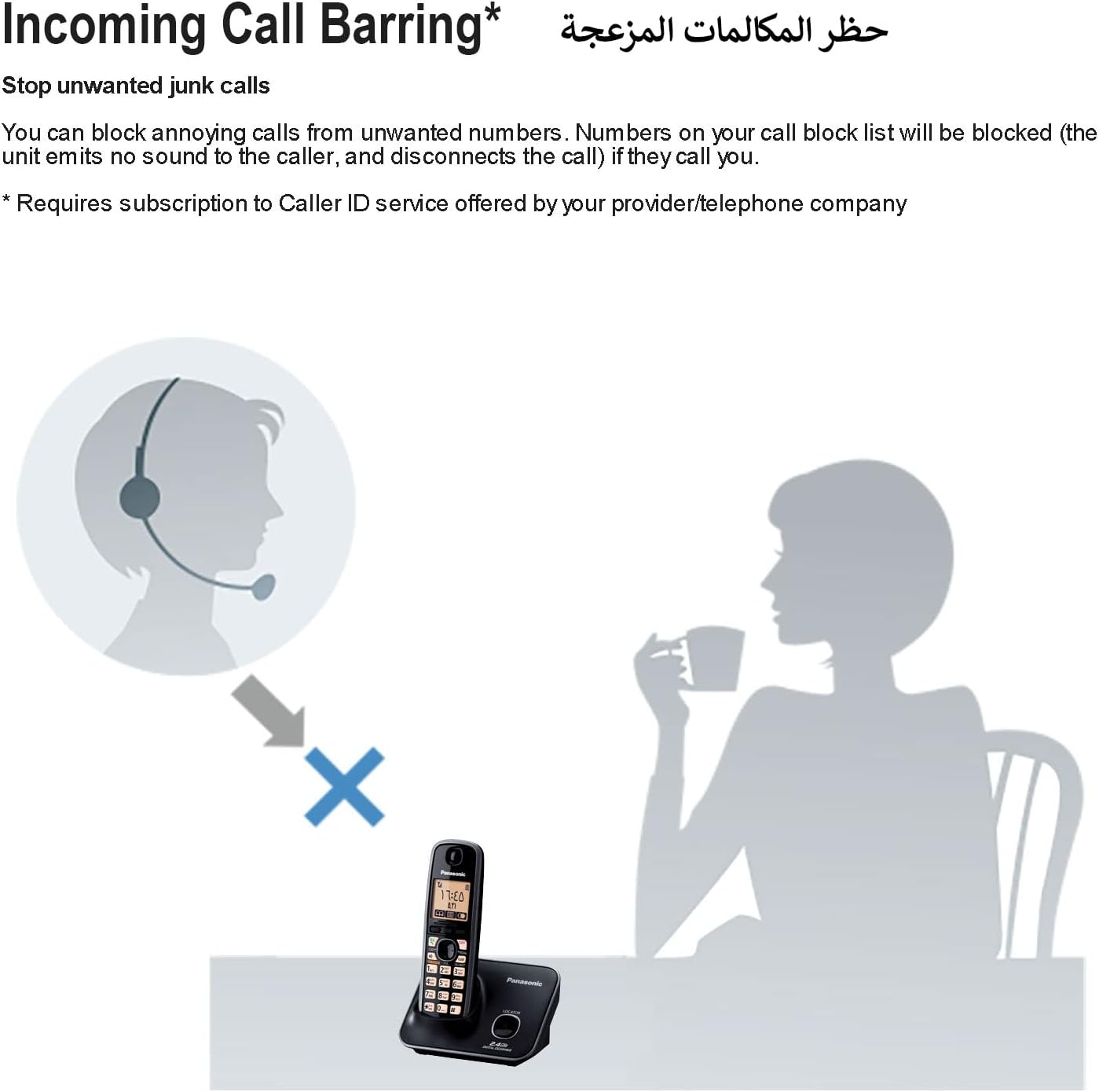
Image: A visual representation of the Incoming Call Barring feature, showing unwanted calls being blocked.
4.4 Night Mode
Night Mode allows you to program the handset to prevent ringing during specific periods, ensuring undisturbed sleep. Calls will still be recorded in the Caller ID log, and you can check them later. This feature is ideal for maintaining a quiet environment during rest hours.

Image: An illustration of individuals sleeping, symbolizing the undisturbed environment provided by Night Mode.
4.5 Power Back-Up Operation
In the event of a power failure, the Panasonic KX-TG3711 can temporarily utilize its speakerphone function. By placing the handset on the base unit, you can make or receive calls using the speakerphone, provided the handset has sufficient charge.
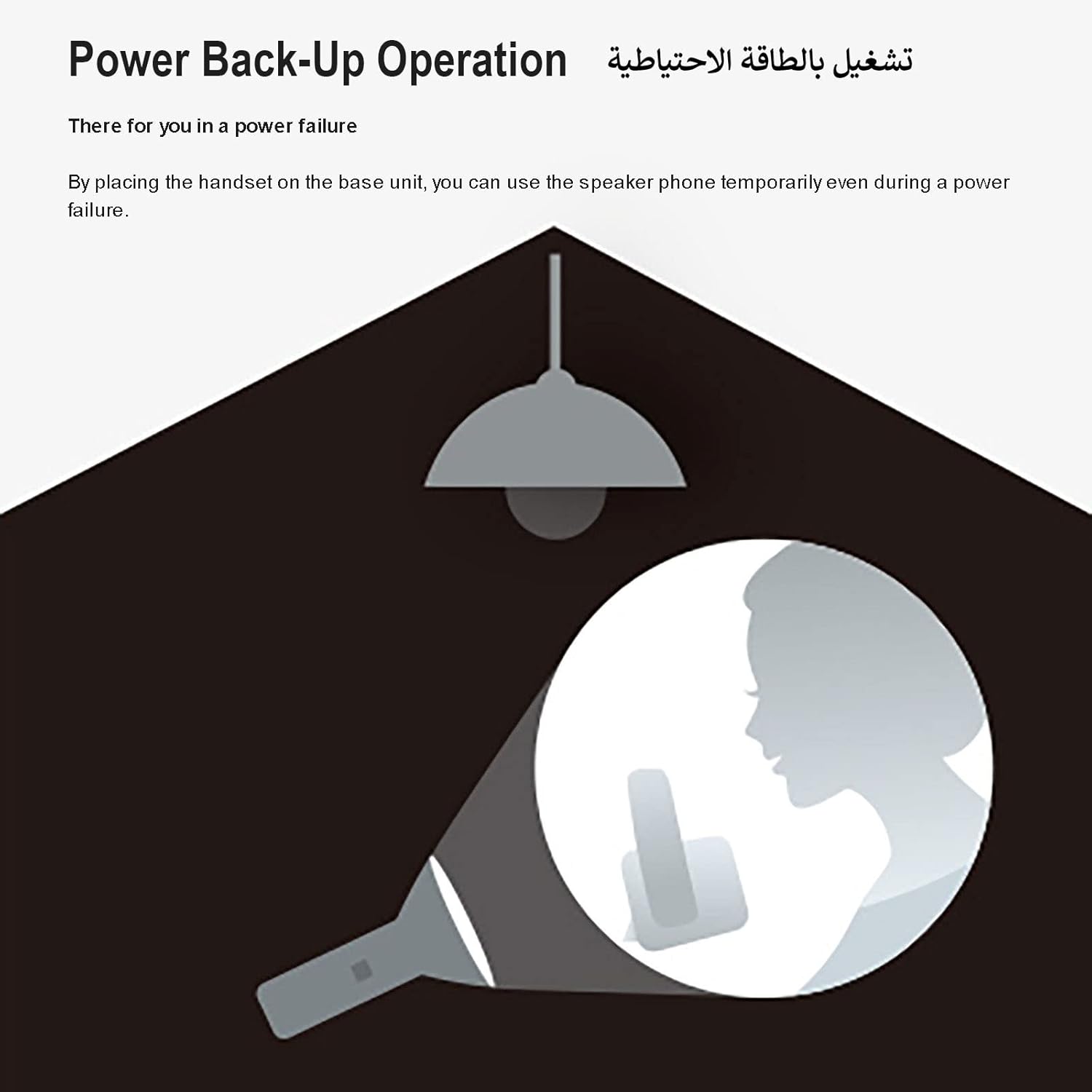
Image: A diagram showing the phone's ability to function during a power outage using its power back-up feature.
5. Maintenance
5.1 Cleaning
Wipe the handset and base unit with a soft, dry cloth. Avoid using abrasive cleaners, solvents, or strong detergents, as these can damage the surfaces or internal components.
5.2 Battery Care
Use only the specified AAA rechargeable batteries provided with the unit or genuine Panasonic replacements. Do not expose batteries to excessive heat or direct sunlight. If the phone will not be used for an extended period, remove the batteries from the handset to prevent leakage.
6. Troubleshooting
If you encounter any issues with your Panasonic KX-TG3711, please refer to the following common problems and their solutions:
- No Dial Tone:
Check all cable connections. Ensure the power adapter is securely plugged into both the base unit and a working electrical outlet, and the telephone line cord is connected correctly to the base unit and your telephone wall jack.
- Handset Not Charging:
Ensure the handset is properly seated in the base unit with the charging contacts aligned. Clean the metal charging contacts on both the handset and base unit with a dry cloth to remove any dust or debris. Verify the power adapter is connected.
- No Caller ID Display:
Confirm that you have subscribed to Caller ID service from your telephone service provider. This feature is not active by default and requires a subscription.
- Poor Sound Quality or Static:
Ensure the handset is within optimal range of the base unit. Move the base unit away from other electronic devices (e.g., microwaves, Wi-Fi routers, computers) that may cause interference.
7. Specifications
| Feature | Detail |
|---|---|
| Brand Name | Panasonic |
| Item model number | KX-TG3711 |
| Telephone Type | Cordless |
| Color | black |
| Batteries | 2 AAA batteries required. (included) |
| Product Dimensions | 10 x 18 x 13 cm |
| Item Weight | 0.04 Kilograms (40 g) |
| Material | Plastic |
| Power Source | Battery Powered |
| Dialer Type | Single Keypad |
| Answering System Type | Voicemail |
| Display Size | 1.8 inches (Amber Backlit LCD) |
| Caller ID Memory | 50-Name & Number |

Image: Detailed dimensions of the Panasonic KX-TG3711 handset and base unit.
8. Warranty and Support
This Panasonic product is covered by a standard manufacturer's warranty. For detailed warranty information, terms, and conditions, please refer to the warranty card or documentation included with your purchase. For technical support, service inquiries, or to find authorized service centers, please visit the official Panasonic website or contact their customer service.
You can also visit the official Panasonic Store on Amazon for more product information and support resources.