1. Introduction and Overview
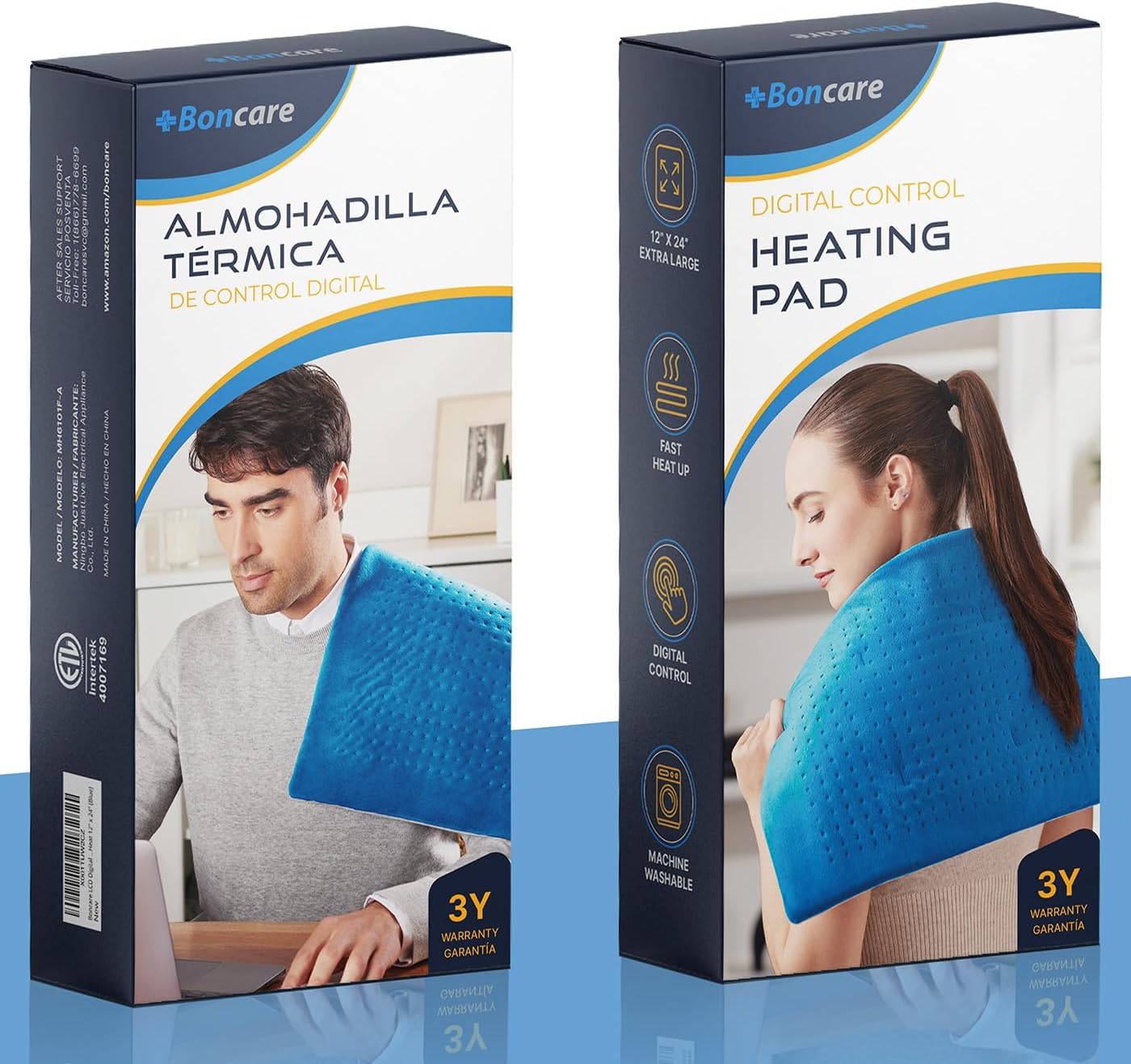
The Boncare® LCD Digital Control Electric Heating Pad is designed to provide soothing heat therapy for various types of muscle pain, soreness, and tension. Its advanced features, including a unique digital controller with an LCD screen, allow for precise temperature and timer adjustments, ensuring personalized comfort and effective relief. The large size and soft material make it versatile for use on different body parts, offering both dry and moist heat options.
2. Safety Information
WARNING: To reduce the risk of burns, electric shock, fire, or injury, this product must be used in accordance with the following instructions:
- DO NOT USE ON AN INFANT OR ON AN ANIMAL.
- DO NOT USE ON AREAS OF INSENSITIVE SKIN AND WHERE INFLAMMATION IS PRESENT.
- THIS UNIT SHOULD NOT BE USED BY CHILDREN WITHOUT ADULT SUPERVISION.
- PLACE PAD ON TOP OF AND NOT UNDER THE PART OF THE BODY NEEDING HEAT.
- THIS PAD IS NOT TO BE USED ON OR BY AN INVALID, A SLEEPING OR UNCONSCIOUS PERSON, A PERSON WITH DIABETES, OR A PERSON WITH POOR BLOOD CIRCULATION.
3. Setup
- Connect Controller: Ensure the Control Connector is securely attached to the Pad Connector. Push both parts together for a tight fit.
- Plug In: Plug the heating pad into a standard electrical outlet (120 volts AC).
4. Operating Instructions
- Power On: To turn on the heating pad, press the multifunction button on the LCD digital controller. If the heating pad does not work, try plugging it into another electrical outlet and ensure the electrical cord is not broken.
- Preheat: Allow the pad to preheat for a few minutes to reach the desired temperature.
- Select Temperature: Use the 'Temp' button on the controller to select your desired temperature setting. The pad offers six specific heating levels, displayed in Fahrenheit (e.g., WARM, LOW, MEDIUM, HIGH, up to 149°F).
- Set Timer: Use the 'Timer' button to choose from six different timer settings. The heating pad will automatically turn off after the selected time (up to 2 hours). If no timer is set, the pad will automatically shut off after 90 minutes.
- Moist Heat Therapy: For deeper penetration and increased blood flow, lightly spray a small amount of water on the velvet fleece material of the heating pad before use.
- Placement: Always place the heating pad on top of the body part needing heat. NEVER place the controller under the pad during use.
5. Maintenance
- Machine Washable: The ultra-soft, plush material is machine washable for easy maintenance.
- Cleaning: Before washing, always unplug the heating pad and remove the controller. Machine wash on a delicate cycle, or spot clean with a damp cloth as needed.
- Drying: Air dry the heating pad completely before reconnecting the controller and using it again. Do not tumble dry or iron.
6. Troubleshooting
- Pad Not Turning On: Ensure the control connector is firmly attached to the pad and the power cord is securely plugged into a functional electrical outlet. Check the power cord for any visible damage.
- Insufficient Heat: Verify that the temperature setting on the digital controller is set to a higher level. Allow a few minutes for the pad to reach its full temperature.
- Controller Display Issues: If the LCD screen is blank or displaying an error code, try unplugging the unit from the wall outlet for a few minutes and then plugging it back in to reset the system.
7. Specifications
| Feature | Detail |
|---|---|
| Model Number | MH6101F-A |
| Dimensions | 24 x 12 x 1.5 inches |
| Item Weight | 1.23 Pounds (560 Grams) |
| Material | Super Soft Velvet Fleece |
| Power | 80 Watts |
| Voltage | 120 Volts AC |
| Temperature Settings | 6 (up to 149°F) |
| Auto-Off Timer | 6 settings (up to 2 hours), default 90 minutes |
8. Warranty & Support
Boncare offers protection plans for its products, including 3-Year and 4-Year Protection Plans, to ensure customer satisfaction and product longevity. For any inquiries, technical support, or warranty claims, please contact Boncare customer service through their official channels or visit the Boncare Store on Amazon.
9. Product Images