
1. Introduction
Thank you for choosing the YOCEWECA Personal Voice Amplifier M800BK. This portable speaker with a wired headset microphone is designed to enhance your voice for various indoor and outdoor activities. This manual provides essential information for proper setup, operation, and maintenance to ensure optimal performance and longevity of your device.
2. Package Contents
Please check the box for the following items:
- Personal Voice Amplifier (M800BK)
- Wired Headset Microphone
- Charging Cord and Adapter
- AUX Cable
- Waistband
- User Manual
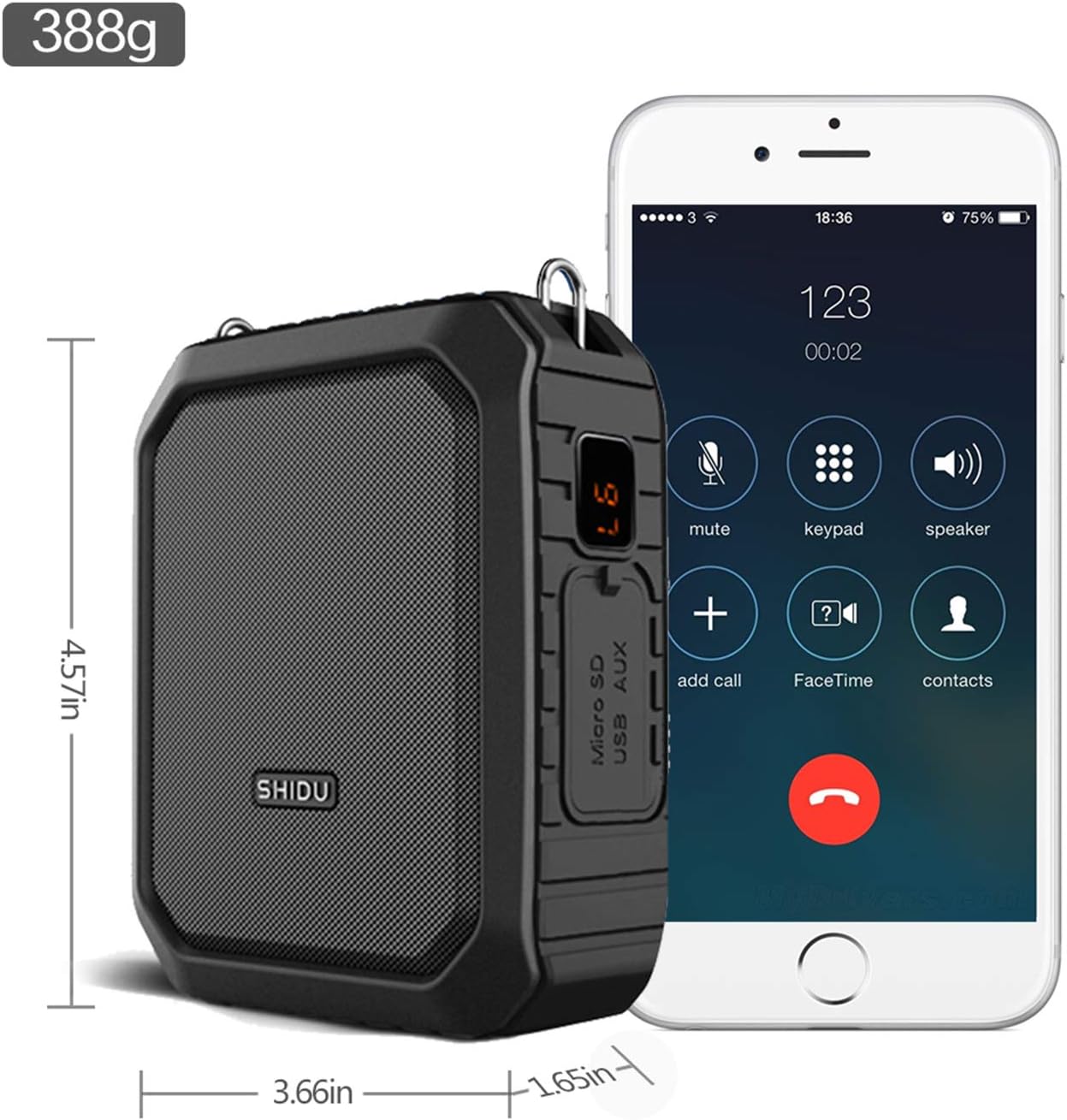
Image: Contents of the YOCEWECA Personal Voice Amplifier M800BK package, including the amplifier unit, wired headset microphone, charging cable, AUX cable, and waistband.
Video: A detailed unboxing of the YOCEWECA Personal Voice Amplifier M800BK, showcasing all included accessories and their initial appearance.
3. Product Overview and Features
The YOCEWECA Personal Voice Amplifier M800BK is a versatile device designed for clear and loud voice projection. It combines powerful amplification with multiple connectivity options and a durable, water-resistant design.
Key Features:
- Powerful Voice Amplification: 18W output covering up to 10,000 sq.ft, suitable for 50 to 150 people.
- Rechargeable Battery: Built-in 4400mAh lithium battery provides 10-12 hours of continuous use, fully charged in 3-5 hours.
- Multi-purpose PA System: Supports One-key Recording, Bluetooth, Aux-in, TF card, and U disk. Functions as both a voice amplifier and a portable Bluetooth speaker.
- IPX5 Water-resistant: Silicone casing and interface design offer protection against gentle water spray and splashes.
- Power Bank Functionality: Can be used for emergency charging of other devices.

Image: The YOCEWECA Personal Voice Amplifier M800BK showcasing its multifunctional capabilities and features.
Video: Demonstration of the Shidu M800 Original Voice Amplifier, highlighting its Bluetooth speaker functionality.

Image: The voice amplifier in a large lecture setting, illustrating its ability to deliver messages clearly.
Video: An outdoor test demonstrating the effective range and clarity of the voice amplifier in an open environment.

Image: The voice amplifier being splashed with water, illustrating its IPX5 water-resistant feature.
4. Setup Instructions
4.1 Charging the Device
- Connect the charging cord to the Micro USB port on the amplifier.
- Plug the adapter into a standard power outlet.
- The battery indicator on the side will show charging status. A full charge typically takes 3-5 hours.
4.2 Connecting the Wired Headset Microphone
- Locate the auxiliary microphone port on the amplifier.
- Insert the 3.5mm jack of the wired headset microphone firmly into the port.
- Position the microphone near your mouth for optimal voice pickup.

Image: Close-up of the amplifier's side panel, detailing the Micro SD, USB, and AUX ports for various connections.
5. Operating Instructions
5.1 Power On/Off
- Press and hold the Power button (usually located on the top or side) for a few seconds to turn the device On or Off.
5.2 Voice Amplification Mode
- Ensure the wired headset microphone is securely connected.
- Turn on the amplifier. Your voice will be amplified through the speaker.
- Adjust the volume using the dedicated volume controls (buttons or dial) on the device.
5.3 Bluetooth Speaker Mode
- Turn on the amplifier.
- Activate Bluetooth on your smartphone, tablet, or other Bluetooth-enabled device.
- Search for
Ask a question about this manual
Ask about setup, troubleshooting, compatibility, parts, safety, or missing instructions. Manuals+ will review the question and use this page’s manual context to help answer it.