
HB B07F88WF5M
HB Bluetooth Shower Speaker User Manual
Model: B07F88WF5M
1. Introduction
Thank you for purchasing the HB Bluetooth Shower Speaker. This portable, waterproof speaker is designed to enhance your audio experience in various environments, including showers, bathrooms, and outdoor settings. With its robust design and versatile features, you can enjoy your favorite music and take calls hands-free.
Key Features:
- IPX7 Fully Waterproof Certification: Submersible up to 1 meter.
- Bluetooth 5.0 Connectivity: Stable connection with a range of up to 8 meters (26 feet).
- Built-in Microphone: For hands-free call management.
- Integrated FM Radio: Enjoy your favorite radio stations.
- 5W Output Speaker: Delivers clear and powerful sound.
- Adjustable LED Mood Lights: 10 multi-colored LED options with fixed color or scrolling.
- Versatile Mounting Options: Removable suction cup and carabiner clip included.
- Long Playback Time: Up to 6 hours on a single charge.
Safety Information: Please read all instructions carefully before using the device. Do not attempt to disassemble or modify the speaker. Keep away from extreme temperatures and direct sunlight. Ensure the charging port cover is securely closed when exposed to water.
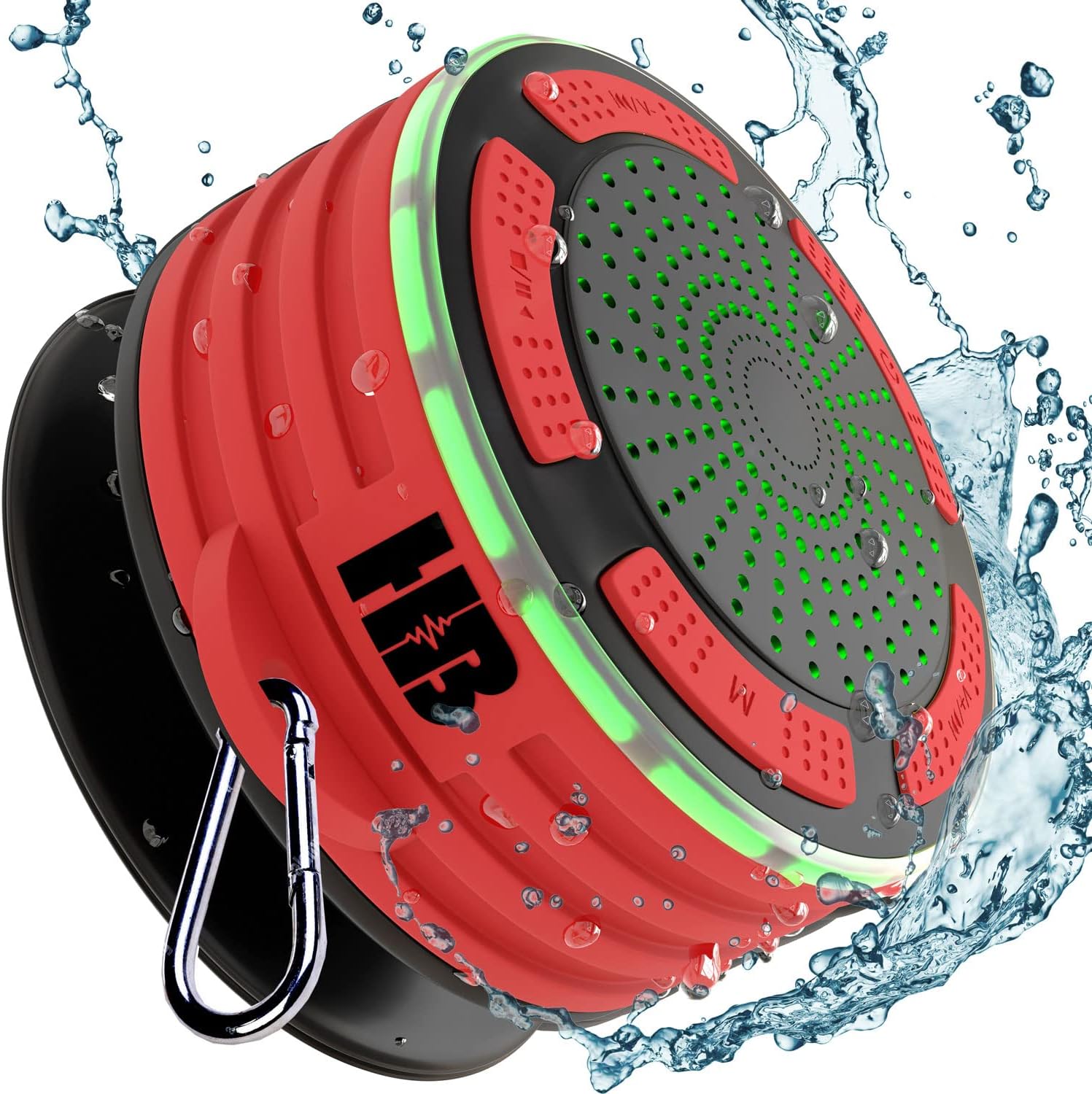
Figure 1.1: HB Bluetooth Shower Speaker (Red) with water splashes, demonstrating its waterproof capability.
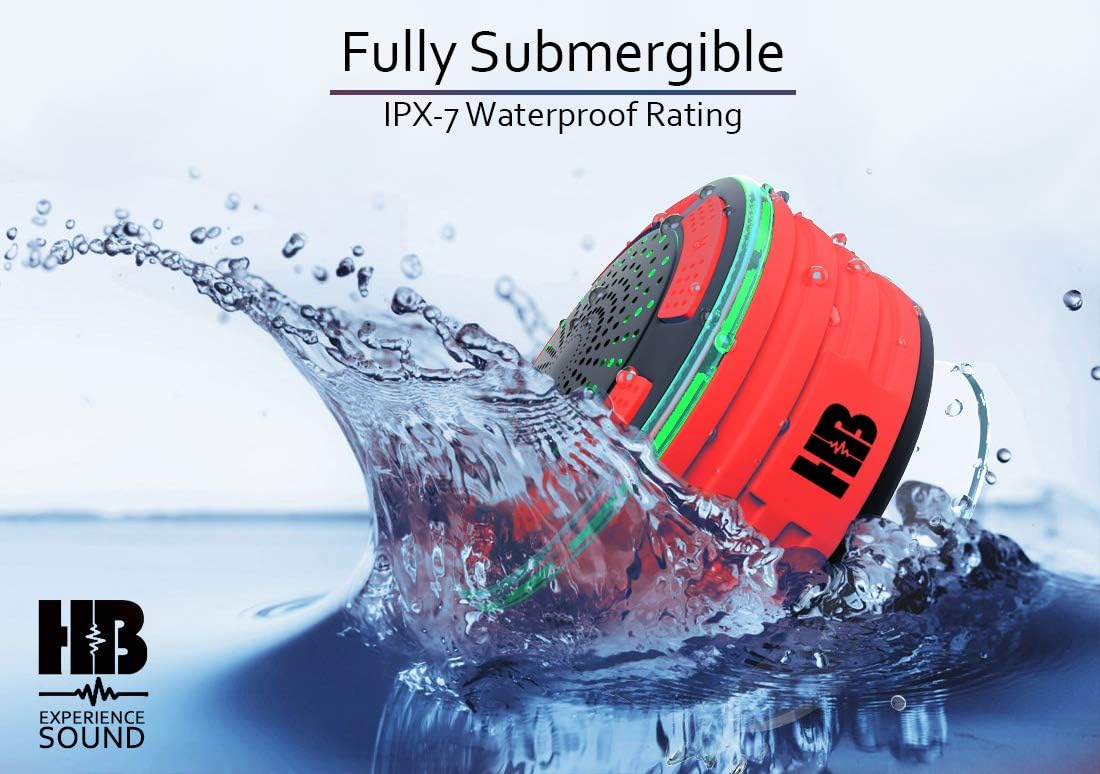
Figure 1.2: The speaker submerged in water, illustrating its IPX7 waterproof rating, allowing full submersion up to 1 meter.
2. Package Contents
Please check the box for the following items:
- HB Bluetooth Shower Speaker
- Micro USB Charging Cable
- Removable Suction Cup
- Carabiner Clip
- Owner's Manual (this document)
3. Product Overview
Familiarize yourself with the components and controls of your HB Bluetooth Shower Speaker.

Figure 3.1: Internal components and external features of the speaker, including the suction cup and carabiner clip.
Speaker Components:
- Speaker Grille: Audio output.
- Control Buttons: Power, Play/Pause, Volume Up/Next Track, Volume Down/Previous Track, Mode.
- Microphone: For hands-free calls.
- LED Indicator: Shows power and connection status.
- Charging Port: Micro USB port for charging (located under a waterproof cover).
- Suction Cup Mount: Detachable for mounting on smooth surfaces.
- Carabiner Clip Attachment Point: For hanging the speaker.
4. Setup
4.1 Charging the Speaker
Before first use, fully charge the speaker. The battery requires approximately 3 hours for a full charge from empty.
- Locate the waterproof cover on the side of the speaker and gently open it.
- Insert the small end of the Micro USB charging cable into the speaker's charging port.
- Connect the larger end of the USB cable to a USB power adapter (not included) or a computer's USB port.
- The LED indicator will illuminate during charging and turn off when fully charged.
- Once charging is complete, securely close the waterproof cover to maintain the speaker's IPX7 rating.
4.2 Bluetooth Pairing
Pair your speaker with a Bluetooth-enabled device (e.g., smartphone, tablet) to play audio wirelessly.
- Ensure the speaker is charged and turned off.
- Press and hold the Power button (⏻) for 3 seconds to turn on the speaker. The LED indicator will flash rapidly, indicating it's in pairing mode.
- On your device, enable Bluetooth and search for available devices.
- Select "HB Speaker" (or similar name) from the list of found devices.
- Once paired, the speaker will emit a confirmation tone, and the LED indicator will stop flashing and remain solid blue.
- The speaker will automatically reconnect to the last paired device when turned on, if the device is within range and Bluetooth is enabled.
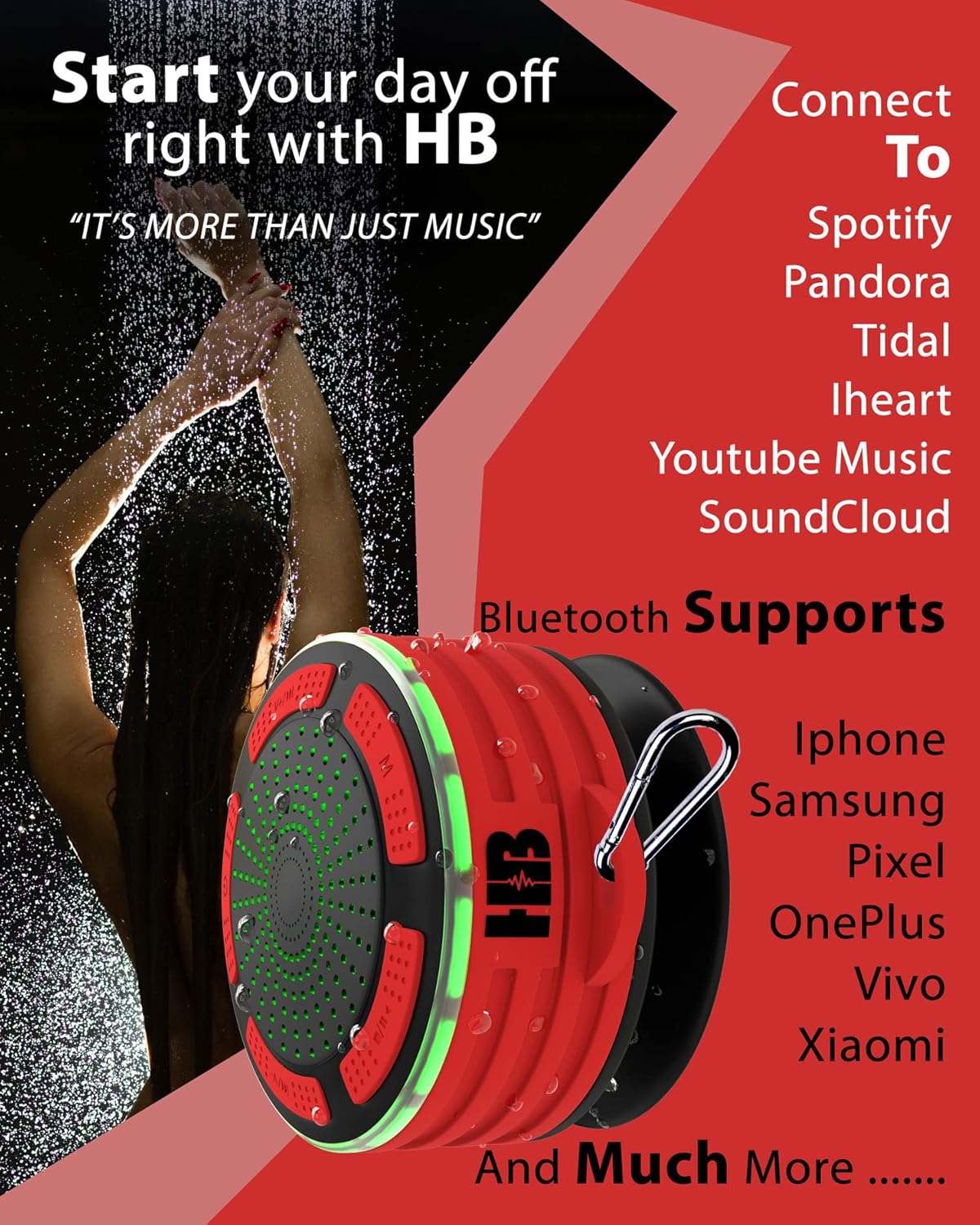
Figure 4.1: The speaker supports various streaming services and is compatible with a wide range of Bluetooth-enabled devices.
4.3 Attaching the Suction Cup / Carabiner Clip
The speaker offers flexible mounting options:
- Suction Cup: Attach the removable suction cup to the back of the speaker. Press the speaker firmly onto any smooth, non-porous surface (e.g., shower wall, tile, glass) until it adheres securely. Ensure the surface is clean and dry for best adhesion.
- Carabiner Clip: Use the included carabiner clip to hang the speaker from a hook, backpack, or other suitable fixture.

Figure 4.2: The speaker securely mounted to a shower wall using its suction cup, even with water present.
5. Operating Instructions
5.1 Power On/Off
- Power On: Press and hold the Power button (⏻) for 3 seconds.
- Power Off: Press and hold the Power button (⏻) for 3 seconds.
5.2 Music Playback (Bluetooth Mode)
- Play/Pause: Press the Play/Pause button (▶‖).
- Volume Up: Short press the Volume Up button (+).
- Volume Down: Short press the Volume Down button (-).
- Next Track: Long press the Volume Up button (+).
- Previous Track: Long press the Volume Down button (-).
5.3 Call Management
When connected via Bluetooth, you can manage phone calls directly from the speaker.
- Answer Call: Short press the Play/Pause button (▶‖) when an incoming call rings.
- End Call: Short press the Play/Pause button (▶‖) during a call.
- Reject Call: Long press the Play/Pause button (▶‖) when an incoming call rings.
5.4 FM Radio Operation
The speaker includes a built-in FM radio tuner.
- Turn on the speaker.
- Press the Mode button (M) to switch to FM Radio mode. The speaker will announce "FM Mode".
- Auto-Scan Stations: Long press the Play/Pause button (▶‖) to automatically scan and save available FM stations.
- Tune Stations: Short press the Volume Up (+) or Volume Down (-) buttons to switch between saved stations.
- To exit FM mode, press the Mode button (M) again.
5.5 LED Mood Lights
The speaker features multi-colored LED lights.
- Press the Mode button (M) repeatedly to cycle through different LED light modes (fixed colors, color cycling, off).
6. Maintenance
Proper care will ensure the longevity of your speaker.
- Cleaning: Wipe the speaker with a soft, damp cloth. Do not use abrasive cleaners or solvents.
- Water Resistance: Always ensure the charging port cover is securely sealed before exposing the speaker to water. After use in water, wipe the speaker dry.
- Storage: Store the speaker in a cool, dry place away from direct sunlight and extreme temperatures.
- Battery Care: To preserve battery life, charge the speaker regularly, even if not in frequent use. Avoid fully discharging the battery for extended periods.
7. Troubleshooting
If you encounter issues with your speaker, please refer to the following common problems and solutions:
| Problem | Possible Solution |
|---|---|
| Speaker won't turn on. | Ensure the speaker is fully charged. Press and hold the Power button for 3-5 seconds. |
| Cannot pair with Bluetooth device. |
|
| No sound or low volume. |
|
| Poor FM radio reception. | Move the speaker to a different location, away from potential interference. The speaker's charging cable can sometimes act as an antenna; try connecting it (without power) to see if reception improves. |
| "Battery Low" voice prompt is annoying. | This prompt indicates the battery is at approximately 25% and needs charging. Charge the speaker promptly to avoid interruption. There is no option to disable this voice prompt. |
8. Specifications
| Feature | Detail |
|---|---|
| Model | B07F88WF5M |
| Brand | HB |
| Connectivity Technology | Bluetooth 5.0 |
| Waterproof Rating | IPX7 (Submersible up to 1 meter) |
| Speaker Output | 5W |
| Bluetooth Range | Up to 8 meters (26 feet) |
| Battery | 3.7V/650 mAh Built-in Lithium-Ion |
| Playback Time | Up to 6 hours |
| Charging Time | Approximately 3 hours |
| Product Dimensions | 3.54 x 3.54 x 2.56 inches (9 x 9 x 6.5 cm) |
| Item Weight | 10.5 ounces (297 grams) |
| Special Features | Hi-Res Audio, Shockproof, USB Port, Waterproof, FM Radio, LED Mood Lights, Built-in Mic |
9. Warranty and Support
Money Back Guarantee: The manufacturer offers a refund if you are not 100% satisfied with the HB Shower Speaker. Please refer to your point of purchase for specific return and refund policies.
For further assistance or technical support, please contact the retailer or manufacturer directly. Contact information is typically available on the product packaging or the retailer's website.