
1. Introduction
This manual provides detailed instructions for the proper use and maintenance of your ICESOMNUS Sabbat X12 Pro Wireless Earbuds. Please read this manual thoroughly before using the product to ensure optimal performance and longevity.
Video Description: An overview video showcasing the ICESOMNUS X12 Pro Wireless Earbuds, highlighting their design, features, and various color options. The video demonstrates the earbuds in use and their charging case.
2. Product Overview
The ICESOMNUS Sabbat X12 Pro Wireless Earbuds offer a high-fidelity audio experience with advanced features designed for convenience and performance.
Key Features:
- Bluetooth 5.2 Technology: Ensures stable, low-latency connection with reduced power consumption.
- Extended Battery Life: Up to 30 hours of total listening time with the charging case, and 6 hours of playback per earbud charge.
- Automatic Connection: Earbuds automatically power on and connect to your device when removed from the charging case.
- Intuitive Controls: Simple touch controls for music playback, call management, and voice assistant activation.
- Voice Assistant Support: Quick access to Siri and Android Voice Assistant.
- Active Noise Cancellation (ENC): Enhances audio clarity by reducing ambient noise.
- Waterproof Design: Suitable for sports and active use.
What's Included:
- ICESOMNUS Sabbat X12 Pro Wireless Earbuds (Left and Right)
- Wireless Charging Case
- User Manual

Image Description: The ICESOMNUS Sabbat X12 Pro Wireless Earbuds in a vibrant 'Blooming' color pattern, placed inside their open white charging case. One earbud is also shown outside the case, displaying its unique design.
3. Setup
3.1. Charging the Case and Earbuds
Before first use, ensure both the charging case and earbuds are fully charged.
- Place the earbuds into the charging case. Ensure they are correctly seated to initiate charging.
- Connect the charging case to a power source using a Micro USB cable. The charging indicator lights will show the charging status.
- A full charge for the earbuds takes approximately 1 hour. The charging case capacity is 3.7V/750mAh, and each earbud has a 3.7V/60mAh capacity.
3.2. Initial Pairing
Follow these steps to pair your earbuds with a new device:
- Open the charging case and remove both earbuds. They will automatically power on and enter pairing mode.
- On your device (smartphone, tablet, etc.), enable Bluetooth and search for available devices.
- Select "Sabbat X12 Pro" from the list of found devices to connect.
- Once connected, you will hear a confirmation tone, and the earbuds' indicator lights will change.
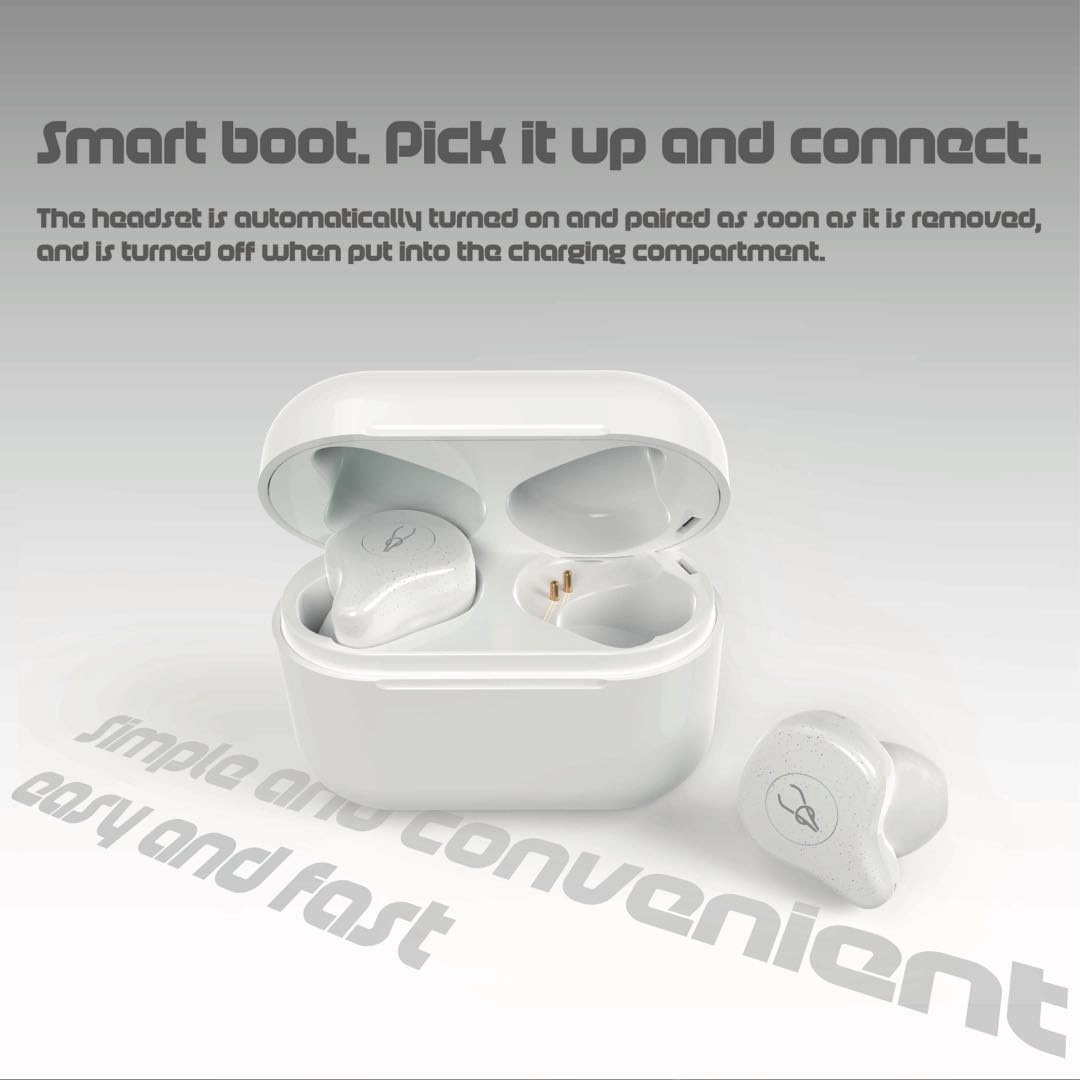
Image Description: The ICESOMNUS Sabbat X12 Pro Wireless Earbuds are shown outside their open charging case, illustrating the 'Smart Boot' feature where they automatically turn on and connect upon removal.
3.3. Automatic Connection
After the initial pairing, the earbuds will automatically connect to the last paired device when removed from the charging case. To disconnect, simply place them back into the charging case.
4. Operating Instructions
4.1. Basic Controls
The earbuds feature multi-function buttons for easy control:
- Single Click (Either Earbud): Play/Pause music, Answer/Hang up calls.
- Double Click (Right Earbud): Volume Up.
- Double Click (Left Earbud): Volume Down.
- Triple Click (Right Earbud): Next Song.
- Triple Click (Left Earbud): Previous Song.
4.2. Voice Assistant Activation
Access your device's voice assistant with a simple long press:
- Long Press (Either Earbud): Summon Siri (iOS) or Android Voice Assistant.

Image Description: A close-up image of an ICESOMNUS Sabbat X12 Pro earbud comfortably seated in a human ear, with a graphic representation of sound waves and text emphasizing the one-click Siri feature.
5. Maintenance
5.1. Cleaning
Regular cleaning helps maintain sound quality and hygiene:
- Use a soft, dry, lint-free cloth to wipe the earbuds and charging case.
- Do not use abrasive cleaners, solvents, or aerosol sprays.
- Gently clean the charging contacts on both the earbuds and the case with a cotton swab if necessary.
5.2. Storage
- When not in use, store the earbuds in their charging case to protect them and keep them charged.
- Store the product in a cool, dry place, away from extreme temperatures and direct sunlight.
6. Troubleshooting
If you encounter issues, try the following solutions:
- No Sound/Connection Issues:
- Ensure earbuds and charging case are fully charged.
- Verify Bluetooth is enabled on your device and the earbuds are selected.
- Try unpairing and re-pairing the earbuds with your device.
- Restart your device.
- One Earbud Not Working:
- Place both earbuds back into the charging case, close it, then reopen and remove them simultaneously.
- Ensure both earbuds have sufficient charge.
- Charging Issues:
- Check the Micro USB cable and power adapter for damage.
- Ensure charging contacts on earbuds and case are clean and free of debris.
7. Specifications
| Feature | Detail |
|---|---|
| Model Name | X12 Pro |
| Connectivity Technology | Wireless (Bluetooth 5.2) |
| Noise Control | Active Noise Cancellation |
| Frequency Response | 20 - 20000 Hz |
| Impedance | 32 Ohms |
| Sensitivity | 120 dB |
| Earbud Battery Capacity | 3.7V/60mAh |
| Charging Case Battery Capacity | 3.7V/750mAh |
| Battery Life (Earbuds) | 6 Hours (per charge) |
| Total Listening Time (with case) | 30 Hours |
| Charging Time | 1 Hour |
| Headphones Jack | Micro USB (for charging case) |
| Water Resistance Level | Waterproof |
| Material | Silicone |
| Item Weight | 9.6 ounces |
| Package Dimensions | 6.7 x 6.5 x 1.9 inches |
| Compatible Devices | Smartphones, Tablets, Laptops, Desktops, Smart TVs, Cars |

Image Description: A stylized image of a circuit board with a large '5.2' prominently displayed, representing the advanced Bluetooth 5.2 technology for stable and lossless audio transmission.
8. Safety Information
- Do not expose the earbuds or charging case to extreme temperatures, humidity, or liquids.
- Avoid dropping or applying excessive force to the product.
- Do not attempt to disassemble or modify the earbuds or charging case. This may void the warranty and cause damage.
- Keep out of reach of children and pets.
- Dispose of the product responsibly according to local regulations.
9. Warranty and Support
Your ICESOMNUS Sabbat X12 Pro Wireless Earbuds come with standard manufacturer support. For specific warranty details, please refer to the product packaging or contact the seller directly. Extended protection plans may be available for purchase separately.
For technical assistance or customer service, please visit the official ICESOMNUS store on Amazon or contact their customer support channels.