
1. Introduction
This manual provides detailed instructions for the installation, operation, and maintenance of your ExquizOn 100-inch 16:9 Motorized Projector Screen. Please read this manual thoroughly before using the product to ensure proper function and longevity.
The ExquizOn motorized projector screen features a 16:9 aspect ratio and a 100-inch diagonal viewing area (87.17" x 49.02"). It offers a 160-degree viewing angle and is compatible with various projector types including 4K, DLP, CRT, LCD, HD, and 3D. The screen is designed for both indoor and outdoor use, making it suitable for home theaters, offices, educational applications, gaming, and various events. Control options include a wall-mounted control panel and a remote control for convenient operation.
2. Package Contents
Verify that all components are present in the package:
- 1 x 100" Electric Motorized Screen
- 1 x Remote Control (Batteries not included)
- 1 x User Manual
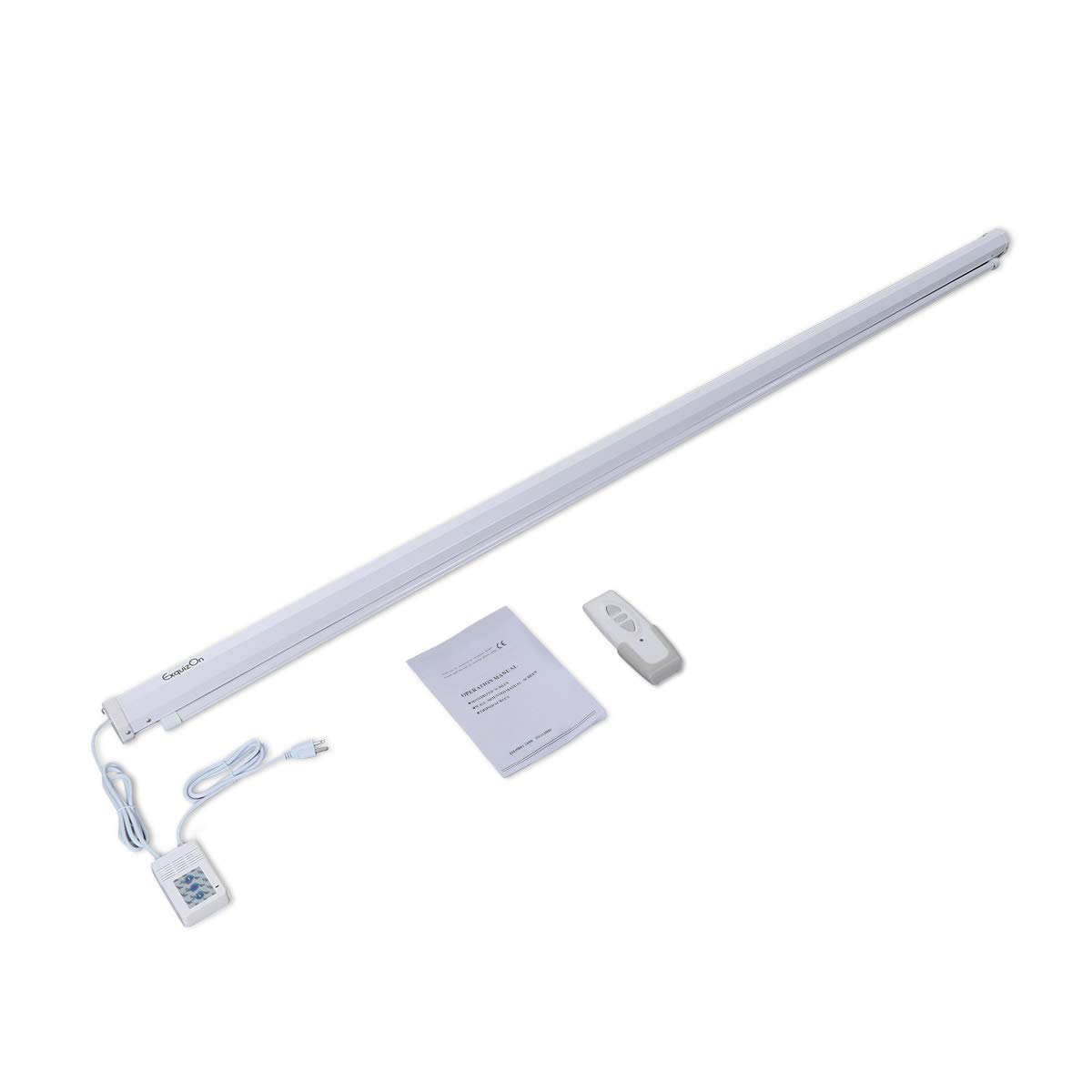
Image: Contents of the ExquizOn motorized projector screen package, showing the rolled screen, remote control, and user manual.
3. Safety Information
- Read all instructions before installation and operation.
- Ensure the screen is securely mounted to prevent accidental falls.
- Do not obstruct the screen's movement path.
- Keep the remote control away from children.
- Do not attempt to disassemble or repair the motor or electrical components. Contact qualified service personnel if needed.
- Use only the specified power supply.
4. Setup and Installation
4.1 Mounting Options
The projector screen offers flexible mounting options for ceiling or wall installation. Ensure the mounting surface is strong enough to support the screen's weight (approximately 9.05 kg).

Image: Illustration of two common methods for hanging the projector screen: ceiling mounting using hooks and wall mounting using brackets.
4.2 Wiring
Connect the power cord from the screen to a suitable electrical outlet. The screen features a wall-mounted control panel for direct operation. Ensure all connections are secure before powering on.

Image: Close-up details of the projector screen's construction, highlighting the power cable entry point and the end cap design.
5. Operating Instructions
The screen can be operated using either the included remote control or the integrated wall-mounted control panel.
5.1 Remote Control Operation
Insert batteries (not included) into the remote control. Use the 'Up' button to raise the screen, the 'Down' button to lower it, and the 'Stop' button to pause movement at any desired height. The motor operates quietly and smoothly, taking approximately 38 seconds to fully raise or lower the screen.

Image: The remote control for the projector screen, illustrating its function to freely adjust the screen's position.
5.2 Wall Control Panel Operation
The wall-mounted control panel provides an alternative method for operating the screen. It typically features buttons for 'Up', 'Down', and 'Stop', mirroring the remote control's functionality.
6. Maintenance
6.1 Cleaning the Screen Surface
The screen is made from high-quality PVC material that is anti-static and anti-acid, preventing dust accumulation. It can be cleaned easily with mild soap and water. Avoid using abrasive cleaners or harsh chemicals that could damage the screen surface.

Image: Cross-section view of the screen material, highlighting its multi-layered construction for durability and image quality, including white screen surface, special imaging PVC, polyester, and under-layer PVC.
7. Troubleshooting
- Screen does not move: Check if the power cord is securely plugged in. Ensure batteries in the remote control are fresh and correctly inserted.
- Remote control not working: Replace batteries. Ensure there are no obstructions between the remote and the screen's receiver.
- Uneven screen retraction/extension: This is rare. If observed, gently guide the screen during operation. If the issue persists, contact customer support.
- Image quality issues: Ensure your projector is correctly aligned and focused. The screen's black backing is designed to enhance contrast and reduce light penetration.
8. Specifications
| Screen Type | Electric Motorized Projector Screen |
| Diagonal Size | 100 inches |
| Aspect Ratio | 16:9 |
| Viewing Area (W x H) | 87.17" x 49.02" (221.4cm x 124.5cm) |
| Gain | 1.2 |
| Viewing Angle | 160° |
| Material | High-quality PVC (Anti-static, Anti-acid, Wrinkle-free, Washable, Mildew Resistant) |
| Control Methods | Remote Control, Wall Control Panel |
| Motor Operation Time | Approx. 38 seconds (full travel) |
| Item Weight | 9 kg 50 g |
| Package Dimensions | 256.54 x 14.48 x 13.72 cm |

Image: Diagram illustrating the 100-inch diagonal size and 16:9 aspect ratio of the projector screen, with width and height measurements.
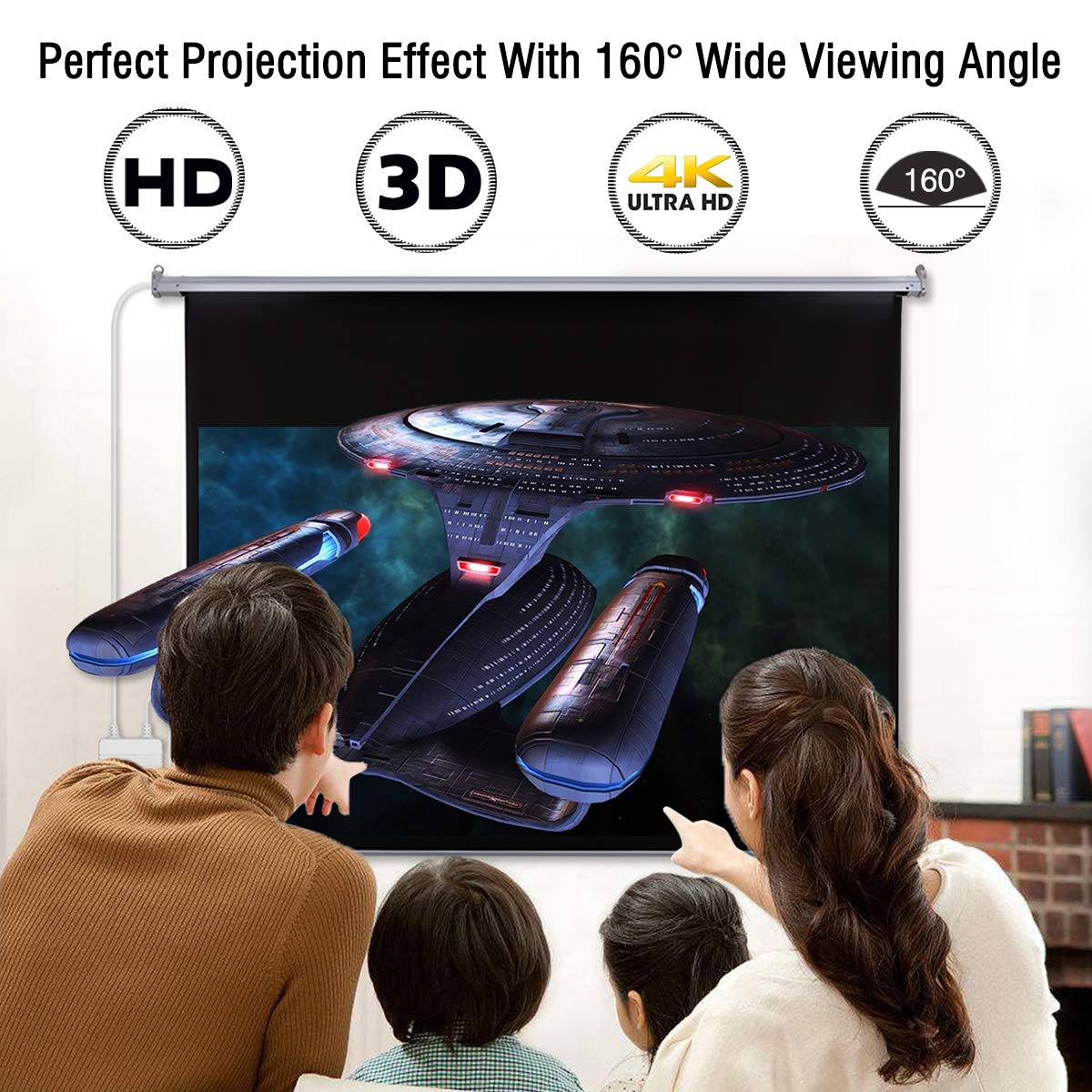
Image: A family enjoying a movie on the projector screen, demonstrating the perfect projection effect with a 160-degree wide viewing angle and compatibility with HD, 3D, and 4K Ultra HD content.
9. Warranty and Support
For warranty information or technical support, please refer to the contact details provided with your purchase documentation or visit the official ExquizOn website. Keep your purchase receipt as proof of purchase.