
Haoge OM-M43
Haoge Manual Lens Mount Adapter User Manual
Model: OM-M43

Official Haoge Product Documentation
Introduction
This manual provides detailed instructions for the Haoge Manual Lens Mount Adapter, designed to allow the use of Olympus OM Zuiko Mount Lenses on Olympus and Panasonic Micro Four Thirds (MFT/M4/3) mount cameras. This adapter is constructed from metal, ensuring durability and a secure fit. It facilitates manual focus and exposure control, as automatic functions are not supported.
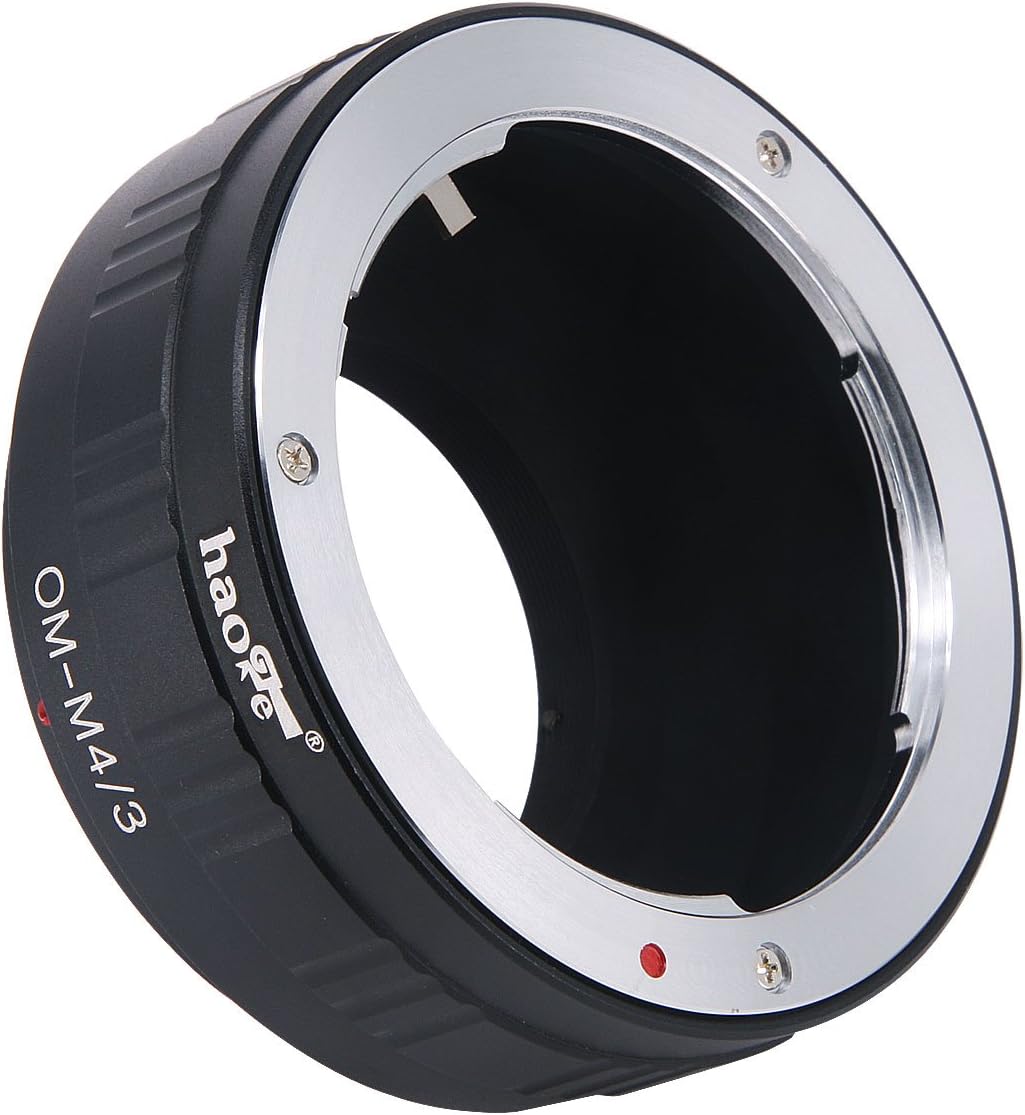
Image: Front view of the Haoge OM-M43 Lens Mount Adapter, showing the OM lens mount side.
Product Features
- Allows mounting of Olympus OM Lenses to Micro Four Thirds cameras.
- Constructed from durable metal for longevity.
- Supports AV (Aperture Priority) or M (Manual) shooting modes.
- Facilitates manual focus via the camera's LCD screen.
- Designed for easy installation and removal.
Compatibility
Compatible Lenses:
- All Olympus OM Mount Lenses (e.g., Zuiko series).
Compatible Cameras (Micro Four Thirds MFT/M4/3 Mount):
Olympus Cameras:
- E-M1, E-M1 II, E-M5, E-M5 II, E-M10, E-M10 II, E-M10 III
- E-P1, E-P2, E-P3, E-P5, PEN-F
- E-PL1, E-PL2, E-PL3, E-PL5, E-PL6, E-PL7, E-PL8, E-PL9
- E-PM1, E-PM2
Panasonic Cameras:
- GH1, GH2, GH3, GH4, GH5, GH5S
- G1, G2, G3, G5, G6, G7, G80, G85, G9, G10
- GX1, GX7, GX8, GX9, GM1, GM5, GX80, GX85, GX800, GX850
- GF1, GF2, GF3, GF5, GF6, GF7, GF8, GF9
Setup and Installation
Follow these steps to correctly attach the Haoge Manual Lens Mount Adapter to your camera and lens:
- Prepare the Lens: Ensure your Olympus OM lens is clean and free of dust.
- Attach Adapter to Lens: Align the red dot on the adapter with the red dot on your Olympus OM lens. Rotate the lens clockwise until it clicks securely into place.
- Attach Adapter and Lens to Camera: Align the red dot on the adapter (now attached to the lens) with the red dot on your Micro Four Thirds camera body. Rotate the lens and adapter assembly clockwise until it clicks securely into place.
- Removal: To remove, press the lens release button on your camera body and rotate the lens/adapter counter-clockwise. To separate the lens from the adapter, press the release tab on the adapter and rotate the lens counter-clockwise.

Image: The adapter's OM mount side, ready to attach to an Olympus OM lens.

Image: The adapter's Micro Four Thirds mount side, ready to attach to a camera body.
Operating Instructions
This manual adapter does not support electronic communication between the lens and the camera. Therefore, all operations related to focus and exposure must be performed manually.
- Manual Focus: Adjust the focus ring on your Olympus OM lens until the subject appears sharp on your camera's LCD screen or through the electronic viewfinder. Utilize focus peaking or magnification features on your camera for precise focusing.
- Manual Exposure:
- Aperture Control: Adjust the aperture directly on your Olympus OM lens's aperture ring.
- Shutter Speed and ISO: Set the shutter speed and ISO sensitivity manually on your camera body to achieve the desired exposure.
- Metering Mode: It is recommended to use your camera in Manual (M) mode or Aperture Priority (AV/A) mode. In Aperture Priority mode, the camera will automatically select a shutter speed based on the manually set aperture and ISO.
- Shooting: Once focus and exposure are set, proceed to capture your image as usual.
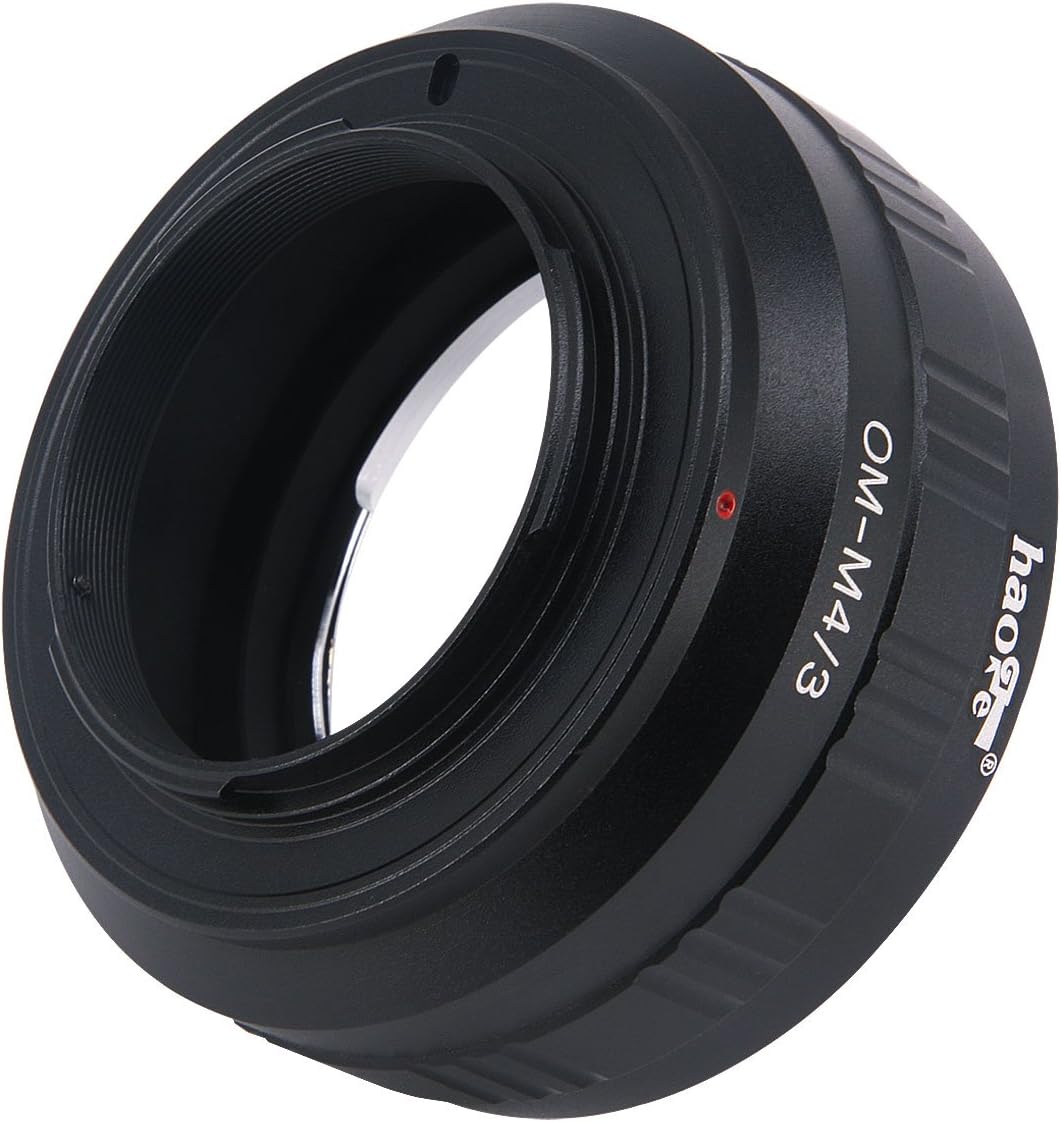
Image: Front view of the adapter, highlighting the "OM-M4/3" designation.
Specifications
| Feature | Detail |
|---|---|
| Model Number | OM-M43 |
| Lens Compatibility | Olympus OM Mount Lenses |
| Camera Compatibility | Micro Four Thirds (MFT/M4/3) Mount Cameras (Olympus, Panasonic) |
| Material | Metal |
| Dimensions (Package) | 3.07 x 3.03 x 1.34 inches |
| Item Weight | 2.46 ounces |
| Autofocus Support | No (Manual Focus Only) |
| Automatic Aperture Support | No (Manual Aperture Control) |
| AE Metering Support | No (Manual Exposure Adjustment) |
Maintenance and Care
To ensure the longevity and optimal performance of your Haoge Lens Mount Adapter, follow these care guidelines:
- Cleaning: Use a clean, dry microfiber cloth to wipe the exterior of the adapter. Avoid using liquid cleaners or solvents, as they may damage the finish or internal components.
- Dust Prevention: When not in use, keep both ends of the adapter covered with lens caps or body caps to prevent dust and debris from entering.
- Storage: Store the adapter in a cool, dry place, away from direct sunlight and extreme temperatures.
- Handling: Always handle the adapter by its body. Avoid touching the mounting surfaces to prevent contamination or damage.

Image: Top view of the adapter, showing its robust metal construction.
Troubleshooting
Here are some common issues and their solutions when using the Haoge Manual Lens Mount Adapter:
- Issue: Autofocus is not working.
Solution: This is expected behavior. The Haoge Manual Lens Mount Adapter does not have electrical contacts, so autofocus, automatic aperture, and AE metering are disabled. You must focus and adjust exposure manually. - Issue: Camera is not recognizing the lens or not taking photos.
Solution: Ensure your camera is set to shoot without a lens or in a manual mode (M or AV/A). Many mirrorless cameras have a setting like "Release Shutter without Lens" or "Shoot without Lens" that needs to be enabled when using manual adapters. Refer to your camera's instruction manual for this specific setting. - Issue: Lens or adapter feels loose on the camera body.
Solution: Ensure both the lens-to-adapter and adapter-to-camera connections are fully seated and clicked into place. If the issue persists, inspect the mounting surfaces for any debris or damage. - Issue: Images are consistently over- or under-exposed.
Solution: Since AE metering is disabled, you must manually adjust shutter speed, ISO, and aperture to achieve correct exposure. Use your camera's histogram or exposure meter as a guide. Experiment with different settings to find the optimal exposure for your shooting conditions.
Official Product Videos
No official product videos from the seller are available for this specific model at this time.
Warranty and Support
For warranty information and customer support, please refer to the official Haoge website or contact your retailer. Keep your purchase receipt as proof of purchase.
For further assistance, you may visit the Haoge Store on Amazon.