
Retevis RT29 (FA9140AX4-J9131MX4)
Retevis RT29 Two Way Radio Instruction Manual
Heavy Duty, Long Range, Professional Communication
1. Introduction
Thank you for choosing the Retevis RT29 Two Way Radio. This professional-grade walkie-talkie is engineered for robust performance and reliable communication in challenging environments. With its long-range capabilities, durable construction, and extended battery life, the RT29 is an ideal solution for construction sites, school security, patrol teams, and other demanding applications. This manual will guide you through the features, setup, operation, and maintenance of your new radio.

Image: Retevis RT29 Two Way Radios with accessories.
2. What's in the Box
Upon unpacking your Retevis RT29, please ensure all the following items are present:
- 4x RT29 Long Range Walkie Talkies and Antenna
- Battery
- 4x Desktop Charger and Adapter, Belt clip
- 4x IP67 Shoulder Mic
- User Manual
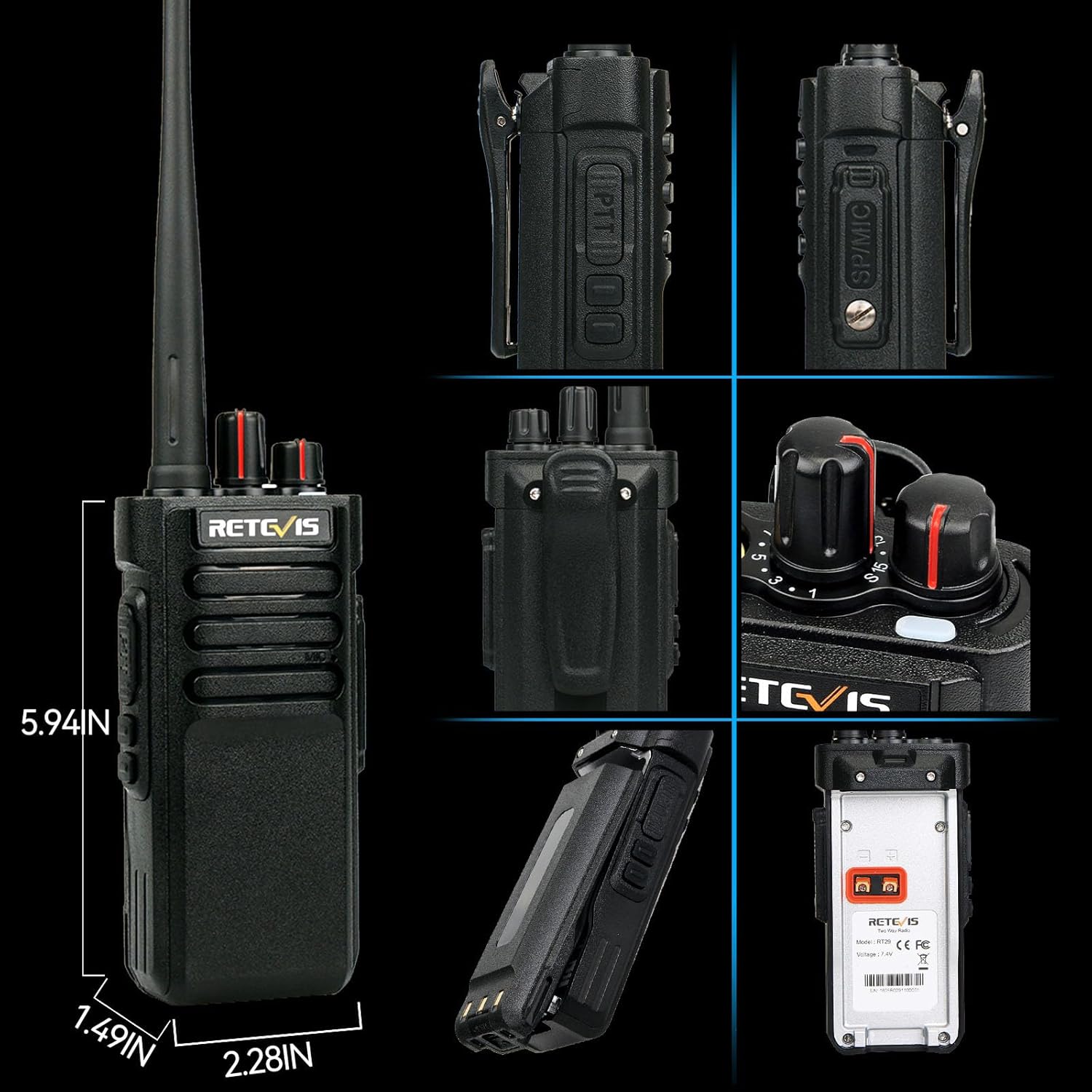
Image: Complete package contents of the Retevis RT29.
3. Key Features
- Long Range Communication: The RT29 walkie-talkie, with high power output, can cover up to 700,000 square feet and reach up to 50 floors, making it suitable for high-rise buildings, large industrial parks, and construction sites.
- Large Capacity Battery: Equipped with a 3200 mAh battery, each walkie-talkie supports approximately 24 hours of working time and 7 days of standby time on a full charge, meeting the needs of standard shifts without frequent recharging.
- Rugged and Durable Design: With dust-proof and drop-proof design, the RT29 can withstand shock and vibration in harsh environments, including a 2-meter drop, ensuring a longer service life.
- Waterproof Speaker Microphone: The included waterproof microphone provides stable and reliable audio even in bad weather, allowing for easy communication without holding the radio.
- Easy to Use: Simple design suitable for immediate use, eliminating the need for complicated buttons and screens, even for novices.
- Secure Communication: Features 16 preset channels, 50 non-standard CTCSS, and 232 DCS codes to minimize interference. An emergency alarm function enhances staff safety.
- CHIRP Support: Allows customization of side key functions to meet specific work requirements. Supports VOX and squelch functions.

Image: Long range communication capability.
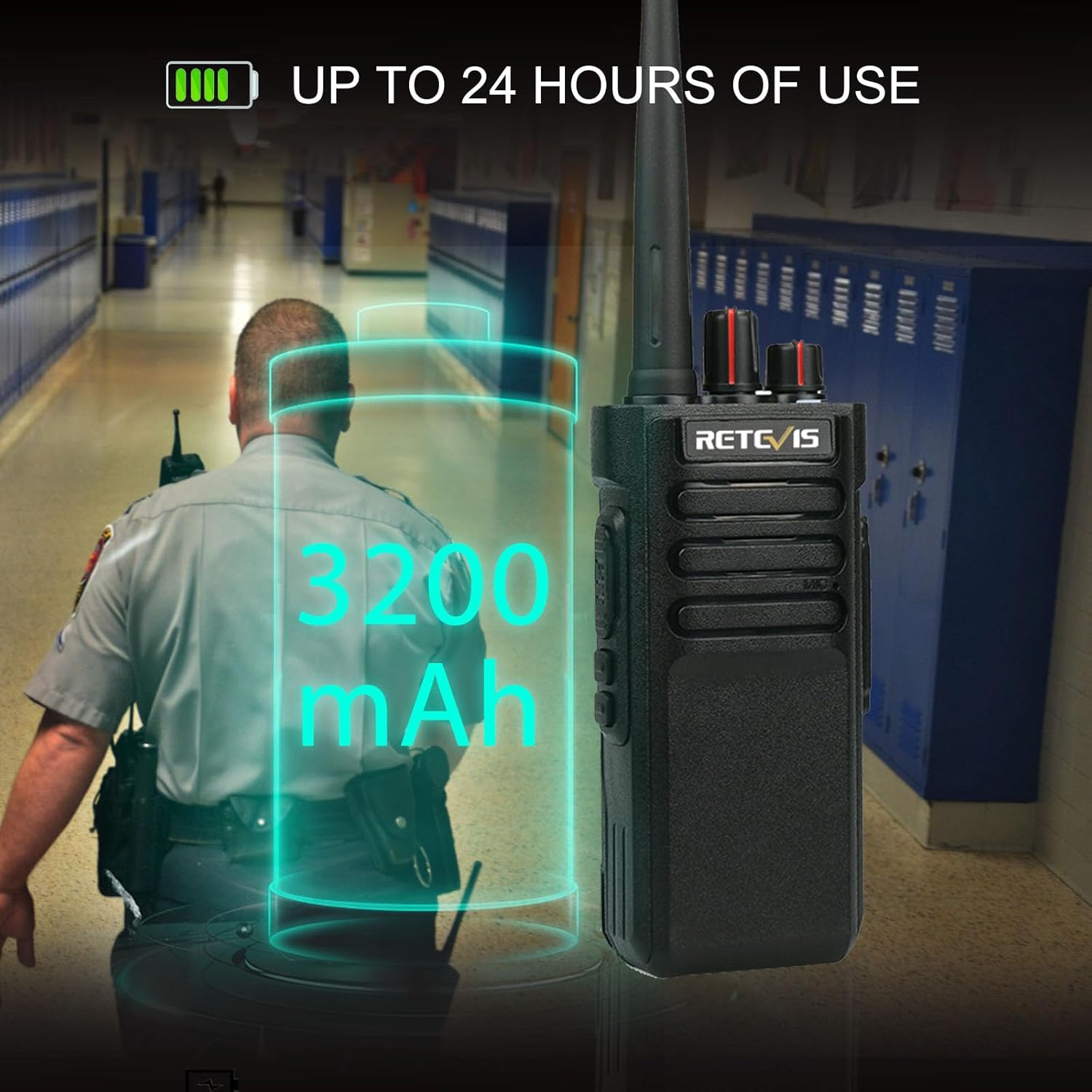
Image: Extended battery life.
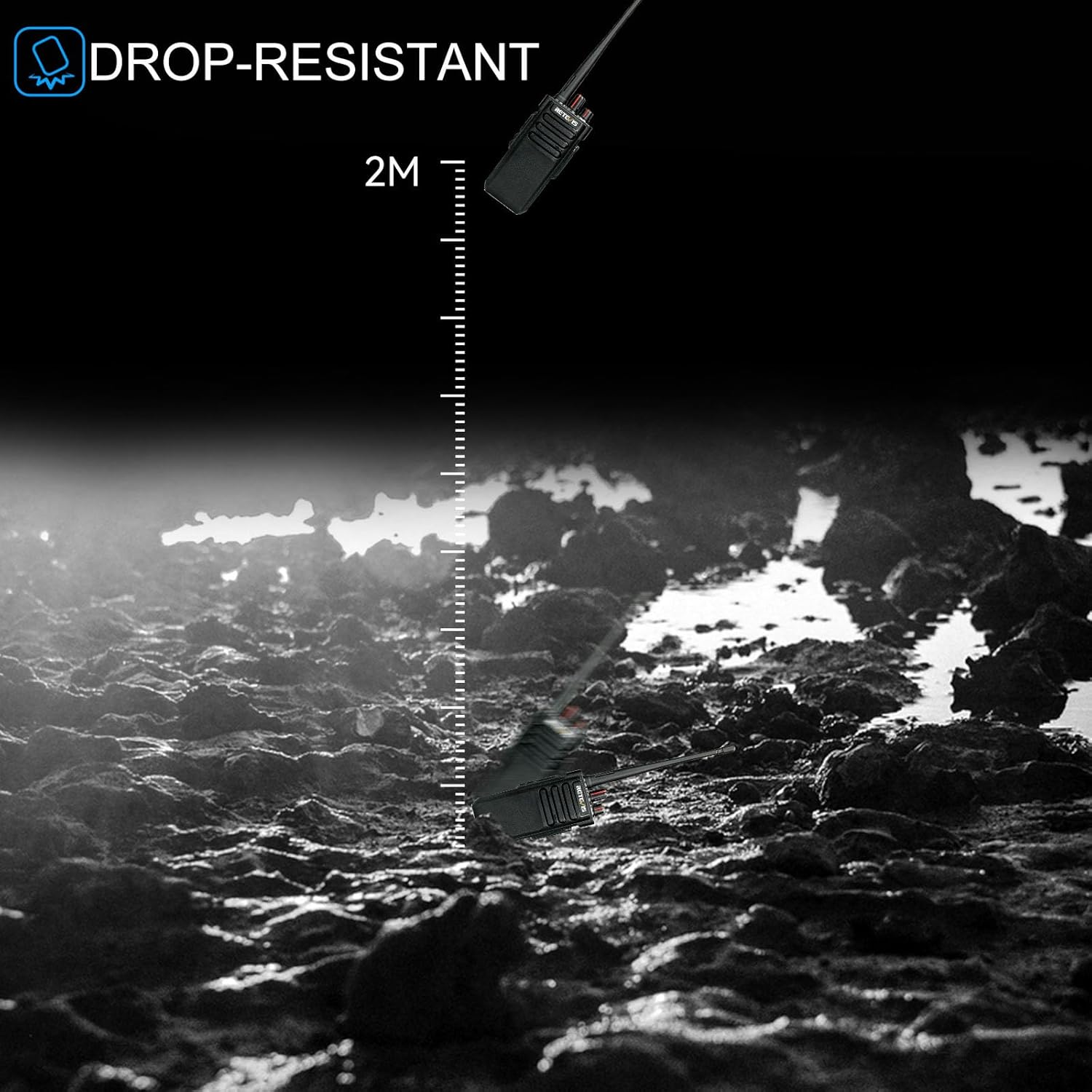
Image: Drop-resistant feature.

Image: IP55 Waterproof Microphone.
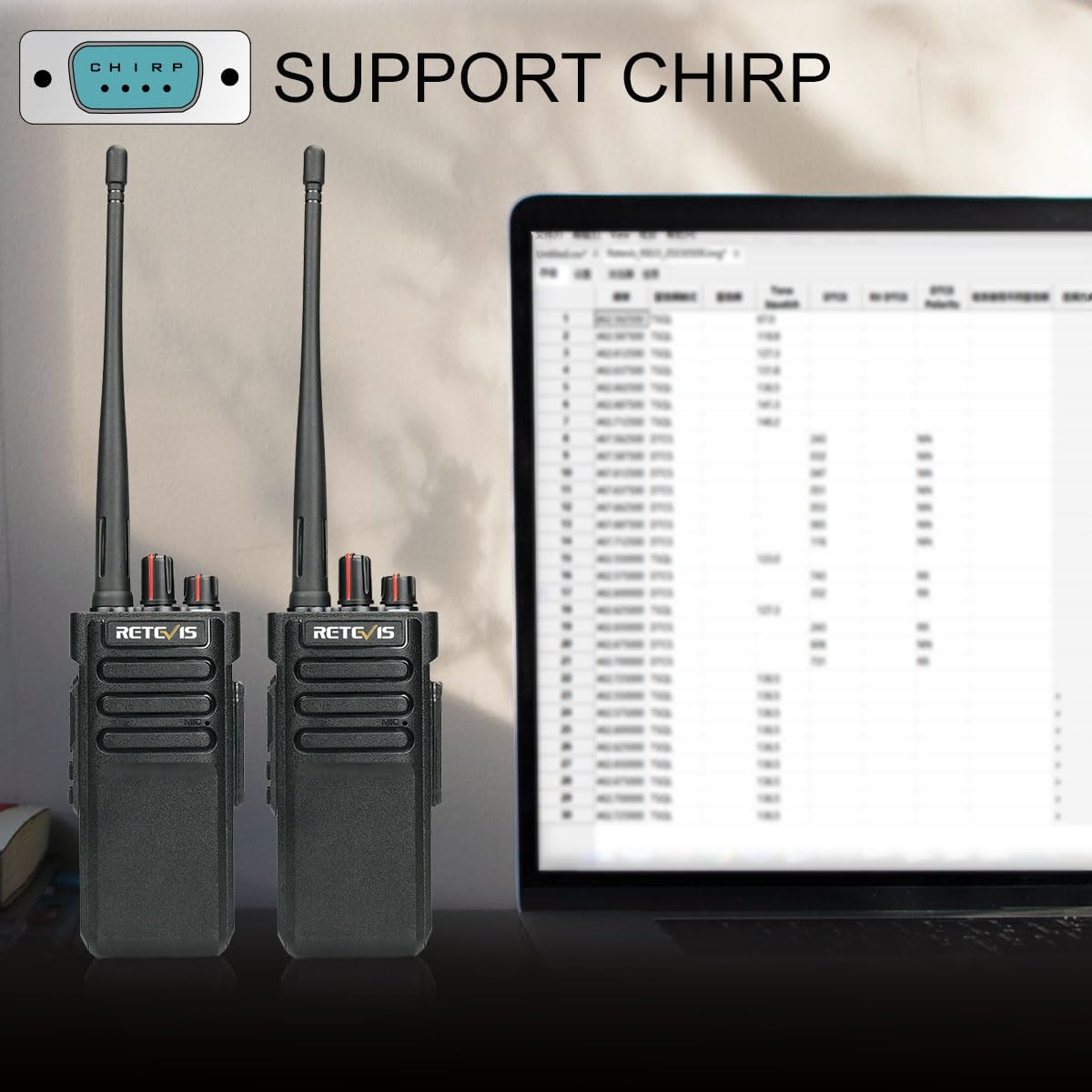
Image: CHIRP programming support.
4. Setup Guide
4.1. Charging the Battery
Before first use, fully charge the battery. Connect the charging base to a power outlet using the provided adapter. Place the radio with the battery attached into the charging slot. The indicator light on the charger will show the charging status (typically red for charging, green for fully charged).
4.2. Attaching the Antenna and Belt Clip
Screw the antenna clockwise into the connector on top of the radio until it is finger-tight. Attach the belt clip to the back of the radio using the provided screws.
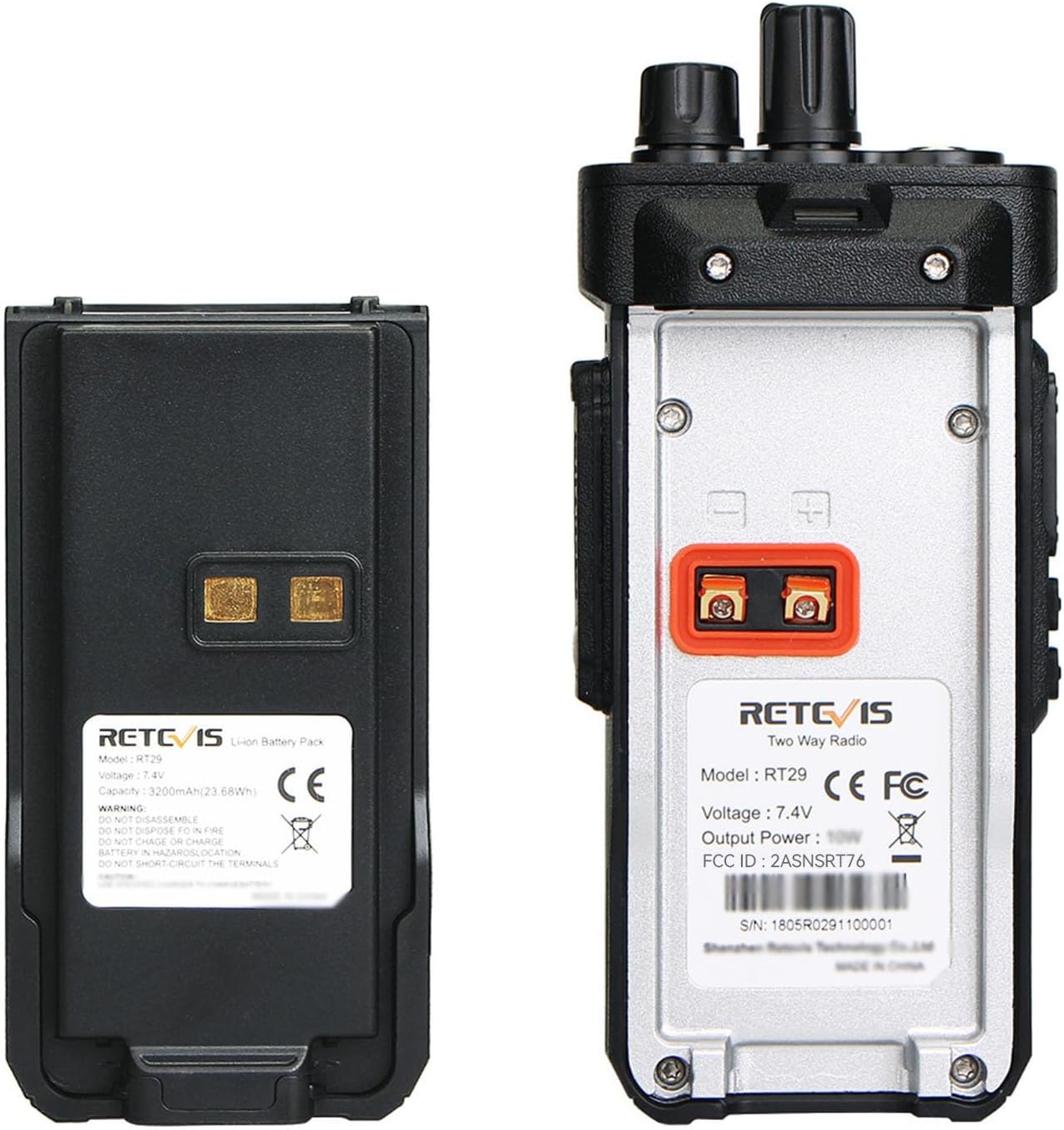
Image: Retevis RT29 battery and radio back view.
4.3. Attaching the Speaker Microphone
Align the connector of the shoulder microphone with the accessory jack on the side of the radio and push firmly until it clicks into place. Ensure a secure connection for optimal audio performance.
5. Operating Instructions
5.1. Power On/Off and Volume Control
To power on the radio, rotate the top-left knob clockwise. Continue rotating to adjust the volume. To power off, rotate the knob counter-clockwise until it clicks.
5.2. Channel Selection
Rotate the top-right knob to select one of the 16 available channels. Ensure all radios in your group are set to the same channel for communication.
5.3. Transmitting and Receiving
To transmit, press and hold the Push-to-Talk (PTT) button on the side of the radio or the shoulder microphone. Speak clearly into the microphone. Release the PTT button to receive. The radio will automatically receive signals when not transmitting.
5.4. Understanding Radio Range
The effective range of your two-way radio is influenced by several factors, including terrain, obstacles, radio power, antenna quality, and atmospheric conditions. For a comprehensive understanding of two-way radio range, please watch the following official video:
Video: An informative video from Retevis Direct explaining the truth about two-way radio range and factors affecting it.
To maximize your communication range:
- Increase the transmission power (in theory, if the transmission power is doubled, the communication distance can be expanded to approximately 1.4 times the original distance).
- Improve the receiving sensitivity (adjust the squelch threshold of the walkie-talkie and use a high-gain antenna to correspondingly improve the receiving sensitivity of the walkie-talkie).
- Keep launching from a higher location.
- Keep your battery charged.
6. Maintenance
6.1. Cleaning
Regularly clean the radio's surface with a soft, damp cloth. Avoid using harsh chemicals or abrasive cleaners. Ensure the speaker microphone and accessory ports are free of debris.
6.2. Battery Care
To prolong battery life, avoid overcharging or completely draining the battery. Store the radio and batteries in a cool, dry place when not in use for extended periods.
6.3. Storage
When storing the radio, especially for long periods, remove the battery. Store the radio in a dry, dust-free environment away from direct sunlight and extreme temperatures.
7. Troubleshooting
If you encounter issues with your Retevis RT29, please refer to the following common problems and solutions:
- No Power: Ensure the battery is fully charged and properly installed. Check if the power/volume knob is turned on.
- No Sound/Poor Audio: Verify the volume is turned up. Check that the speaker microphone is securely connected. Ensure all radios are on the same channel. Adjust the squelch level if necessary.
- Limited Range: Review the "Understanding Radio Range" section. Ensure your antenna is securely attached. Try moving to a higher or more open location.
- Interference: Change to a different channel. Ensure your CTCSS/DCS codes are correctly set to avoid interference from other radio users.
8. Technical Specifications
| Specification | Value |
|---|---|
| Item Weight | 11.8 ounces |
| Product Dimensions | 2.4 x 8.9 x 11.06 inches |
| Item model number | FA9140AX4-J9131MX4 |
| Batteries | 4 Lithium Ion batteries required. (included) |
| Manufacturer | Retevis |
| Color | Black |
| Number of Channels | 16 |
| Frequency Range | RT29 |
| Talking Range Maximum | 7 Mile |
| Tuner Technology | 2m band |
| Voltage | 7.4 Volts |
| Water Resistance Level | Water Resistant |
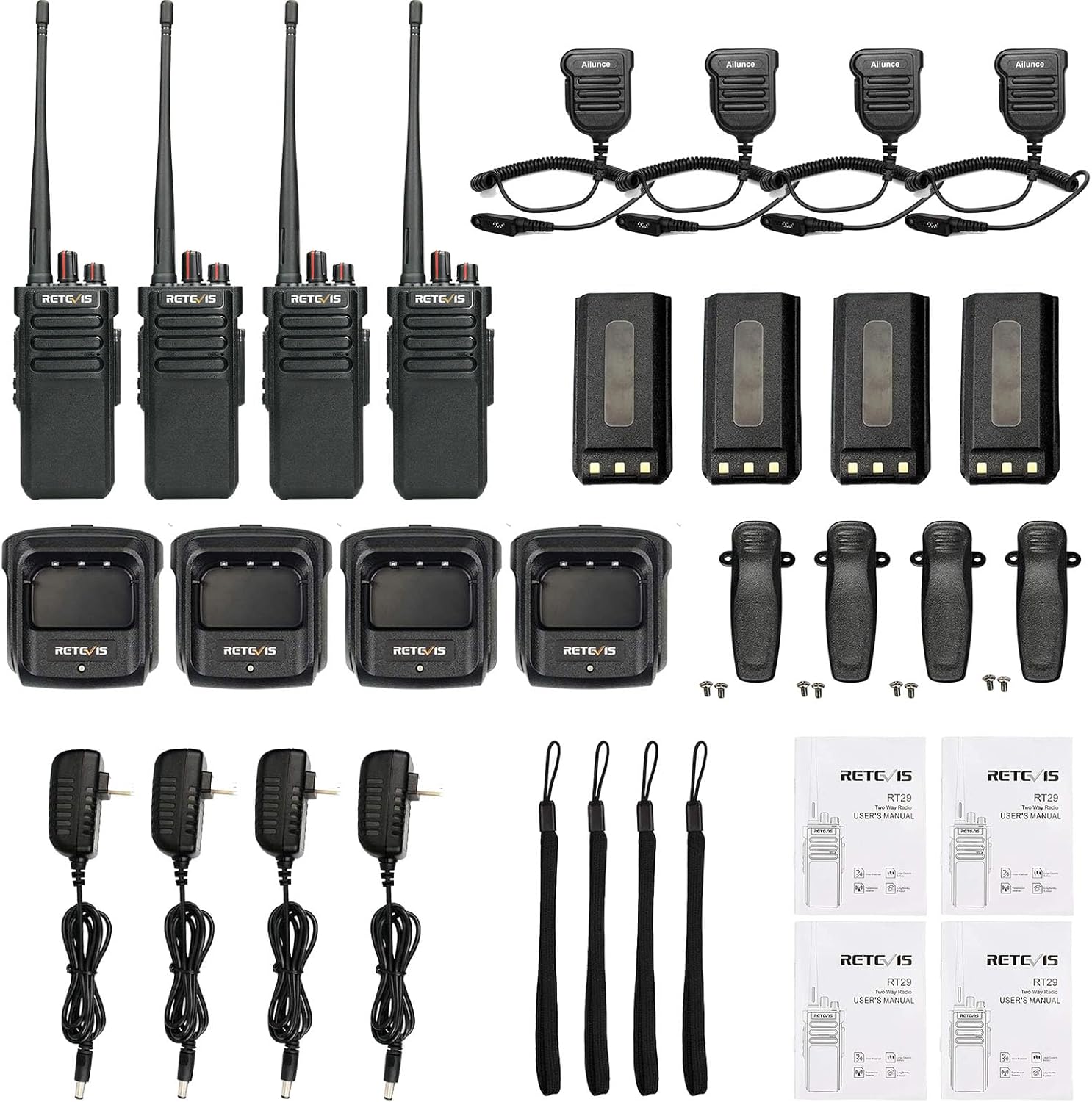
Image: Retevis RT29 dimensions.
9. Warranty and Support
Retevis provides a 3-year warranty for the radio body and a 1-year warranty for accessories. If any issues arise within the warranty period, please contact us on Amazon. We commit to replying within 12 hours.
Beyond the warranty period, we still offer maintenance services. Buyers are required to cover corresponding costs. Our aim is to process all support requests in the most hassle-free way possible.
For further assistance or inquiries, please visit the official Retevis Store on Amazon or contact customer support through your purchase platform.
Related documentsRT29 (FA9140AX4-J9131MX4)


Ask a question about this manual
Ask about setup, troubleshooting, compatibility, parts, safety, or missing instructions. Manuals+ will review the question and use this page’s manual context to help answer it.