
Product Overview
The AquaVault 100% Waterproof Floating Smart Phone Case & Money Pouch is designed to protect your smartphone and valuables from water, dirt, dust, sand, rain, and snow. Its patented floating airbag design ensures your device remains buoyant if dropped in water. The case features a super clear screen and polycarbonate lens for clear underwater photography and video recording, along with a unique rolling ziploc system and double velcro locking mechanism for maximum protection. It also includes an adjustable neck strap for convenient carrying.
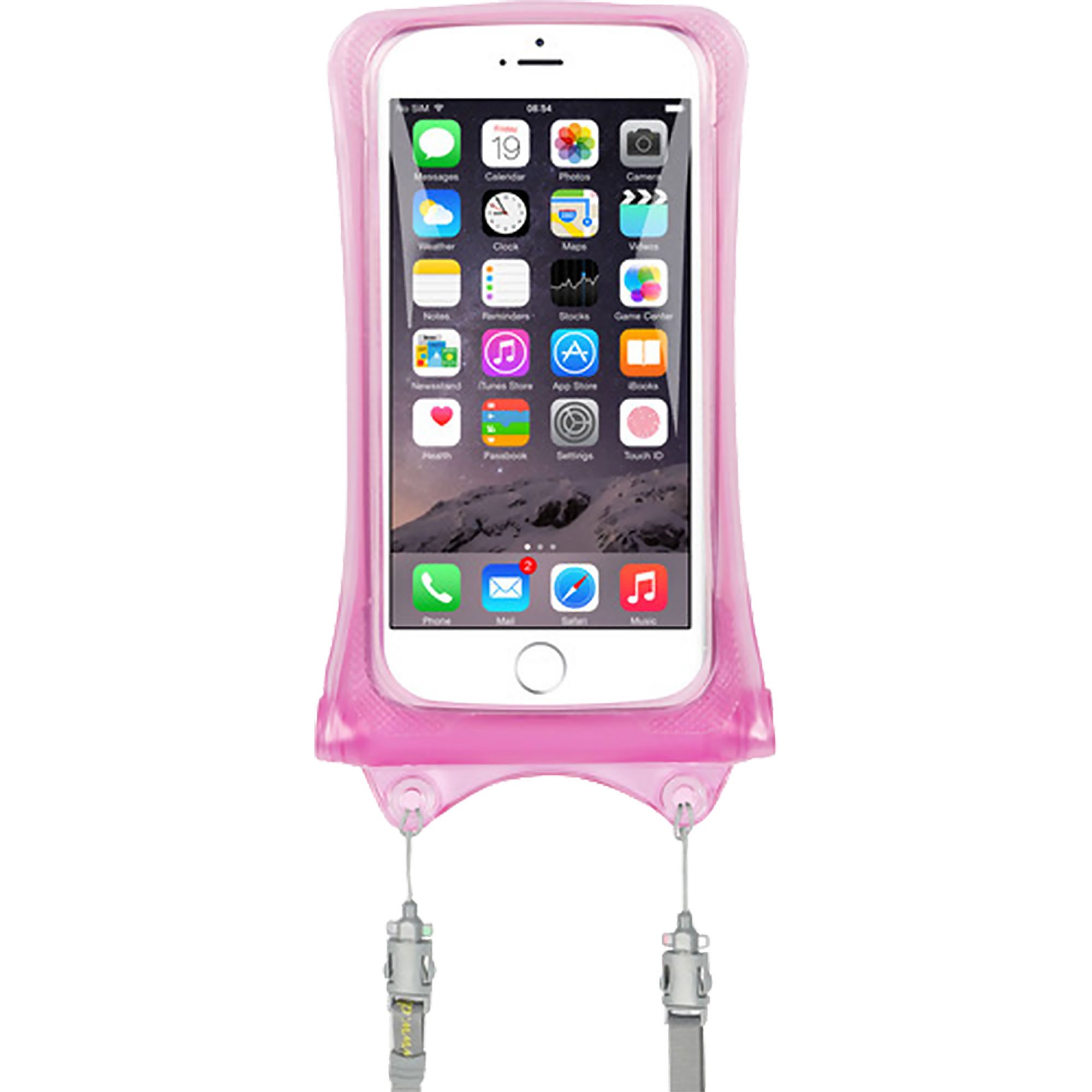
Image: AquaVault Waterproof Floating Smart Phone Case in Pink.
Setup
- Initial Waterproof Test: Before first use with your device, perform a waterproof test. Insert a dry tissue into the case, seal it completely, and submerge it in water for at least 30 minutes. After removal, check the tissue for any signs of moisture. If the tissue is wet, do not use the case and contact customer support.
- Inserting Your Phone: Open the double velcro and rolling ziploc system. Carefully slide your smartphone into the pouch. Ensure no sharp objects are inside the case that could puncture the material.
- Sealing the Pouch:
- Align the edges of the ziploc seal and press firmly to close it completely across the entire width.
- Roll down the top edge of the case tightly at least three times.
- Secure the rolled top with the double velcro straps. Ensure the velcro is firmly attached to prevent accidental opening.
- Attaching the Neck Strap: Attach the adjustable neck strap to the designated loops on the case for secure carrying.
Video: Demonstrates how to use the AquaVault case, including sealing and handling in water. This video is provided by AquaVault, Inc.
Operating Instructions
Using Your Phone in the Case
- Touchscreen Functionality: The transparent material allows for full touchscreen functionality. You can text, email, browse social media, and use apps while your phone is securely inside the case.
- Taking Photos and Videos Underwater: The super clear screen and polycarbonate lens are designed to allow for clear photo and video capture up to 30 feet underwater. Ensure your phone's camera app is open before submerging for easier operation.
- Making Calls and Listening to Music: You can make and receive calls, and listen to music through the case. Audio quality may be slightly reduced due to the protective layers.

Image: A person using the AquaVault phone case to take photos underwater.

Image: A man talking on his phone while it is secured in the AquaVault case by a pool.
Floating Feature
The patented floating airbag design ensures that if the case is accidentally dropped in water, it will float to the surface, making it easy to retrieve your device.

Image: The AquaVault phone case floating on the surface of a swimming pool.
Neck Strap Usage
The adjustable neck strap provides a secure and convenient way to carry your phone case, keeping it accessible while preventing loss in active environments.

Image: A man on a jet ski wearing the AquaVault phone case around his neck.
Maintenance
- Cleaning: After each use, especially in saltwater, rinse the case thoroughly with fresh water. Wipe it dry with a soft cloth. Do not use abrasive cleaners or solvents.
- Storage: Store the case in a cool, dry place away from direct sunlight and sharp objects. Ensure the case is completely dry before storing.
- Regular Inspection: Periodically inspect the case for any signs of wear, tears, or damage to the seals. Discontinue use if any damage is found.
Troubleshooting
| Problem | Possible Cause | Solution |
|---|---|---|
| Water inside the case after use. | Improper sealing, damaged seal, or puncture. | Ensure the ziploc and velcro seals are completely closed. Perform a waterproof test. If damage is found, discontinue use. |
| Touchscreen unresponsive. | Air trapped inside, excessive pressure, or screen protector interference. | Remove excess air before sealing. Avoid pressing too hard. Some screen protectors may affect sensitivity. |
| Fogging inside the case. | Temperature difference between phone and environment, or humidity. | Ensure phone is dry before inserting. Avoid extreme temperature changes. A small desiccant packet can help. |
Specifications
| Feature | Detail |
|---|---|
| Brand | AquaVault |
| Model Number | AV03-PhoneCase |
| Compatible Phone Models | All smartphones |
| Material | Polycarbonate, Polyvinyl Chloride (PVC) |
| Water Resistance Level | Waterproof (up to 30 feet) |
| Additional Features | Floating design, RFID Blocking, Adjustable Neck Strap, Reinforced Corners |
| Item Dimensions | 4 x 0.5 x 7.5 inches |
| Item Weight | 0.15 Pounds |
| UPC | 609408295362 |
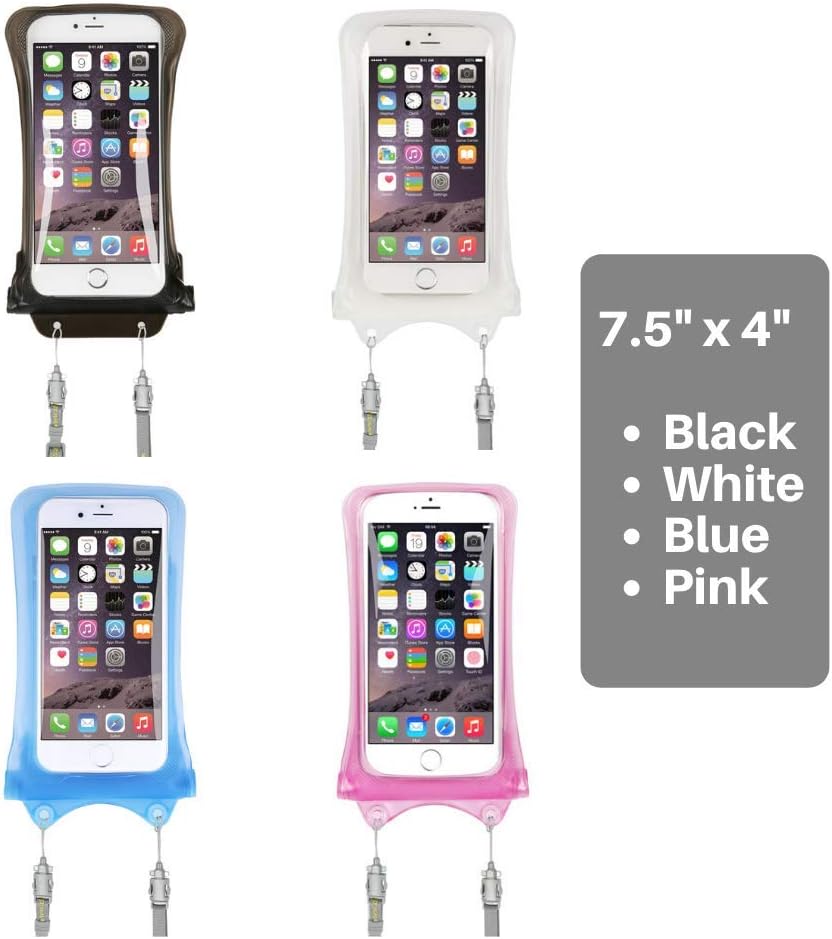
Image: AquaVault phone cases in black, white, blue, and pink, showing dimensions.
Warranty and Support
For warranty information and customer support, please refer to the product packaging or visit the official AquaVault website. Keep your proof of purchase for any warranty claims.
Manufacturer: AquaVault
Seller: AquaVault, Inc.
Additional Resources
Video: AquaVault Waterproof Floating Phone Case and Money Pouch overview. This video is provided by AquaVault, Inc.
Video: Demo of the AquaVault Waterproof Phone Case. This video is provided by AquaVault, Inc.
Video: AquaVault Waterproof Phone Case in action with sharks. This video is provided by AquaVault, Inc.
Video: Overview of Best Travel Accessories by AquaVault. This video is provided by AquaVault, Inc.