
1. Introduction
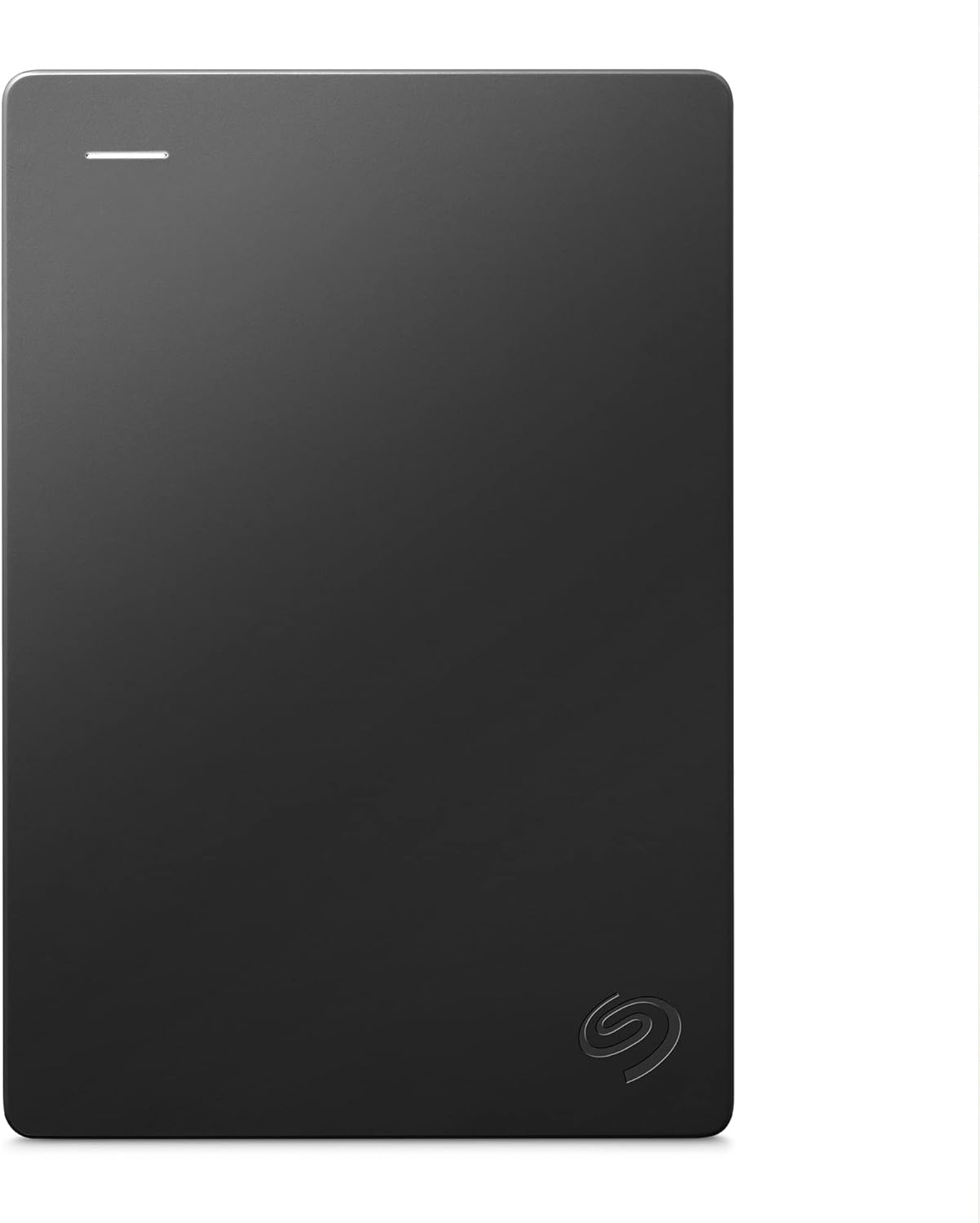
The Seagate Portable Drive is a compact and reliable external hard drive designed for easy storage and access of your digital content. With 1TB of capacity, it provides ample space for documents, photos, videos, and more. Its portable design allows you to carry your data wherever you go, making it an ideal solution for both personal and professional use.
2. Setup
Setting up your Seagate Portable Drive is straightforward and requires no software installation. The drive is preformatted for Windows computers, offering plug-and-play simplicity. For Mac users, reformatting may be required for optimal compatibility.
2.1 Connecting the Drive
- Locate the included 18-inch USB 3.0 cable.
- Connect the smaller end of the USB cable to the port on your Seagate Portable Drive.
- Connect the larger end of the USB cable to an available USB 3.0 port on your computer (PC or Mac).
- The drive will be automatically recognized by your operating system. A small LED indicator on the drive will illuminate when connected and active.

3. Operating the Drive
Once connected, your Seagate Portable Drive functions like any other storage device on your computer. You can easily transfer files by dragging and dropping them to and from the drive.
3.1 Data Transfer
- To save files to the drive: Open a folder on your computer, select the files you wish to transfer, and drag them directly into the Seagate Portable Drive folder.
- To access files from the drive: Open the Seagate Portable Drive folder, locate the desired files, and drag them to your computer's desktop or another folder.
The drive utilizes USB 3.0 technology for fast data transfer speeds, up to 120 MB/s, ensuring efficient backup and access to your content.
4. Maintenance
To ensure the longevity and optimal performance of your Seagate Portable Drive, follow these simple maintenance guidelines:
- Handle with Care: Avoid dropping the drive or subjecting it to strong impacts, as this can damage the internal components.
- Keep Dry: Protect the drive from moisture and liquids. Do not expose it to rain or humid environments.
- Temperature Control: Store and operate the drive within recommended temperature ranges (typically 5°C to 35°C or 41°F to 95°F) to prevent overheating or cold damage.
- Proper Disconnection: Always safely eject the drive from your computer's operating system before physically disconnecting the USB cable to prevent data corruption.

5. Troubleshooting
If you encounter issues with your Seagate Portable Drive, refer to the following common problems and their solutions:
5.1 Drive Not Recognized
- Check Cable Connection: Ensure the USB cable is securely connected to both the drive and your computer.
- Try Different USB Port: Connect the drive to another USB port on your computer.
- Try Different Computer: Test the drive on another computer to determine if the issue is with the drive or your original computer.
- Restart Computer: A simple restart can often resolve connectivity issues.
- Check Disk Management (Windows) / Disk Utility (Mac): Verify if the drive appears in your system's disk management tools. If it appears but is unformatted, you may need to format it (note: formatting will erase all data).
5.2 Slow Data Transfer Speeds
- Ensure USB 3.0 Connection: For optimal speeds, ensure the drive is connected to a USB 3.0 port (often blue or labeled SS). Connecting to a USB 2.0 port will result in slower speeds.
- Close Other Applications: Close any unnecessary applications running in the background that might be consuming system resources or disk I/O.
- Check Cable Quality: Use the original Seagate USB cable or a high-quality replacement.
6. Technical Specifications
| Feature | Specification |
|---|---|
| Digital Storage Capacity | 1 TB |
| Hard Drive Type | Mechanical Hard Disk |
| Model Number | STGX1000400 |
| Interface | USB 3.0 |
| Rotational Speed | 7200 RPM |
| Item Weight | 6.7 ounces |
| Product Dimensions (LxWxH) | 4.61 x 3.15 x 0.58 inches |
| Compatible Devices | Desktop, Laptop, Gaming Console |
| Operating System Compatibility | Windows®10, Windows 8, Windows 8, Mac OS (reformatting may be required) |
7. Warranty and Support
Your Seagate Portable Drive comes with a 1-Year Rescue Service, providing peace of mind in case of unexpected data loss. This service helps recover your valuable personal images, videos, and documents.
7.1 Data Recovery Plans
Additional data recovery plans are available for extended coverage:
- 2-Year Data Recovery Plan: $12.99
- 3-Year Data Recovery Plan: $14.99
For detailed terms and conditions, please refer to the official Seagate website or the documentation included with your product.
7.2 User Guides and Further Assistance
For comprehensive user guides and further technical support, please visit the official Seagate support website or refer to the PDF documents provided:
You can also visit the Seagate Store on Amazon for more product information and accessories.


