
1. Introduction
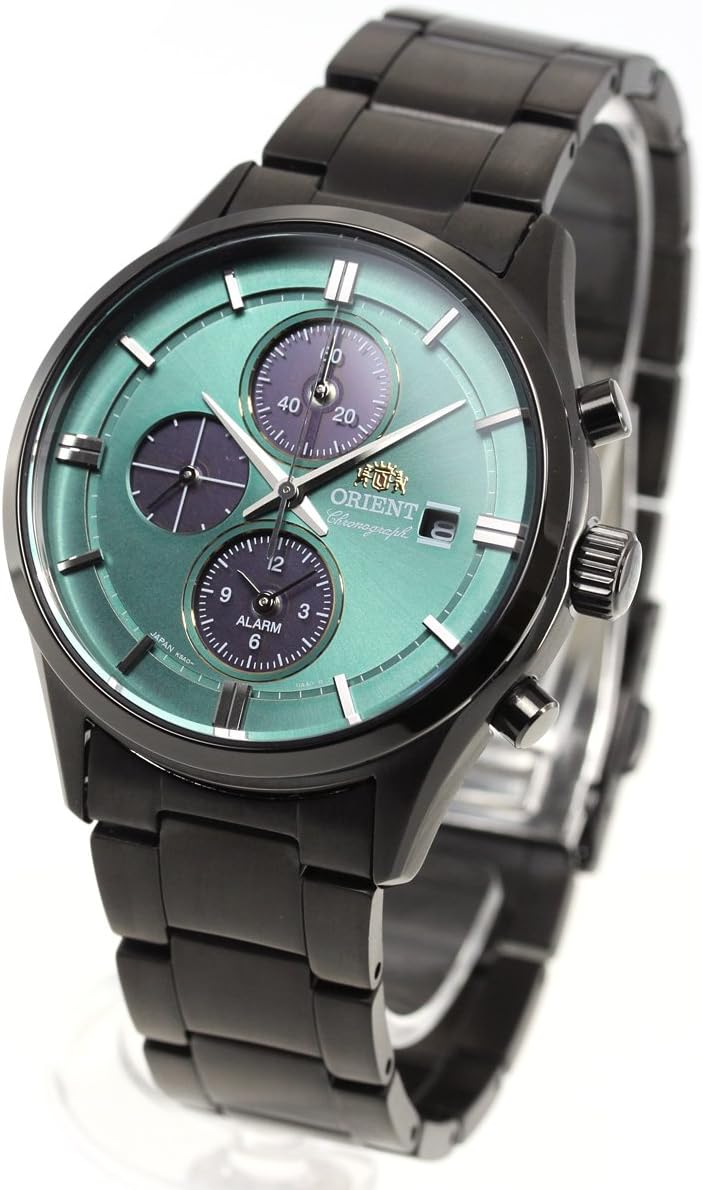
This manual provides detailed instructions for the proper use and care of your Orient Contemporary Chronograph LightCharge Watch, Model RN-TY0001E. This timepiece features a solar-powered movement, ensuring reliable operation by converting light into electrical energy. It is designed for men and manufactured in Japan.
2. Package Contents
Verify that your package contains the following items:
- Orient Contemporary Chronograph LightCharge Watch
- Watch Box
- Instruction Manual
3. Key Features
- Light Charging Movement: Converts natural and artificial light into electrical energy to power the watch.
- Accuracy: Maintains time within ± 15 seconds per month.
- Operating Time: Approximately 6 months when fully charged.
- Glass Material: Inorganic glass for durability.
- Chronograph Function: 1/5 second stopwatch with a 60-minute measurement capacity.
- Alarm Function: Integrated alarm for setting reminders.
- Water Resistance: 10 BAR (suitable for swimming and snorkeling, but not diving).
- Made in Japan: Indicates manufacturing origin.
4. Initial Setup
4.1. Charging the Watch
Your watch is powered by light. To ensure optimal performance, expose the watch face to a light source. The watch will begin charging automatically. For initial charging or after prolonged storage in darkness, expose the watch to bright light for several hours. Avoid extreme temperatures during charging.
4.2. Setting the Time and Date
To set the time and date, pull the crown out to the appropriate position. Rotate the crown to adjust the hands or date display. Push the crown back in completely to secure the settings and ensure water resistance.

5. Operating Instructions
5.1. Using the Chronograph (Stopwatch)
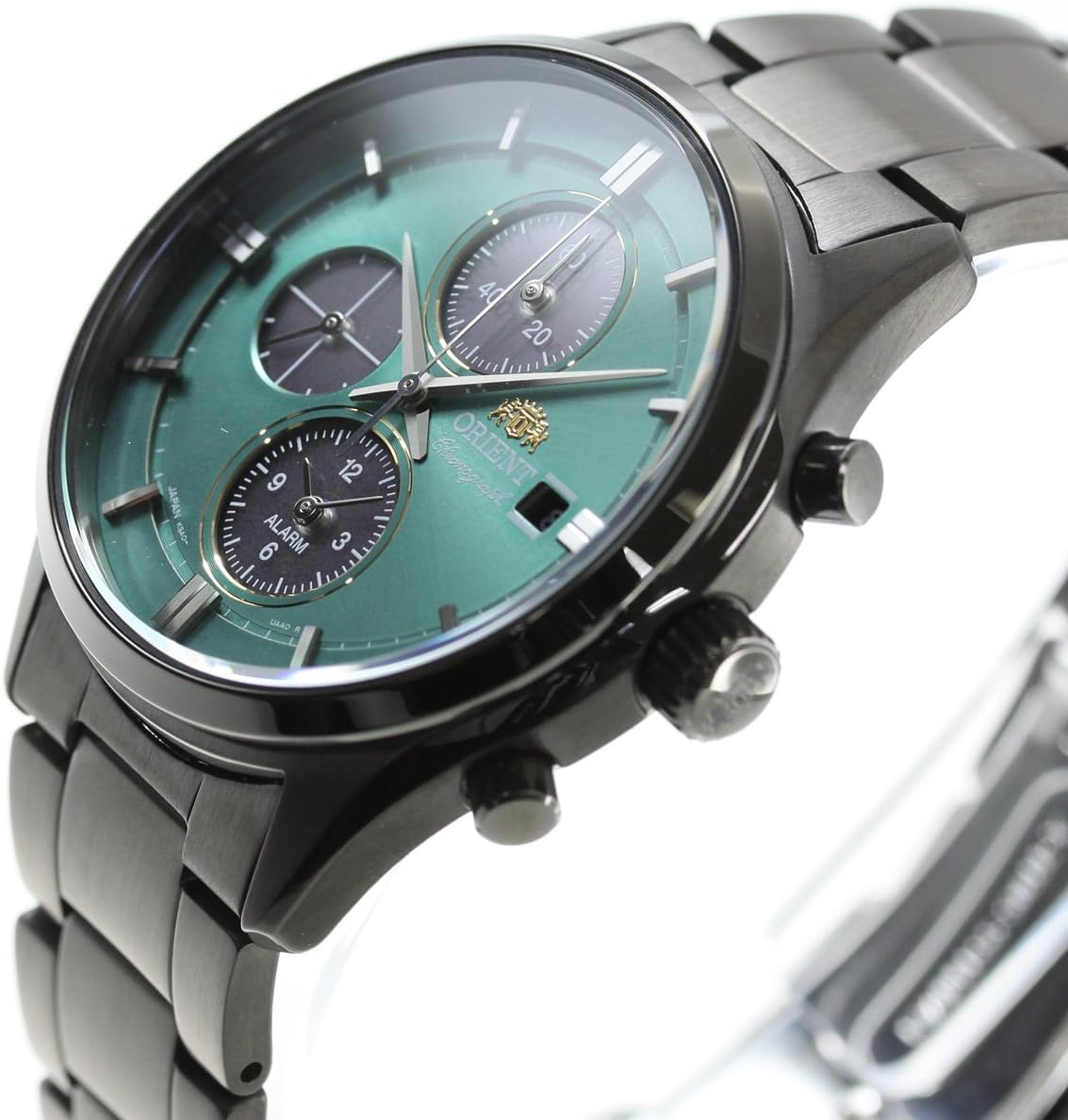
The chronograph function allows for precise time measurement. Refer to the sub-dials on the watch face for chronograph readings.
- Start: Press the upper pusher to start the chronograph.
- Stop: Press the upper pusher again to stop the chronograph.
- Reset: Press the lower pusher to reset the chronograph hands to zero.
The chronograph measures in 1/5 second increments and can track up to 60 minutes.
5.2. Setting and Using the Alarm
The watch includes an alarm function. Consult the full instruction manual provided with your watch for specific steps on how to set and activate the alarm, as this process can vary.
6. Care and Maintenance
6.1. Water Resistance
This watch is water-resistant to 10 BAR (100 meters / 330 feet). This rating makes it suitable for everyday use, showering, swimming, and snorkeling. It is not recommended for scuba diving or high-impact water sports. Ensure the crown is fully pushed in before any contact with water.
6.2. Cleaning
Wipe the watch case and band regularly with a soft, dry cloth to remove dirt and moisture. For metal bands, a slightly damp cloth can be used, followed by immediate drying. Avoid using harsh chemicals or abrasive materials.
6.3. Light Charging Care
To maintain optimal battery life, avoid prolonged storage of the watch in complete darkness. Periodically expose it to light, even when not in use.
7. Troubleshooting
7.1. Watch Not Running or Stopping
If the watch stops or does not run, it may be due to insufficient charge. Expose the watch to bright light for several hours to fully charge it. If the issue persists after adequate charging, contact customer support.
7.2. Incorrect Time or Date
Refer to Section 4.2 for instructions on how to set the time and date. Ensure the crown is fully pushed in after adjustment.
7.3. Chronograph Malfunction
If the chronograph hands do not reset to zero or operate incorrectly, try resetting the watch by pulling the crown out and pushing it back in, then attempt to reset the chronograph. If the problem continues, professional service may be required.
8. Specifications
| Feature | Specification |
|---|---|
| Model Number | RN-TY0001E |
| Movement Type | Light Charging (Solar Powered) |
| Accuracy | ± 15 seconds per month |
| Operating Time (Full Charge) | Approximately 6 months |
| Glass Material | Inorganic Glass |
| Water Resistance | 10 BAR (100 meters / 330 feet) |
| Chronograph | 1/5 second stopwatch (60 minute measurement) |
| Alarm Function | Included |
| Case Thickness | 11.5 mm (0.4 inches) |
| Case Height Diameter | 42.9 mm (1.7 inches) |
| Case Width Diameter | 35.6 mm (1.4 inches) |
| Clasp Type | Magnetic Clasp |
| Battery | 1 Lithium Ion battery (included, charged by light) |
| Manufacturer | ORIENT |
| Origin | Japan |

9. Warranty and Support
9.1. Manufacturer's Warranty
This Orient watch is covered by a 1-year manufacturer's warranty from the date of purchase. The warranty covers manufacturing defects under normal use. It does not cover damage resulting from misuse, accidents, unauthorized repairs, or normal wear and tear. Please retain your proof of purchase for warranty claims.

9.2. Customer Support
For technical assistance, service, or warranty inquiries, please contact your authorized Orient dealer or the official Orient customer service in your region. Refer to the contact information provided in your watch box or on the official Orient website.

