
1. Product Overview
The Identiv uTrust 3700 F is a versatile PC-linked contactless smart card reader designed for environments utilizing various contactless and Near Field Communication (NFC) credentials. It supports 13.56 MHz contactless technology and NFC, facilitating a smooth transition from traditional technologies to emerging NFC applications.

Image 1.1: The Identiv uTrust 3700 F reader shown with a smart card.
Key Features:
- Contactless and NFC Technology: Supports 13.56 MHz contactless technology and NFC for broad compatibility.
- Versatile Credential Support: Compatible with ID-1 cards, tokens, and NFC-enabled mobile devices.
- Keyboard Emulation: Reads Unique Identifier (UID) and Chip Serial Number (CSN) of passive RFID tags, inserting data as a string into host applications (via optional Windows OS tray app). Supports ISO 14443, MIFARE Classic 1K/4K, Ultralight, Ultralight C, DESFire, DESFire EV1, NTAG 203, and Broadcom Topaz tags.
- Plug and Play: Features Windows Plug-and-Play driver support for easy integration.
- Secure In-Field Firmware Upgrades: Designed for reliable and secure updates.
2. Package Contents
Verify that all items are present in your product package:
- Identiv uTrust 3700 F Contactless Smart Card Reader
- USB Connection Cable (integrated)
- Documentation (Quick Start Guide, etc.)

Image 2.1: Top view of the Identiv uTrust 3700 F reader.
3. Setup and Installation
3.1 Connecting the Reader
- Unpack the Identiv uTrust 3700 F reader from its packaging.
- Connect the integrated USB cable from the reader to an available USB port on your computer.
- The operating system should automatically detect the new hardware.
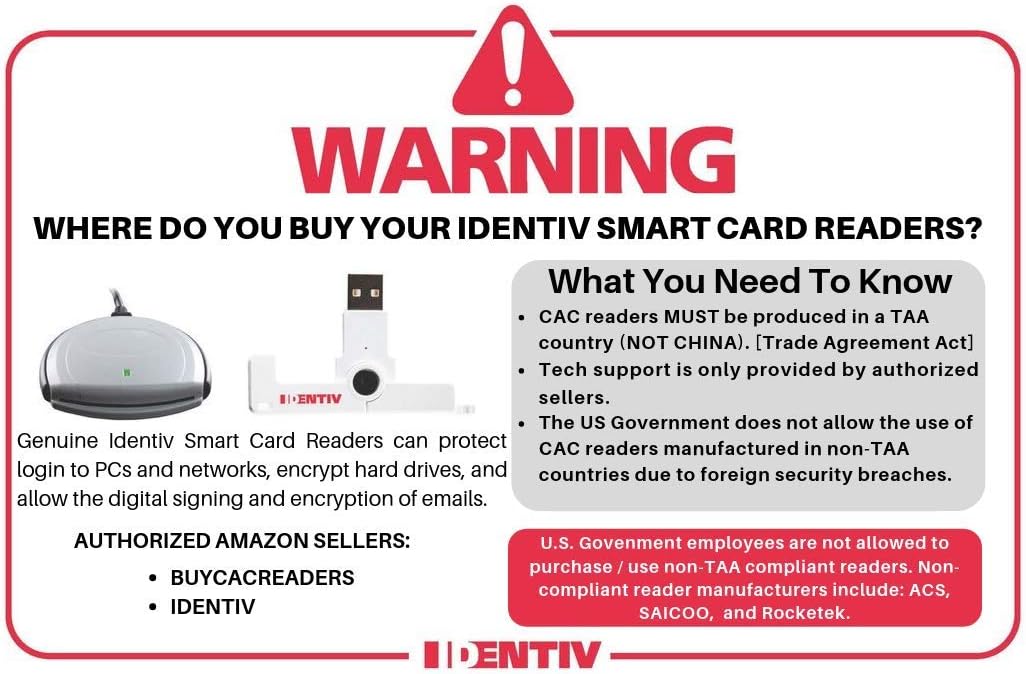
Image 3.1: Side view of the Identiv uTrust 3700 F reader with its USB cable.
3.2 Driver Installation
The Identiv uTrust 3700 F reader supports Windows Plug-and-Play. In most cases, the necessary drivers will be installed automatically by your operating system upon connection. If automatic installation does not occur or if you are using a different operating system (e.g., Android-based systems), you may need to manually install drivers.
- For manual driver installation, visit the official Identiv support website and download the appropriate drivers for your operating system and model (uTrust 3700 F).
- Follow the on-screen instructions provided by the driver installer.
3.3 Software Installation
Depending on your application, you may need specific software to interact with smart cards. Identiv provides a driver platform and may offer utility software for advanced features like keyboard emulation.
- Check the Identiv support website for any recommended software or utilities for the uTrust 3700 F.
- Install any required software following the provided instructions.
4. Operating Instructions
4.1 Reading Contactless Smart Cards
- Ensure the Identiv uTrust 3700 F reader is connected to your computer and drivers are installed.
- Open the application that requires smart card interaction (e.g., network logon, secure web transaction software).
- Place your contactless smart card (ID-1 card, token, or NFC-enabled smartphone) directly onto the reader's surface. The reader will typically have an indicator light that changes status when a card is detected and being read.
- Follow the prompts within your application to complete the desired transaction or authentication.
4.2 Using Keyboard Emulation
The keyboard emulation feature allows the reader to input the Unique Identifier (UID) or Chip Serial Number (CSN) of a passive RFID tag directly into any active application as if it were typed. This requires an optional tray application in Windows OS.
- Install the optional keyboard emulation tray application from the Identiv support website (if available for your model).
- Launch the tray application and configure it as needed.
- Place a supported passive RFID tag on the reader. The UID/CSN will be automatically entered into the currently focused text field.
5. Maintenance
5.1 Cleaning
- To clean the reader, gently wipe the exterior with a soft, dry, lint-free cloth.
- Do not use abrasive cleaners, solvents, or aerosol sprays, as these can damage the device.
- Ensure no liquids enter the device openings.
5.2 Storage
- Store the reader in a cool, dry place away from direct sunlight and extreme temperatures.
- Avoid placing heavy objects on the reader.
6. Troubleshooting
6.1 Reader Not Detected
- Check USB Connection: Ensure the USB cable is securely plugged into both the reader and the computer. Try a different USB port.
- Restart Computer: Sometimes a simple restart can resolve detection issues.
- Driver Installation: Verify that the correct drivers are installed. Check your computer's Device Manager (Windows) to see if the reader is listed without errors. If not, reinstall drivers from the Identiv support website.
6.2 Card Not Reading
- Card Placement: Ensure the smart card is placed correctly and flat against the reader's surface.
- Supported Card Type: Confirm that the card you are trying to read is a supported type (e.g., ISO/IEC 14443, MIFARE, NFC-enabled device).
- Application Compatibility: Ensure the software you are using is compatible with the Identiv uTrust 3700 F reader and the specific smart card.
- Card Damage: Try another smart card if available to rule out a damaged card.
6.3 Software Issues
- Reinstall Software: If you experience issues with specific applications, try reinstalling them.
- Check for Updates: Ensure your operating system, drivers, and smart card applications are up to date.
7. Specifications
| Feature | Detail |
|---|---|
| Brand | IDENTIV |
| Model Number | 905502-1 |
| Operating System Support | Windows, Android-based systems |
| Item Weight | 2.12 ounces |
| Package Dimensions | 7.13 x 4.21 x 1.69 inches |
| Color | White/Grey |
| Connectivity Technology | USB Type A |
| Special Feature | Plug & Play |
| Compatible Devices | Personal Computer, Smartphone |
8. Warranty and Support
For detailed warranty information, technical support, and additional resources, please visit the official Identiv website. You can find drivers, software updates, and comprehensive FAQs to assist you with your uTrust 3700 F Contactless Smart Card Reader.
Online Support: www.identiv.com/support
Always refer to the manufacturer's official channels for the most accurate and up-to-date information.


