
1. Product Overview
The Ampper Clip On Security Mirror is a versatile, rectangular convex mirror designed for personal safety and security in various settings such as offices, cubicles, and desks. Its frameless HD glass provides a wide, clear view, while the heavy-duty metal stand and clip ensure stable and adjustable positioning.
Key Features:
- Heavy Duty Construction: Features an all-metal stand, a robust clip with a sponge mat to prevent scratches on surfaces, and a durable metal stem and joint.
- 360-Degree Adjustability: Easily adjustable to any desired viewing angle for optimal positioning.
- Large Convex Mirror: A 6.69" x 2.95" rectangular convex mirror made of real HD frameless glass, offering an expansive field of view.
- Universal Clip-on Design: Can be securely clipped onto surfaces up to 2 inches thick, including desks, cabinets, cubicles, and PC monitors.
- Portable and Re-positionable: Simple clip-on mechanism allows for easy installation and relocation without leaving residue, unlike adhesive mirrors.
2. Safety Information
WARNING: This product contains sharp edges. Handle with care to avoid injury.
The mirror is made of glass and may break if dropped or mishandled. Always use the clip-on feature to attach the mirror securely to a stable surface. Avoid placing it on unstable or uneven surfaces. Keep out of reach of children and pets.
3. Package Contents
Your Ampper Clip On Security Mirror package includes:
- 1 x Metal Stand and Clip Assembly
- 1 x Frameless Convex Mirror

Figure 1: Included components of the Ampper Clip On Security Mirror.
4. Setup
The Ampper Clip On Security Mirror is designed for quick and easy setup. No complex assembly is required.
- Attach Mirror to Stand: The mirror connects to the flexible metal stem via a ball joint. Unscrew the nut on the back of the mirror, place the ball end of the stem into the socket, and then screw the nut back on tightly to secure the mirror.
- Secure the Clip: Identify a suitable surface for mounting, such as a desk, cubicle wall, or monitor. The heavy-duty clip can accommodate surfaces up to 2 inches thick. Ensure the sponge mat on the clip is positioned to protect your surface from scratches.
- Clip into Place: Open the clip and firmly attach it to your chosen surface. Verify that the clip is stable and does not wobble.
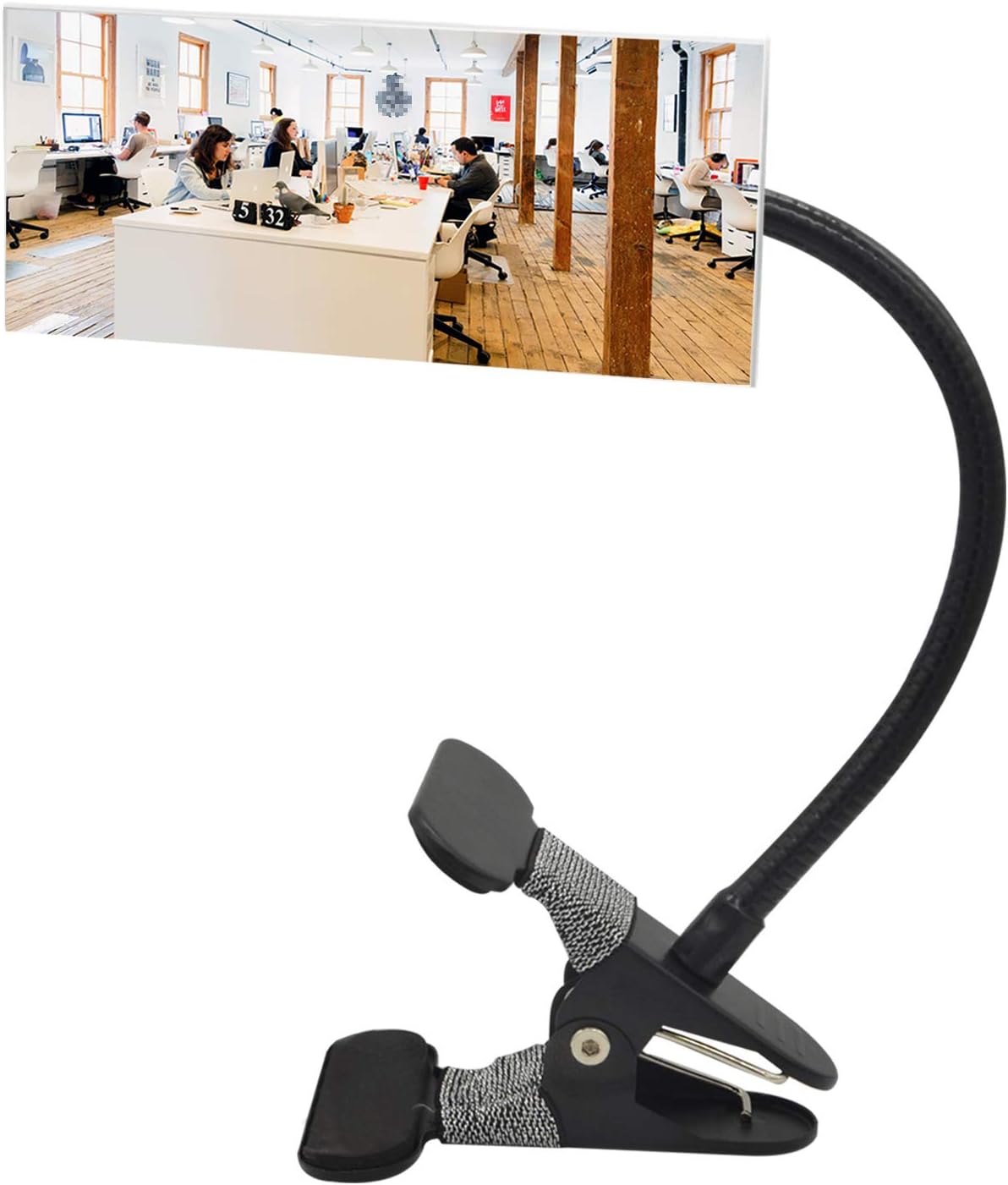
Figure 2: The Ampper Clip On Security Mirror ready for setup.
5. Operating Instructions
Once the mirror is securely clipped, you can easily adjust its position and angle to suit your needs.
- Adjusting the Angle: The metal stem is flexible and allows for 360-degree rotation and bending. Gently bend the stem and rotate the mirror at the ball joint to achieve your desired viewing angle.
- Optimal Placement: Position the mirror to provide a clear view of your surroundings, such as behind your desk in a cubicle, or to monitor activity in your workspace.
- Repositioning: If you need to move the mirror to a different location, simply unclip it and re-clip it to the new desired surface.
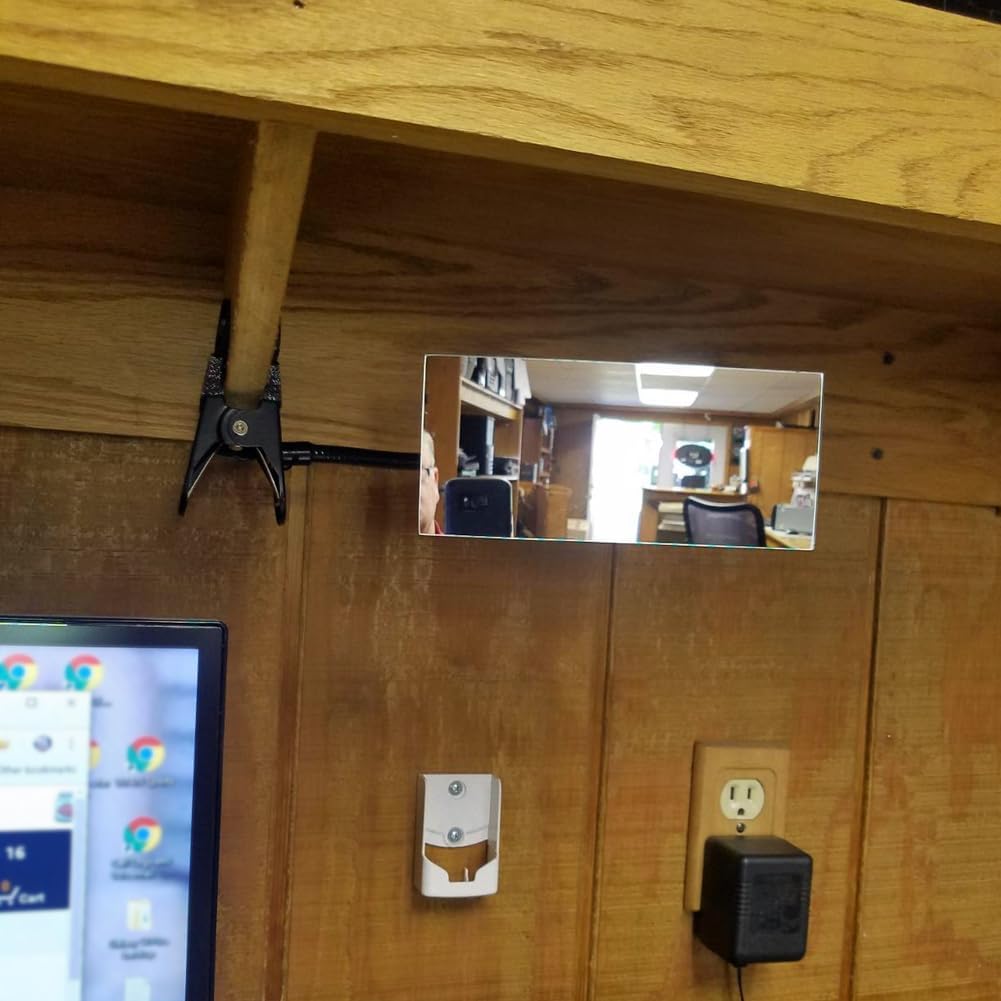
Figure 3: Mirror clipped to a desk for rear view monitoring.
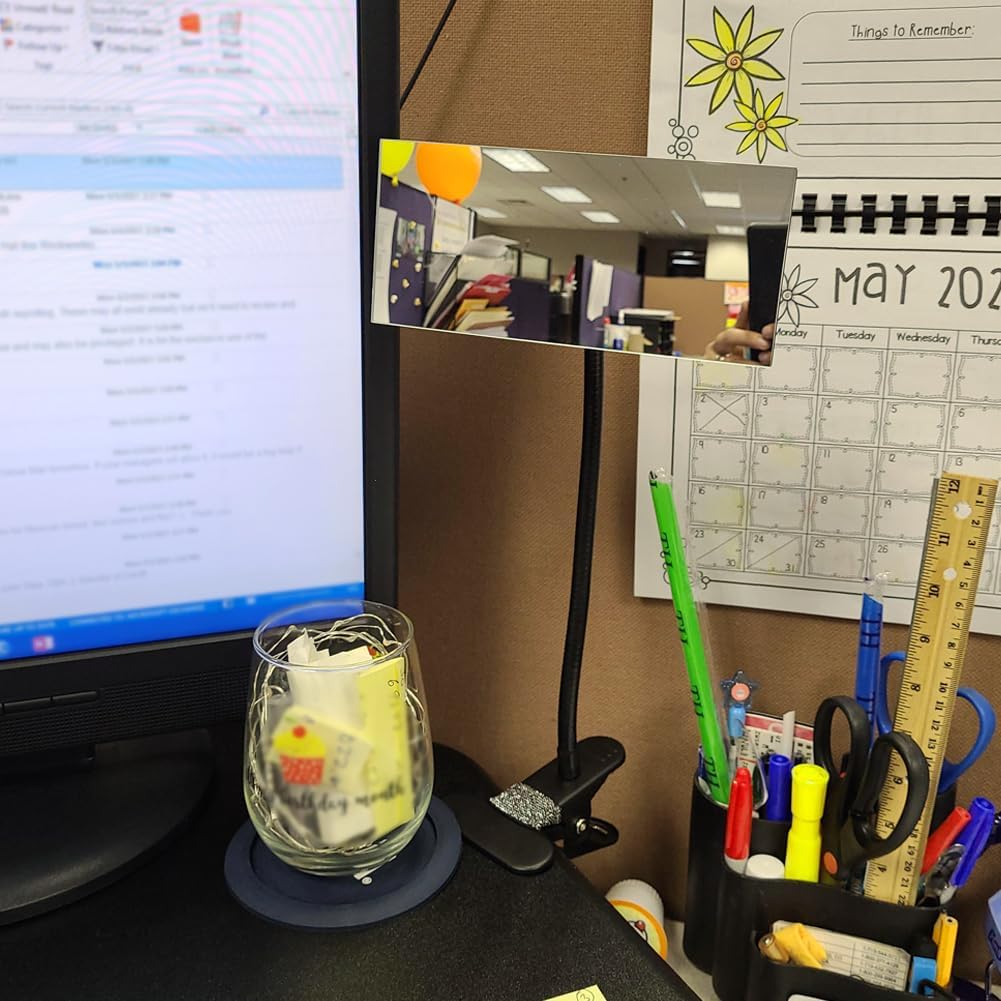
Figure 4: Mirror providing visibility in a cubicle environment.
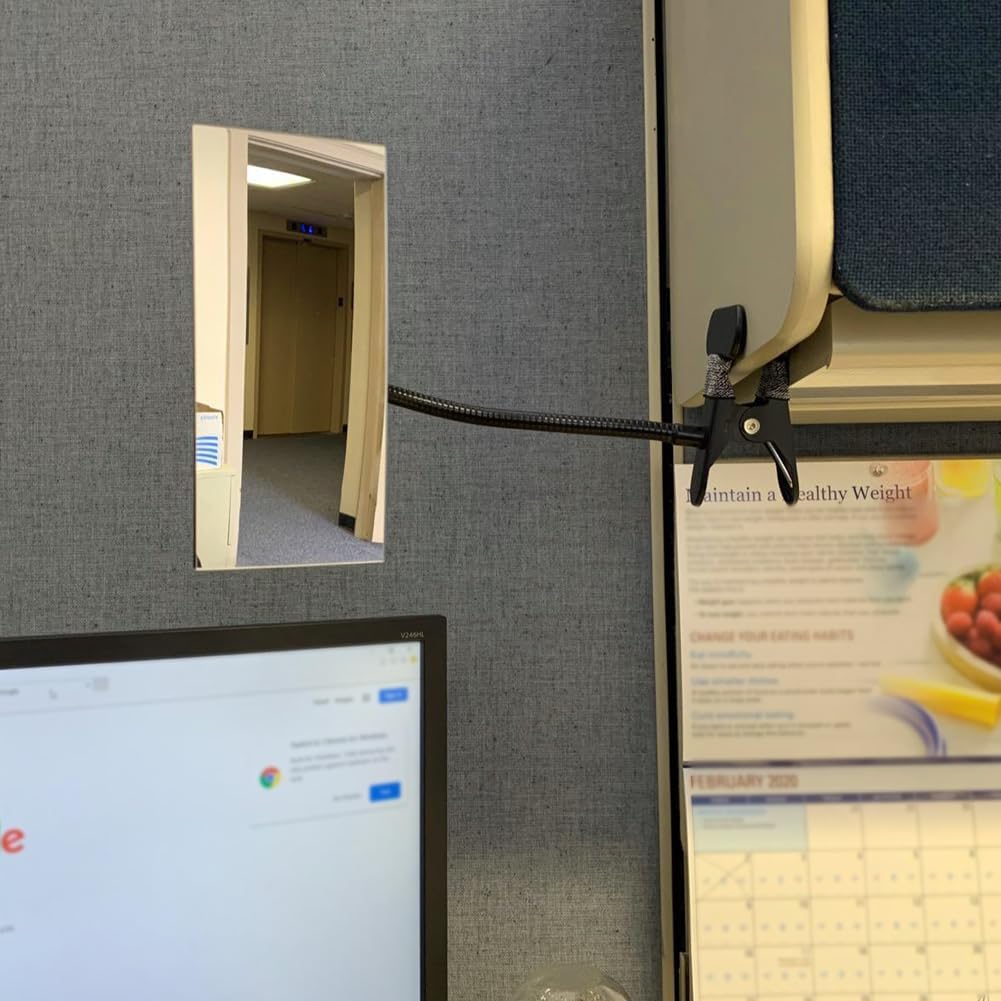
Figure 5: Mirror attached to a computer monitor for convenient viewing.
6. Maintenance
To ensure the longevity and clarity of your Ampper Clip On Security Mirror, follow these simple maintenance guidelines:
- Cleaning: Use a soft, lint-free cloth and a non-abrasive glass cleaner to wipe the mirror surface. Avoid harsh chemicals or abrasive materials that could scratch the glass.
- Checking Connections: Periodically check the tightness of the nut at the back of the mirror and the grip of the clip to ensure the mirror remains securely in place.
- Storage: If storing the mirror for an extended period, detach it from the surface and store it in a safe place where it won't be scratched or dropped.
7. Troubleshooting
- Mirror Not Holding Position: If the mirror sags or doesn't stay in your desired angle, ensure the nut at the back of the mirror where it connects to the stem is tightened sufficiently. Also, check that the clip is firmly secured to the surface.
- Mirror Appears Distorted: The mirror is a convex design, which means it curves outwards to provide a wider field of view. This curvature naturally causes objects to appear smaller and slightly distorted compared to a flat mirror. This is normal operation for a convex mirror.
- Scratches on Mounting Surface: Ensure the sponge mat on the inside of the clip is properly positioned and intact before attaching the mirror to any surface. The mat is designed to prevent scratches.
8. Specifications
| Attribute | Detail |
|---|---|
| Brand | Ampper |
| Model | AM-MM02 |
| Product Dimensions | 6.69"L x 2.95"W |
| Mirror Shape | Rectangular (Convex) |
| Frame Material | Metal |
| Mounting Type | Clip-on (up to 2" thick surfaces) |
| Adjustability | 360 Degree Rotation, Flexible Stem |
| Item Weight | 11.6 ounces |

Figure 6: Product dimensions and key features.
9. Warranty & Support
For warranty information or technical support, please refer to the product packaging or contact Ampper customer service directly through their official website or the retailer where the product was purchased.