
4M 3695
4M Kidz Robotix Crazy Robot Kit Instruction Manual
Model: 3695
Brand: 4M
Introduction
The 4M Kidz Robotix Crazy Robot Kit allows you to build an exciting robot that exhibits unique movements. This robot is engineered to walk, jump, flip, and spin. It is designed to automatically flip and change direction when it encounters an obstacle, such as a wall. This manual provides comprehensive instructions for the assembly, operation, and maintenance of your Crazy Robot Kit, ensuring a successful and enjoyable experience.
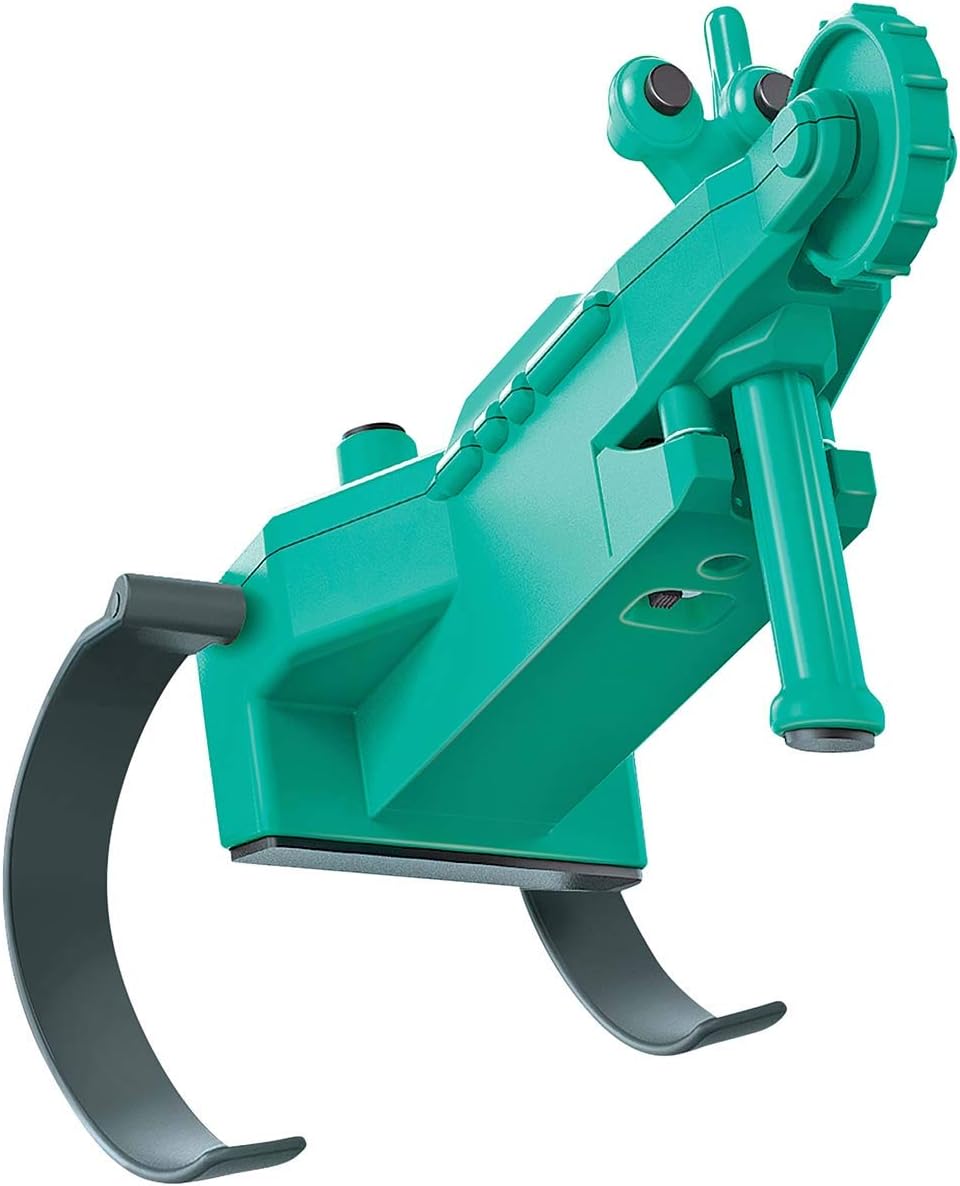
Figure 1: The assembled 4M Kidz Robotix Crazy Robot.
Safety Information
Please read all safety information before beginning assembly or operation of the robot. This kit contains small parts which may pose a choking hazard. Keep all components out of reach of children under 3 years of age. Adult supervision is recommended during assembly and operation, especially for younger users.
- Choking Hazard: Small parts. Not for children under 3 years.
- Do not ingest any parts of the kit.
- Ensure batteries are inserted with correct polarity.
- Do not mix old and new batteries, or different types of batteries.
- Remove batteries if the robot will not be used for an extended period.
What's in the Box
Your 4M Kidz Robotix Crazy Robot Kit includes all the necessary parts for assembly, except for batteries. Carefully unpack all components and verify against the list below. A small crosshead screwdriver is required for assembly (not included).

Figure 2: All components included in the kit.
- Robot body halves (green plastic)
- Motor with wires
- Gear set
- Axles and wheels/feet (dark grey)
- Battery compartment cover
- Screws
- Eye pieces (green)
- Foam pads
- Instruction manual (this document)
Note: Two (2) AAA batteries are required and are not included in the kit.
Setup and Assembly
Follow these steps carefully to assemble your Crazy Robot. Refer to the diagrams on the back of the product packaging or the detailed instructions provided in the kit for visual guidance.
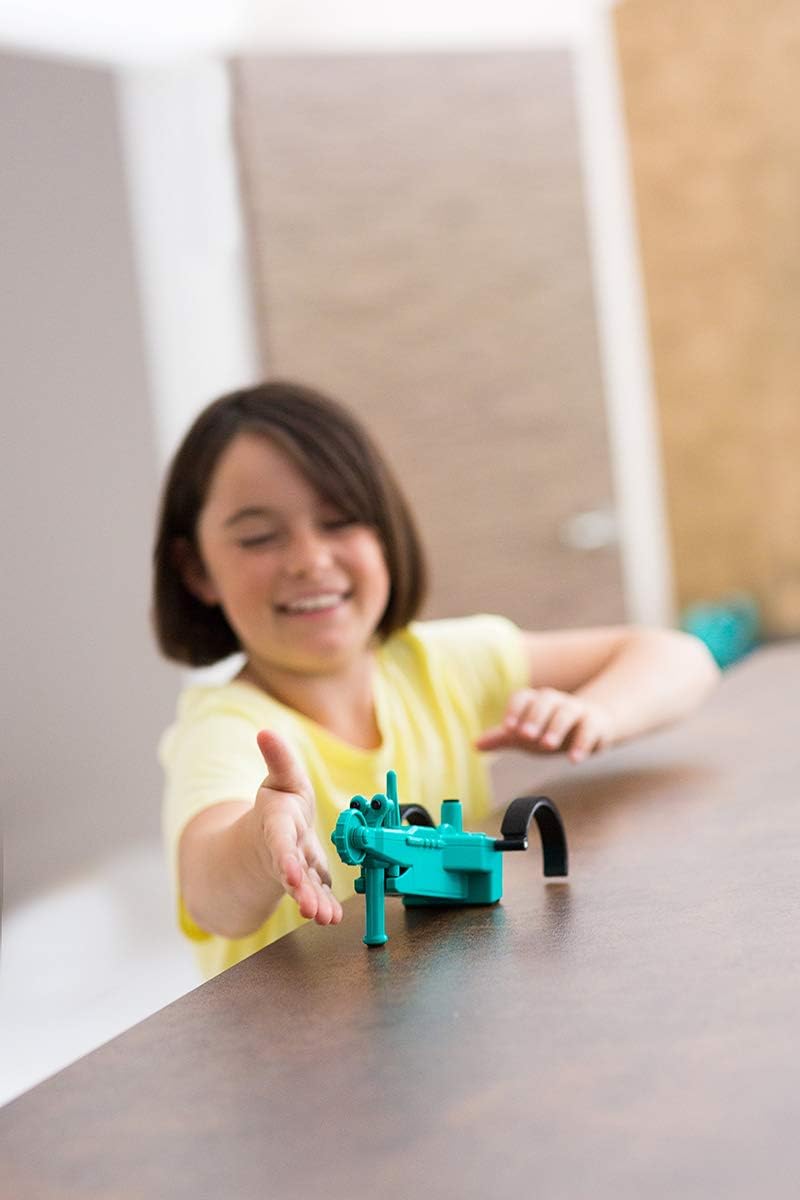
Figure 3: Assembly diagrams and instructions on the product packaging.
- Prepare Components: Lay out all parts on a clean, flat surface. Ensure you have a small crosshead screwdriver ready.
- Install Motor: Carefully place the motor into its designated slot within one of the robot body halves. Ensure the wires are positioned correctly to avoid pinching.
- Assemble Gears and Axles: Following the diagrams, attach the gears to the axles and insert them into the corresponding slots in the robot body. Ensure all gears mesh properly for smooth operation.
- Attach Feet/Legs: Secure the dark grey feet/legs to the axles. These are crucial for the robot's unique movement and flipping action.
- Close Robot Body: Carefully align the two robot body halves and snap them together. Use the provided screws to secure the body halves firmly. Do not overtighten.
- Install Batteries: Locate the battery compartment. Insert two (2) AAA batteries, ensuring correct polarity (+/-). Close the battery compartment cover securely with a screw.
- Attach Decorative Parts: Affix the green eye pieces to the front of the robot. Apply the foam pads to the bottom of the robot as indicated in the instructions; these help with stability and movement.
Once all steps are completed, your Crazy Robot is ready for operation.
Operating Instructions
The 4M Kidz Robotix Crazy Robot is designed for simple operation.
- Power On: Locate the ON/OFF switch on the robot's body. Slide the switch to the "ON" position.
- Movement: The robot will immediately begin to walk, jump, and spin. Place it on a smooth, flat surface for optimal performance.
- Automatic Flipping: When the robot encounters a wall or other obstacle, its design allows it to automatically flip over and change direction, continuing its movement.
- Power Off: To stop the robot, slide the ON/OFF switch to the "OFF" position.
For best results, operate the robot in an open area free from small objects that could obstruct its movement or get caught in its gears.
Maintenance
Proper maintenance will extend the life of your Crazy Robot.
- Cleaning: Use a soft, dry cloth to wipe down the robot's exterior. Do not use water or cleaning solutions, as this can damage the electronic components.
- Battery Replacement: When the robot's movements become sluggish or stop, it's time to replace the batteries. Follow the battery installation steps in the "Setup and Assembly" section. Always dispose of used batteries responsibly.
- Storage: Store the robot in a cool, dry place away from direct sunlight and extreme temperatures. If storing for an extended period, remove the batteries to prevent leakage.
- Gear Inspection: Periodically check the gears for any debris or hair that might impede their movement. Carefully remove any obstructions.
Troubleshooting
If your Crazy Robot is not functioning as expected, try the following troubleshooting steps:
| Problem | Possible Cause | Solution |
|---|---|---|
| Robot does not move. | Batteries are dead or incorrectly installed. ON/OFF switch is in the "OFF" position. Wires are disconnected. | Replace batteries, ensuring correct polarity. Slide switch to "ON". Check motor wire connections inside the robot body. |
| Robot moves slowly or erratically. | Low battery power. Obstruction in gears. Robot on an uneven surface. | Replace batteries. Inspect and clear any debris from gears. Move robot to a smooth, flat surface. |
| Robot does not flip when hitting an obstacle. | Mechanism is obstructed. Surface is too soft or uneven. | Ensure no parts are loose or blocking the flipping mechanism. Operate on a hard, flat surface. |
| Parts are loose after assembly. | Screws not tightened sufficiently. Components not fully snapped into place. | Re-tighten screws gently. Press components firmly until they click into place. |
Specifications
- Product Dimensions: 8.5 x 7 x 2 inches
- Item Weight: 7 ounces
- Model Number: 3695
- Manufacturer Recommended Age: 8 years and up
- Batteries Required: 2 x AAA (not included)
- Manufacturer: 4M
- Release Date: January 16, 2018
Warranty and Support
For any questions, concerns, or support regarding your 4M Kidz Robotix Crazy Robot Kit, please contact the manufacturer, 4M, directly. Information regarding warranty coverage, if applicable, can typically be found on the product packaging or the manufacturer's official website.
You can visit the official 4M Store for more products and information: 4M Store on Amazon.