
1. Introduction to Celeste
Celeste is a critically acclaimed single-player platforming video game developed by Matt Makes Games Inc. It challenges players to navigate hundreds of hand-crafted levels, guiding the protagonist, Madeline, on her journey to the summit of Celeste Mountain. The game is known for its precise controls, engaging narrative, and challenging yet rewarding gameplay.
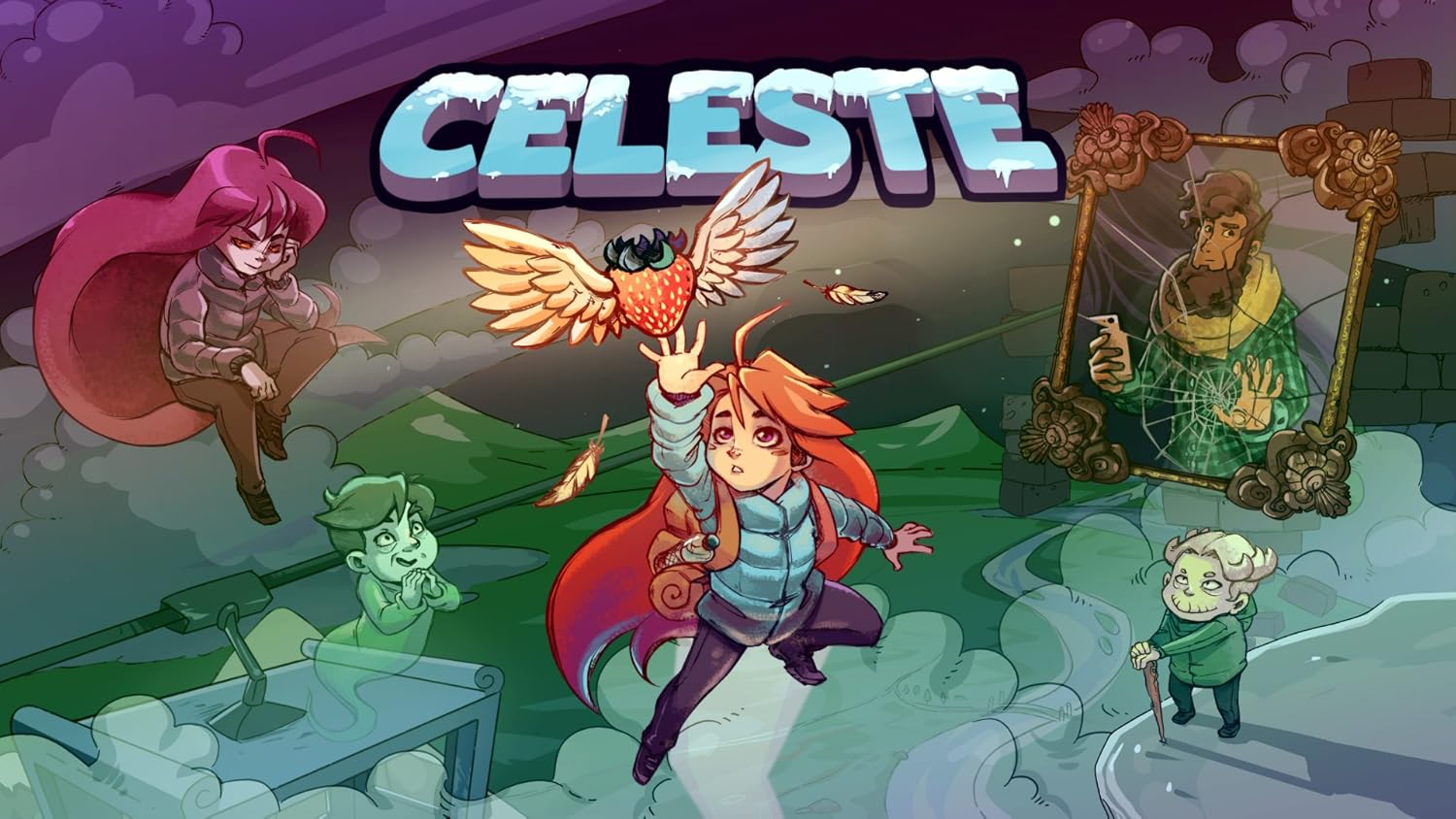
Figure 1: The main title screen for Celeste, showcasing the game's vibrant pixel art style and key characters, including Madeline in the center.
2. Setup and Installation
This product is a digital code for Celeste on the Nintendo Switch. To activate and install the game, a Nintendo account is required. Follow these steps:
- Ensure your Nintendo Switch console is connected to the internet.
- From the HOME Menu, select the Nintendo eShop icon.
- Select the user account you wish to use.
- On the left-hand menu, scroll down and select "Enter Code".
- Carefully enter the 16-character download code provided with your purchase.
- Select "Confirm". The game will begin downloading to your Nintendo Switch console.
- Once the download is complete, the game icon will appear on your HOME Menu, and you can launch it.
3. Operating Instructions (Gameplay Basics)
Celeste is a 2D platformer with intuitive controls that allow for deep mastery. The primary actions are jumping, air-dashing, and climbing.
3.1. Core Mechanics
- Jump: Press the jump button to leap. Holding it may allow for a higher jump.
- Air-Dash: While in the air, press the dash button to perform a quick burst of movement in any of eight directions. This ability is crucial for traversing gaps and avoiding hazards. It can only be used once before Madeline must touch the ground or a specific refresh point.
- Climb: Madeline can cling to and climb certain vertical surfaces. Her stamina for climbing is limited, indicated by a bar that depletes as she climbs.

Figure 2: Madeline demonstrating her climbing ability on a vertical surface, a fundamental mechanic for navigating the mountain's treacherous terrain.

Figure 3: A challenging section of Celeste gameplay, where Madeline uses her air-dash to navigate past numerous spikes and obstacles.
3.2. Progression and Challenges
The game features over 700 screens of platforming challenges. While the game can be difficult, a key design philosophy is that "every death is a lesson." Lightning-fast respawns ensure that players can quickly re-attempt sections without significant downtime. Hidden collectibles, known as strawberries, and challenging B-side chapters offer additional content for players seeking to master the game.

Figure 4: An in-game dialogue sequence, highlighting the narrative elements and character interactions that unfold during Madeline's journey.
4. Maintenance
As a digital game, Celeste requires minimal physical maintenance. However, to ensure optimal performance and longevity of your game data, consider the following:
- System Updates: Regularly update your Nintendo Switch console's system software to ensure compatibility and access to the latest features and performance improvements.
- Storage Management: Ensure sufficient free space on your Nintendo Switch's internal storage or microSD card. Digital games require storage space for installation and save data.
- Save Data Backup: Utilize Nintendo Switch Online's Save Data Cloud Backup feature (if subscribed) to protect your game progress against data loss.
- Console Care: Keep your Nintendo Switch console clean and free from dust. Avoid exposing it to extreme temperatures or humidity.
5. Troubleshooting
If you encounter issues while playing Celeste, refer to the following common troubleshooting steps:
- Game Not Launching:
- Verify that the game has fully downloaded and installed.
- Ensure your Nintendo Switch system software is up to date.
- Try restarting your Nintendo Switch console.
- If the issue persists, try archiving or deleting the software and redownloading it from the Nintendo eShop (your save data will typically remain unless explicitly deleted).
- Performance Issues (Lag, Freezing):
- Close any other applications running in the background on your Nintendo Switch.
- Ensure your console is not overheating.
- Restart the game and/or console.
- Digital Code Redemption Issues:
- Double-check that the 16-character code was entered correctly, paying attention to similar-looking characters (e.g., 0 and O, 1 and I).
- Ensure the code has not been previously redeemed.
- Confirm that your Nintendo account region matches the region for which the digital code is valid.
For further assistance, please contact Nintendo Support or the game publisher, Matt Makes Games Inc.
6. Specifications
| Feature | Detail |
|---|---|
| Product Title | Celeste - Nintendo Switch [Digital Code] |
| Brand | Lispike (Published by Matt Makes Games Inc.) |
| Model Number | 106135 |
| Supported Platform | Nintendo Switch |
| Release Date | February 2, 2018 |
| Rated | Everyone 10+ |
| Type of Item | Software Download |
7. Warranty and Support
Please note that this product, being a digital code for a software download, is generally non-returnable and non-refundable as per the terms of use. For any technical issues or support inquiries related to the game itself, it is recommended to visit the official support channels for Nintendo or the game's developer, Matt Makes Games Inc. Ensure you have your purchase details and Nintendo account information readily available when seeking support.
For general Nintendo Switch support, visit: Nintendo Support Website
