
Beurer BM26
Beurer BM26 Upper Arm Blood Pressure Monitor User Manual
Model: BM26
Product Overview
The Beurer BM26 Upper Arm Blood Pressure Monitor is a professional-grade, fully automatic device designed for accurate blood pressure and pulse measurement at home. It features a large display, irregular heartbeat detection, and a color risk indicator based on WHO guidelines. The monitor supports up to 4 users with 30 memory spaces each, making it suitable for family use. It comes with a universal cuff (8.7”-16.5”) and a storage case for convenience.
Setup and Initial Use
1. Battery Installation
The Beurer BM26 requires 4 AA batteries for operation. Open the battery compartment located on the underside of the device and insert the batteries, ensuring correct polarity. Close the compartment securely.

Figure 1: Battery compartment with 4 AA batteries.
2. Attaching the Cuff
Connect the air tube from the universal cuff to the port on the side of the blood pressure monitor. Ensure the connection is firm to prevent air leakage during measurement.

Figure 2: Beurer BM26 monitor with cuff attached.
3. Setting Date and Time
To set the date and time, press the "SET" button twice. Use the "+" and "-" buttons to adjust the month, day, hour, and minutes. Press "SET" after each adjustment to confirm. Press the "M+" (Start/Stop) button to exit the settings menu.
Video 1: Detailed instructions on setting up the Beurer BM26, including battery insertion and setting date/time.
4. Selecting User Memory Slot
The device supports up to 4 users. To select a user memory slot, press the "SET" button. Use the "+" or "-" buttons to navigate between user profiles (indicated by a small person icon). Confirm your selection by pressing the "M+" (Start/Stop) button.

Figure 3: Display showing multiple user profiles and memory capacity.
Operating Instructions
1. Proper Cuff Placement
Ensure the cuff is placed on your bare left upper arm, approximately 2-3 centimeters above the elbow. The artery mark on the cuff should be aligned with your forearm for an accurate reading. The cuff should be snug but not too tight; two fingers should fit comfortably underneath.

Figure 4: Correct cuff placement on the upper arm.
2. Taking a Measurement
Sit comfortably with your arm resting on a flat surface, ensuring the cuff is at heart level. Press the "M+" (Start/Stop) button to begin the measurement. The cuff will inflate automatically, and the device will display your systolic and diastolic blood pressure, along with your pulse rate. The measurement is automatically saved to the selected user profile.

Figure 5: Display showing blood pressure and pulse readings.
3. Understanding Your Readings
The large LCD display shows your Systolic (SYS) and Diastolic (DIA) blood pressure in mmHg, and your Pulse rate in beats per minute. A color risk indicator on the left side of the display categorizes your results based on WHO (World Health Organization) guidelines, from green (optimal) to red (severe hypertension). The device also features an irregular heartbeat detector, indicated by a heart icon on the display, which alerts you to potential heart rhythm disturbances.

Figure 6: Color risk indicator on the display.

Figure 7: Irregular heartbeat detection icon.

Figure 8: Easy-to-read display with labeled components.
4. Viewing Stored Measurements
To view previous measurements, press the "M+" button. Each press will cycle through the stored readings for the currently selected user. The device stores up to 30 measurements per user, for a total of 120 measurements across 4 users. You can also view the average of the three most recent measurements.
Video 2: Demonstrates how to view and manage stored measurements on the device.
Maintenance
Cleaning the Device
Clean the monitor and cuff with a slightly damp cloth. Do not use abrasive cleaners or immerse the device in water. Ensure the device is dry before storing.
Storage
Store the blood pressure monitor in its practical storage case when not in use. Keep it in a cool, dry place away from direct sunlight and extreme temperatures. Remove batteries if the device will not be used for an extended period.

Figure 9: Kit contents including the storage pouch.
Troubleshooting
- "Incorrect Usage Message": If the display shows an "incorrect usage message," re-check the cuff placement and ensure you are sitting still and relaxed during the measurement.
- Inaccurate Readings: Ensure the cuff is correctly positioned at heart level and is snug. Avoid talking or moving during measurement. Consult a healthcare professional if readings consistently seem incorrect.
- No Display/Power: Check if the batteries are correctly inserted and have sufficient charge. Replace all 4 AA batteries if needed.
Specifications
| Feature | Detail |
|---|---|
| Product Dimensions | 7.7 x 3.5 x 5.2 inches |
| Item Weight | 9.2 Ounces |
| Item Model Number | BM26 |
| Batteries | 4 AA batteries required |
| Cuff Circumference | 8.7” - 16.5” |
| Display Type | LCD |
| Power Source | Battery Powered |
| Manufacturer | Beurer North America LP |
| Country of Origin | China |
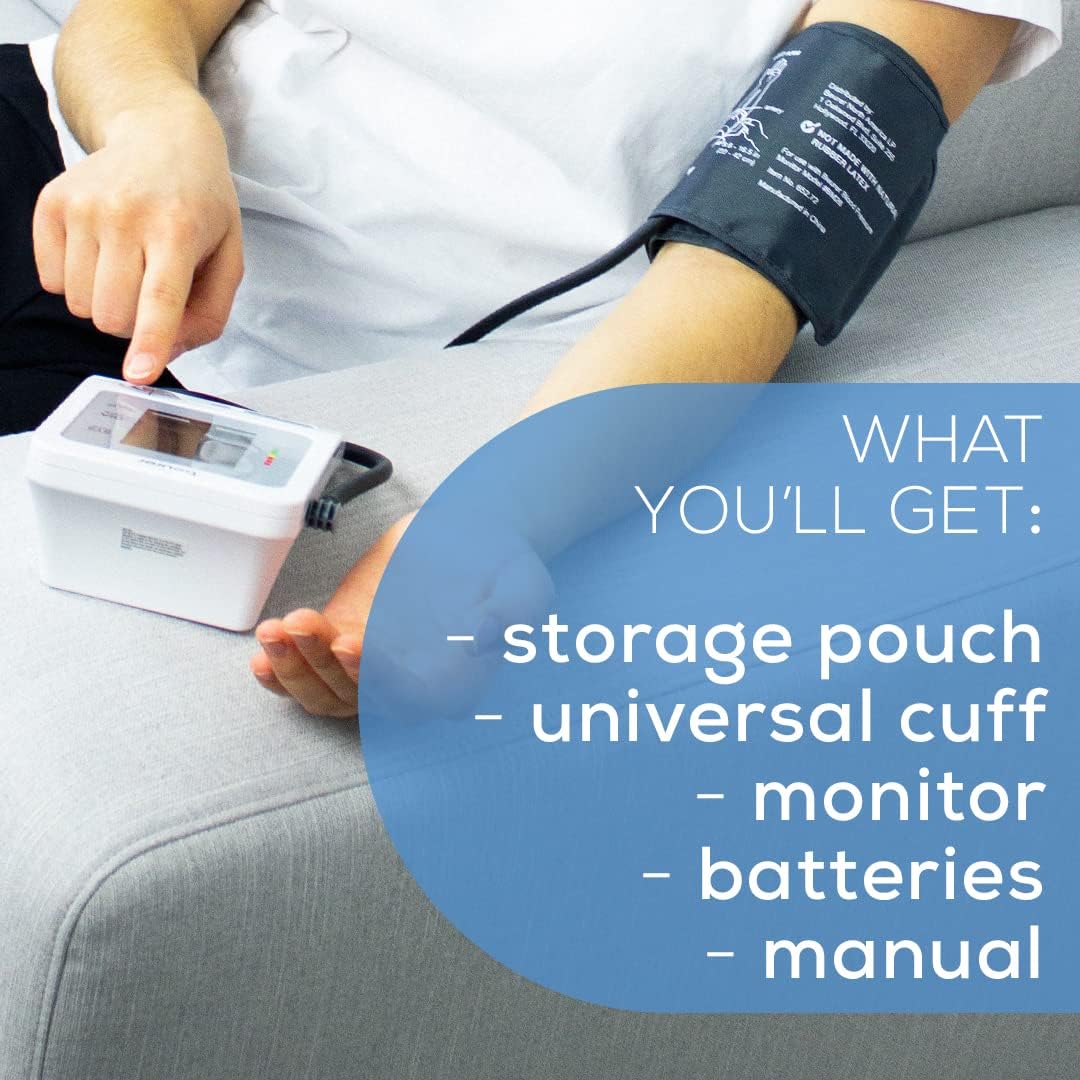
Figure 10: Device dimensions.
Support
For any questions or assistance with your Beurer BM26 Blood Pressure Monitor, please contact Beurer North America LP customer service. Our friendly Florida-based team is happy to help.
Customer Service Phone: +1(800) 536-0366
Ask a question about this manual
Ask about setup, troubleshooting, compatibility, parts, safety, or missing instructions. Manuals+ will review the question and use this page’s manual context to help answer it.