Introduction
The ApexDesk Elite Pro Series 60x27 Electric Height Adjustable Standing Desk offers a versatile and ergonomic workspace solution, enabling users to effortlessly transition between sitting and standing positions. This manual provides comprehensive instructions for the assembly, operation, maintenance, and troubleshooting of your new desk, ensuring optimal performance and longevity.
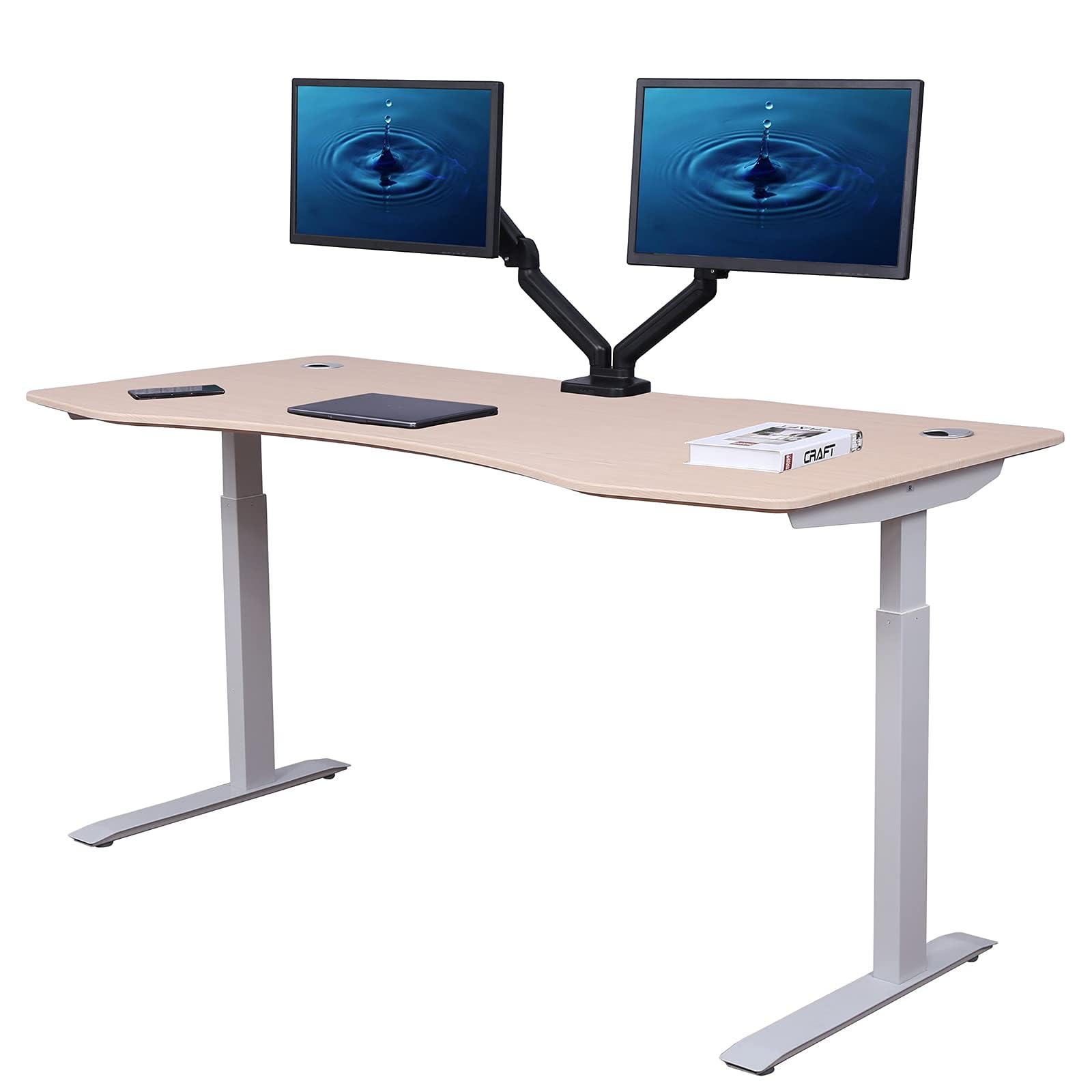
Figure 1: ApexDesk Elite Pro Series 60x27 Curved Oak Standing Desk in a home office setting.
Setup Instructions
Assembling your ApexDesk Elite Pro Series desk is designed to be straightforward, typically taking less than an hour with two people. All necessary assembly tools are included. Please ensure you have adequate space and assistance before beginning.
Unpacking and Inspection
- Carefully unpack all components from the packaging. The desk may arrive in multiple boxes (e.g., top, frame, motors).
- Verify that all parts listed in the packing list are present and undamaged.
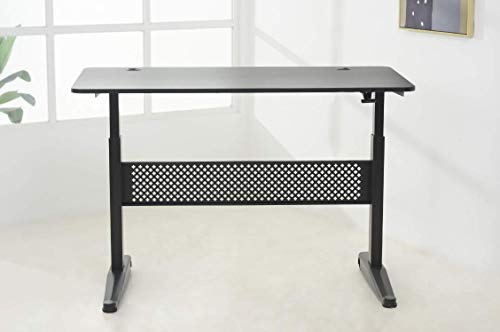
Figure 2: Multi-box shipment diagram, indicating separate packages for the desk top, frame, and motors.
Assembly Steps
- Begin by assembling the desk frame according to the detailed instructions provided in the included manual. Ensure all connections are secure.
- Attach the electric dual motors to the frame.
- Carefully place the 60" x 27" Curved Oak desktop onto the assembled frame. Secure it using the provided hardware.
- Connect the programmable memory controller and power cables. Utilize the built-in cable management features to organize wires neatly, preventing tangles during height adjustments.
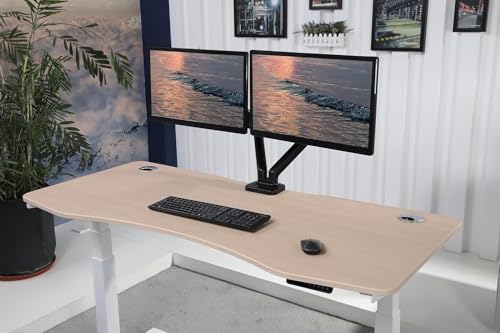
Figure 3: Underside of the desk frame, illustrating the motor and cable management system.
Important Considerations
- The maximum weight capacity for this desk is 225 lbs. Do not exceed this limit.
- It is recommended to have two people for assembly to ensure safety and ease of installation.
- Ensure proper legroom and clearance around the desk for comfortable use and to prevent stability issues.
Operating Instructions
The ApexDesk Elite Pro Series desk features electric height adjustment with a programmable memory controller, allowing for seamless transitions between sitting and standing positions.
Height Adjustment
- Locate the programmable memory controller, typically mounted on the front edge of the desk.
- Use the up and down arrow buttons to manually adjust the desk height to your desired level. The desk can adjust from a minimum height of 29 inches to a maximum height of 48 inches.

Figure 4: User seated at the desk, demonstrating a comfortable sitting position.

Figure 5: User standing at the desk, demonstrating an ergonomic standing position.
Programmable Memory Settings
The controller features 4 preset memory settings to save your preferred sitting and standing heights.
- Adjust the desk to your desired height using the up/down arrows.
- Press the 'M' button, then press one of the numbered preset buttons (1, 2, 3, or 4) to save the current height.
- To recall a saved height, simply press the corresponding numbered preset button. The desk will automatically move to that position.
Cable Management
The desk includes integrated cable management features to keep your workspace tidy and prevent cables from interfering with height adjustments.
- Utilize the cable tray located underneath the desktop to route and secure power cords and data cables.
- The desktop also features built-in power outlets and USB charging ports for convenient access.
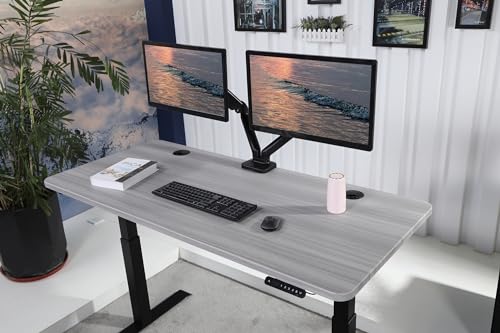
Figure 6: View of the desk's underside, highlighting the cable management tray for an organized setup.
Maintenance
Regular maintenance ensures the longevity and smooth operation of your ApexDesk Elite Pro Series desk.
Cleaning
- Wipe the desktop surface with a soft, damp cloth and a mild cleaner. Avoid abrasive cleaners or solvents that could damage the laminated finish.
- Clean the metal frame with a damp cloth. Ensure no liquids enter the motor or control unit.
Inspection
- Periodically check all screws and fasteners to ensure they are tight. Retighten if necessary.
- Inspect power cords and connections for any signs of wear or damage. Replace damaged components immediately.
- Ensure the desk's movement is smooth and free of obstructions.
Troubleshooting
If you encounter issues with your ApexDesk Elite Pro Series desk, refer to the following common troubleshooting steps:
Desk Not Responding
- Check Power Connection: Ensure the desk is properly plugged into a functional power outlet.
- Reset System: Unplug the desk from the power source for 10-15 seconds, then plug it back in. This can often resolve minor electronic glitches.
- Controller Check: Ensure the controller cable is securely connected to the motor control box.
Uneven Height Adjustment
- Clear Obstructions: Ensure there are no objects obstructing the desk legs or the lifting mechanism.
- Weight Distribution: Verify that the weight on the desktop is evenly distributed and does not exceed the maximum capacity of 225 lbs.
- Recalibration: Refer to the full product manual for specific recalibration procedures if the desk consistently moves unevenly.
Unusual Noises During Operation
- Identify Source: Listen carefully to pinpoint the source of the noise.
- Lubrication: If the noise is a squeak or grind, a small amount of silicone-based lubricant on moving parts (if accessible and recommended by the manufacturer) might help. Avoid oil-based lubricants.
- Contact Support: If the noise persists or indicates a mechanical issue, contact ApexDesk customer support.
Specifications

Figure 7: Top-down view of the desk, illustrating the 60" width, 27" depth, and curved design.
| Feature | Detail |
|---|---|
| Brand | ApexDesk |
| Model Number | ET60-OAK |
| UPC | 604034683552 |
| Product Dimensions (D x W x H) | 27"D x 60"W x 48"H |
| Color | Curved Oak |
| Minimum Height | 29 Inches |
| Maximum Height | 48 Inches |
| Number of Height Positions | 4 (Programmable Presets) |
| Lifting Mechanism | Electric Dual Motor with Programmable Memory Controller |
| Maximum Weight Recommendation | 225 Pounds |
| Top Material Type | Engineered Wood |
| Finish Type | Laminated |
| Base Material | Metal |
| Special Feature | Adjustable Height |
| Required Assembly | Yes (Tools Included) |
Warranty Information
The ApexDesk Elite Pro Series desk comes with a manufacturer's warranty to cover defects in materials and workmanship.
- Electronics Warranty: A 2-year warranty is provided for the electronic components of the desk, including the motors and control unit.
- For specific terms and conditions, please refer to the warranty documentation included with your product or visit the official ApexDesk website.
Customer Support
For further assistance, technical support, or warranty claims, please contact ApexDesk customer service.
- Visit the official ApexDesk website for FAQs, additional resources, and contact information.
- When contacting support, please have your model number (ET60-OAK) and UPC (604034683552) readily available.