
Introduction
The iRobot Roomba 671020 Robot Vacuum is designed to provide effortless cleaning for your home. Featuring Wi-Fi connectivity, it can be controlled via the iRobot HOME app or voice assistants like Alexa. Its patented 3-Stage Cleaning System effectively loosens, lifts, and suctions dirt, dust, and debris from various floor types, including carpets and hard floors.
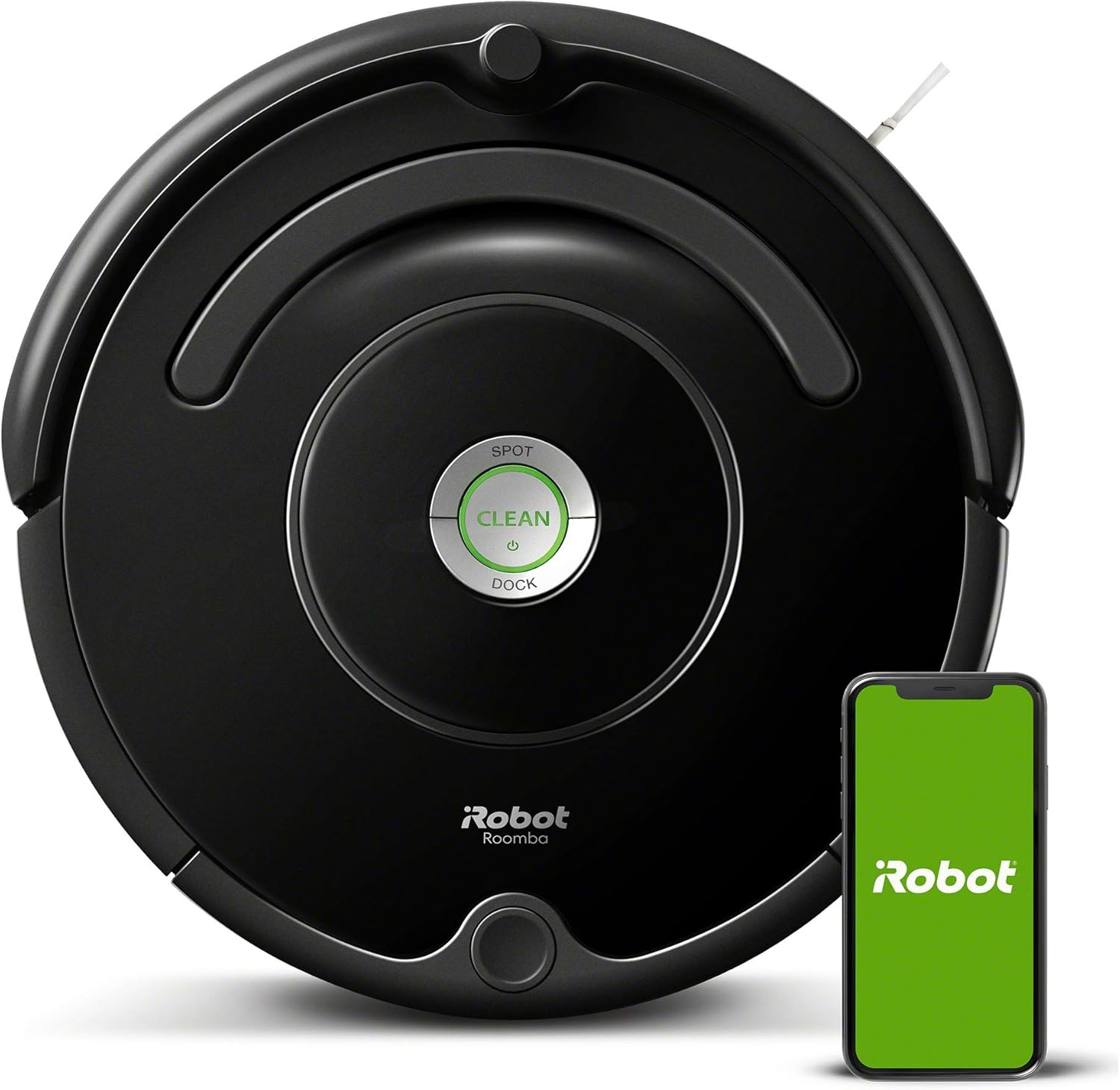
Figure 1: The iRobot Roomba 671020 Robot Vacuum and its companion mobile application.
What's in the Box
Ensure all components are present before beginning setup:
- Owner’s Guide
- 1 Home Base® Charging Station
- 1 North American Line Cord
- Documentation Package
- 1 Roomba® 671 Robot Vacuum with Wi-Fi® Connectivity
Setup
1. Place the Home Base® Charging Station
Select a location for the Home Base® that is on a level, hard surface and against a wall. Ensure there is at least 1.5 feet (0.5 meters) of clear space on each side of the Home Base® and 4 feet (1.2 meters) in front of it. This allows the Roomba to easily dock and undock.
2. Initial Charging
Place your Roomba robot onto the Home Base® charging station. The robot will begin charging automatically. Allow the robot to charge for at least 3 hours before its first use to ensure a full battery.
3. Connect to Wi-Fi and the iRobot HOME App
Download the iRobot HOME app from your device's app store. Follow the in-app instructions to connect your Roomba to your home Wi-Fi network. The app provides access to advanced features, scheduling, and cleaning history.

Figure 2: Controlling your Roomba via the iRobot HOME app.
4. Voice Assistant Integration
Once connected to the iRobot HOME app, you can link your Roomba to compatible voice assistants such as Amazon Alexa or Google Assistant. This allows for convenient voice commands to start, stop, or schedule cleaning cycles.
Operating Your Roomba
Starting a Clean Cycle
You can start a cleaning cycle in several ways:
- Press the large CLEAN button on the robot.
- Use the iRobot HOME app to initiate cleaning, set schedules, or choose specific cleaning modes.
- Utilize voice commands through a connected voice assistant (e.g., "Alexa, ask Roomba to start cleaning.").
3-Stage Cleaning System
The Roomba 671020 employs a 3-Stage Cleaning System with Dual Multi-Surface brushes and an Edge-Sweeping brush. This system is designed to effectively loosen, lift, and suction dirt, dust, and debris from both carpets and hard floors.

Figure 3: The Roomba's underside demonstrating its ability to loosen, lift, and suction dirt.

Figure 4: The Multi-Surface Brushes are designed to grab various types of debris.
Adaptive Navigation
A suite of advanced sensors allows the Roomba 671020 to navigate efficiently around your home, moving under and around furniture, and along edges. Cliff Detect sensors prevent the robot from falling down stairs.

Figure 5: The Roomba's low profile allows it to clean effectively under furniture.

Figure 6: The Edge-Sweeping brush ensures thorough cleaning along walls and corners.
Dirt Detect™ Technology
Dirt Detect™ Sensors alert your robot to dirtier areas of your home, such as high-traffic spots. The robot will then clean these areas more thoroughly to ensure optimal cleanliness.

Figure 7: Dirt Detect™ Technology enables the Roomba to focus on heavily soiled areas.
Automatic Recharging
The Roomba 671020 runs for up to 90 minutes before automatically returning to its Home Base® charging station to dock and recharge. This ensures it is always ready for its next cleaning cycle.
Maintenance
Regular maintenance is crucial for the optimal performance and longevity of your Roomba robot vacuum. Always turn off the robot and disconnect it from the Home Base before performing any maintenance.
Emptying the Dirt Bin
The dirt bin should be emptied after each cleaning cycle or when the 'Bin Full' indicator illuminates. To empty, press the bin release tab and pull the bin out. Open the bin door and shake out debris. Clean the filter as needed.
Cleaning the Brushes and Wheels
Periodically inspect and clean the Multi-Surface brushes, Edge-Sweeping brush, and front caster wheel. Hair and debris can accumulate around these components, affecting cleaning performance. Use the cleaning tool provided with your Roomba to remove tangled hair.
Cleaning the Sensors
Wipe the charging contacts on the robot and Home Base, as well as the cliff sensors and dirt detect sensors, with a clean, dry cloth. Keeping these sensors clean ensures proper navigation and docking.
Troubleshooting
If your Roomba encounters an issue, consult the iRobot HOME app for specific error messages and troubleshooting steps. Here are some common issues and general solutions:
- Robot not charging: Ensure the Home Base is plugged in and the charging contacts on both the robot and Home Base are clean.
- Robot getting stuck frequently: Clear obstacles from the cleaning area. Ensure cords and loose items are picked up. The robot may also get stuck if its sensors are dirty.
- Poor cleaning performance: Empty the dirt bin, clean the brushes, and replace the filter if necessary. Ensure the brushes are free of tangled hair and debris.
- Robot not connecting to Wi-Fi: Verify your Wi-Fi network is active and the password is correct. Try restarting your router and the Roomba.
For more detailed troubleshooting, refer to the full Owner's Guide or contact iRobot Customer Support.
Specifications
| Feature | Detail |
|---|---|
| Brand | iRobot |
| Model Name | iRobot 671 |
| Product Dimensions | 13.4"L x 13.4"W x 3.35"H |
| Item Weight | 5 pounds |
| Color | Clear |
| Battery Life | 90 minutes |
| Voltage | 14.4 Volts |
| Power Source | Battery Powered |
| Control Method | Voice |
| Compatible Devices | Amazon Echo, Google Home |
| Filter Type | Disk |
| Special Feature | Counter Rotating Brush, Edge Cleaning, Dirt Detection Sensor, Scheduling |
| UPC | 885155016171 |
Warranty and Support
For detailed warranty information, please refer to the official warranty document provided by iRobot. You can access the Warranty PDF here.
For further assistance, technical support, or to purchase replacement parts, please visit the official iRobot website or contact their customer service department.
An Owner's Guide is also available for download here.


