
Eapro 5.2 KVA / 96 Volts
Eapro Inverter 5.2 KVA / 96 Volts User Manual
Model: 5.2 KVA / 96 Volts
Product Overview
This manual provides essential instructions for the safe and efficient installation, operation, and maintenance of your Eapro Inverter 5.2 KVA / 96 Volts. Please read this manual thoroughly before using the product and retain it for future reference.
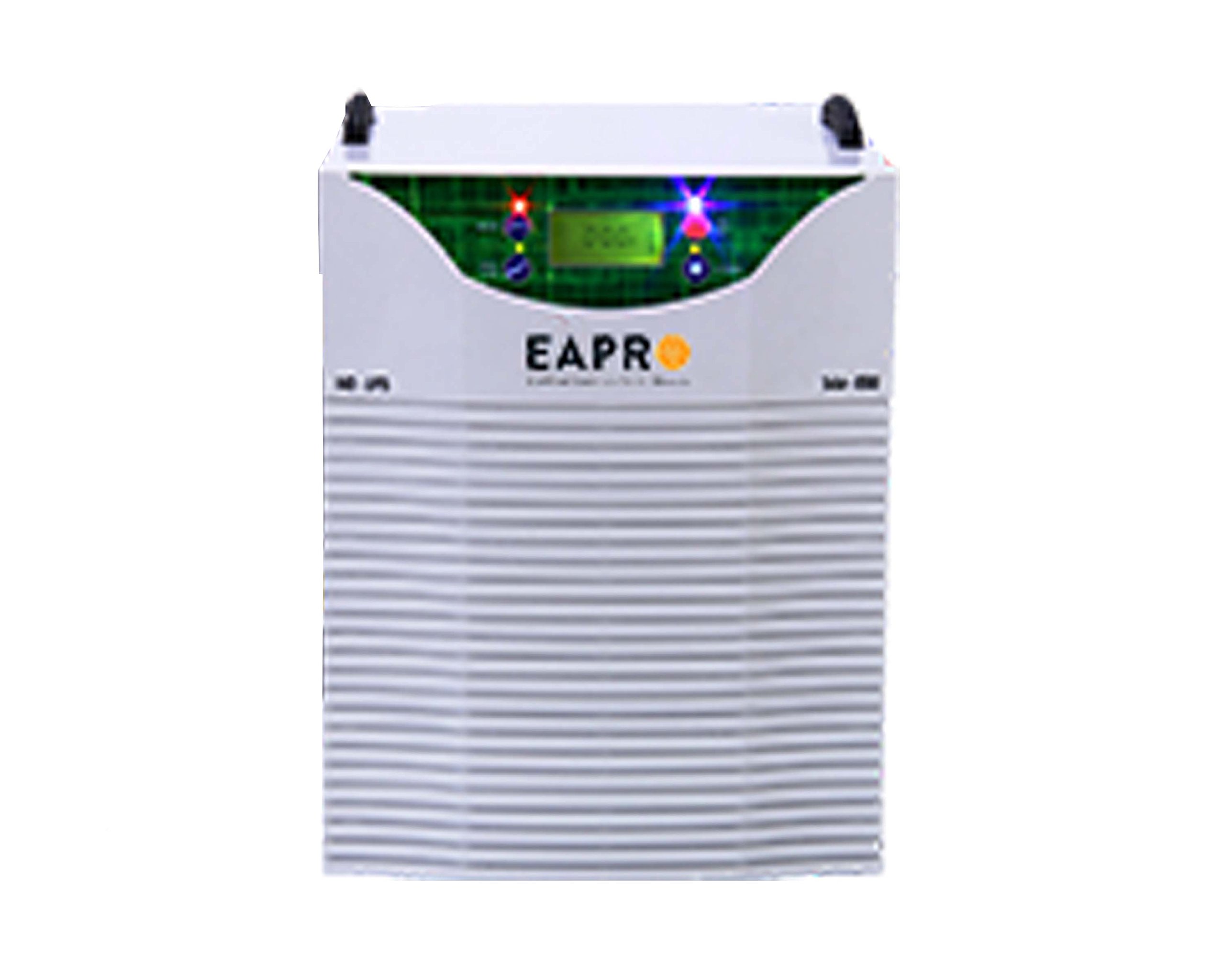
Figure 1: Front view of the Eapro Inverter 5.2 KVA / 96 Volts. This image shows the main unit with its control panel and connection ports.
Key Features:
- Pure Sine Wave Output: Ensures compatibility with sensitive electronic appliances.
- High Capacity: 5.2 KVA / 96 Volts for robust power backup.
- Durable Construction: Designed for reliable long-term performance.
Important Safety Instructions
WARNING: Failure to follow these safety instructions may result in electric shock, fire, serious injury, or death.
- Read all instructions before operating the inverter.
- Do not expose the inverter to rain, moisture, or extreme temperatures.
- Ensure proper ventilation around the inverter to prevent overheating.
- Only qualified personnel should perform installation and servicing.
- Keep children away from the inverter.
- Disconnect all power sources before performing any maintenance or cleaning.
Setup and Installation
Unpacking:
Carefully unpack the inverter and inspect it for any damage. Report any damage to your dealer immediately.
Location:
- Install the inverter in a cool, dry, and well-ventilated area.
- Avoid direct sunlight, heat sources, and flammable materials.
- Ensure sufficient clearance around the unit for airflow.
Battery Connection:
- Ensure the inverter is turned OFF before connecting batteries.
- Connect the positive (+) terminal of the battery bank to the positive (+) terminal of the inverter.
- Connect the negative (-) terminal of the battery bank to the negative (-) terminal of the inverter.
- Ensure all connections are tight and secure.
AC Input/Output Connection:
- Connect the AC input cable from your main power supply to the inverter's AC input port.
- Connect your appliances to the inverter's AC output ports.
- Ensure all wiring complies with local electrical codes.
Operating Instructions
Starting the Inverter:
- After all connections are made, switch ON the battery breaker (if applicable).
- Press and hold the power button on the inverter's front panel for a few seconds until the display illuminates.
- The inverter will perform a self-test and then enter operating mode.
Display Indicators:
The front panel display provides information on the inverter's status:
- Input Voltage: Shows the incoming AC voltage.
- Output Voltage: Displays the inverter's AC output voltage.
- Battery Level: Indicates the current charge level of the connected batteries.
- Load Level: Shows the percentage of load connected to the inverter.
- Error Codes: Displays specific codes in case of a fault (refer to Troubleshooting section).
Shutting Down:
- Turn OFF all connected appliances.
- Press and hold the power button on the inverter until the display turns off.
- Switch OFF the battery breaker.
Maintenance
Regular Checks:
- Inspect all cables and connections for wear or damage periodically.
- Ensure the inverter's ventilation openings are clear of dust and debris.
- Check battery terminals for corrosion and clean if necessary.
Cleaning:
Use a soft, dry cloth to clean the exterior of the inverter. Do not use liquid cleaners or solvents.
Battery Maintenance:
Follow the battery manufacturer's recommendations for maintenance, including checking electrolyte levels for flooded lead-acid batteries.
Troubleshooting
| Problem | Possible Cause | Solution |
|---|---|---|
| Inverter does not turn ON | No battery connection or low battery voltage. | Check battery connections. Ensure batteries are charged. |
| No AC output | Overload, short circuit, or inverter fault. | Reduce load. Check for short circuits. Restart inverter. |
| Overheating alarm | Poor ventilation or excessive load. | Ensure proper airflow. Reduce load. |
If the problem persists after attempting these solutions, please contact customer support.
Specifications
| Feature | Detail |
|---|---|
| Brand | Eapro |
| Model | 5.2 KVA / 96 Volts |
| Electrical Output Waveform | Pure Sine Wave |
| Colour | White |
| Manufacturer | Solar Sales Society |
| UPC | 000523486923 |
| ASIN | B0781QKY1L |
Warranty and Support
This Eapro Inverter 5.2 KVA / 96 Volts comes with a 2 Year Warranty from the date of purchase. This warranty covers manufacturing defects and material faults under normal use.
The warranty does not cover damage caused by improper installation, misuse, neglect, unauthorized repairs, or acts of nature.
For warranty claims or technical support, please contact your authorized Eapro dealer or the manufacturer, Solar Sales Society.
Please retain your purchase receipt as proof of purchase for warranty purposes.
Ask a question about this manual
Ask about setup, troubleshooting, compatibility, parts, safety, or missing instructions. Manuals+ will review the question and use this page’s manual context to help answer it.