
1. Introduction
This manual provides instructions for the AGPTEK VR1 Carrying Case. This case is designed to protect and organize your portable electronic devices such as MP3 players, voice recorders, and their accessories. Please read this manual thoroughly to ensure proper use and care of your carrying case.
2. Product Overview
2.1 Key Features
- Durable Construction: Made from high-grade EVA material for enhanced durability and protection.
- Compact and Lightweight: Designed for easy portability without adding bulk.
- Protective Design: Offers shock absorption, dustproof, and splashproof capabilities to safeguard your devices.
- Organized Storage: Features internal mesh pockets and elastic straps to secure various accessories.
- Versatile Compatibility: Suitable for MP3 players, voice recorders, SD cards, USB cables, earphones, and small portable batteries.
- Integrated Strap: Includes a wrist strap for convenient carrying.
2.2 Components and Internal Structure
The AGPTEK VR1 carrying case features a well-organized interior to keep your devices and accessories secure.
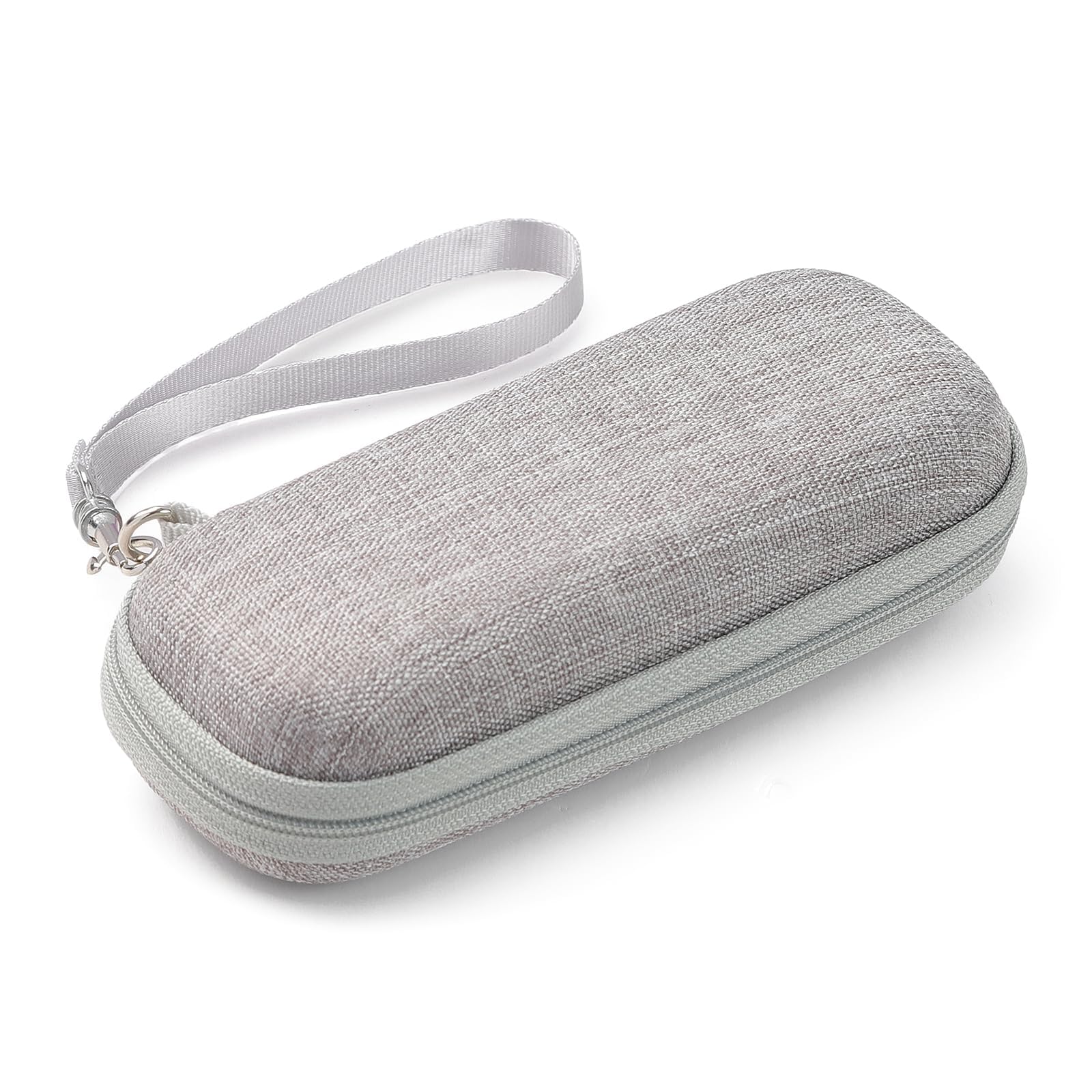
The case is constructed with multiple layers for optimal protection.

The interior design ensures items are held firmly in place, preventing movement and potential damage.

3. Setup
To prepare your AGPTEK VR1 Carrying Case for use:
- Open the Case: Unzip the case completely using the dual zippers.
- Place Main Device: Position your MP3 player or voice recorder in the main compartment, typically on one side of the case. Ensure it fits snugly.
- Organize Accessories: Utilize the mesh pocket on the opposite side for smaller items like SD cards, USB drives, or a card reader. The elastic strap can secure cables or earphones.
- Secure Items: Ensure all items are properly placed within their respective compartments or secured by the elastic band to prevent movement during transport.

4. Operating the Case
The AGPTEK VR1 Carrying Case is designed for simple and effective protection and transport.
- Closing the Case: Once all items are securely placed, close the case by pulling the dual zippers together until they meet.
- Carrying: Use the integrated wrist strap for easy carrying by hand. The strap can also be attached to a backpack or bag using the carabiner for hands-free transport.
- Protection: The hard EVA shell provides protection against impacts, drops, and pressure. The splashproof exterior helps guard against light moisture.


5. Maintenance
To maintain the condition and longevity of your AGPTEK VR1 Carrying Case:
- Cleaning: Wipe the exterior with a soft, damp cloth. For stubborn dirt, a mild soap solution can be used, followed by wiping with a clean, damp cloth.
- Drying: Allow the case to air dry completely before storing or using it, especially if it has been exposed to moisture. Do not use direct heat sources for drying.
- Storage: Store the case in a cool, dry place away from direct sunlight and extreme temperatures when not in use.
- Avoid Harsh Chemicals: Do not use abrasive cleaners, solvents, or harsh chemicals, as these can damage the material.
6. Troubleshooting
This section addresses common issues you might encounter with your carrying case.
- Zipper Sticks: If the zipper becomes difficult to move, apply a small amount of zipper lubricant or a graphite pencil lead along the teeth. Avoid forcing the zipper.
- Case Deforms: If the case appears slightly deformed, ensure no oversized items are being stored inside. The EVA material is designed to retain its shape under normal use.
- Water Exposure: While splashproof, the case is not fully waterproof. If the interior gets wet, remove all electronic devices immediately and allow the case to air dry thoroughly before reuse.
7. Specifications
| Brand | AGPTEK |
|---|---|
| Model Number | VR1 |
| Color | Gray |
| Compatible Devices | MP3 Player, Voice Recorder, SD Cards, USB Drives, Earphones |
| Form Factor | Case |
| Shell Type | Hard |
| Material | EVA, Nylon |
| Internal Dimensions (L x W x H) | 14 cm x 5 cm x 1.7 cm (5.5 in x 1.9 in x 0.66 in) |
| External Dimensions (L x W x H) | 15.7 cm x 6.5 cm x 5 cm (6.1 in x 2.5 in x 1.8 in) |
8. Warranty Information
Specific warranty details for the AGPTEK VR1 Carrying Case are not provided within this manual. For information regarding warranty coverage, terms, and conditions, please refer to the product packaging, the official AGPTEK website, or contact customer support directly.
9. Customer Support
For any questions, assistance, or support regarding your AGPTEK VR1 Carrying Case, please contact customer service:
- Email: dreameaterjp@163.com
- Operating Hours: Weekdays 9:00 - 19:00 (excluding weekends and holidays)
