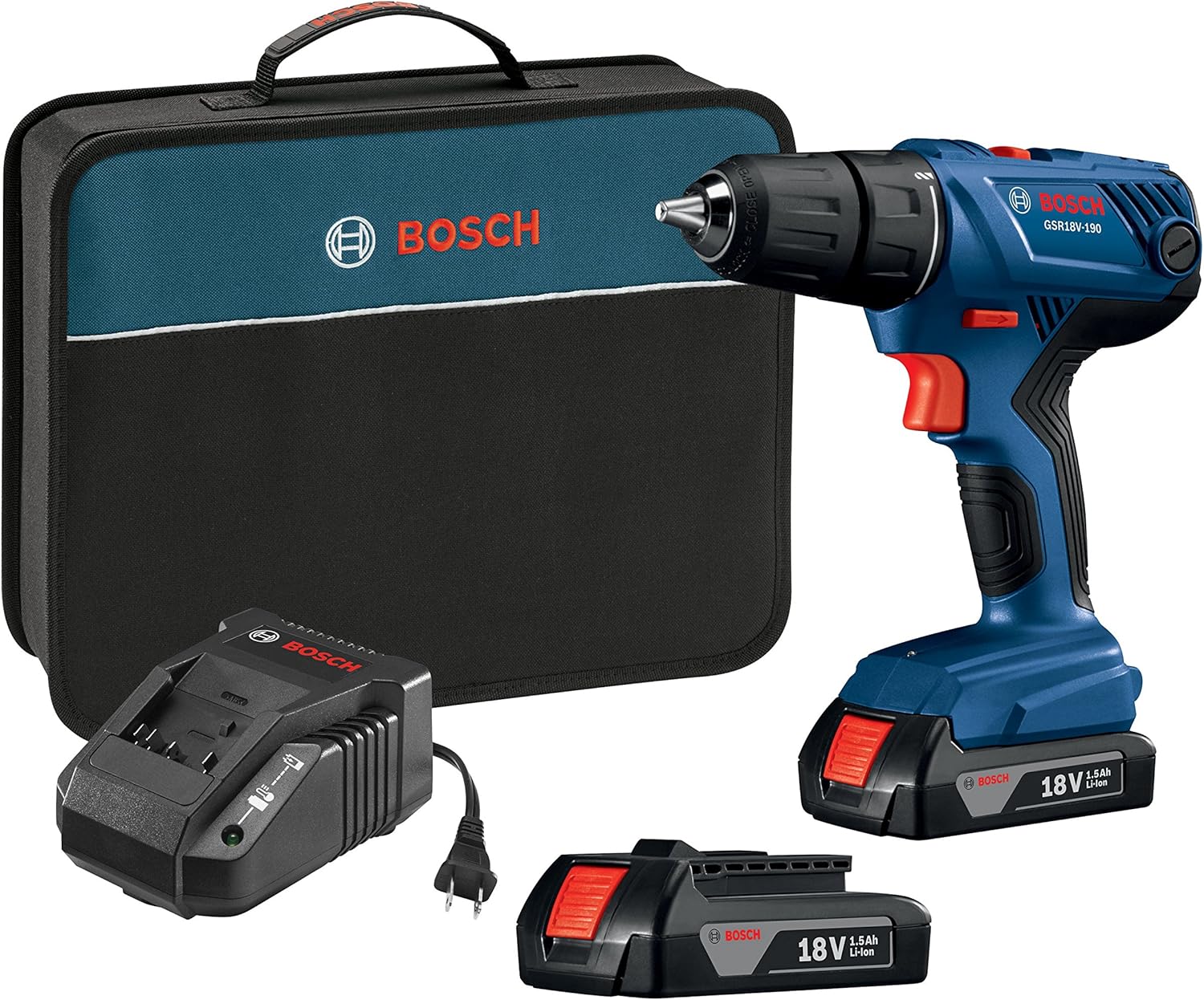
5. Operating Instructions
5.1 Speed Settings
The drill/driver features a two-speed transmission, controlled by a switch located on top of the tool:
- Speed 1 (Low Speed, 0-450 RPM): Ideal for high-torque applications such as driving large fasteners or drilling large diameter holes in tough materials.
- Speed 2 (High Speed, 0-1,700 RPM): Suitable for fast drilling of smaller holes and general driving tasks.
Select the appropriate speed before starting the tool.
5.2 Clutch Settings (Torque Adjustment)
The 20+1 clutch settings allow you to adjust the torque output, preventing over-driving screws or damaging materials. The settings are adjusted by rotating the collar behind the chuck.
- Settings 1-20: Lower numbers provide less torque, suitable for smaller screws or softer materials. Higher numbers provide more torque for larger screws or harder materials.
- Drill Symbol Setting: This setting bypasses the clutch for maximum torque, intended for drilling applications.
Experiment with settings on scrap material to find the optimal torque for your task.
5.3 Forward/Reverse Rotation
The direction of rotation is controlled by a switch located above the trigger. Push the switch to the left for forward (clockwise) rotation and to the right for reverse (counter-clockwise) rotation. Center the switch to lock the trigger and prevent accidental starting.
5.4 Operating the Drill/Driver
- Ensure the battery is installed and the correct bit is secured.
- Select the appropriate speed and clutch setting for your application.
- Position the bit on the workpiece.
- Squeeze the trigger to start the tool. The built-in LED light will illuminate the work area. The trigger is variable speed; apply more pressure for higher speed.
- Apply steady, even pressure to the tool. For drilling, allow the tool to do the work. For driving, stop when the fastener is flush or at the desired depth.
- Release the trigger to stop the tool.

Image 5.1: Drilling operation with the BOSCH Drill/Driver.

Image 5.2: Driving operation with the BOSCH Drill/Driver.