
Product Overview
This document provides instructions for the Custom Cable Connection 1 Foot SMA Male to SMA Male Times Microwave LMR240 Ultraflex Antenna 50 Ohm Cable. This cable features a stranded center conductor and a durable rubber outer jacket, designed for applications requiring multiple bending and flexing cycles. It is suitable for both indoor and outdoor use.
Key features include:
- Times Microwave LMR240 Ultraflex design for flexibility.
- SMA Male connectors on both ends.
- 50 Ohm impedance for antenna and RF applications.
- Suitable for indoor and outdoor environments.
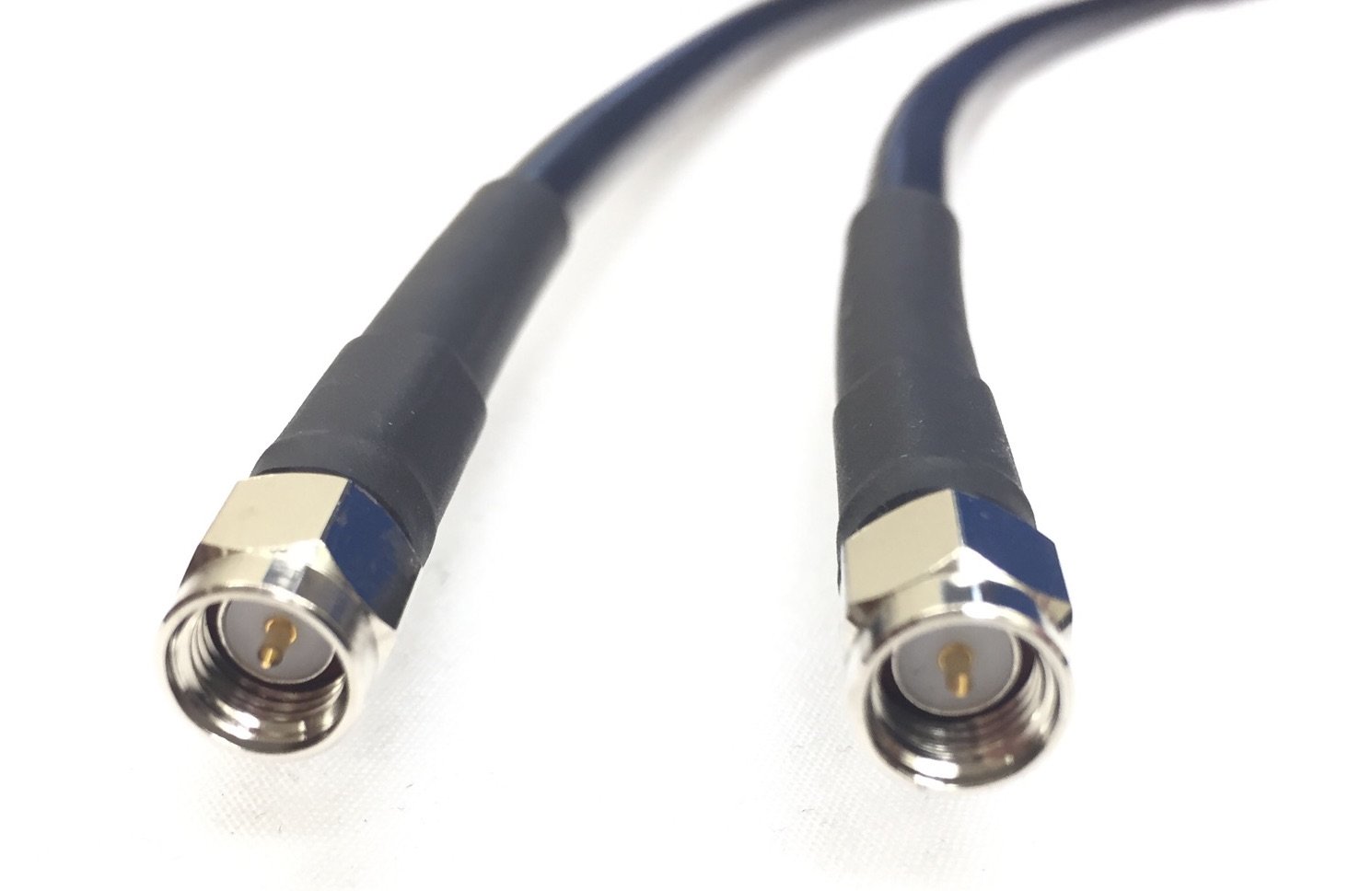
Image: The 1-foot LMR240 Ultraflex coaxial cable, coiled, showcasing its black jacket and SMA male connectors.
Setup Instructions
Follow these steps to properly connect your LMR240 Ultraflex coaxial cable:
- Identify Connectors: Ensure that both the cable ends and the devices you are connecting have compatible SMA female ports. This cable features SMA Male connectors on both ends.
- Align Connectors: Carefully align the SMA Male connector on the cable with the SMA Female port on your device. Avoid forcing the connection.
- Hand-Tighten: Gently screw the connector onto the port. Hand-tighten until snug. Do not overtighten, as this can damage the connectors or the device.
- Verify Connection: Ensure the connection is secure and there is no wobble. A proper connection is crucial for optimal signal transmission.
- Cable Routing: Route the cable to avoid sharp bends, kinks, or areas where it might be pinched or stepped on. The LMR240 Ultraflex is designed for flexibility, but extreme stress should still be avoided.
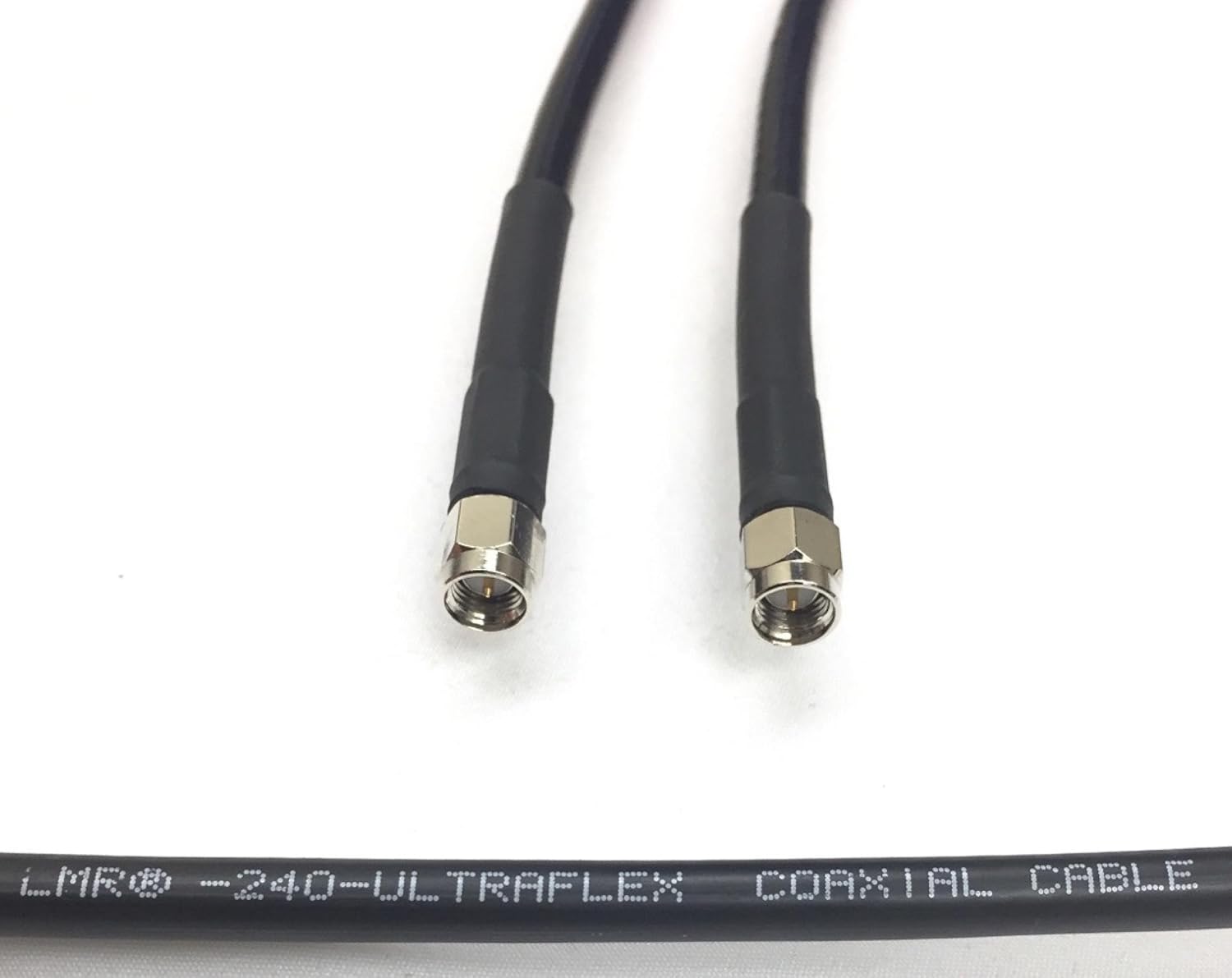
Image: A close-up view of the SMA Male connectors on the LMR240 Ultraflex coaxial cable, showing the threaded design for secure attachment.
Operating the Cable
As a passive coaxial cable, the LMR240 Ultraflex does not require active operation. Once properly connected between two compatible devices, it facilitates the transmission of RF signals. Ensure that the connected devices are powered on and configured according to their respective instruction manuals for signal transmission.
This 50 Ohm cable is designed for applications requiring a matched impedance for efficient power transfer and minimal signal loss. Verify that your connected equipment also operates at 50 Ohm impedance for optimal performance.
Maintenance
Proper maintenance ensures the longevity and performance of your coaxial cable:
- Cleaning: Periodically inspect the cable and connectors for dirt, dust, or moisture. Use a clean, dry, lint-free cloth to wipe down the cable jacket. For connectors, a small amount of isopropyl alcohol on a cotton swab can be used to clean the contact surfaces, ensuring no residue remains.
- Inspection: Regularly check the cable for any signs of physical damage, such as cuts, abrasions, severe kinks, or crushed sections. Inspect the connectors for bent pins, corrosion, or loose parts. Damaged cables should be replaced to prevent signal degradation or equipment damage.
- Environmental Considerations: The LMR240 Ultraflex cable is UV resistant and designed for both indoor and outdoor use. When used outdoors, ensure connections are properly sealed against moisture if exposed to the elements. Avoid prolonged exposure to extreme temperatures beyond its specified operating range.
- Storage: When not in use, store the cable in a clean, dry environment, preferably coiled loosely to prevent kinks.
Troubleshooting
If you experience issues with signal transmission, consider the following troubleshooting steps:
- No Signal or Weak Signal:
- Check Connections: Ensure both SMA Male connectors are securely and correctly attached to their respective SMA Female ports. A loose connection is a common cause of signal loss.
- Verify Device Compatibility: Confirm that the devices being connected are compatible with 50 Ohm coaxial cables and SMA connectors.
- Inspect Cable for Damage: Look for any visible damage to the cable jacket or connectors. Internal damage may not be visible but can cause signal issues.
- Intermittent Signal:
- Wiggle Test: Gently move the cable near the connectors. If the signal fluctuates, the connection may be loose or the connector may be faulty.
- Environmental Interference: Ensure the cable is not running parallel to power lines or other sources of electromagnetic interference.
- Incorrect Impedance: If your system requires a different impedance (e.g., 75 Ohm), using a 50 Ohm cable will result in signal reflections and loss. Ensure all components in your system have matching impedance.
If issues persist after performing these checks, consider testing with a known good cable or contacting technical support.
Specifications
Detailed specifications for the Custom Cable Connection LMR240 Ultraflex Coaxial Cable:
| Specification | Detail |
|---|---|
| Brand | Custom Cable Connection |
| Model | 110141-1C |
| Connector Type | SMA |
| Cable Type | Coaxial (Times Microwave LMR240 Ultraflex) |
| Connector Gender | Male-to-Male |
| Impedance | 50 Ohm |
| Length | 1 Foot |
| Color | Black |
| Indoor/Outdoor Usage | Indoor, Outdoor |
| Special Feature | UV Resistant |
| Item Weight | 6.08 ounces |
| Compatible Devices | Microwave Oven |

Image: Official specification sheet for Times Microwave LMR-240 coaxial cable, detailing construction, environmental, electrical, and mechanical properties.
Warranty Information
This Custom Cable Connection LMR240 Ultraflex Coaxial Cable is backed by a Lifetime Warranty. For details regarding warranty claims or service, please refer to the support section below.
Support
For technical assistance, product inquiries, or warranty support, please contact Custom Cable Connection directly. You can find more information and contact details by visiting the official Custom Cable Connection store: