
1. Introduction
This manual provides essential information for the proper use and maintenance of your Rotorazer Platinum Replacement Blades. This set includes three distinct blades designed for specific cutting tasks with the Rotorazer Platinum Saw. It is crucial to ensure you own the Rotorazer Platinum model, as these blades are not compatible with the standard Rotorazer Saw.
The replacement blade set includes:
- 1 Tungsten Carbide Blade (18 teeth): Ideal for cutting wood and laminate materials.
- 1 High-Speed Steel Blade (30 teeth): Designed for cutting soft metal and aluminum.
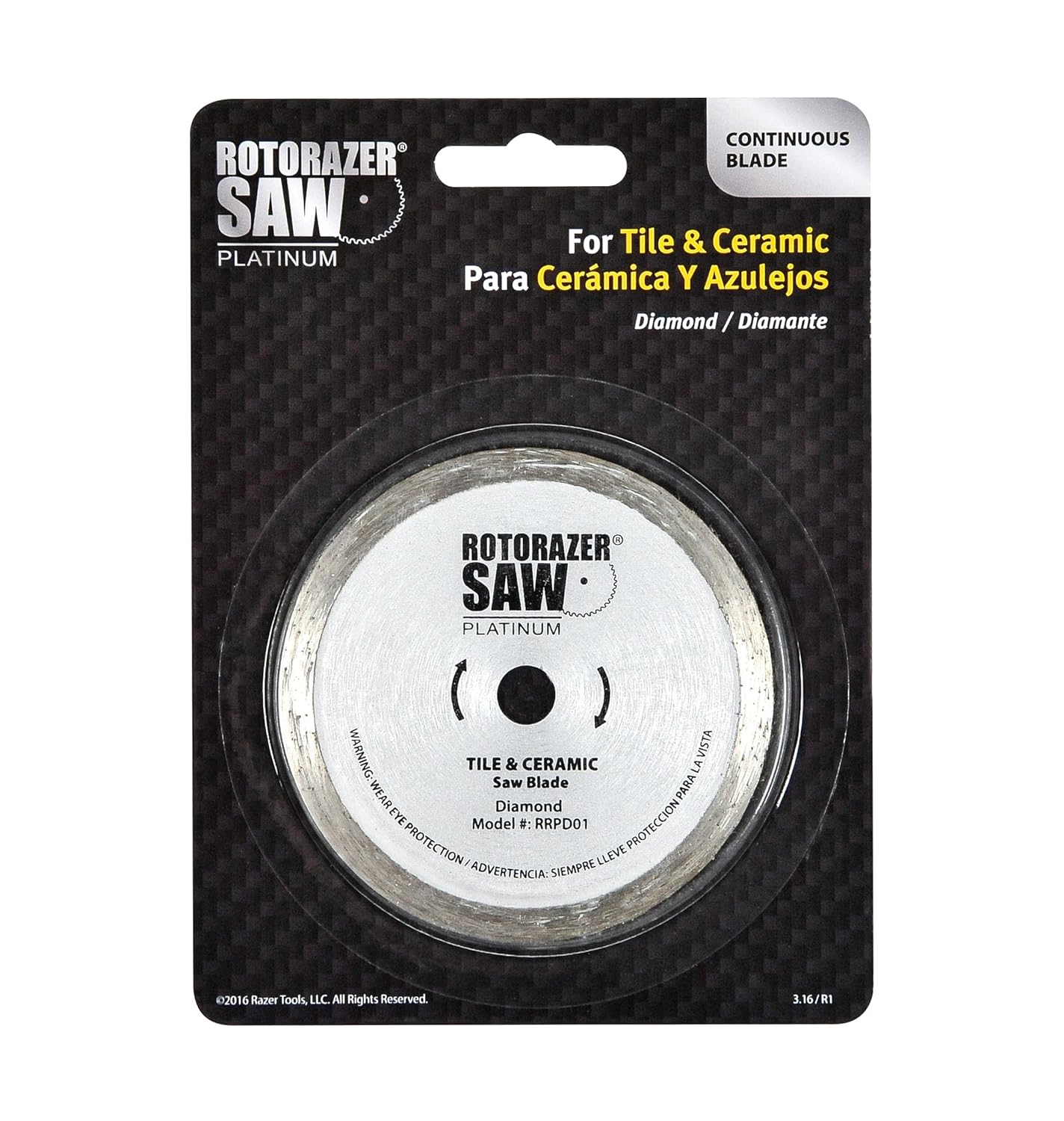
- 1 Diamond Cutting Blade: Best suited for cutting tile and stone.
2. Safety Information
Always prioritize safety when working with power tools and their accessories. Failure to follow safety guidelines can result in serious injury.
- Eye Protection: Always wear appropriate eye protection, such as safety glasses or goggles, when operating the Rotorazer Platinum Saw and changing blades.
- Disconnect Power: Before attempting to change any blade, ensure the Rotorazer Platinum Saw is completely disconnected from its power source.
- Read Saw Manual: Refer to your Rotorazer Platinum Saw's original owner's manual for comprehensive safety instructions and operating procedures.
- Inspect Blades: Before each use, inspect the blade for any damage, cracks, or dullness. Do not use damaged blades.
- Proper Blade Selection: Use only the correct blade type for the material being cut to prevent kickback, blade damage, and injury.
3. Setup: Blade Installation
Proper blade installation is critical for safe and effective operation. Always refer to your Rotorazer Platinum Saw's owner's manual for detailed, step-by-step instructions specific to your tool.
General Blade Changing Procedure:
- Disconnect Power: Unplug the Rotorazer Platinum Saw from the electrical outlet.
- Secure the Saw: Place the saw on a stable, flat surface.
- Access Blade: Follow the instructions in your saw's manual to access the blade area and engage the spindle lock mechanism.
- Loosen Arbor Nut: Use the appropriate wrench (usually provided with the saw) to loosen the arbor nut that secures the blade. Note the direction of rotation for loosening.
- Remove Old Blade: Carefully remove the old blade, noting its orientation.
- Install New Blade: Place the new replacement blade onto the arbor, ensuring the teeth are oriented correctly for cutting (the arrows on the blade should match the rotation direction indicated on the saw).
- Tighten Arbor Nut: Securely tighten the arbor nut. Do not overtighten.
- Verify Installation: Ensure the blade is seated correctly and spins freely without wobbling.


4. Operating: Blade Selection and Usage
Selecting the correct blade for your material is essential for efficient cutting and to prolong blade life.
- Wood and Laminate: Use the Tungsten Carbide Blade (18 teeth). This blade is designed for clean cuts in various wood types and laminate flooring.
- Soft Metal and Aluminum: Use the High-Speed Steel Blade (30 teeth). This blade is optimized for cutting thinner gauges of soft metals and aluminum.
- Tile and Stone: Use the Diamond Cutting Blade. This blade is specifically engineered for abrasive materials like ceramic tile, porcelain, and stone.
Always ensure the material is properly secured before cutting. Follow the cutting depth and technique guidelines provided in your Rotorazer Platinum Saw's main instruction manual.
5. Maintenance
Regular maintenance of your blades will ensure optimal performance and extend their lifespan.
- Cleaning: After each use, clean the blades to remove any accumulated dust, resin, or debris. Use a suitable blade cleaner or a stiff brush. Ensure blades are dry before storage.
- Inspection: Periodically inspect blades for signs of wear, such as dull teeth, missing teeth, cracks, or warping. A dull blade can cause the saw to work harder, leading to overheating and potential damage to the saw or material.
- Storage: Store blades in a dry, safe place, preferably in their original packaging or a blade storage case, to protect them from damage and moisture. Keep them out of reach of children.
- Replacement: Replace blades when they become dull or damaged. Attempting to sharpen these types of blades without specialized equipment is not recommended and can compromise their integrity and safety.
6. Troubleshooting
If you encounter issues while using your Rotorazer Platinum Replacement Blades, consider the following common problems and solutions:
- Poor Cut Quality / Slow Cutting:
Possible Cause: Blade is dull or incorrect blade type for the material.
Solution: Replace the blade or ensure you are using the appropriate blade for the material being cut. - Excessive Vibration / Wobbling:
Possible Cause: Blade is not installed correctly or is damaged.
Solution: Disconnect power, remove the blade, inspect for damage, and re-install carefully, ensuring the arbor nut is tightened securely. Replace if damaged. - Overheating of Blade:
Possible Cause: Blade is dull, incorrect blade for material, or excessive force is being applied.
Solution: Replace dull blades, use the correct blade for the material, and allow the saw to do the work without forcing it.
For issues related to the Rotorazer Platinum Saw itself, refer to its dedicated instruction manual or contact Rotorazer customer support.
7. Specifications
| Feature | Description |
|---|---|
| Product Name | Rotorazer Platinum Replacement Blades Set |
| Compatibility | Rotorazer Platinum Saw (Not compatible with standard Rotorazer Saw) |
| Blade Diameter | 85 mm |
| Blade 1 Type | Tungsten Carbide (Wood & Laminate) |
| Blade 1 Teeth | 18 teeth |
| Blade 2 Type | High-Speed Steel (Soft Metal & Aluminum) |
| Blade 2 Teeth | 30 teeth |
| Blade 3 Type | Diamond (Tile & Stone) |
| Material | Metal (Steel, Tungsten Carbide, Diamond) |
| UPC | 874617000599 |
8. Warranty and Support
For warranty information regarding your Rotorazer Platinum Replacement Blades, please refer to the documentation included with your original purchase of the Rotorazer Platinum Saw or contact Rotorazer Saw customer service directly. Specific warranty terms may vary.
For further assistance, technical support, or to inquire about additional products, please visit the official Rotorazer Saw website or contact their customer support channels.