
Aftershokz AS650MB
AfterShokz Air Open Ear Wireless Bone Conduction Headphones
Model: AS650MB
Brand: Aftershokz
Introduction
The AfterShokz Air headphones utilize advanced bone conduction technology to deliver audio through your cheekbones, leaving your ears open to ambient sounds. This design enhances situational awareness, making them ideal for outdoor activities and environments where being aware of your surroundings is crucial. Lightweight and comfortable, these headphones provide a unique listening experience without compromising safety.
Product Overview

AfterShokz Air Headphones: A full view of the Midnight Blue AfterShokz Air Open Ear Wireless Bone Conduction Headphones.

Open Ear Design: Illustrates how the headphones sit outside the ear, allowing users to hear ambient sounds while listening to audio.

Enhanced Safety: Demonstrates the benefit of open-ear listening for outdoor activities like cycling, allowing awareness of traffic and surroundings.

Bone Conduction Technology: An exploded diagram showing the internal components responsible for bone conduction audio delivery.
Controls and Connectivity: A detailed view of the headphone's physical controls and the charging port, highlighting Bluetooth v4.2.

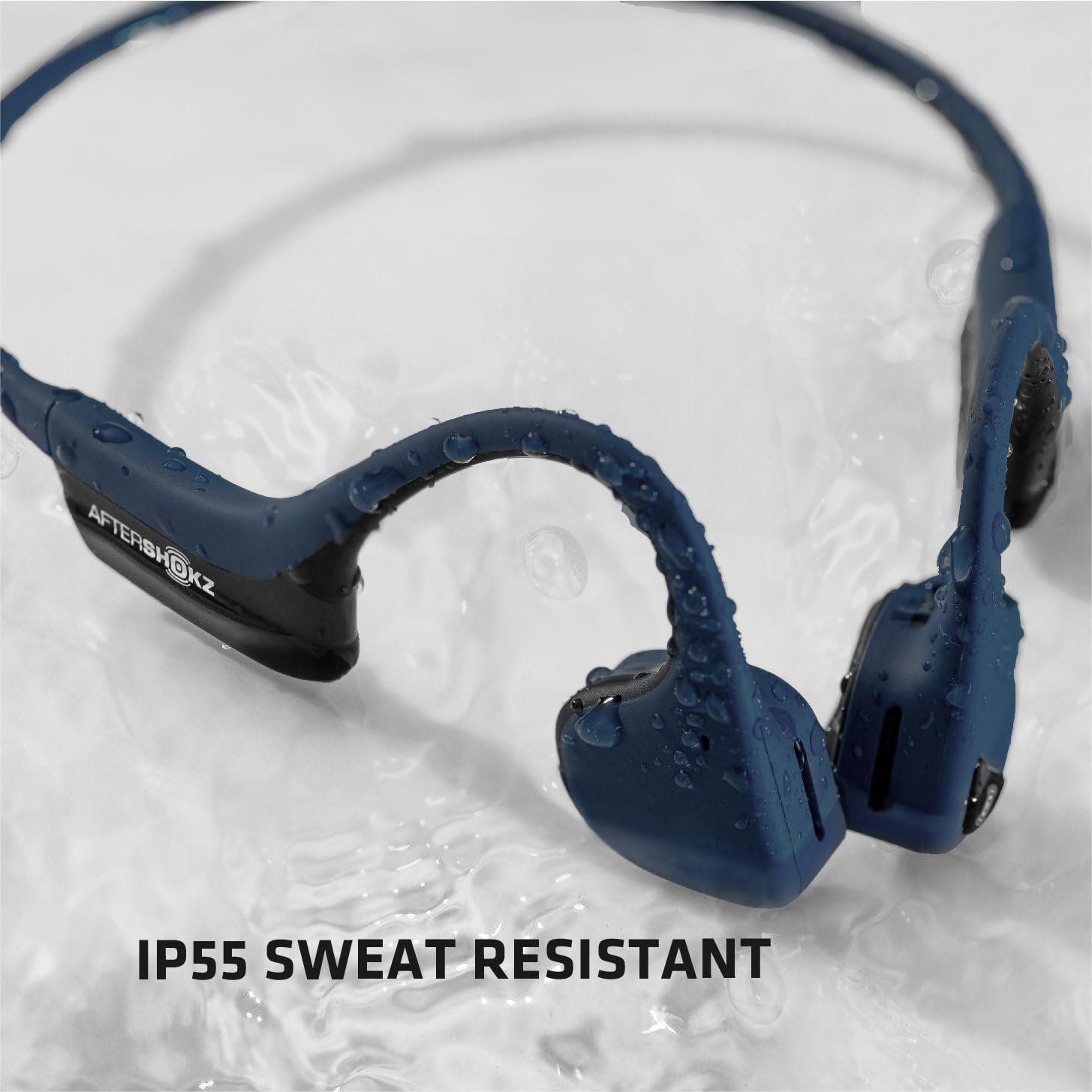
IP55 Sweat Resistant: Shows the headphones with water droplets, emphasizing their resistance to sweat and light splashes.
Official Endorsement: A runner demonstrating the use of the headphones, highlighting their official recognition by England Athletics.

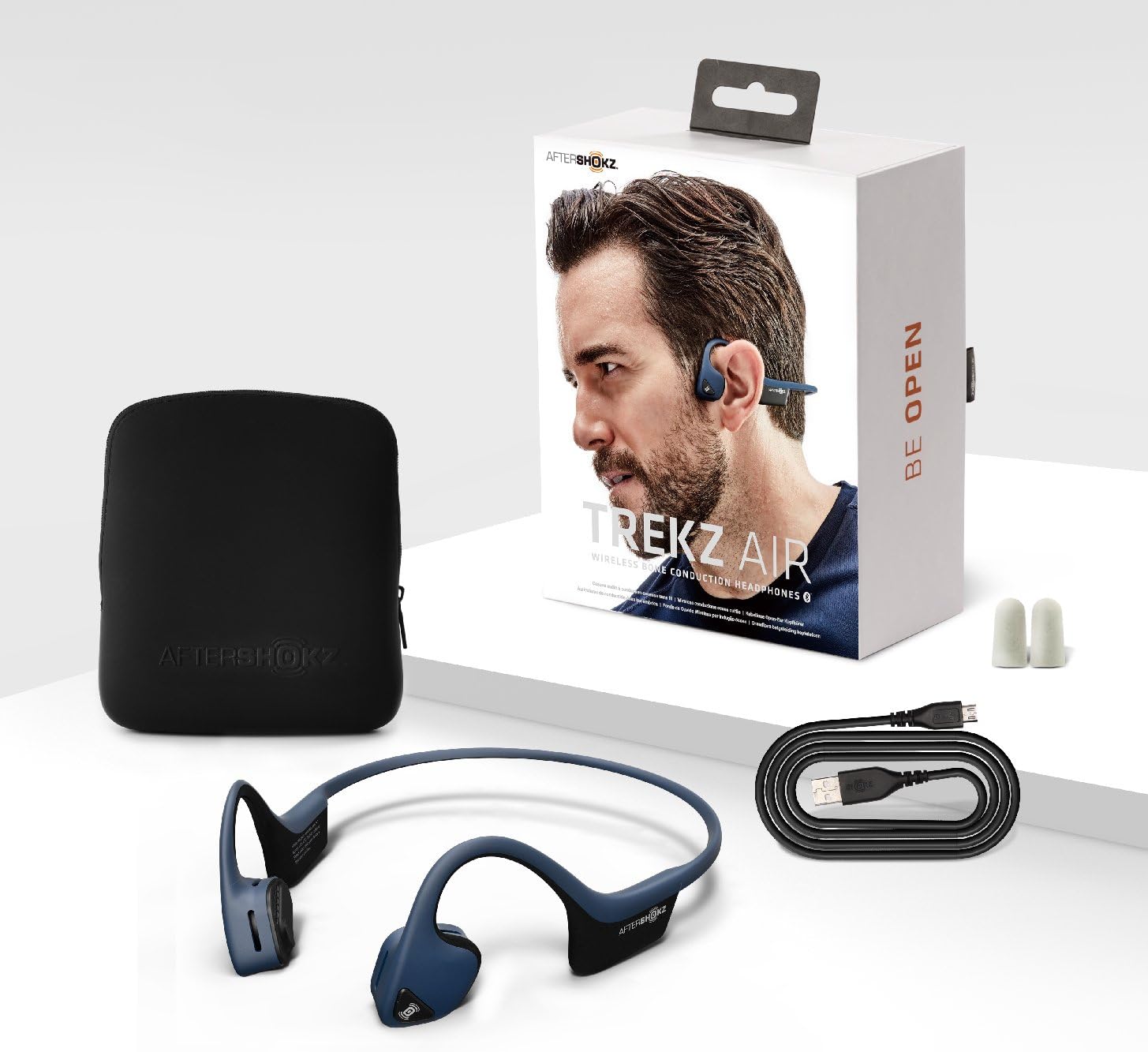
Included Components: Displays the headphones, charging cable, and carrying case as part of the product package.
Key Features:
- Bone Conduction Technology: Delivers music through your cheekbones, keeping ears open for situational awareness.
- Open Fit Design: 20% lighter for flexible, unnoticeable all-day comfort and stability.
- Bluetooth v4.2 Connectivity: Compatible with iOS, Android, Mac, and PC Bluetooth-ready devices. Supports convenient multipoint pairing.
- PremiumPitch Plus™ Audio: Provides a premium audio experience with wide dynamic range and rich bass.
- Long Battery Life: Enjoy up to six hours of continuous music and calls on a single charge.
- IP55 Sweat Resistant: Designed to withstand sweat and light rain, suitable for intense workouts.
Setup
1. Charging Your Headphones
Before first use, fully charge your AfterShokz Air headphones. The charging port is located on the right transducer. Use the provided micro-USB charging cable.
- Connect the micro-USB end of the cable to the headphone's charging port.
- Connect the USB-A end to a USB power adapter (not included) or a computer's USB port.
- The LED indicator will show the charging status. A full charge takes approximately 2 hours.
- Once fully charged, the LED indicator will turn solid blue.
A full charge provides up to 6 hours of music playback and calls, or 20 days of standby time.
2. Pairing with Your Device
The AfterShokz Air headphones use Bluetooth v4.2 for wireless connectivity. They are compatible with any Bluetooth-enabled smartphone, tablet, or computer.
- Ensure the headphones are turned off.
- Press and hold the power button (usually the volume+ button) for 5-7 seconds until the LED indicator flashes red and blue alternately. This indicates pairing mode.
- On your device, enable Bluetooth and search for available devices.
- Select "AfterShokz Air" from the list of found devices.
- Once successfully paired, the LED indicator will flash blue once and a voice prompt will confirm "Connected."
For multipoint pairing, refer to the official AfterShokz website or detailed user manual for specific instructions.
Operating Instructions
Basic Controls:
- Power On/Off: Press and hold the Power/Volume+ button for 2 seconds.
- Volume Up: Press the Volume+ button.
- Volume Down: Press the Volume- button.
- Play/Pause: Press the Multi-function button once.
- Skip Track (Next): Double-press the Multi-function button.
- Skip Track (Previous): Triple-press the Multi-function button.
- Answer/End Call: Press the Multi-function button once during an incoming call or active call.
- Reject Call: Press and hold the Multi-function button for 2 seconds during an incoming call.
- Voice Assistant: Press and hold the Multi-function button for 2 seconds to activate your device's voice assistant (e.g., Siri, Google Assistant).
The headphones feature both touch and voice control methods for convenient operation.
Maintenance
Cleaning:
- Wipe the headphones with a soft, damp cloth after each use, especially after workouts, to remove sweat and dirt.
- Do not use abrasive cleaners or harsh chemicals.
- Ensure the charging port cover is securely closed to prevent water ingress during cleaning or exposure to moisture.
Storage:
- Store the headphones in a cool, dry place away from direct sunlight and extreme temperatures.
- Use the provided carrying case for protection when not in use or during travel.
Battery Care:
- Charge the headphones regularly, even if not used frequently, to maintain battery health.
- Avoid fully discharging the battery for extended periods.
Troubleshooting
Common Issues and Solutions:
- No Power:
- Ensure the headphones are fully charged. Connect to a power source and check the LED indicator.
- Cannot Pair:
- Ensure the headphones are in pairing mode (alternating red and blue LED).
- Turn off and on your device's Bluetooth.
- Clear previous Bluetooth connections on your device.
- Move closer to your device (within 10 meters).
- No Sound or Low Volume:
- Adjust the volume on both the headphones and your connected device.
- Ensure the headphones are properly positioned on your cheekbones.
- Check if the headphones are connected to the correct device.
- Sound Quality Issues (e.g., vibration):
- Bone conduction headphones may produce slight vibration at higher volumes. This is normal.
- Reduce the volume if the vibration is uncomfortable.
- Ensure the transducers are clean and free of debris.
If issues persist, please refer to the official AfterShokz support resources or contact customer service.
Specifications
| Model Number: | AS650MB |
| Connectivity Technology: | Bluetooth v4.2 |
| Bluetooth Range: | 10 meters (33 feet) |
| Audio Driver Type: | Bone Conduction Driver |
| Frequency Range: | 20 Hz - 20,000 Hz |
| Battery Life: | Up to 6 hours (music + calls) |
| Charging Time: | Approximately 2 hours |
| Water Resistance Level: | IP55 (Sweat Resistant) |
| Item Weight: | 31.75 Grams (1.12 ounces) |
| Material: | Titanium |
| Control Method: | Touch, Voice |
| Earpiece Shape: | Open Ear |
| Included Components: | AfterShokz Trekz Air Open Ear Wireless Bone Conduction Headphones, Midnight Blue, AS650MB |
Official Product Video
Video Description: This official AfterShokz video, titled "Push yourself Beyond Your Limits with Trekz Air," showcases the headphones in various active scenarios, including running, cycling, and climbing. It highlights the open-ear design and bone conduction technology, emphasizing how users can stay aware of their surroundings while enjoying music. The video features individuals engaging in different sports, demonstrating the product's comfort, stability, and suitability for an active lifestyle.
Warranty and Support
Warranty Information:
AfterShokz products typically come with a manufacturer's warranty that covers defects in materials and workmanship. For specific warranty terms and conditions, including duration and coverage details, please refer to the warranty card included with your product or visit the official AfterShokz website.
Customer Support:
For further assistance, technical support, or to inquire about replacement parts, please contact AfterShokz customer support. You can typically find contact information, FAQs, and additional resources on the official AfterShokz website:
Ask a question about this manual
Ask about setup, troubleshooting, compatibility, parts, safety, or missing instructions. Manuals+ will review the question and use this page’s manual context to help answer it.