
Introduction
The Philips BEARDTRIMMER Series 3000 BT3206/13 is designed for efficient and precise beard trimming. It features a Lift & Trim system for faster cutting, self-sharpening stainless steel blades for long-lasting performance, and skin-friendly rounded edges to prevent irritation. The integrated zoom wheel offers 10 easily lockable length settings from 0.5mm to 10mm, providing versatility for various beard styles. This trimmer offers up to 45 minutes of cordless use after a 10-hour recharge, making it convenient for daily grooming.
What's in the Box
Upon unboxing your Philips BEARDTRIMMER Series 3000, you will find the following components:
- Philips BEARDTRIMMER Series 3000 (BT3206/13) Device: The main trimming unit with an integrated adjustable comb.
- Power Adapter: A dedicated power brick and cable for charging the trimmer.
- Cleaning Brush: A small brush designed for removing hair clippings from the trimmer blades.
- User Manual and Documentation: Important safety information, usage instructions, and warranty details.

Image: The Philips Beard Trimmer Series 3000 packaging, showing the product and its key features.
Key Features
- Lift & Trim System: The innovative comb lifts and guides hairs to the level of the blades for an even and efficient cut, resulting in 30% faster trimming.

Image: A diagram illustrating how the Lift & Trim comb lifts hairs for a more effective cut.
- Self-Sharpening Stainless Steel Blades: The blades are designed to lightly brush against each other, sharpening as they cut, ensuring long-lasting sharpness and consistent performance without the need for oil.

Image: A close-up view of the Philips trimmer's stainless steel blades.
- Skin-Friendly Blades: Blades feature rounded tips for smooth skin contact, minimizing scratches and irritation during use.
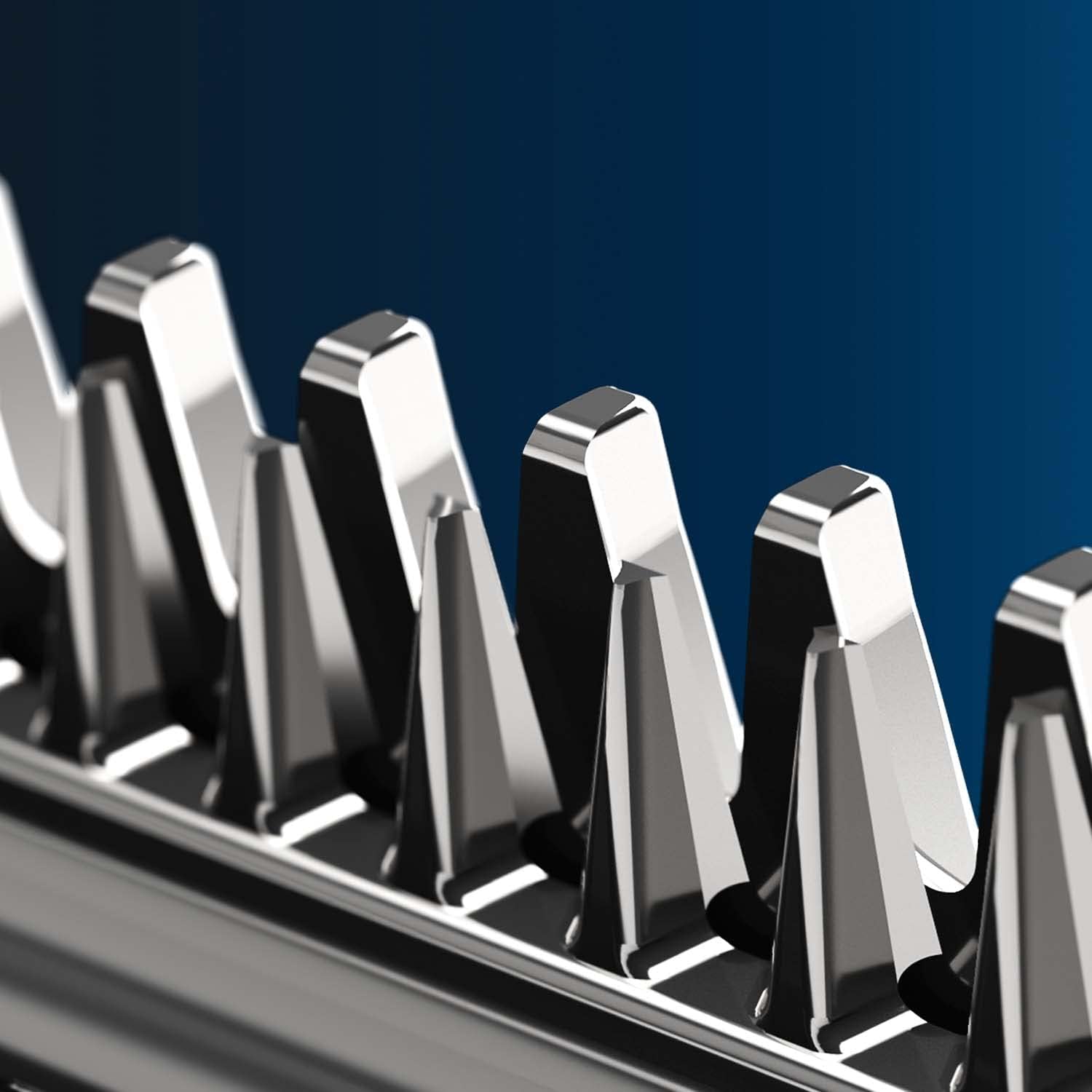
Image: An extreme close-up showing the rounded tips of the trimmer blades, designed for skin comfort.
- Zoom Wheel with 10 Lockable Length Settings: Easily select and lock in your desired trim length from 0.5mm to 10mm using the integrated zoom wheel.

Image: The Philips Beard Trimmer showing its adjustable comb and length setting dial.
- Cordless Operation: Enjoy up to 45 minutes of cordless trimming after a 10-hour charge, powered by a NiMH battery.
Setup
- Initial Charge: Before first use, fully charge the trimmer for 10 hours. Connect the power adapter to the trimmer and plug it into a suitable power outlet. The charging indicator (if present) will show the charging status.
- Attach Comb: Ensure the adjustable comb is securely attached to the trimmer head. The comb is integrated and slides up and down to adjust length.
- Select Length Setting: Use the zoom wheel on the trimmer body to select your desired beard length. The numbers on the wheel correspond to the trimming length in millimeters (0.5mm to 10mm).
Operating Instructions
- Power On: Press the power button to turn on the trimmer.
- Trimming: Place the comb flat against your skin and move the trimmer against the direction of hair growth. The Lift & Trim system will guide the hairs for an even cut. For precise edging, remove the comb and use the bare blades.

Image: A man demonstrating the use of the Philips Beard Trimmer for grooming his beard.
- Adjusting Length: While trimming, you can easily adjust the length setting by rotating the zoom wheel. The selected length will lock into place.
- Power Off: After use, press the power button to turn off the trimmer.
Maintenance
Regular cleaning and maintenance will ensure optimal performance and extend the lifespan of your trimmer.
- Cleaning the Blades: After each use, turn off the trimmer and detach the comb. Use the provided cleaning brush to remove any trapped hairs from the blades and the comb.
- Rinsing: The trimmer head and comb can be rinsed under running water for thorough cleaning. Ensure the trimmer is disconnected from the power supply before rinsing. Allow all parts to air dry completely before reassembling or storing.
- Blade Lubrication: The self-sharpening blades do not require oiling.
- Storage: Store the trimmer in a dry place, away from direct sunlight and extreme temperatures.
Troubleshooting
| Problem | Possible Cause | Solution |
|---|---|---|
| Trimmer does not turn on. | Battery is depleted. | Charge the trimmer for at least 10 hours. |
| Poor trimming performance. | Blades are clogged with hair or comb is not properly attached. | Clean the blades and comb thoroughly. Ensure the comb is correctly seated. |
| Trimmer makes unusual noise. | Hair caught in the motor or blades. | Turn off and clean the trimmer. If the issue persists, contact customer support. |
Specifications
- Model Number: BT3206/13
- Brand: PHILIPS
- Color: Black, Silver (Old Series 3000 - Grey variant)
- Power Source: NiMH Battery (2 AAA batteries included)
- Charging Time: 10 hours
- Cordless Run Time: Up to 45 minutes
- Length Settings: 10 lockable settings (0.5mm - 10mm)
- Blade Material: Stainless Steel
- Item Weight: 281 Grams (approx. 9.91 ounces)
- Package Dimensions: 8.9 x 5.63 x 2.91 inches
- First Available Date: April 26, 2018
Warranty and Support
For detailed warranty information, please refer to the documentation included in your product packaging. Philips products typically come with a manufacturer's warranty covering defects in materials and workmanship.
Safety Information
Avoid contact with skin and eyes. Always clean and maintain the trimmer as instructed. Keep away from water sources. Do not use the appliance if it is damaged. Keep out of reach of children.
Legal Disclaimer
Statements regarding dietary supplements have not been evaluated by the FDA and are not intended to diagnose, treat, cure, or prevent any disease or health condition. This product is intended for personal grooming use only.
Customer Support
If you encounter any issues or have questions about your Philips BEARDTRIMMER Series 3000, please visit the official Philips support website or contact their customer service for assistance. You can often find FAQs, troubleshooting guides, and contact information on their website: www.philips.com/support
Official Product Videos
Official product videos from the seller can provide helpful visual guides for setup and usage. Please check the product page on the retailer's website for any available official video content. Currently, no official seller videos are available for direct embedding in this manual.


