
Introduction
The Fresh 'n Rebel Rockbox Brick XL is a portable Bluetooth speaker designed to deliver high-quality audio. It features deep bass, a long-lasting rechargeable battery, and the capability to wirelessly connect two speakers for an enhanced stereo sound experience. This manual provides essential information for setting up, operating, maintaining, and troubleshooting your Rockbox Brick XL speaker.
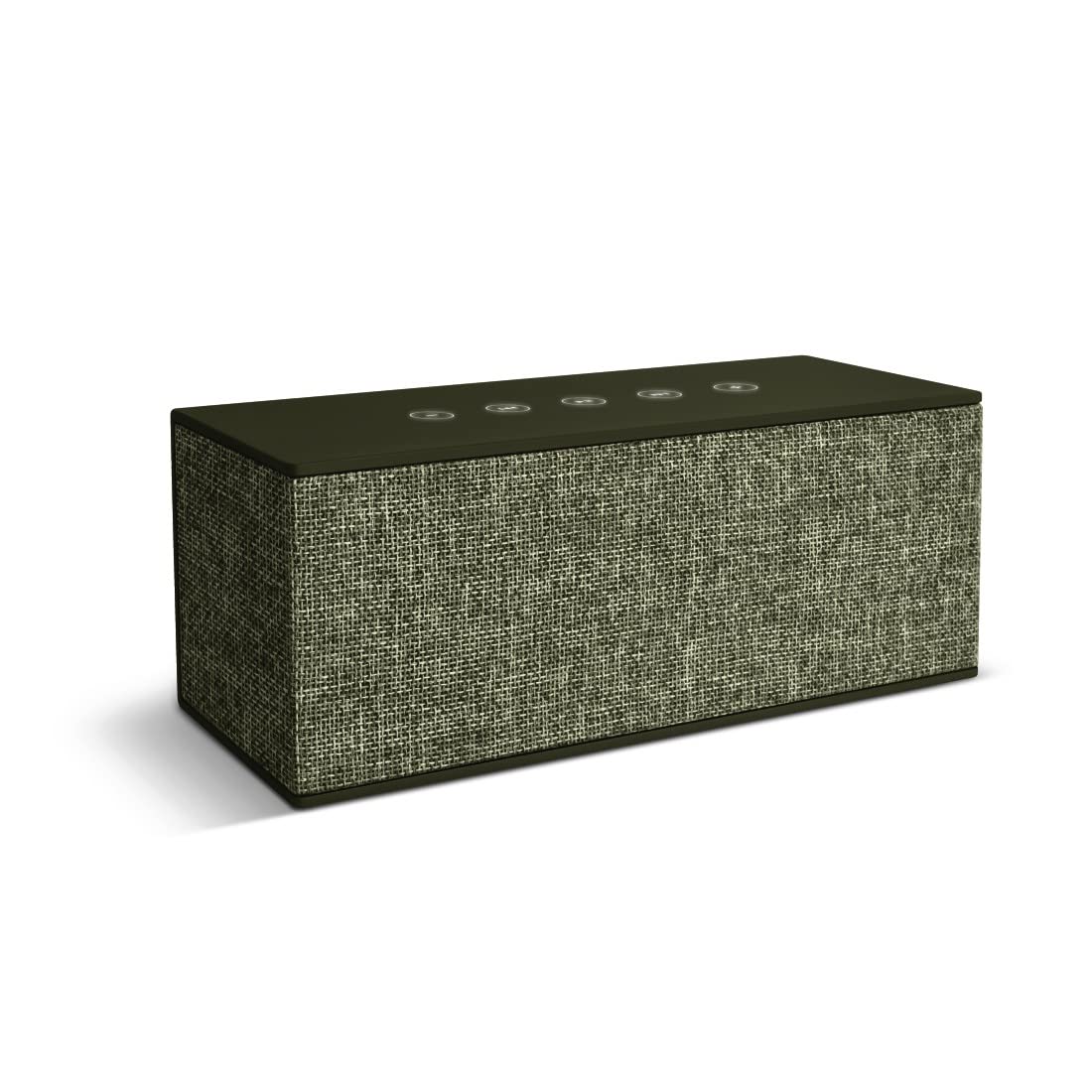
This image shows the Fresh 'n Rebel Rockbox Brick XL portable Bluetooth speaker. The speaker has a rectangular shape with a fabric-covered front in a light grey/green color, and a darker green top and sides. A small brown leather-like tag with the Fresh 'n Rebel logo is visible on the right side. The speaker is placed on a rustic wooden table, with two individuals blurred in the background, suggesting its use in social settings.
Setup
1. Charging the Speaker
Before first use, fully charge your Rockbox Brick XL. Connect the provided Micro USB cable to the speaker's charging port and the other end to a USB power adapter (not included) or a computer's USB port. The battery status LEDs will indicate the charging progress. A full charge provides approximately 15 hours of non-stop music playback.
2. Powering On/Off
Press and hold the power button located on the speaker's control panel until you hear an audible cue or see the indicator lights illuminate. To power off, repeat the process.
3. Bluetooth Pairing
- Ensure the speaker is powered on and in pairing mode. The Bluetooth indicator light will typically flash.
- On your smartphone, tablet, or other Bluetooth-enabled device, navigate to the Bluetooth settings.
- Select "Rockbox Brick XL" from the list of available devices.
- Once connected, the speaker will provide an audible confirmation, and the Bluetooth indicator light will become solid.
Operating
Basic Controls
The Rockbox Brick XL features tactile controls on its top panel. These typically include:
- Power Button: Press and hold to turn on/off.
- Volume Up/Down: Adjust playback volume.
- Play/Pause: Control audio playback.
- Bluetooth Button: Initiate pairing mode or disconnect.
Dual Speaker Pairing (Stereo Mode)
To create a stereo sound experience, you can wirelessly connect two Rockbox Brick XL speakers:
- Ensure both Rockbox Brick XL speakers are powered on and not connected to any other Bluetooth device.
- On one speaker (this will be your primary speaker), press and hold the Bluetooth button until it enters pairing mode.
- On the second speaker, quickly press the Bluetooth button. The two speakers will attempt to connect to each other.
- Once connected, the primary speaker will indicate successful pairing. You can then connect your audio source to the primary speaker via Bluetooth.
Power Bank Functionality
The Rockbox Brick XL includes an integrated power bank. Connect your smartphone or tablet to the speaker's USB output port using a compatible USB cable to charge your device.
Maintenance
Proper care ensures the longevity of your speaker:
- Cleaning: Use a soft, dry, lint-free cloth to clean the speaker's exterior. Do not use abrasive cleaners, alcohol, or chemical solvents.
- Storage: Store the speaker in a cool, dry place away from direct sunlight and extreme temperatures.
- Water Resistance: While the speaker is water-resistant, avoid submerging it in water or exposing it to heavy rain for extended periods. Ensure all ports are dry before charging.
- Battery Care: For optimal battery life, avoid fully discharging the battery frequently. Charge the speaker regularly, even if not in use for extended periods.
Troubleshooting
| Problem | Possible Solution |
|---|---|
| Speaker does not power on | Ensure the battery is charged. Connect the speaker to a power source and try again. |
| Cannot pair via Bluetooth | Make sure the speaker is in pairing mode (flashing Bluetooth indicator). Ensure your device's Bluetooth is enabled and within range. Forget the speaker from your device's Bluetooth list and try pairing again. |
| No sound during playback | Check the volume levels on both the speaker and your connected device. Ensure the speaker is properly paired and connected. Try playing a different audio source. |
| Poor audio quality or disconnections | Move the speaker closer to your Bluetooth device. Avoid obstacles between the speaker and device. Disconnect and reconnect the Bluetooth connection. |
| Power bank not charging device | Ensure the speaker has sufficient battery charge. Use a different USB cable. Verify your device is compatible with USB charging. |
Specifications
- Model Name: Rockbox Brick XL
- Model Number: 1RB5500AR
- Brand: Fresh 'n Rebel
- Color: Green
- Dimensions (L x W x H): 23 x 9.5 x 9.5 cm
- Weight: 920 Grams
- Power Output: 20 Watts
- Impedance: 4 Ohms
- Connectivity Technology: Bluetooth
- Wireless Communication: Bluetooth
- Audio Output Mode: Stereo (2.0 Channel)
- Control Method: Tactile
- Power Source: Internal Rechargeable Lithium-ion Battery
- Battery Type: Integrated Lithium-ion
- Total USB Ports: 2 (Micro USB for charging, USB for power bank)
- Special Features: Wireless, Power Bank Functionality, Dual Speaker Pairing
- Waterproof: Yes
- Recommended Uses: Music
- Compatible Devices: Android, Apple, Windows, Samsung, iPhone, iPad, Sony, Huawei, and other Bluetooth-enabled devices.
Warranty Information
Specific warranty details for the Fresh 'n Rebel Rockbox Brick XL are not provided in this document. Please refer to the official Fresh 'n Rebel website or the warranty card included with your purchase for comprehensive warranty terms and conditions.
Support
For further assistance, technical support, or product inquiries, please visit the official Fresh 'n Rebel website or contact their customer service department. Contact information can typically be found on the manufacturer's website or in the product packaging.


