
1. Product Overview
This manual provides essential information for the safe and effective use of your E ECSEM USB Charging Cable. This cable is designed as a replacement charger for a wide range of FOREO Luna facial cleansers and FOREO ISSA series e-toothbrushes, ensuring your devices remain powered and ready for use.
The cable features built-in power protection to safeguard your devices against over-current and over-charging, providing a reliable and convenient charging solution.
1.1. Compatibility
The E ECSEM USB Charging Cable is compatible with the following FOREO devices:
- FOREO Luna Series: Luna, Luna 2, Luna 3, Luna 3 Plus, Luna 4, Luna 4 Plus, Luna 4 mini, Luna 4 go, Luna Mini, Luna Mini 2, Luna Mini 3, Luna Go, Luna Play Plus, Luna UFO, Luna Luxe Gold Facial Cleanser, Luna IRIS.
- FOREO ISSA Series: ISSA2, ISSA mini2, ISSA Hybrid.

Figure 1.1: Visual representation of the charging cable's wide compatibility with FOREO Luna and ISSA devices.
2. Setup
Setting up your E ECSEM USB Charging Cable is straightforward. Follow these steps to prepare for charging your FOREO device:
- Unpack the Cable: Carefully remove the charging cable from its packaging.
- Identify the Connectors: The cable has a standard USB Type-A connector on one end and a DC barrel connector on the other, designed to fit your FOREO device.
- Connect to Power Source: Plug the USB Type-A end of the cable into a compatible 5V USB power source. This can include:
- A USB port on a computer or laptop.
- A USB wall adapter (e.g., smartphone charger).
- A USB car charger.
- A power bank.

Figure 2.1: Examples of compatible USB power sources for charging.
3. Operating Instructions
Once the USB charging cable is connected to a power source, you can proceed to charge your FOREO device:
- Connect to Device: Gently insert the DC barrel connector end of the charging cable into the charging port of your FOREO Luna or ISSA device. Ensure a secure but not forced connection.
- Verify Charging: Your FOREO device should indicate that it is charging, typically via an LED indicator light. Refer to your specific FOREO device's manual for details on its charging indicator.
- Charging Time: Charging times may vary depending on the FOREO device model and its current battery level.
- Disconnecting: Once charging is complete, carefully disconnect the cable from your FOREO device, then unplug it from the USB power source.
3.1. Safety Features
The E ECSEM USB Charging Cable is equipped with internal Power Protection (PTC) to ensure safe charging:
- Over-voltage Protection: Prevents damage from excessive voltage input.
- Over-current Protection: Safeguards against damage from current surges.
- Short-circuit Protection: Protects the device and charger from short-circuit conditions.
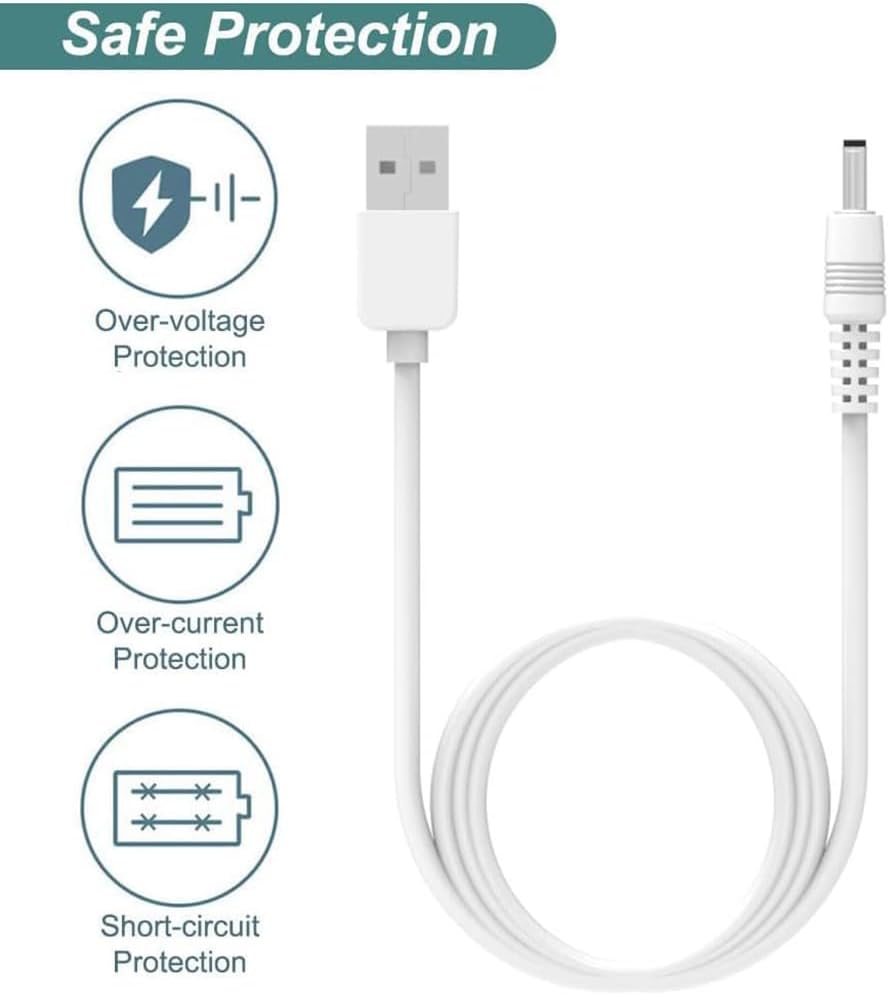
Figure 3.1: Built-in safety protections for secure charging.
4. Maintenance
Proper care and maintenance will extend the lifespan of your charging cable:
- Storage: Store the cable in a cool, dry place away from direct sunlight and extreme temperatures.
- Cleaning: If necessary, gently wipe the cable with a soft, dry cloth. Do not use harsh chemicals or abrasive cleaners.
- Handling: Avoid sharp bends, twists, or pulling the cable forcefully, especially near the connectors. Always grasp the plug when disconnecting, not the cable itself.
- Durability: The cable is designed for durability with a bend lifespan of over 5000 cycles, but proper handling is still recommended.
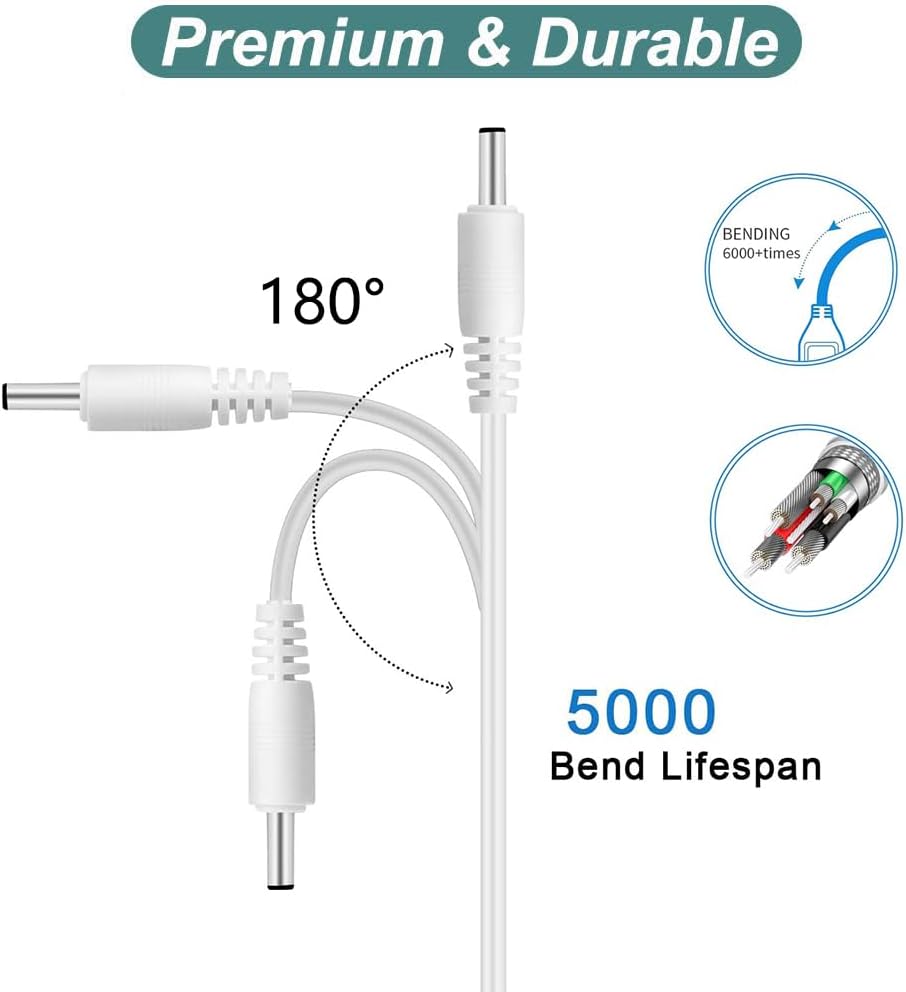
Figure 4.1: Cable durability features.
5. Troubleshooting
If you encounter issues while using your charging cable, refer to the following common troubleshooting steps:
| Problem | Possible Cause | Solution |
|---|---|---|
| Device not charging |
|
|
| Slow charging |
|
|
| Cable does not fit device port |
|
|
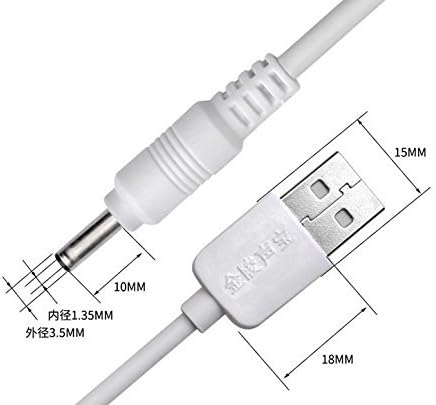
Figure 5.1: Cable connector dimensions for reference.
6. Specifications
Technical specifications for the E ECSEM USB Charging Cable:
| Feature | Detail |
|---|---|
| Brand | E ECSEM |
| Model Name | for LUNA 3/2 Charger Cable (LUNA Series) |
| Connector Type | USB Type A (Male) to DC Barrel (Male) |
| Cable Type | USB |
| Output Voltage | DC 5V |
| Output Current | 0.5 - 2 Amps (Max 2A) |
| Cable Length | 100 cm (3.3 ft) |
| DC Barrel Connector Dimensions | Inner Diameter: 1.35mm, Outer Diameter: 3.5mm |
| Color | White |
| Special Features | Fast Charging, Travel-friendly, Power Protection (Over-current, Over-voltage, Short-circuit) |
| Item Weight | 1.1 Ounces |
| UPC | 640752148225 |
| ASIN | B074V1T92J |
7. Warranty and Support
E ECSEM products are manufactured to meet original specifications and undergo quality checks before shipment. While no explicit warranty period is provided in this document, the product is designed for reliable performance.
For any questions, concerns, or technical assistance regarding your E ECSEM USB Charging Cable, please refer to the retailer's customer service or contact the manufacturer directly through their official channels.
Please retain your purchase receipt for any potential support inquiries.