
1. Product Overview
The Hiseeu 30ft (10m) DC Power Extension Cable is designed to extend the reach of your power adapter for various electronic devices. This cable features a 5.5mm x 2.1mm male-to-female connector, making it suitable for a wide range of low-voltage DC applications. It is constructed with high-quality copper wire to ensure reliable power transmission.
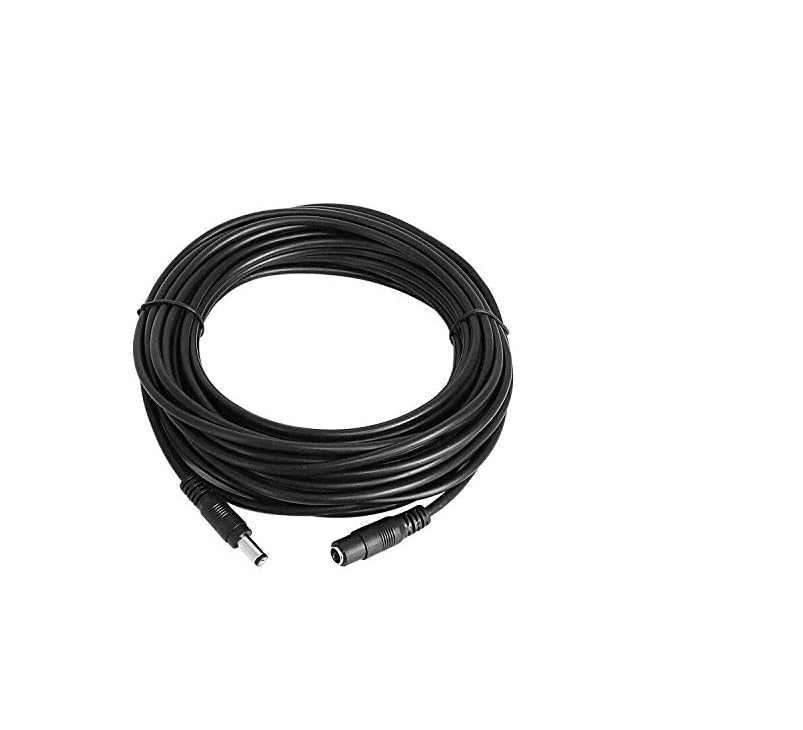
A coiled black 30ft (10m) DC power extension cable with male and female 5.5mm x 2.1mm connectors.
2. Key Features
- Connector Type: 5.5mm x 2.1mm DC male to female.
- Length: 30 feet (10 meters).
- Wire Gauge: 20AWG, UL 2468 (UL Component).
- Voltage Rating: Recommended up to 36 volts.
- Current Capacity: Maximum load 3 amp or less.
- Material: High-quality pure copper for good conductivity and durability.
3. Compatibility
This extension cable is designed for devices that utilize a 5.5mm x 2.1mm DC power plug. It is widely compatible with various low-voltage electronics.
Compatible Devices:
- Hiseeu wireless camera systems
- Digital Video Recorders (DVR)
- Network Video Recorders (NVR)
- Routers
- LED String Strips
- Audio Speakers
- Printers and Fax Machines
- Other devices requiring a 5.5mm x 2.1mm DC power connection
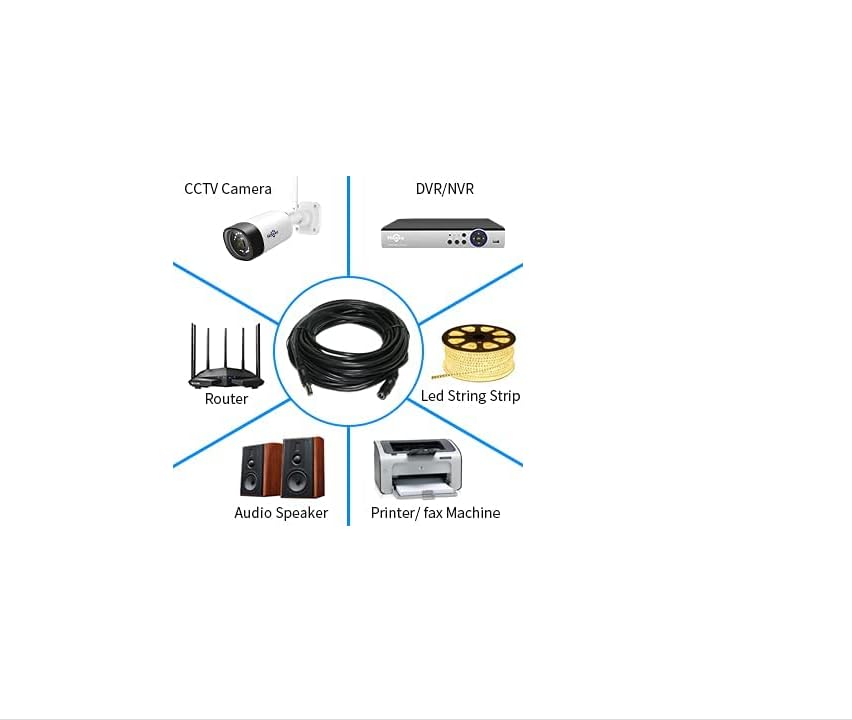
An illustration depicting the cable's compatibility with devices such as CCTV cameras, DVR/NVR systems, routers, LED strip lights, audio speakers, and printers.
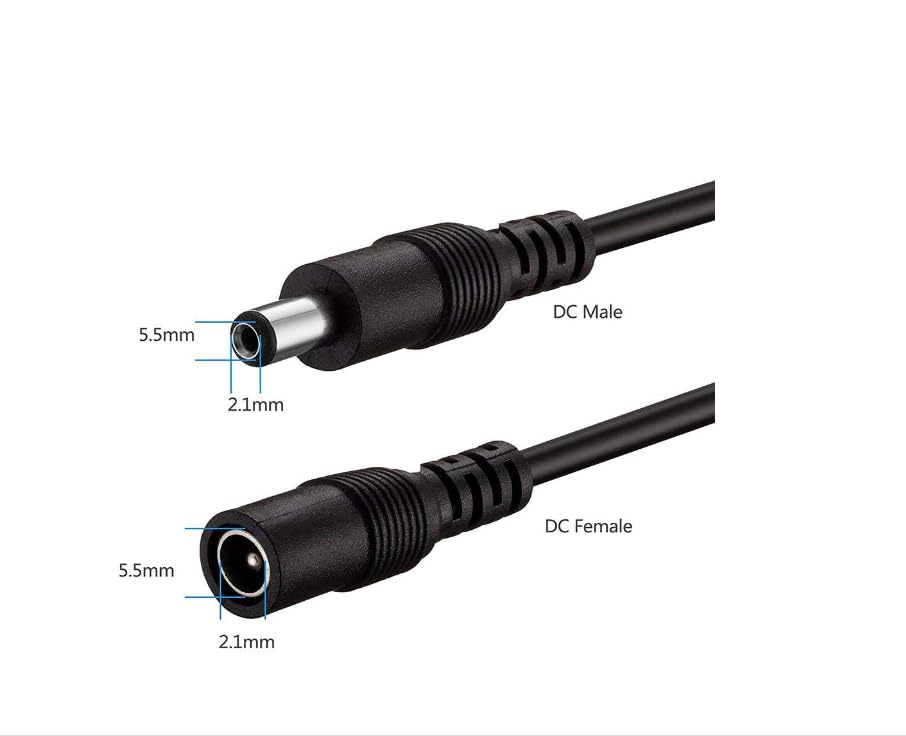
Detailed view of the DC male and female connectors, highlighting the 5.5mm outer diameter and 2.1mm inner diameter.
4. Setup Instructions
Follow these steps to properly connect your Hiseeu DC Power Extension Cable:
- Identify Connectors: Locate the male and female ends of the extension cable. The male connector has a central pin, and the female connector has a central hole.
- Connect to Power Adapter: Plug the female end of the extension cable into the male plug of your device's power adapter. Ensure a secure fit.
- Connect to Device: Plug the male end of the extension cable into the DC power input port of your electronic device (e.g., security camera, router).
- Verify Connection: Ensure all connections are firm and fully inserted to prevent power loss or intermittent operation.
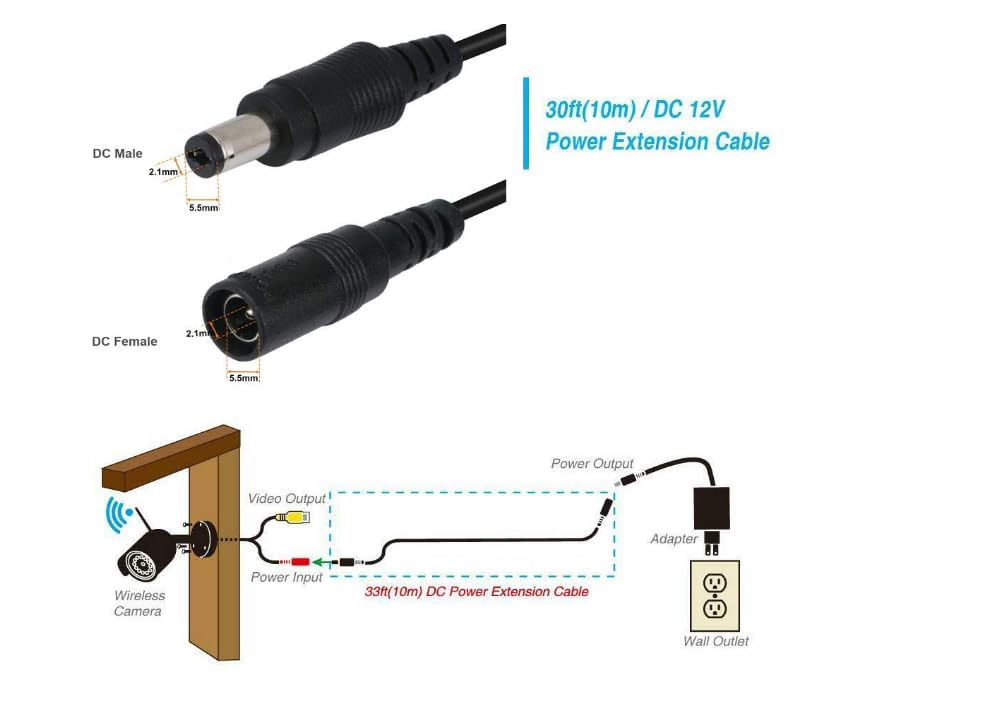
A schematic diagram demonstrating the connection path from a wireless camera's power input, through the 30ft (10m) DC power extension cable, to a power adapter plugged into a wall outlet.
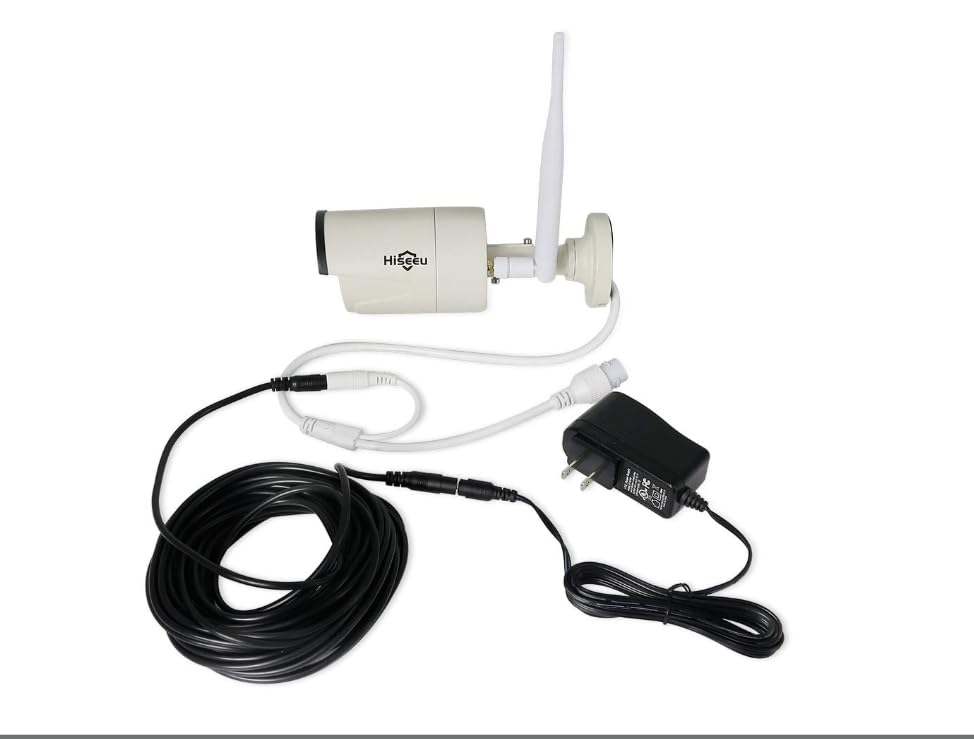
An example setup showing a security camera connected to a power adapter via the Hiseeu DC power extension cable.
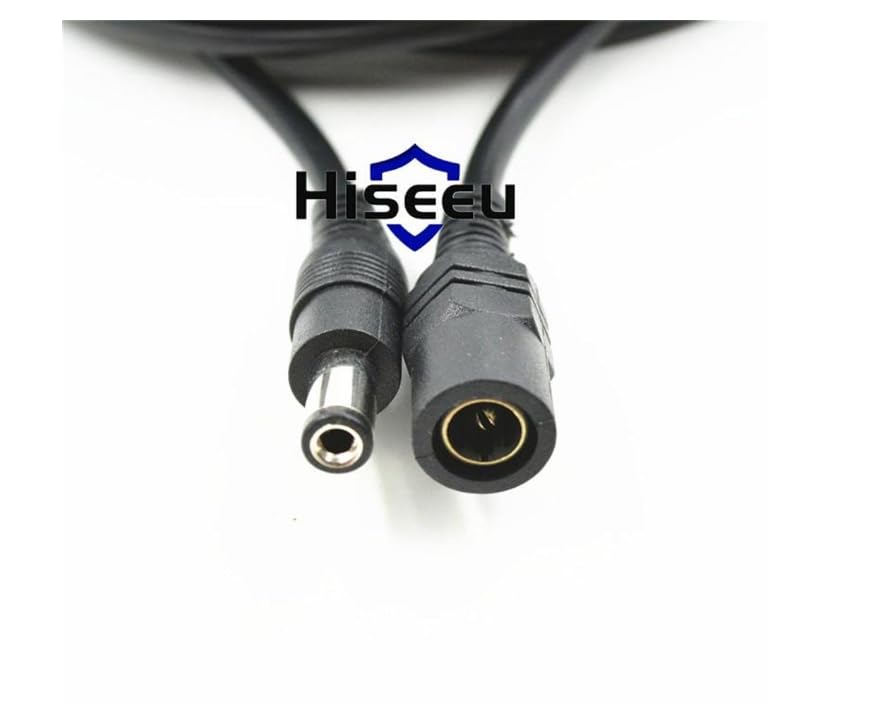
A detailed image showing the male and female ends of the DC power extension cable, ready for connection.
5. Operating Instructions
Once the Hiseeu DC Power Extension Cable is correctly connected between your power adapter and device, it operates passively to extend the power supply. No additional configuration or operation is required for the cable itself. Ensure that the power adapter is plugged into a functional wall outlet and that your device is powered on as usual.
6. Maintenance
To ensure the longevity and optimal performance of your extension cable, consider the following maintenance guidelines:
- Avoid Bending: Do not excessively bend or crimp the cable, especially near the connectors, as this can damage the internal wiring.
- Protect from Elements: While durable, avoid prolonged exposure to extreme weather conditions, direct sunlight, or moisture unless the connected devices are specifically rated for outdoor use.
- Clean Connectors: Periodically inspect connectors for dust or debris. Clean gently with a dry, soft cloth if necessary.
- Secure Placement: Route the cable in a way that minimizes tripping hazards and prevents accidental pulling or snagging.
7. Troubleshooting
If you encounter issues while using the extension cable, refer to the following common problems and solutions:
- No Power to Device:
- Ensure all connections (power adapter to extension cable, extension cable to device) are fully seated and secure.
- Verify that the power adapter is functioning correctly and plugged into a live outlet.
- Check if the device itself is operational when connected directly to its power adapter without the extension cable.
- Intermittent Power:
- Inspect the cable for any visible damage, cuts, or severe kinks.
- Ensure the connectors are clean and free of debris.
- Confirm that the power requirements of your device (voltage and amperage) do not exceed the cable's specifications (max 36V, 3A).
- Incorrect Connector Size:
- This cable is specifically for 5.5mm x 2.1mm DC plugs. If your device uses a different size, this cable will not be compatible. Double-check your device's power input specifications.
8. Technical Specifications
| Specification | Detail |
|---|---|
| Model Number | C30 |
| Length | 30 feet (10 meters) |
| Connector Type | 5.5mm x 2.1mm DC Male-to-Female |
| Wire Gauge | 20AWG, UL 2468 (UL Component) |
| Voltage Rating | Up to 36 Volts (Recommended) |
| Max Current Load | 3 Amp or less |
| Color | Black |
| Manufacturer | Hiseeu |
9. Warranty and Customer Support
Hiseeu provides a 12-month warranty for this 12V extension cord. For any inquiries, technical assistance, or warranty claims, please contact Hiseeu customer support. Our team is dedicated to providing friendly and helpful support.
For more information or to contact support, please visit the official Hiseeu website or refer to the contact details provided with your product packaging.