1. Introduction
This manual provides essential instructions for the safe and effective use of your Sony WI-1000X Premium Noise Cancelling Wireless Behind-Neck In-Ear Headphones. Please read this manual thoroughly before using the product and retain it for future reference.
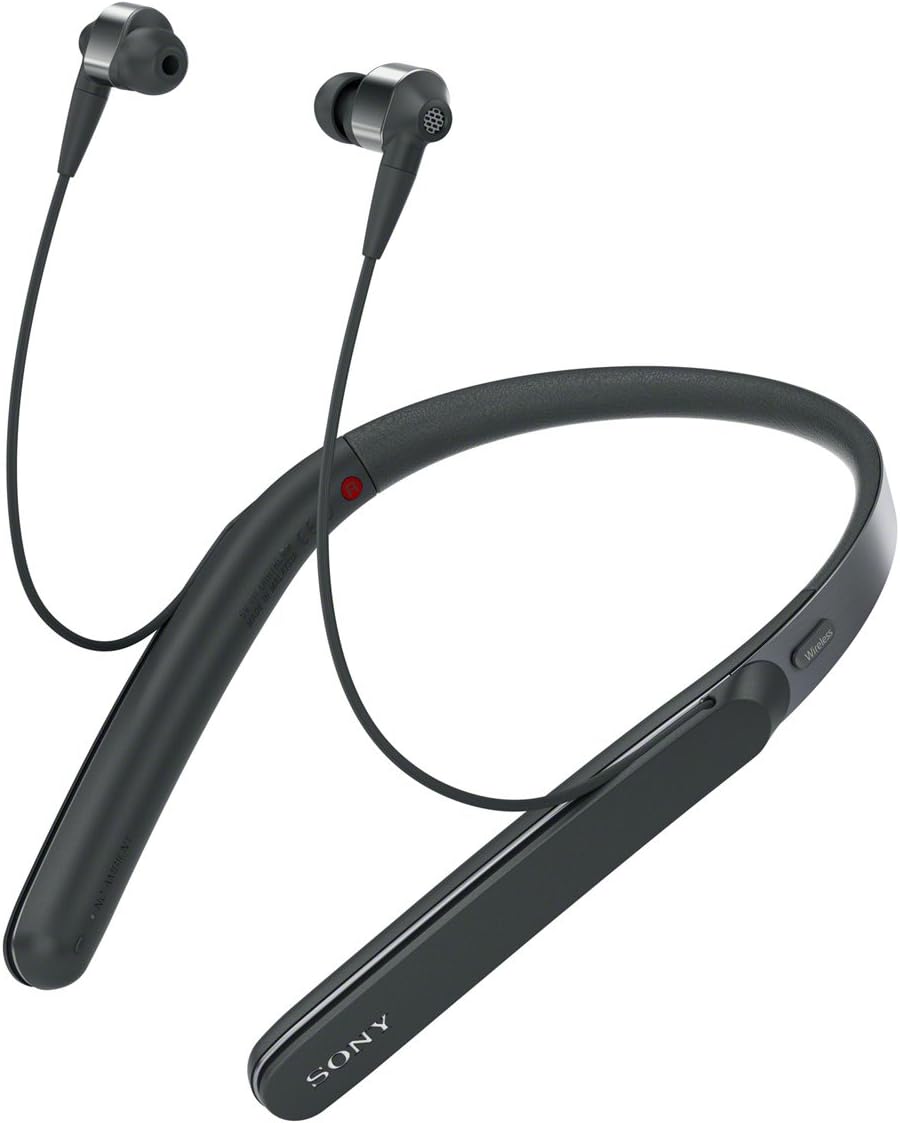
Figure 1: Sony WI-1000X Premium Noise Cancelling Wireless Behind-Neck In-Ear Headphones.
2. Setup
2.1. Unboxing and Initial Inspection
Upon opening the package, ensure all components are present and undamaged. The box should contain:
- Headphones (Sony WI-1000X)
- Carrying Pouch
- Plug Adaptor for In-flight Use
- Connection Cable
- USB Cable
2.2. Charging the Headphones
Before first use, fully charge the headphones. Connect the supplied USB cable to the charging port on the headphones and to a USB power source. The indicator light will show charging status. A full charge provides up to 10 hours of wireless noise-cancelling playback.
2.3. Bluetooth Pairing
To connect your headphones to a device via Bluetooth:
- Ensure the headphones are powered off.
- Press and hold the power button until the indicator light flashes rapidly, indicating pairing mode.
- On your device (e.g., smartphone), go to Bluetooth settings and search for available devices.
- Select "WI-1000X" from the list.
- If prompted, confirm the pairing. The indicator light on the headphones will change to a slow flash or solid blue once connected.
The headphones are compatible with Apple devices from iPhone 5 through iPhone 7 Plus, and iPod touch (6th generation). Bluetooth version 4.1 provides a maximum communication range of approximately 10 meters (30 feet) line of sight.
2.4. Wearing the Headphones
The WI-1000X features a comfortable behind-neck design. Place the neckband around your neck, allowing the in-ear buds to rest comfortably in your ears. Adjust the cables for a secure fit.
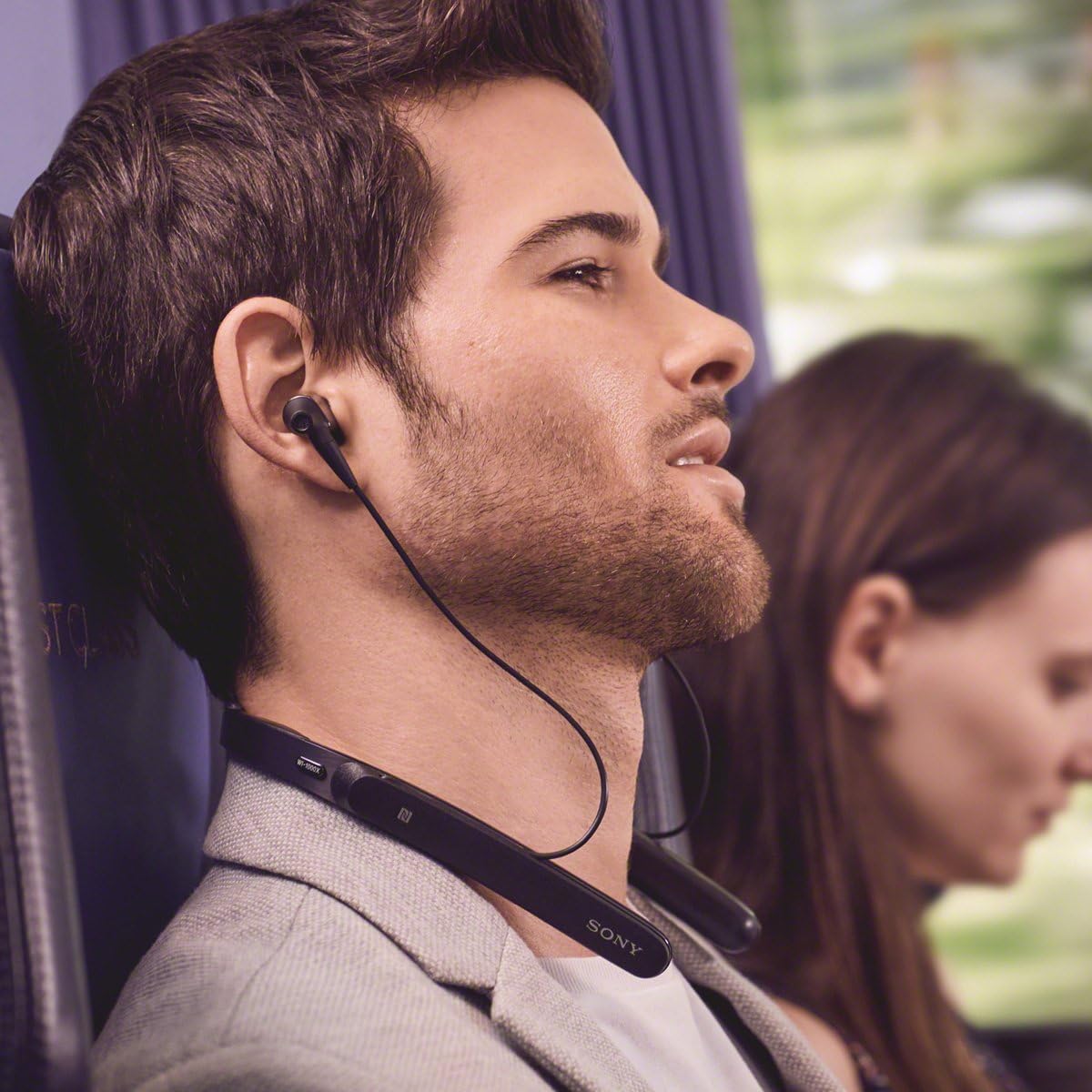
Figure 2: Proper wearing of the WI-1000X headphones.
3. Operating Instructions
3.1. Noise Cancelling Functionality
The headphones feature Digital Noise Cancelling with Atmospheric Pressure Optimizing, ideal for travel environments like airplanes. This technology adapts to your surroundings to provide optimal noise reduction.
3.2. Smart Listening and Ambient Sound Mode
Utilize the Sony | Headphones Connect app (available for iOS/Android) to access Smart Listening technology. This feature automatically adjusts ambient sound settings based on your activity. The Ambient Sound mode allows you to hear essential sounds from your environment without removing the headphones, enhancing situational awareness.
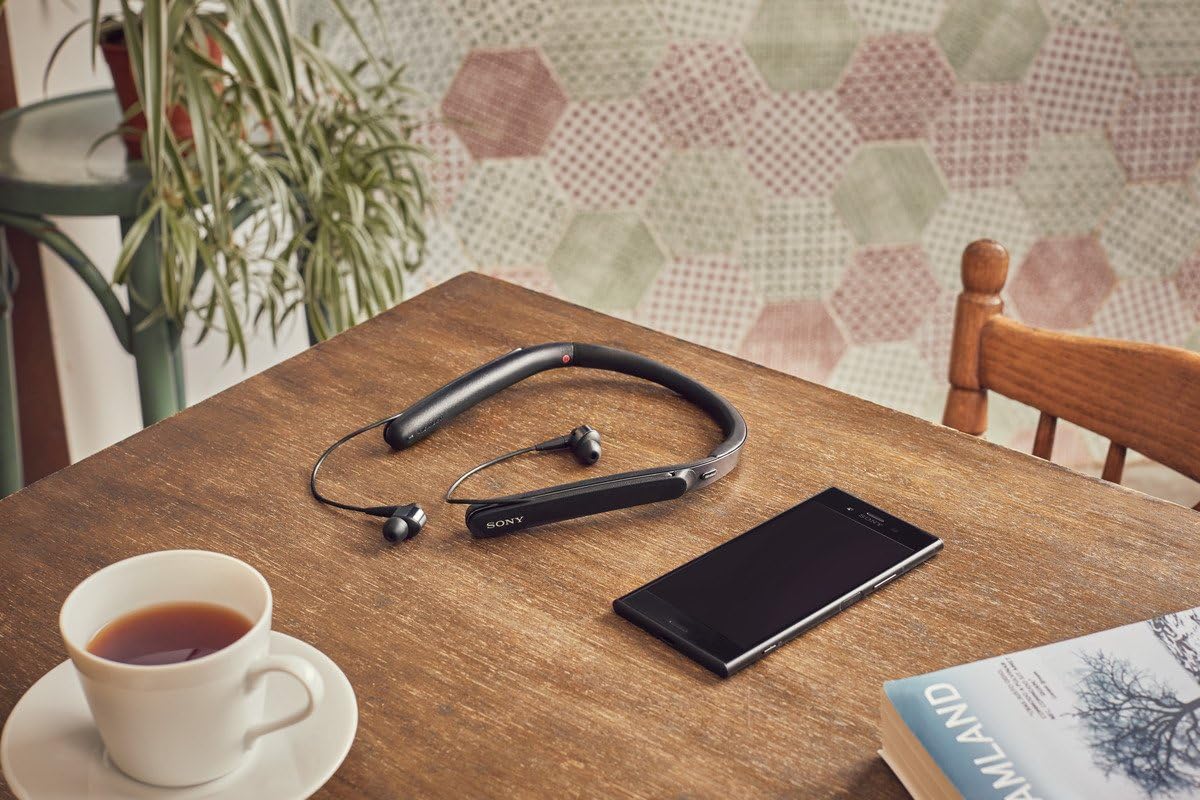
Figure 3: Headphones in a relaxed setting, demonstrating connectivity with a smartphone.
3.3. High-Quality Audio Playback
Experience superior audio quality with DSEE HX, S-Master HX, LDAC, and aptX HD technologies. These features ensure a wide frequency response of 3–40000 Hz, delivering rich and detailed sound.
3.4. Hands-Free Calling
The headphones support hands-free calling with a convenient vibration notification for incoming calls, allowing you to stay connected without needing to reach for your phone.
3.5. Google Assistant Optimization
The WI-1000X is optimized for the Google Assistant. After an update, you can ask questions and issue commands directly through your headphones, providing a personal assistant experience.
3.6. Controls
Control playback, volume, calls, and noise-cancelling modes using the buttons located on the neckband. Refer to the quick start guide for a detailed diagram of button functions.

Figure 4: Close-up of the neckband controls.
Video 1: Official product overview of Sony WI-1000X Premium Noise Cancelling Headphones, demonstrating features and usage.
4. Maintenance
4.1. Cleaning
Regularly clean the ear tips and the neckband with a soft, dry cloth. For stubborn dirt, a slightly damp cloth can be used, but ensure no moisture enters the headphone components. Do not use abrasive cleaners or solvents.
4.2. Storage
When not in use, store the headphones in the provided carrying pouch to protect them from dust and physical damage. Avoid exposing them to extreme temperatures, humidity, or direct sunlight.
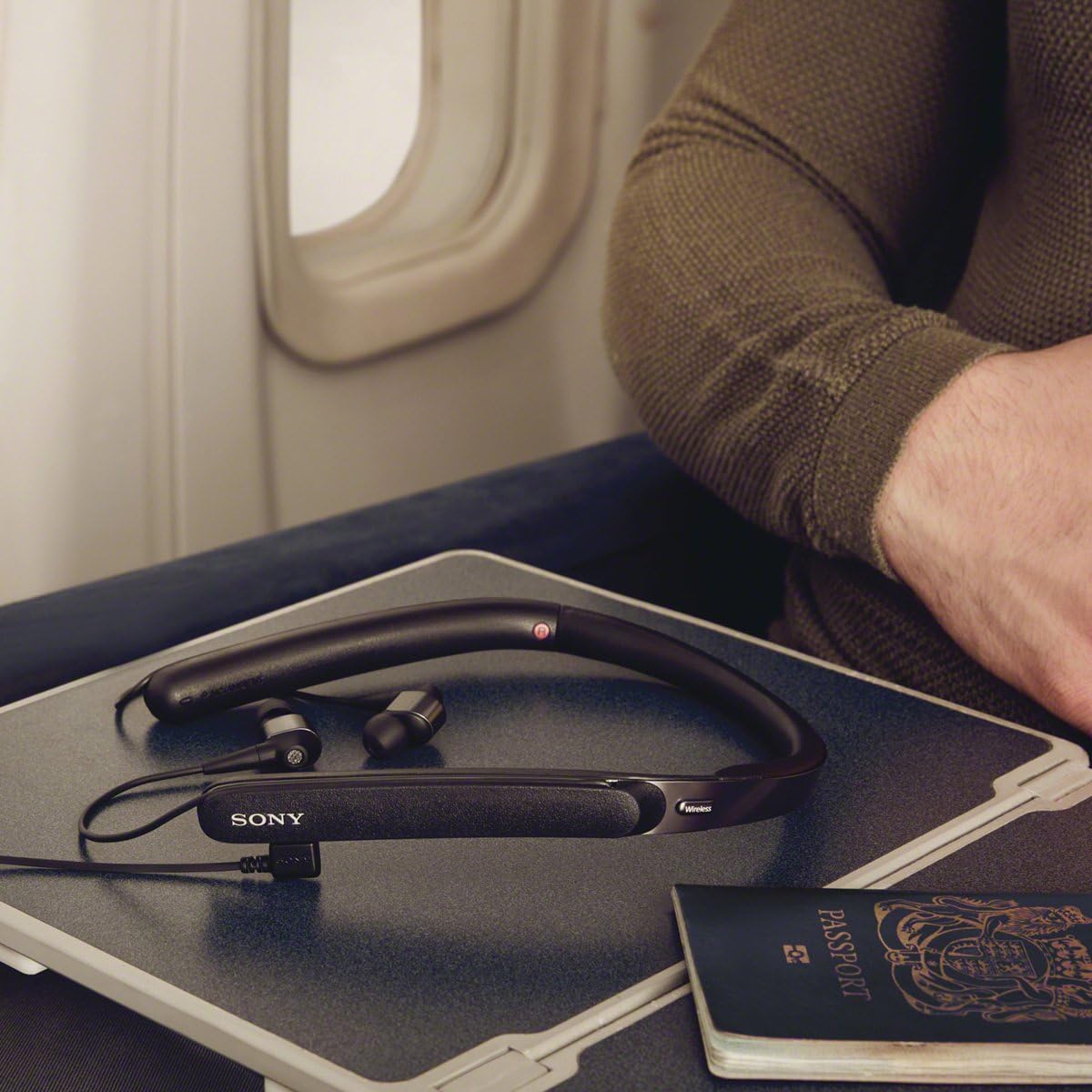
Figure 5: Headphones stored on an airplane tray table, demonstrating portability and wired connection option.
5. Troubleshooting
If you encounter issues with your headphones, try the following common solutions:
- No Power: Ensure the headphones are fully charged.
- Cannot Pair: Make sure the headphones are in pairing mode and within 10 meters of your device. Turn Bluetooth off and on again on your device.
- No Sound: Check volume levels on both the headphones and your connected device. Ensure the correct audio output is selected on your device.
- Noise Cancelling Ineffective: Ensure the ear tips are properly seated in your ears to create a good seal. Use the Sony | Headphones Connect app to adjust noise-cancelling settings.
- Intermittent Connection: Move closer to your connected device and ensure there are no obstructions between the headphones and the device.
For more detailed troubleshooting, refer to the comprehensive support resources available on the Sony website.
6. Specifications
| Feature | Detail |
|---|---|
| Model Name | WI1000X/B |
| Connectivity Technology | Bluetooth |
| Wireless Communication Technology | Bluetooth |
| Bluetooth Version | 4.1 |
| Noise Control | Active Noise Cancellation |
| Battery Life | Up to 10 Hours (with wireless noise cancelling) |
| Item Weight | 2.5 ounces |
| Product Dimensions | 7.64 x 2.36 x 9.69 inches |
| Frequency Response | 3–40000 Hz |
| Supported Audio Format(s) | SBC, AAC, LDAC, aptX, aptX HD |
| Compatible Devices | Apple Devices (iPhone 5 through 7 Plus, iPod touch 6th gen) |
7. Warranty & Support
For warranty information, product registration, and further technical support, please visit the official Sony website or contact Sony customer service. You can also find additional resources and product details on the Sony Store on Amazon.
Please retain your proof of purchase for warranty claims.


