
1. Introduction
This manual provides essential information for the safe and efficient use of your Philips PerfectCare Elite Plus steam generator iron, model GC9682/80. Please read these instructions carefully before first use and retain them for future reference.

Image: Philips PerfectCare Elite Plus branding banner.
2. Important Safety Information
- Ensure the voltage indicated on the appliance corresponds to your local mains voltage before connecting.
- Do not use the appliance if the plug, the mains cord, or the appliance itself shows visible damage.
- Keep the iron and its cord out of reach of children and pets when it is switched on or cooling down.
- Never immerse the iron or the base unit in water or any other liquid.
- Do not leave the appliance unattended when it is connected to the mains.
- Always place the iron on a stable, heat-resistant surface.
- Only use distilled or demineralized water. Do not use perfumed water, water from tumble dryers, or other additives.
3. Product Overview
Familiarize yourself with the components of your Philips PerfectCare Elite Plus steam generator iron.

Image: The Philips PerfectCare Elite Plus steam generator iron, showcasing its design and water tank.
- Iron: Features the T-Ionicglide soleplate and steam trigger.
- Base Unit: Houses the water tank and steam generator.
- Water Tank (1.8L): Detachable and transparent for easy refilling.
- Steam Hose: Connects the iron to the base unit.
- Easy De-Calc Knob: For descaling the appliance.
- OptimalTemp Technology: Automatically adjusts temperature for all ironable fabrics.
- DynamiQ Sensor: Provides optimal steam release based on movement.


Image: The iron securely placed on its base unit, showing the water tank and overall compact design.
4. Setup
- Unpacking: Carefully remove all packaging materials from the appliance.
- Placement: Place the steam generator on a stable, level, and heat-resistant surface, such as an ironing board designed for steam generators.
- Filling the Water Tank:
- Remove the detachable 1.8L water tank from the base unit.
- Fill the tank with tap water or a mixture of 50% tap water and 50% distilled water. Do not exceed the 'MAX' indicator.
- Reinsert the water tank into the base unit until it clicks into place.
- Connecting to Power: Plug the mains cord into a grounded wall socket.
5. Operating Instructions
5.1 Powering On and Heating Up
- Press the On/Off button. The indicator light will start flashing, indicating the appliance is heating up.
- The appliance is ready for use when the indicator light stops flashing and stays on (approximately 2 minutes).
5.2 OptimalTemp Technology
The Philips PerfectCare Elite Plus features OptimalTemp technology, eliminating the need for temperature adjustments. It is safe for all ironable fabrics, from denim to silk, without the risk of burning.

Image: The iron gliding smoothly over both denim and silk fabrics, demonstrating the OptimalTemp feature.
5.3 Ironing with Steam
- Continuous Steam: Press and hold the steam trigger under the handle for continuous steam. The DynamiQ sensor detects movement and releases steam automatically when the iron is moving, and stops when it's stationary.
- Steam Boost: For stubborn creases, press the steam trigger twice quickly to activate a powerful 600g steam boost. This is also effective for vertical steaming.
- Silent Steam Technology: The appliance is designed for quiet operation during steaming.

Image: A hand guiding the iron over fabric, with arrows indicating the movement and steam release, highlighting the DynamiQ sensor.

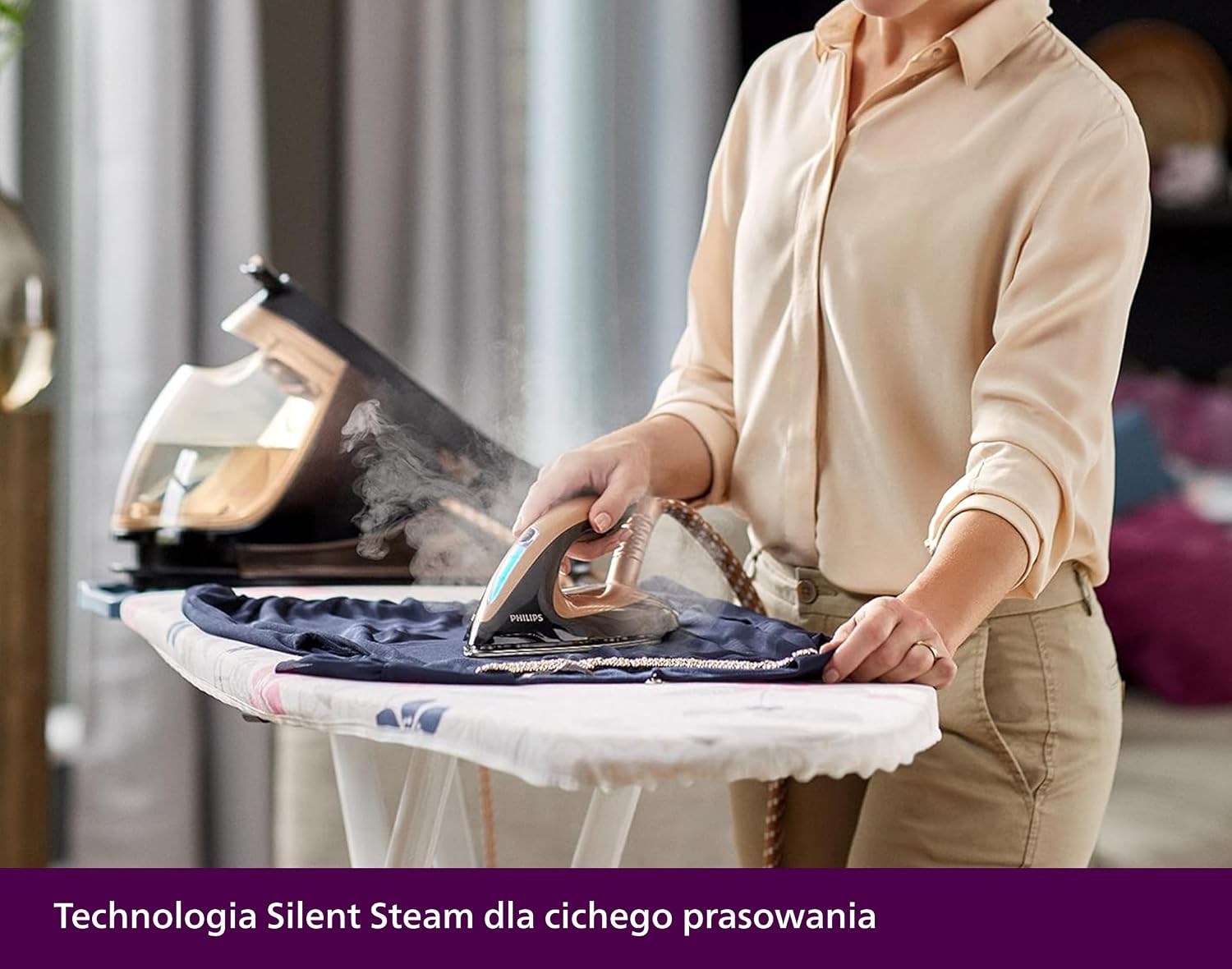
Image: A woman ironing clothes on an ironing board, demonstrating the ease of use and quiet operation.
5.4 Vertical Steaming
The powerful steam output allows for vertical steaming of hanging garments or curtains. Hold the iron vertically a few centimeters away from the fabric and press the steam trigger.

Image: A person vertically steaming a dress hanging on a rack, illustrating the ease of removing wrinkles from delicate garments.
5.5 ECO Mode
For energy saving, you can activate the ECO mode. This reduces steam output while still providing effective ironing results. Press the ECO button on the base unit to activate/deactivate.
5.6 Automatic Shut-off
For safety and energy saving, the appliance automatically switches off if it has not been used for a certain period. To restart, press the On/Off button.
6. Maintenance
6.1 Easy De-Calc System
Regular descaling is crucial for maintaining optimal performance and extending the lifespan of your steam generator. The Easy De-Calc system makes this process simple.
- Ensure the appliance is cool and unplugged.
- Place the appliance on the edge of a table or sink.
- Place a cup or bowl (at least 350ml) under the Easy De-Calc knob.
- Turn the Easy De-Calc knob counter-clockwise to remove it. Water and scale particles will flow out.
- When no more water comes out, reinsert the Easy De-Calc knob and turn it clockwise to fasten.
- Perform this procedure every 1 to 3 months, depending on water hardness and usage frequency.

Image: A hand removing the Easy De-Calc knob, with water draining into a glass, demonstrating the descaling process.


Image: Detailed view of the Easy De-Calc knob and its removal for descaling.
6.2 Cleaning the Soleplate
- To clean the soleplate, use a damp cloth and a non-abrasive cleaner.
- Do not use scouring pads, abrasive cleaning agents, or sharp objects to clean the soleplate.

Image: Close-up of the T-Ionicglide soleplate, highlighting its smooth, durable surface.
7. Troubleshooting
| Problem | Possible Cause | Solution |
|---|---|---|
| No steam is coming out. | Water tank is empty; appliance not heated up; steam trigger not pressed. | Refill the water tank; wait for the 'iron ready' light to stop flashing; press the steam trigger. |
| Water droplets come from the soleplate. | Appliance not hot enough; first use or after descaling. | Wait until the 'iron ready' light is steady; press the steam trigger a few times away from garments to clear any condensation. |
| The iron does not heat up. | Appliance not plugged in; power switch off; automatic shut-off activated. | Check power connection; press the On/Off button; press the On/Off button to restart. |
| Scale particles come out of the soleplate. | Appliance needs descaling. | Perform the Easy De-Calc procedure as described in Section 6.1. |
8. Specifications
| Feature | Detail |
|---|---|
| Model Number | GC9682/80 |
| Brand | Philips |
| Power | 2700 W |
| Water Tank Capacity | 1.8 Liters |
| Max Steam Pressure | 8 Bar |
| Continuous Steam Output | Up to 165 g/min |
| Steam Boost | Up to 600 g |
| Soleplate Type | T-Ionicglide |
| Dimensions (L x W x H) | 45.3 x 23.3 x 28.5 cm |
| Weight | 6.79 kg |
| Special Features | OptimalTemp Technology, DynamiQ Sensor, Silent Steam, Automatic Shut-off, Easy De-Calc |
9. Warranty and Support
Philips offers a comprehensive warranty for this product. For detailed warranty terms and conditions, please refer to the warranty card included with your purchase or visit the official Philips website.
For product support, troubleshooting assistance, or to purchase accessories, please contact Philips Customer Service or visit their support page. Keep your proof of purchase for warranty claims.
You can find more information and support at: www.philips.com/support


