
1. Introduction and Overview
This manual provides essential information for the safe and effective use of your EPtech AC/DC Adapter, model KQ170625127. This power supply is designed to provide reliable power to compatible devices, specifically the JBL Boost TV Compact Soundbar with Bluetooth.
Please read this manual thoroughly before using the product and retain it for future reference.
2. Product Features
- Universal Input Voltage: Supports World Wide Input Voltage 100-240VAC 50/60Hz, allowing for global compatibility.
- Extended Power Cord: Features a total 10 Ft (approximately 3 meters) long power cord for flexible placement.
- Comprehensive Safety Features: Equipped with multiple protections including Over Current Protection, Total Power Protection, Over Voltage Protection, and Short Circuit Protection to ensure device safety.
- High Quality Construction: Manufactured with high-quality materials for durability and reliable performance.
- Certifications: Certified by FCC, CE, and RoHS, ensuring compliance with international safety and environmental standards.

Image: Safety Design with Multiple Protections. This diagram highlights the built-in safeguards such as over-temperature, over-voltage, over-current, and short-circuit protection, ensuring safe operation.

Image: High Quality Power Cable Design. This image illustrates the internal structure of the power cable, emphasizing the use of high-quality copper wire and a durable PVC insulation jacket for enhanced performance and longevity.
3. Setup
The EPtech AC/DC Adapter is designed for straightforward setup. Please follow these steps:
- Unpack the Adapter: Carefully remove the AC/DC adapter and power cord from its packaging.
- Connect Power Cord: Insert the 2-pin connector of the power cord firmly into the corresponding input port on the AC/DC adapter unit.
- Connect to Device: Plug the DC output connector of the adapter into the power input port of your JBL Boost TV soundbar. Ensure a secure connection.
- Connect to Power Outlet: Insert the power cord's plug into a standard wall power outlet (100-240VAC, 50/60Hz).
Once connected, the adapter is ready to supply power to your device.
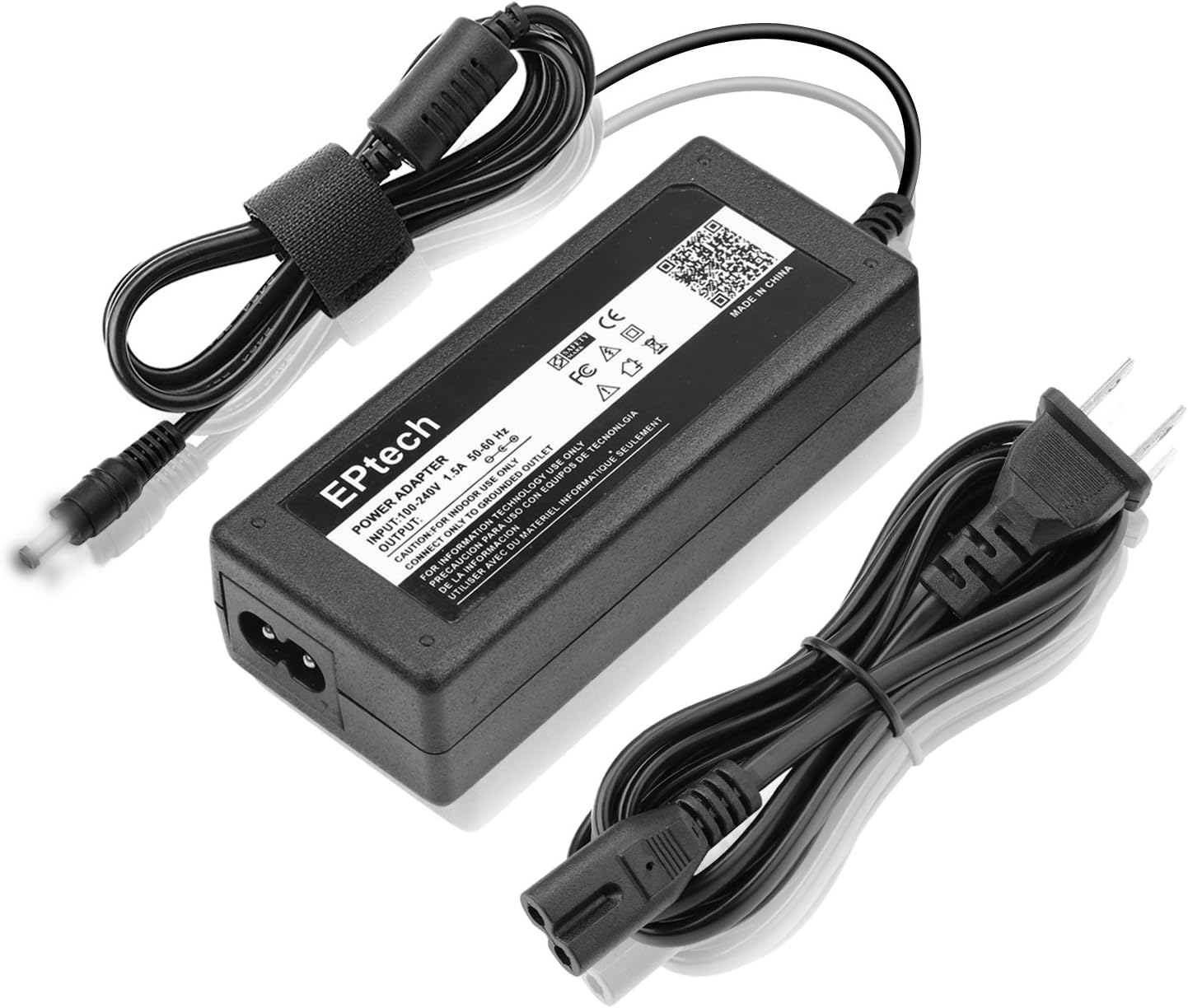
Image: EPtech AC/DC Adapter and Power Cord. This image displays the main adapter unit along with its detachable power cord, ready for connection.
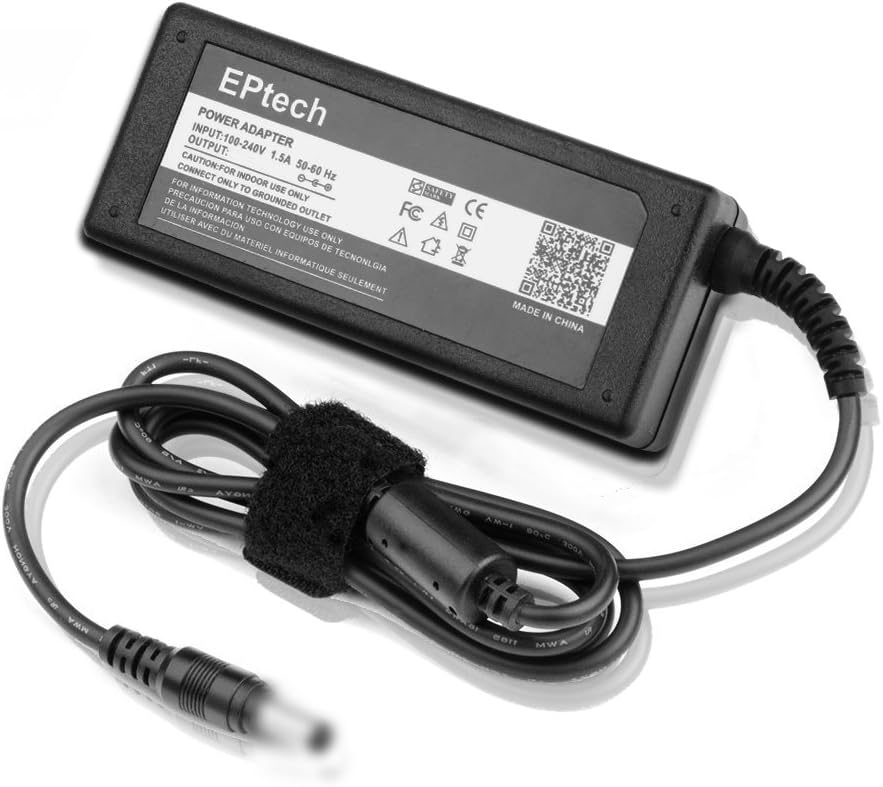
Image: Adapter with Power Cord Connected. This view shows the adapter with the power cord securely attached, illustrating the compact design.
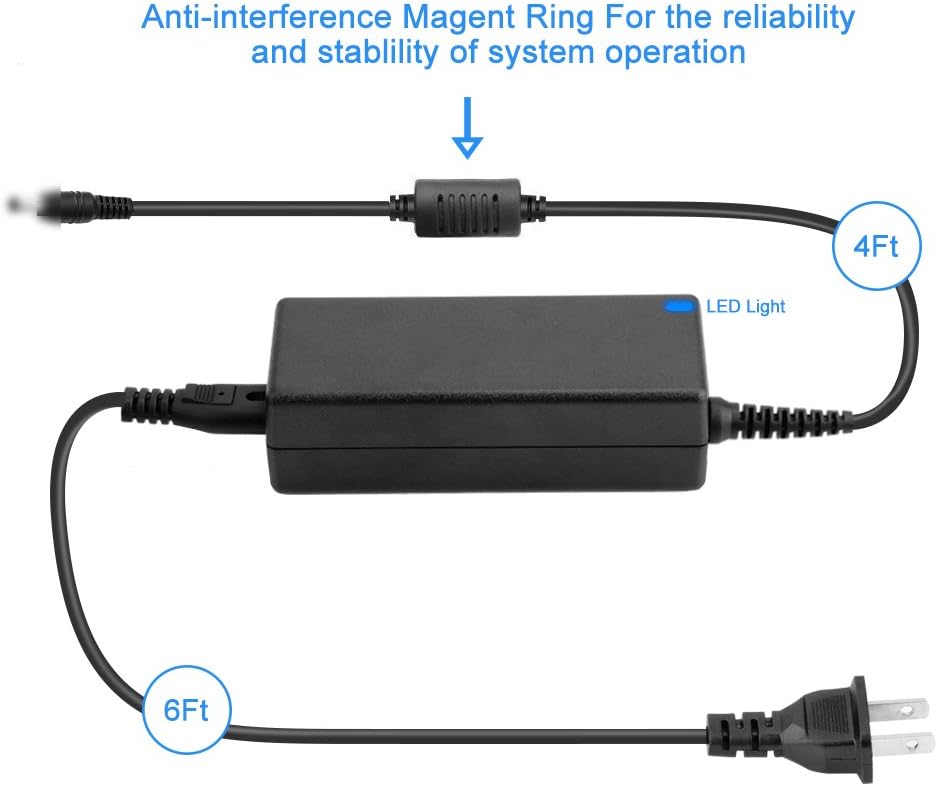
Image: Cable Length and Anti-interference Ring. This diagram indicates the approximate lengths of the output (4ft) and input (6ft) cables, totaling 10ft, and highlights the anti-interference magnetic ring for stable operation.
4. Operating Instructions
The EPtech AC/DC Adapter operates automatically once connected correctly. It provides a stable power supply to your compatible device.
- Ensure all connections are secure before plugging into a power outlet.
- The adapter is designed for continuous operation.
- An LED indicator on the adapter unit will illuminate when power is being supplied, confirming proper function.
5. Maintenance
To ensure the longevity and optimal performance of your EPtech AC/DC Adapter, follow these simple maintenance guidelines:
- Cleaning: Disconnect the adapter from the power outlet and your device before cleaning. Use a soft, dry cloth to wipe the surface. Do not use liquid cleaners or abrasive materials.
- Storage: When not in use for extended periods, store the adapter in a cool, dry place, away from direct sunlight and extreme temperatures. Avoid tightly coiling the cables to prevent damage.
- Handling: Avoid dropping the adapter or subjecting it to strong impacts. Do not pull on the cables to disconnect the adapter from the outlet or device; always grasp the plug or connector.
6. Troubleshooting
If you encounter issues with your EPtech AC/DC Adapter, please refer to the following common troubleshooting steps:
| Problem | Possible Cause | Solution |
|---|---|---|
| No power to device / Adapter LED off |
|
|
| Adapter feels hot |
|
|
If the problem persists after following these steps, please contact customer support.
7. Specifications
| Attribute | Detail |
|---|---|
| Brand | EPtech |
| Model Number | KQ170625127 |
| Input Voltage | 100-240VAC, 50/60Hz |
| Output Amperage | 1 Amps |
| Compatible Devices | JBL Boost TV |
| Cable Length | Total 10 Ft (approx. 3 meters) |
| Safety Features | Over current protection, Total power protection, Over voltage protection, Short Circuit Protection |
| Certifications | FCC, CE, RoHS |

Image: Durable & Compact Design. This image highlights the robust construction and small footprint of the adapter, making it suitable for various environments.
8. Warranty and Support
For any questions, concerns, or technical support regarding your EPtech AC/DC Adapter, please do not hesitate to contact our customer service team.
Email: epcustomerservice@yahoo.com
Please provide your product model number (KQ170625127) and a detailed description of your inquiry when contacting support to ensure a prompt and accurate response.