
1. Introduction
Welcome to your new Horizon Fitness ELITE T 7.1 Treadmill. This manual provides essential information for the safe and effective use of your equipment. The ELITE T 7.1 is designed for home fitness, featuring a robust motor, responsive orthopedic cushioning, and advanced connectivity options to enhance your workout experience. Please read this manual thoroughly before assembly or operation.
2. Safety Information
Always consult with a physician before starting any new exercise program. Ensure the treadmill is placed on a flat, stable surface with adequate clearance around it. Keep children and pets away from the equipment during operation. Always use the safety key during workouts.
- Read all instructions before using the treadmill.
- Keep the power cord away from heated surfaces.
- Do not operate the treadmill if it has a damaged cord or plug, or if it is not working properly.
- Wear appropriate exercise clothing and footwear.
- Stop exercising immediately if you feel faint, dizzy, or experience pain.
3. Package Contents
Carefully unpack your Horizon Fitness ELITE T 7.1 Treadmill and verify that all components are present.
- Horizon Fitness ELITE T 7.1 Treadmill Unit
- Emergency Safety Key
- Transport Wheels (pre-installed or requiring minor attachment)
- User Manual (this document)
If any parts are missing or damaged, please contact customer support immediately.
4. Setup and Assembly
The ELITE T 7.1 Treadmill features a hydraulic folding frame for easier setup and storage.
- Unpacking: Remove all packaging materials. Place the treadmill on a clear, level surface.
- Unfolding: Carefully unfold the treadmill deck from its storage position. The hydraulic folding frame assists in this process. Ensure the deck locks securely into place.
- Power Connection: Connect the power cord to a grounded 230V electrical outlet.
- Safety Key: Attach the emergency safety key to the console. The treadmill will not operate without the safety key in place.

Image: The hydraulic folding frame allows for easy storage. The treadmill folds vertically to save space.
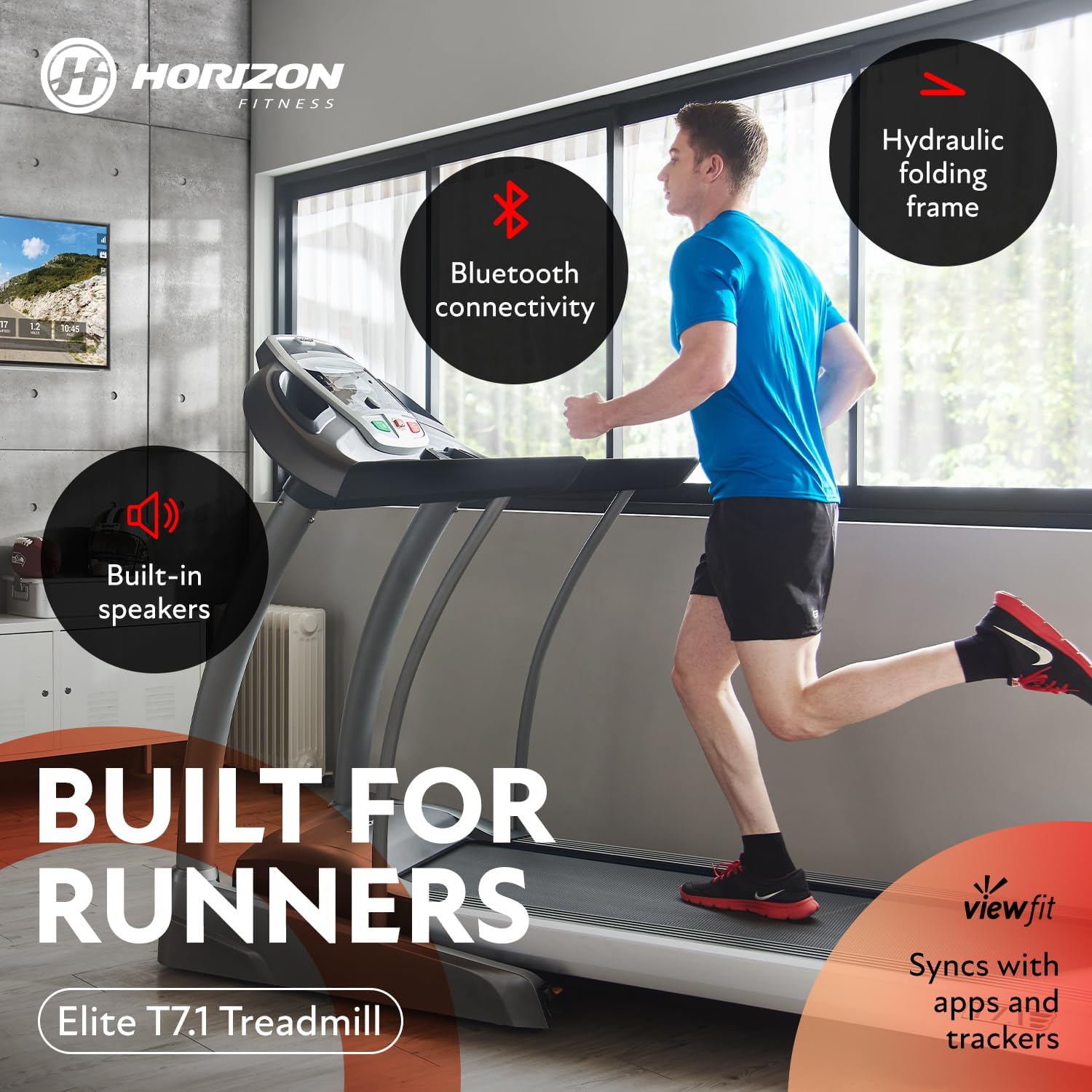
Image: Overview of the ELITE T 7.1 Treadmill, highlighting features such as Bluetooth connectivity, built-in speakers, hydraulic folding frame, and Viewfit synchronization.
5. Operating Instructions
Familiarize yourself with the console and controls before beginning your workout.
5.1 Console Overview
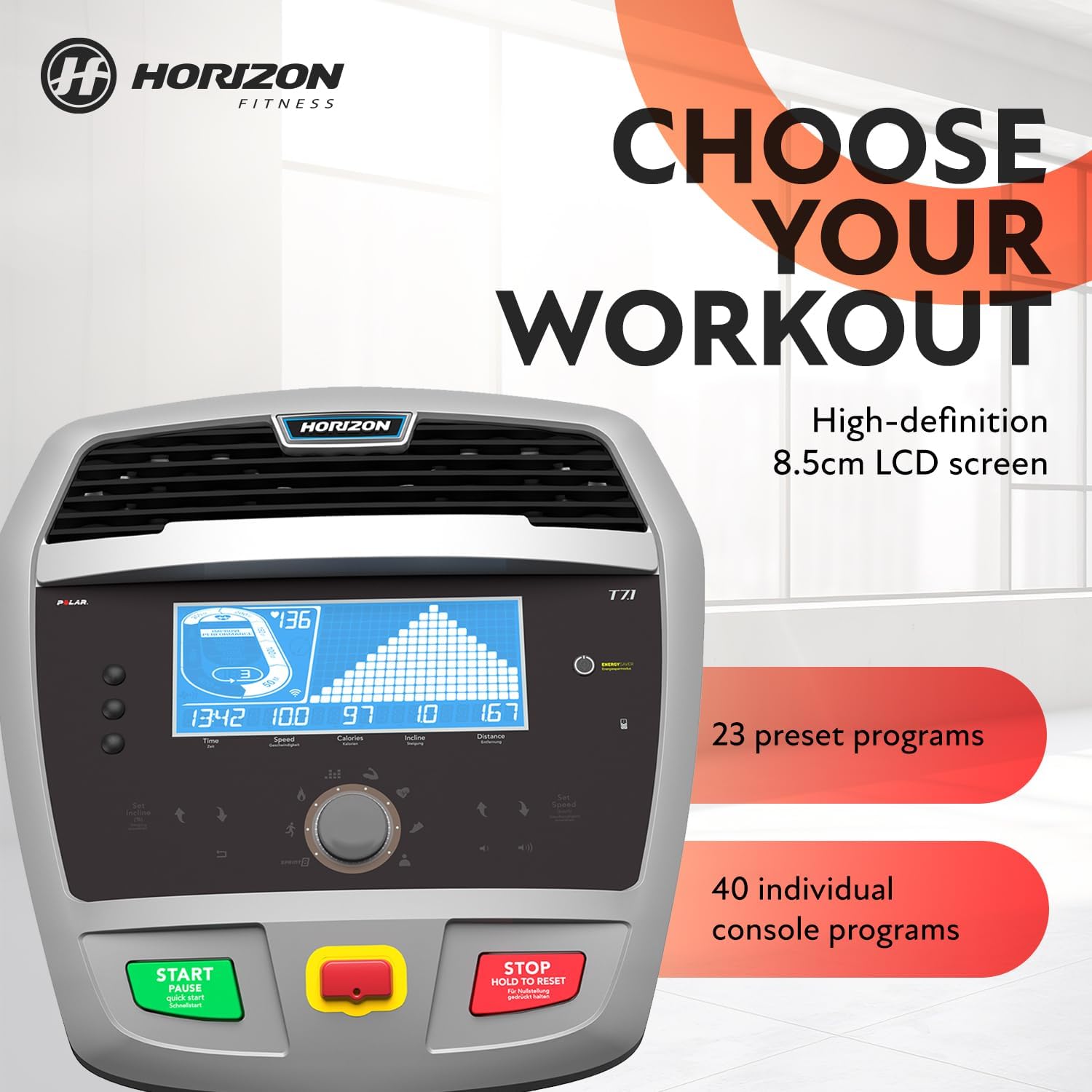
Image: The treadmill console features an 8.5cm high-definition LCD screen, displaying workout data and program options. It includes buttons for starting, stopping, and adjusting settings.
The console features an 8.5cm high-definition LCD screen to display key workout metrics such as speed, distance, time, incline, and steps.
5.2 Starting a Workout
- Step onto the treadmill deck.
- Attach the safety key clip to your clothing.
- Press the START button to begin a manual workout.
- Adjust speed and incline using the dedicated buttons or the quick control dial.
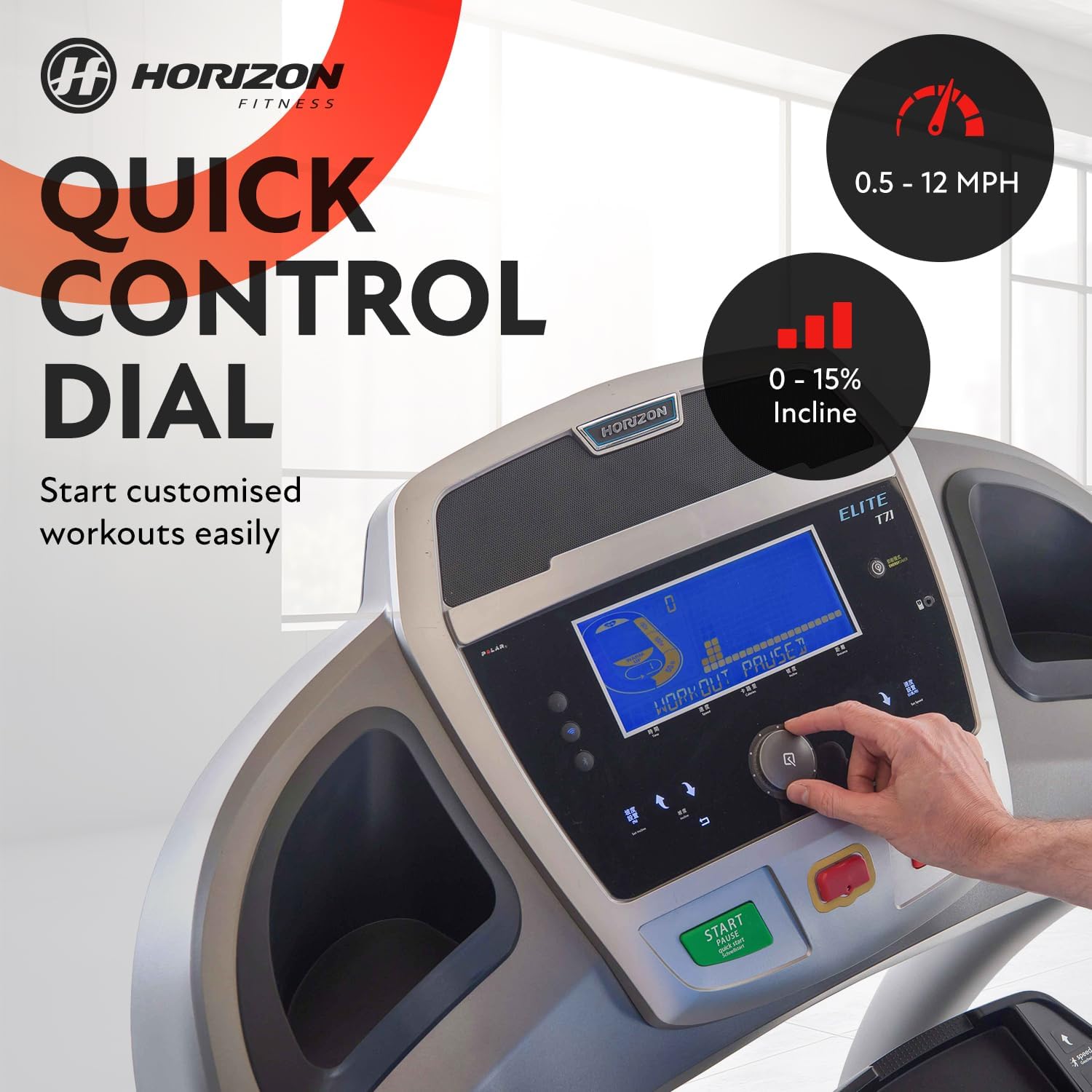
Image: The quick control dial allows for easy adjustment of speed (0.8 - 20 km/h) and incline (0 - 15%) during your workout.
5.3 Adjusting Speed and Incline
- Speed: The treadmill offers a speed range of 0.8 to 20 km/h. Use the speed buttons or the quick control dial to increase or decrease your pace.
- Incline: The incline can be adjusted from 0% to 15%. Use the incline buttons or the quick control dial to simulate uphill running.
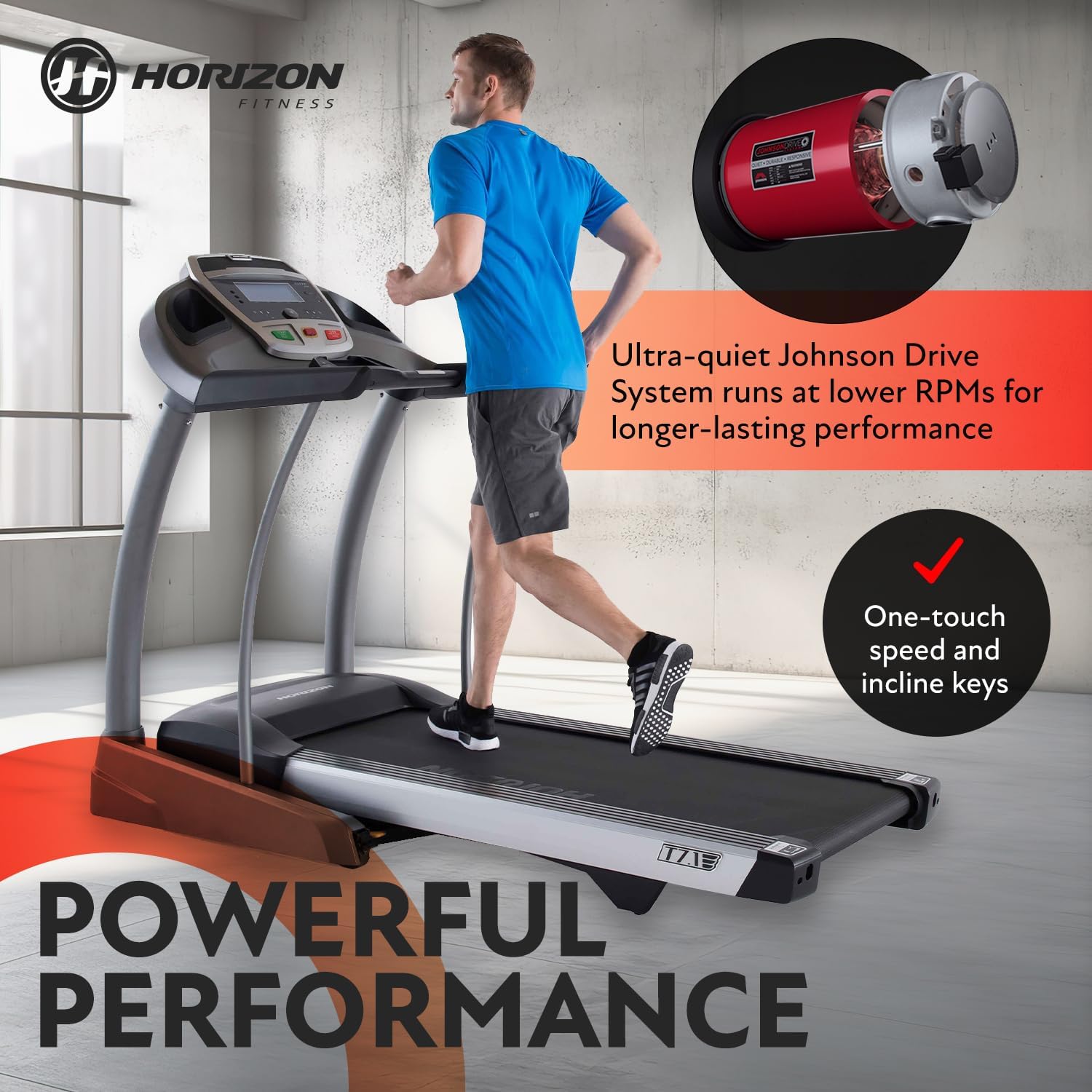
Image: The treadmill features one-touch speed and incline keys for quick adjustments, powered by an ultra-quiet Johnson Drive System.
5.4 Workout Programs
The ELITE T 7.1 Treadmill includes 23 preset programs and 40 individual console programs.
- Program Selection: Navigate through the program options using the console buttons.
- Program Types: Available programs include Interval, Manual, Cardio, and Fatburn.
5.5 Connectivity
- Bluetooth: Connect your device via Bluetooth for audio playback through the built-in speakers or for syncing with fitness apps.
- Viewfit: The treadmill is Viewfit compatible, allowing synchronization with various fitness apps and trackers.
- Passport Ready: Experience virtual reality workouts with Passport Ready functionality.
5.6 Stopping a Workout
Press the STOP button to end your workout. For emergencies, pull the safety key from the console; the treadmill will stop immediately.
6. Maintenance
Regular maintenance ensures the longevity and optimal performance of your treadmill.
- Cleaning: Wipe down the treadmill after each use with a damp cloth to remove sweat and dust. Avoid abrasive cleaners.
- Belt Lubrication: Refer to the separate lubrication guide (if provided) or contact customer support for recommendations on lubricating the running belt.
- Belt Tension and Alignment: Periodically check the running belt for proper tension and alignment. Adjust as needed according to the instructions in the full service manual or by contacting support.
- Power Cord Inspection: Regularly inspect the power cord for any damage.
7. Troubleshooting
If you encounter any issues with your treadmill, refer to the following common troubleshooting steps.
- Treadmill not starting: Ensure the power cord is securely plugged in and the safety key is correctly placed on the console. Check the circuit breaker.
- Belt slipping: The running belt may require tension adjustment. Refer to the maintenance section or contact customer support.
- Unusual noises: Stop the treadmill immediately and inspect for any obstructions or loose parts. If the noise persists, contact customer support.
- Console not displaying: Check power connections. If the issue continues, contact customer support.
For more complex issues, please contact Horizon Fitness customer support.
8. Specifications
Detailed technical specifications for the Horizon Fitness ELITE T 7.1 Treadmill.

Image: Overall dimensions of the ELITE T 7.1 Treadmill: 210 cm (Length) x 94.5 cm (Width) x 150 cm (Height).

Image: The running belt measures 153 cm in length and 50 cm in width. The maximum user weight capacity is 180 kg.
| Feature | Specification |
|---|---|
| Product Dimensions (L x W x H) | 210 x 94.5 x 150 cm |
| Folded Dimensions (L x W x H) | 103 x 94 x 193 cm |
| Item Weight | 160 kg |
| Max User Weight | 180 kg |
| Motor Power | 2.75 HP |
| Speed Range | 0.8 – 20 km/h |
| Incline Range | 0 – 15% |
| Running Surface (L x W) | 153 x 50 cm |
| Belt Thickness | 3.1 mm (Orthopedic) |
| Display Type | LCD |
| Display Screen Diagonal | 21.6 cm |
| Number of Programs | 23 preset, 40 console programs |
| Power Supply | Mains (230 V) |
| Frame Material | Steel Alloy |
| Running Belt Material | Rubber |
| Special Features | Foldable, Manual Pulse Sensors, Transport Wheels, Emergency Safety Key, Bluetooth, Viewfit, Passport Ready |
| Color | Silver/Black |
9. Warranty and Support
Your Horizon Fitness ELITE T 7.1 Treadmill comes with a manufacturer's warranty. Please refer to the warranty card included with your purchase for specific terms and conditions.
For technical assistance, spare parts, or warranty claims, please contact Horizon Fitness customer support. Keep your purchase receipt and model number handy when contacting support.
Customer Service: Refer to the contact information provided on the Horizon Fitness official website or your purchase documentation.