
1. Introduction
The Bracketron Roadtripper Bluetooth FM Transmitter (Model BT5-548-2) allows you to stream audio wirelessly from your Bluetooth-enabled device to your vehicle's FM radio. It also features dual USB ports for charging your mobile devices and an integrated microphone for hands-free calling. This manual provides detailed instructions for setup, operation, and maintenance of your device.
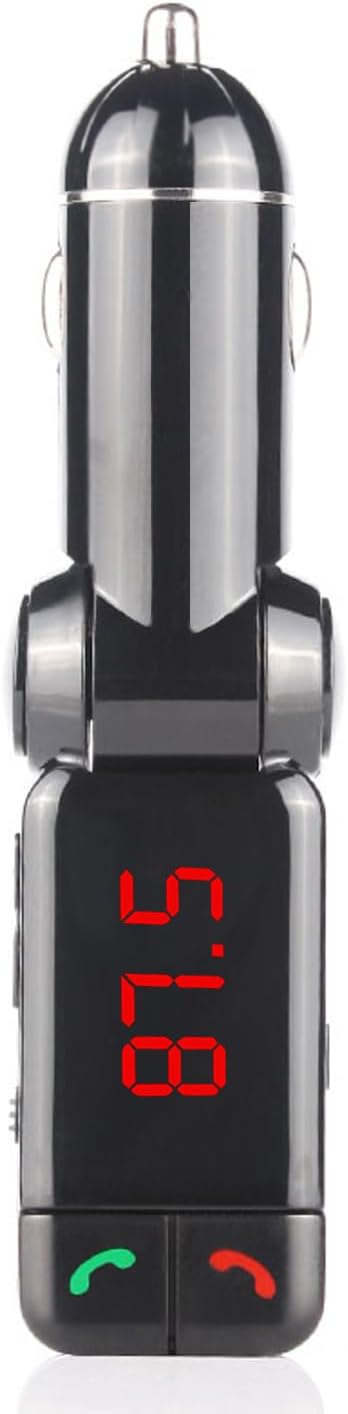
Image: Front view of the Bracketron Roadtripper Bluetooth FM Transmitter.
2. What's in the Box
Verify that all components are present in the package:
- Bracketron Roadtripper Car Audio Bluetooth Transmitter
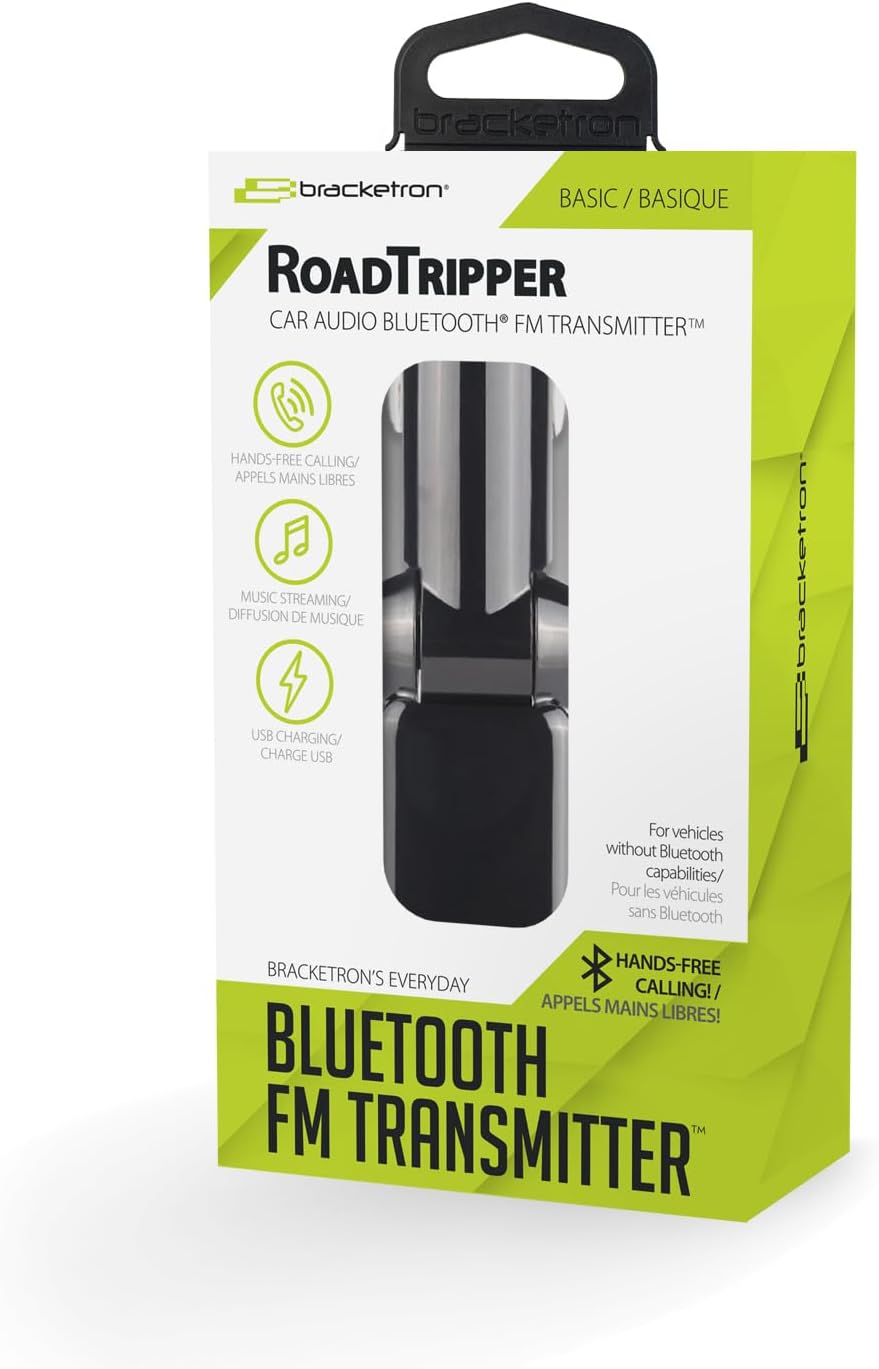
Image: Product packaging for the Roadtripper FM Transmitter.
3. Product Overview
Familiarize yourself with the various parts and functions of your Roadtripper FM Transmitter:
- 12V Power Plug: Connects to your vehicle's cigarette lighter socket.
- Digital FM Display: Shows the current FM frequency.
- Call Buttons: Green for answer/redial, Red for end call/reject.
- Frequency Adjustment Buttons: Used to change the FM transmission frequency.
- ON/OFF Switch: Powers the device on or off.
- Audio Input Jack: For connecting non-Bluetooth devices via a 3.5mm audio cable (not included).
- Dual USB Charging Ports: Provide up to 2.1A combined output for charging mobile devices.
- Integrated Noise-Canceling Microphone: For hands-free communication.
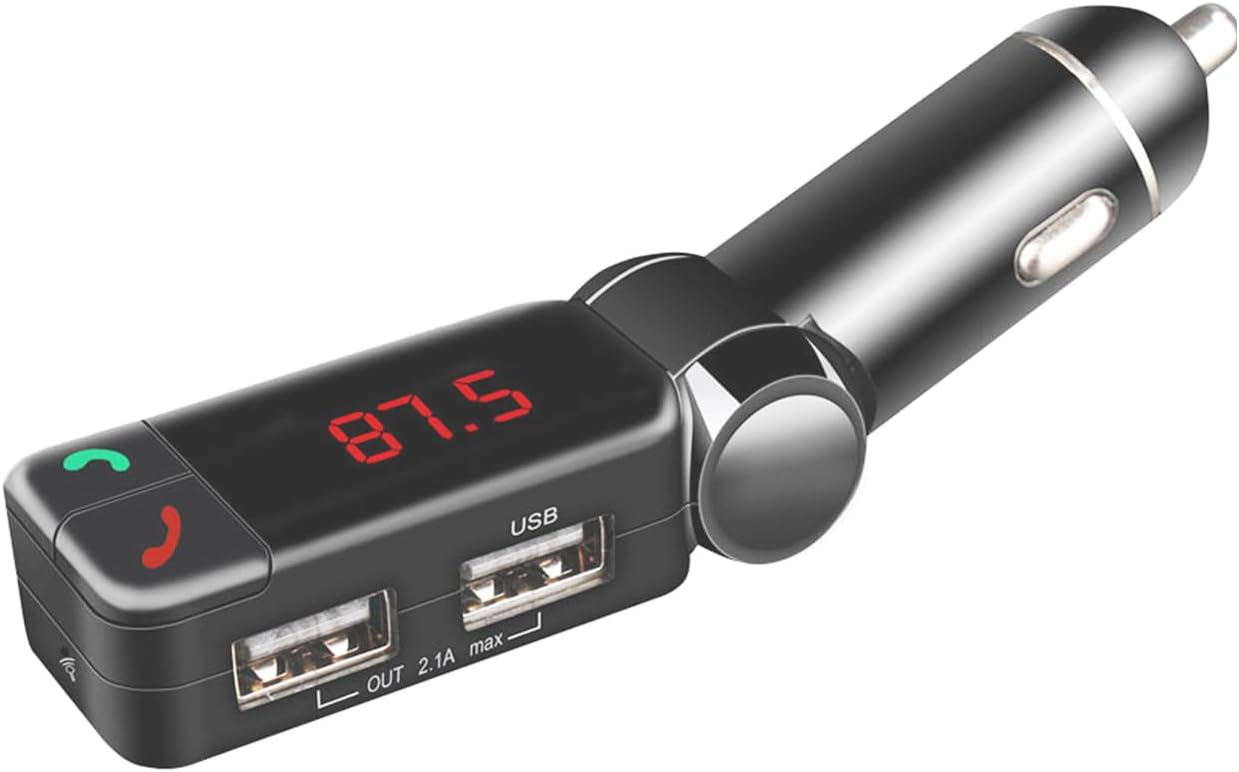
Image: Side view showing ON/OFF switch and audio jack.
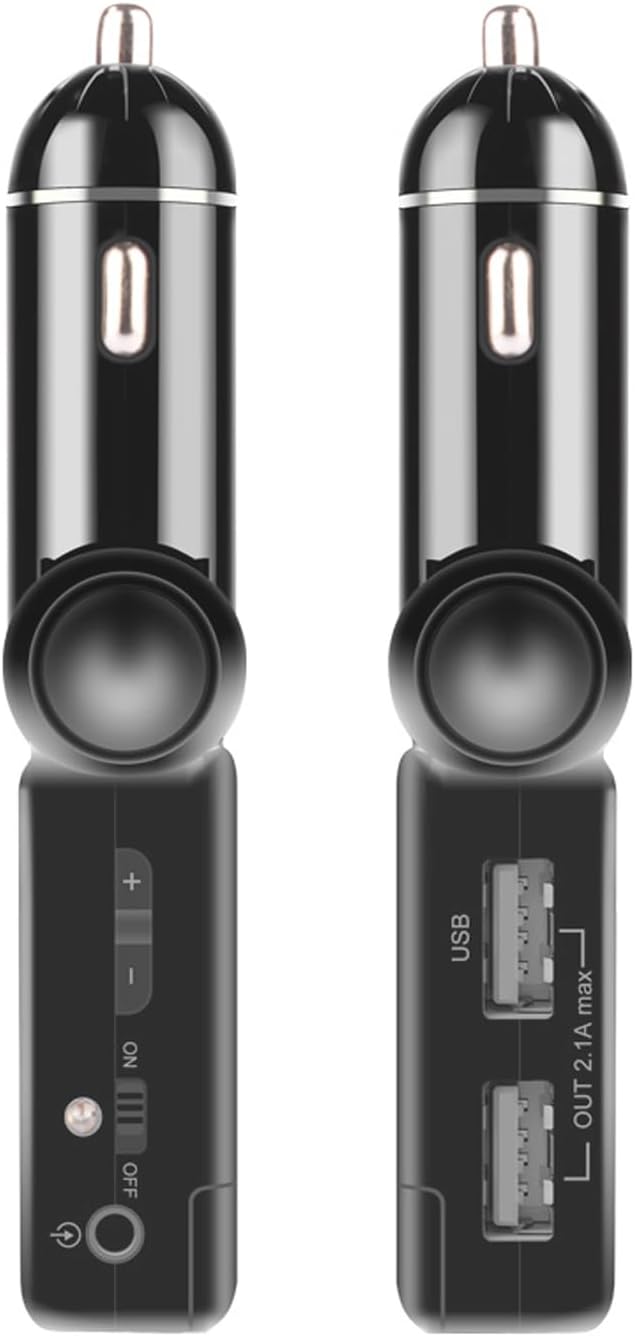
Image: Side view showing dual USB charging ports.
4. Setup Instructions
4.1. Powering On
- Insert the Roadtripper FM Transmitter into your vehicle's 12V accessory socket.
- Flip the ON/OFF switch to the 'ON' position. The digital display will illuminate.
4.2. Tuning the FM Frequency
- Tune your vehicle's FM radio to an unused frequency. Choose a frequency with clear static or no broadcast.
- Adjust the FM frequency on the Roadtripper transmitter to match your vehicle's radio frequency using the frequency adjustment buttons. Ensure both devices are set to the exact same frequency for optimal audio quality.
4.3. Bluetooth Pairing
- Once the transmitter is powered on, it will automatically enter Bluetooth pairing mode.
- On your mobile device, enable Bluetooth and search for available devices.
- Select "Roadtripper" from the list of found devices to pair. A confirmation tone may sound from the transmitter upon successful pairing.
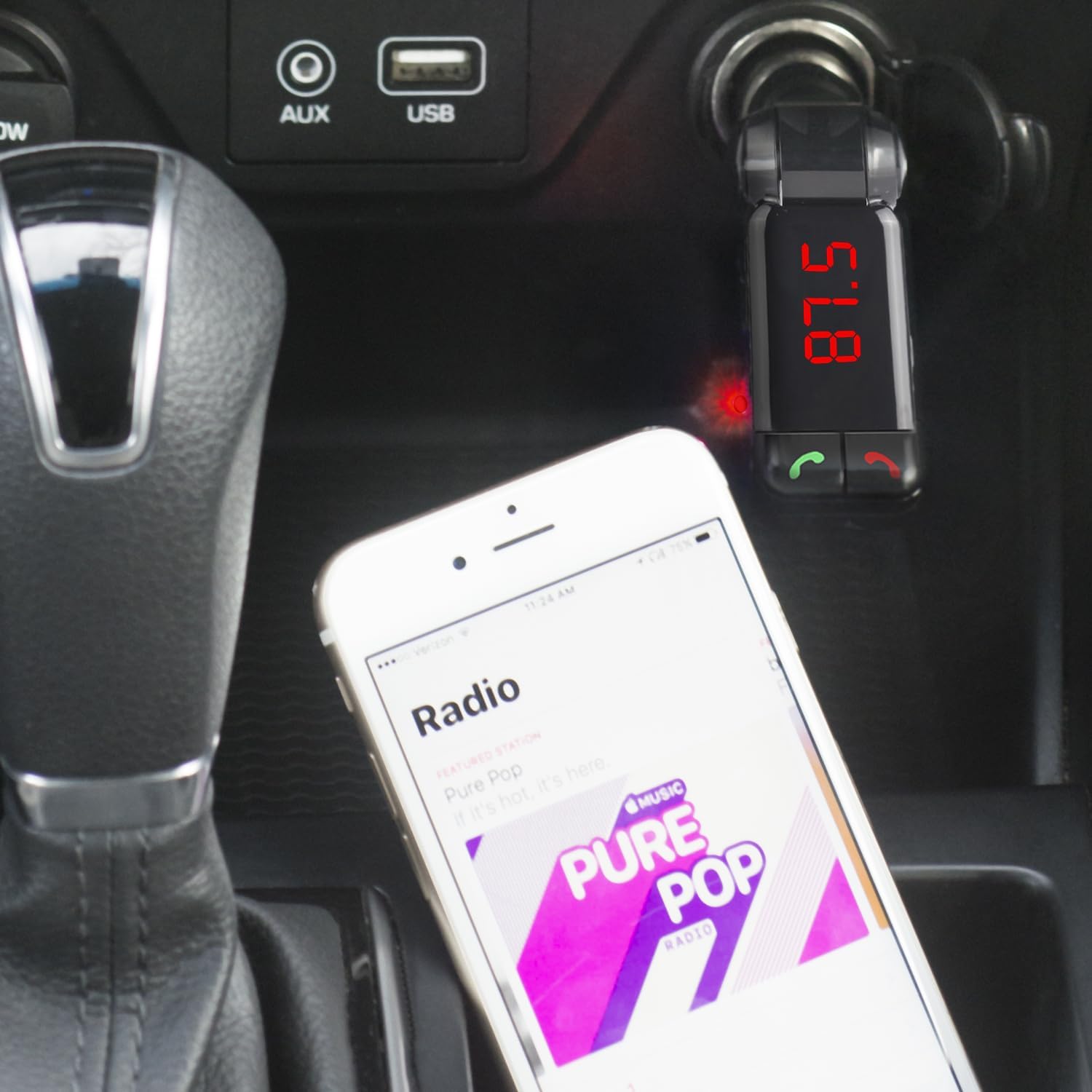
Image: Roadtripper FM Transmitter in use, connected to a smartphone playing music.
5. Operating Instructions
5.1. Music Playback
After successful Bluetooth pairing and FM frequency matching, you can play music from your mobile device. The audio will be transmitted to your vehicle's speakers via the FM radio.
5.2. Hands-Free Calling
When a call comes in, the music will pause. Press the green call button on the transmitter to answer the call. Use the integrated microphone for communication. Press the red call button to end or reject a call. For optimal call quality, ensure the microphone is not obstructed.
5.3. USB Charging
The two USB ports on the side of the transmitter can be used to charge your mobile devices. Connect your device's charging cable to one of the USB ports. The combined output is 2.1A.
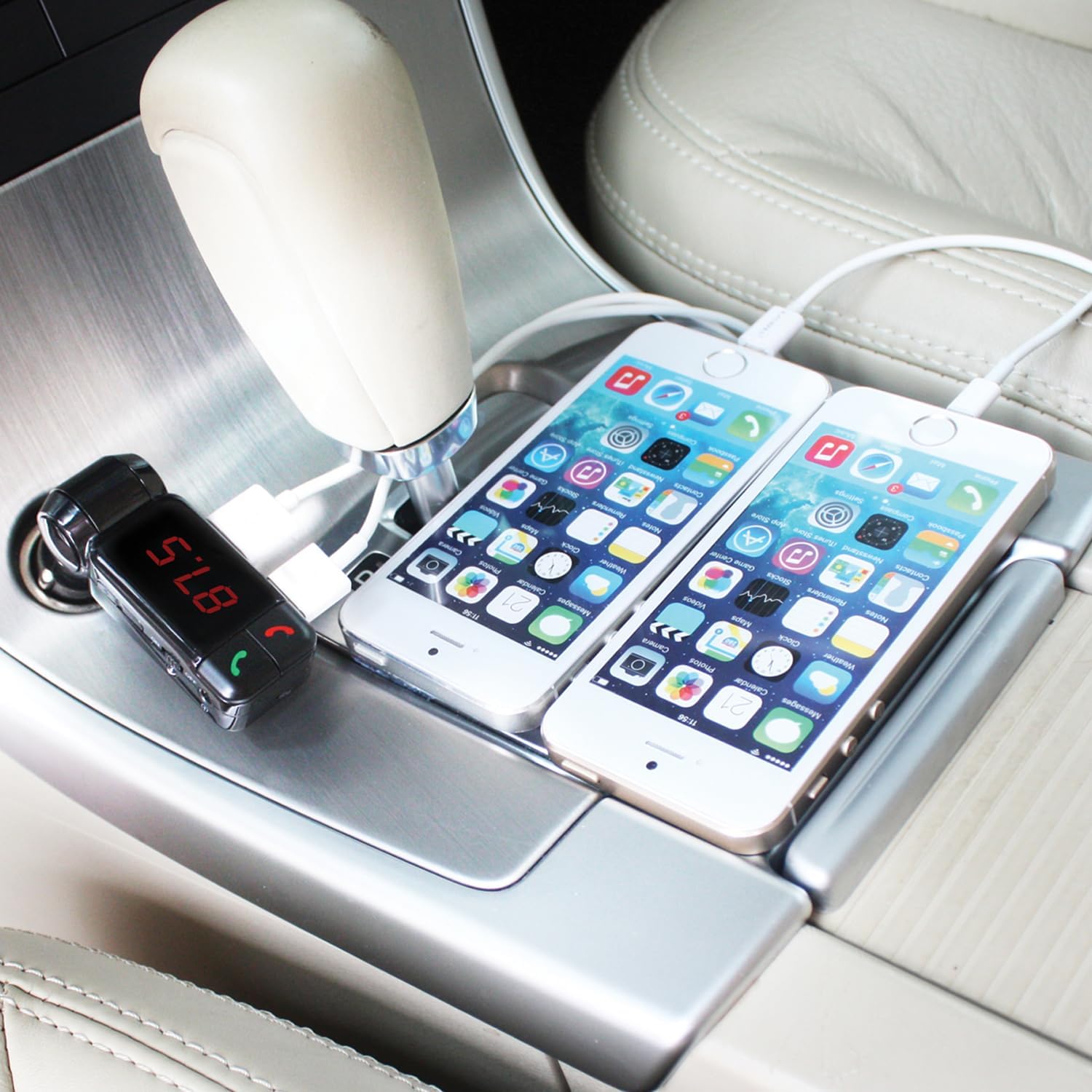
Image: Roadtripper FM Transmitter charging two smartphones in a vehicle.
6. Maintenance
To ensure the longevity and optimal performance of your Roadtripper FM Transmitter, follow these simple maintenance guidelines:
- Keep the device clean by wiping it with a soft, dry cloth.
- Avoid exposing the device to extreme temperatures, direct sunlight, or moisture.
- Do not use harsh chemicals or abrasive cleaners.
- Store the device in a cool, dry place when not in use.
7. Troubleshooting
If you encounter issues with your Roadtripper FM Transmitter, refer to the following table for common problems and solutions:
| Problem | Possible Cause | Solution |
|---|---|---|
| Static or poor audio quality | FM frequency interference; mismatched frequencies. | Find a clearer, unused FM frequency on your car radio and match it on the transmitter. Avoid frequencies used by strong local radio stations. |
| Callers cannot hear me or poor call quality | Microphone obstruction; low microphone sensitivity; environmental noise. | Ensure the microphone is not covered. Speak clearly towards the device. Reduce background noise in the vehicle. |
| Device not powering on | Loose connection; vehicle's 12V socket issue; device switch off. | Ensure the transmitter is firmly seated in the 12V socket. Check if the vehicle's 12V socket is functional. Verify the ON/OFF switch is in the 'ON' position. |
| Bluetooth not connecting | Device not in pairing mode; Bluetooth disabled on phone; previously paired to another device. | Ensure the transmitter is powered on. Enable Bluetooth on your mobile device. Forget previous pairings on your phone and re-pair. |
8. Specifications
| Feature | Detail |
|---|---|
| Model Number | BT5-548-2 |
| Product Dimensions | 1.18 x 0.87 x 4.72 inches |
| Item Weight | 1.44 ounces (0.09 Pounds) |
| Connectivity Technology | Bluetooth |
| Special Features | Built-In Microphone, Hands-Free Calls, Noise Cancellation |
| Power Source | Corded Electric (12V vehicle socket) |
| USB Output | 2.1A (combined) |
| Manufacturer | Bracketron |
9. Safety Information
Please read and adhere to the following safety guidelines to prevent injury or damage:
- Do not operate the device in a manner that distracts you from driving. Always prioritize road safety.
- Do not disassemble, modify, or attempt to repair the product yourself. This may void the warranty and pose safety risks.
- Dispose of batteries (if applicable) according to local regulations.
- This device may cause interference with other wireless devices. Maintain a reasonable distance from other electronics.
- Avoid exposing the device to water, fire, or extreme temperatures.
10. Warranty and Support
For warranty information or technical support, please refer to the Bracketron official website or contact their customer service. Keep your proof of purchase for warranty claims.
Website: www.bracketron.com


