
1. Introduction
The GYMFORM Vibromax Plus is an outstanding vibrating platform designed for comprehensive home fitness. This compact and easy-to-store device is engineered to engage all body muscles effectively, requiring only 10 minutes of use per day. It offers a full-body movement by oscillating up to 8 degrees simultaneously, forcing muscles to contract and relax rapidly, up to 2000 times per minute (approximately 34 times per second).
This package includes the vibration plate, a remote control, two resistance bands for enhanced training, detailed diet instructions, and a comprehensive exercise guide, providing an all-in-one solution for your fitness journey.
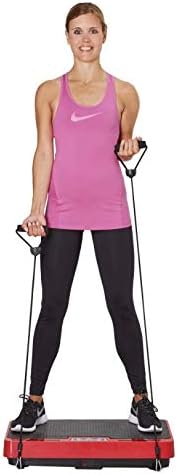
Image 1.1: The GYMFORM Vibromax Plus Vibration Plate, a compact and efficient home fitness device.
2. Important Safety Information
Before using the GYMFORM Vibromax Plus, please read all instructions carefully. Adhere to these safety guidelines to prevent injury and ensure proper operation of the device.
- Consult a physician before starting any new exercise program, especially if you have pre-existing medical conditions.
- Do not use the device if you are pregnant, have a pacemaker, or suffer from severe heart conditions, epilepsy, or acute thrombosis.
- Ensure the device is placed on a stable, flat surface. Do not use on uneven ground.
- Keep children and pets away from the device during operation.
- Do not insert any objects into the device's openings.
- Unplug the device from the power outlet when not in use or before cleaning.
- Do not use the device if the power cord or plug is damaged. Contact customer service for assistance.
- Maintain proper balance while on the platform. If you feel dizzy or unwell, stop immediately.
- Use the resistance bands as instructed. Do not overstretch or misuse them.
3. Package Contents
Upon unpacking, verify that all the following components are included in your GYMFORM Vibromax Plus package:
- GYMFORM Vibromax Plus Vibration Plate
- Remote Control
- 2 x Resistance Bands
- Diet Instructions Manual
- Exercise Instructions Manual
- Power Cord
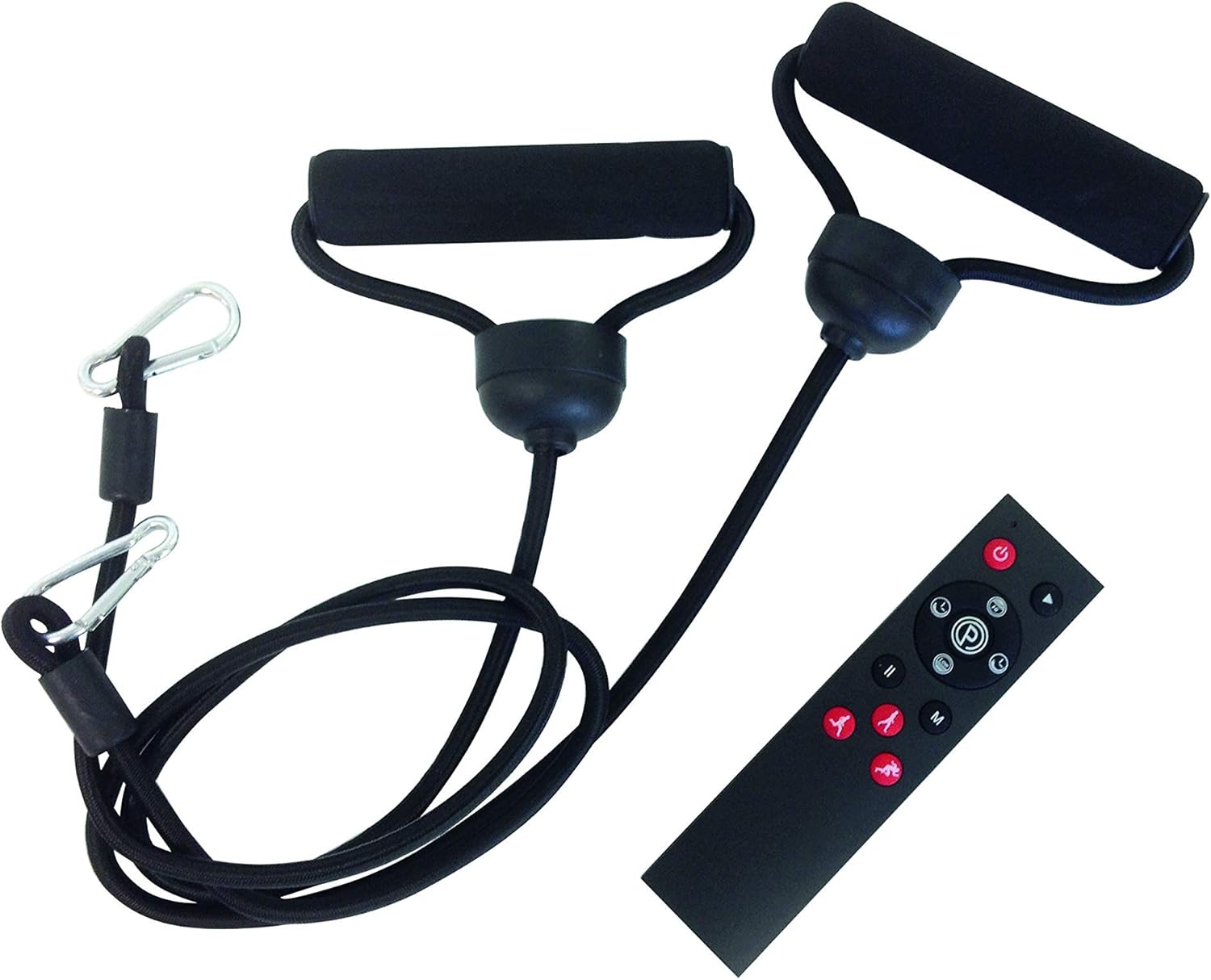
Image 3.1: All components included with the GYMFORM Vibromax Plus, including the plate, remote, and resistance bands.
4. Setup Guide
Follow these simple steps to set up your GYMFORM Vibromax Plus for first use:
- Unpack: Carefully remove all components from the packaging.
- Placement: Place the vibration plate on a firm, level, and non-slip surface. Ensure there is enough clear space around the device for safe exercise.
- Power Connection: Insert the power cord into the power input port on the side of the vibration plate, then plug the other end into a standard electrical outlet.
- Resistance Bands (Optional): If desired, attach the resistance bands to the designated attachment points on the sides of the platform. Ensure they are securely fastened.
- Remote Control: Ensure the remote control has working batteries. The remote allows for convenient operation during your workout.

Image 4.1: A user demonstrating proper stance on the Vibromax Plus with resistance bands attached.
5. Operating Instructions
The GYMFORM Vibromax Plus can be operated using the integrated control panel on the device or the included remote control.
5.1. Control Panel and Remote Control
The control panel features a digital display for time and speed, along with buttons for power, program selection, start/stop, and speed adjustment. The remote control mirrors these functions for convenience.
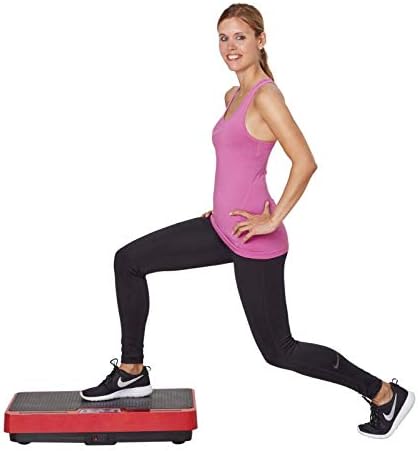
Image 5.1: Close-up view of the Vibromax Plus control panel with display and function buttons.

Image 5.2: The remote control for convenient operation of the vibration plate.
5.2. Programs and Intensity Levels
The Vibromax Plus offers 10 pre-set training programs and a manual mode, with 99 intensity levels to customize your workout.
- Manual Mode: Allows you to set your desired time and intensity level manually.
- Massage Program: Gentle vibrations for relaxation and muscle relief.
- Warm-up Program: Prepares your muscles for more intense exercise.
- Buttock and Thigh Program: Targets specific lower body areas for toning.
- Muscle Building Program: Designed to stimulate muscle growth and strength.
- General Training Program: A balanced workout for overall fitness.
- Advanced Aerobic and Anaerobic Training: For higher intensity cardiovascular and strength workouts.
- Strength and Resistance Training: Focuses on building muscle strength and endurance.
- Additional programs may be detailed in the included Exercise Instructions Manual.
To select a program, press the "PRO MODE" button on the control panel or remote. Use the speed buttons to adjust intensity in manual mode or to navigate through program options. Press "START" to begin your workout.
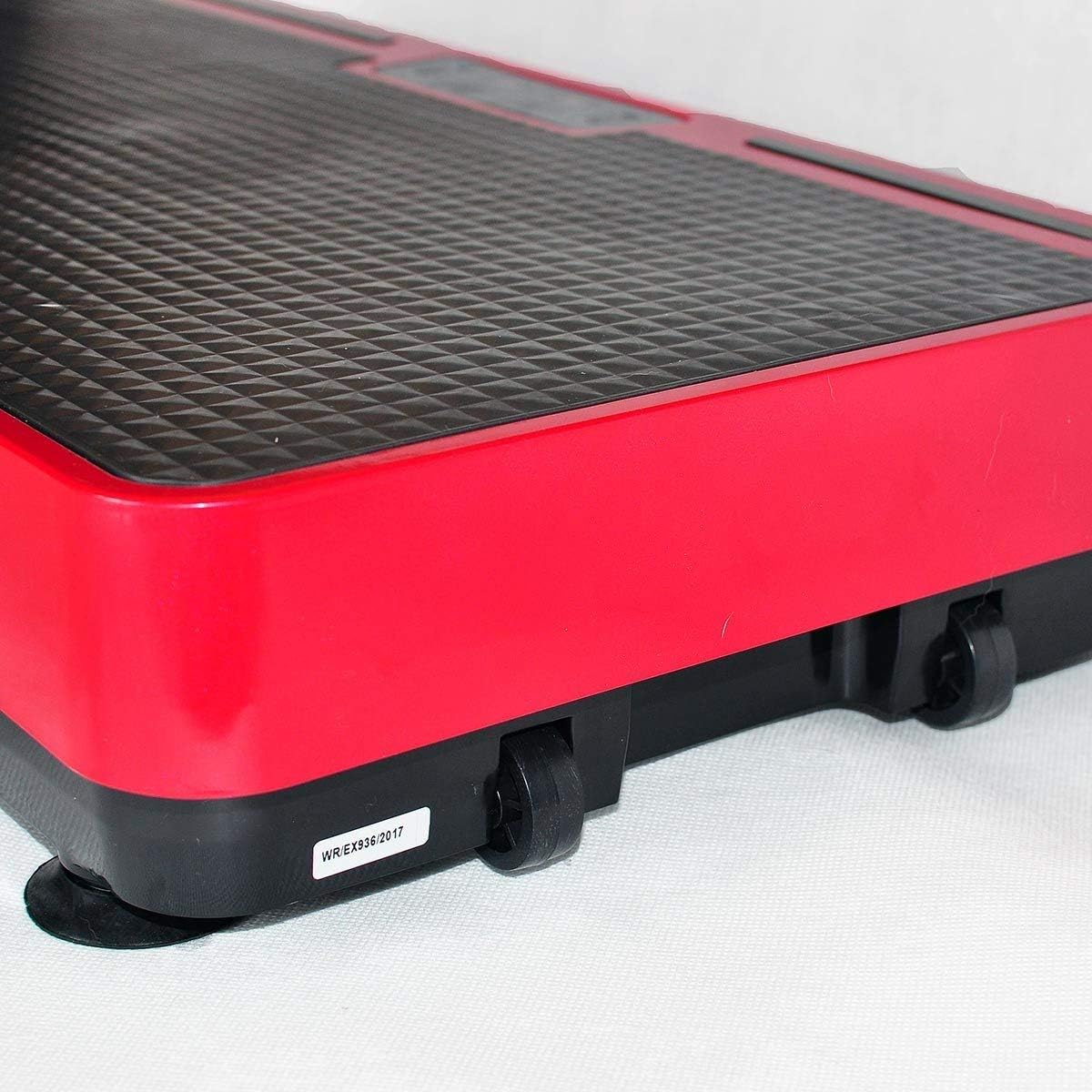
Image 5.3: A user demonstrating a lunge exercise on the vibrating platform, highlighting its versatility for various movements.
6. Maintenance
Proper maintenance ensures the longevity and optimal performance of your GYMFORM Vibromax Plus.
- Cleaning: Unplug the device before cleaning. Wipe the surface with a soft, damp cloth. Do not use abrasive cleaners or solvents. Ensure no liquid enters the internal components.
- Storage: Store the device in a cool, dry place away from direct sunlight and extreme temperatures. Its compact design and integrated wheels make it easy to move and store.
- Inspection: Periodically check the power cord and resistance bands for any signs of wear or damage. If damage is found, discontinue use and contact customer service.

Image 6.1: Side view of the Vibromax Plus, illustrating its integrated transport wheels for easy mobility and storage.
7. Troubleshooting
If you encounter any issues with your GYMFORM Vibromax Plus, refer to the table below for common problems and their solutions.
| Problem | Possible Cause | Solution |
|---|---|---|
| Device does not power on. | Not plugged in; power outlet issue; damaged power cord. | Ensure power cord is securely plugged into both the device and a working outlet. Check circuit breaker. Inspect power cord for damage. |
| Vibrations are weak or inconsistent. | Low intensity setting; uneven surface; device overload. | Increase intensity level. Ensure device is on a flat, stable surface. Do not exceed maximum weight capacity. |
| Remote control not working. | Dead batteries; obstruction; out of range. | Replace batteries in the remote. Ensure no objects are blocking the signal path. Use remote within close proximity to the device. |
| Unusual noise during operation. | Loose components; foreign object; internal malfunction. | Stop use immediately. Unplug the device. Check for any visible loose parts or foreign objects. If noise persists, contact customer service. |
If the problem persists after attempting these solutions, please contact customer support.
8. Product Specifications
| Feature | Detail |
|---|---|
| Brand | GYMFORM |
| Model | Vibromax Plus |
| Dimensions (L x W x H) | 64 x 35 x 12.5 cm |
| Item Weight | 8 kg (17.64 lbs) |
| Color | Black/Red |
| Material | N/A (as per manufacturer specification) |
| Control Type | Remote Control |
| Max Oscillation Angle | 8 degrees |
| Number of Programs | 10 |
| Number of Resistance Levels | 99 |
| Included Components | Remote control, 2 resistance bands, diet instructions, exercise instructions. |
| Batteries Included? | No |
| Manufacturer | INDUSTEX.S.L |
| UPC | 644812031199 |
| ASIN | B072FH967P |
9. Warranty and Support
For information regarding product warranty, please refer to the warranty card included in your package or contact the manufacturer directly.
For any questions, technical support, or assistance with your GYMFORM Vibromax Plus, please contact Best Direct - official Seller customer service. They are committed to providing fast and reliable support.
Contact Information: Please refer to your purchase documentation or the manufacturer's official website for the most current contact details.