
Light & Motion Vis 180 Pro
Light & Motion Vis 180 Pro Bike Taillight User Manual
Model: Vis 180 Pro
Brand: Light & Motion
1. Introduction
The Light & Motion Vis 180 Pro is a powerful and lightweight bike taillight designed for enhanced visibility and safety during both day and night rides. It features advanced lighting modes, including SafePulse, and offers 180 degrees of visibility to alert other road users. This manual provides essential information for the proper setup, operation, and maintenance of your Vis 180 Pro taillight.
2. What's in the Box
- Vis 180 Pro Taillight
- Seat Post Mount
- Micro USB Charge Cable
3. Setup
3.1 Mounting the Taillight
The Vis 180 Pro features an easy-to-use seat post mount and a pivot lock system for optimal positioning.
- Attach the provided seat post mount to your bicycle's seat post using the integrated strap. Ensure it is securely fastened.
- Align the Vis 180 Pro taillight with the mount and slide it into place until it clicks securely.
- Utilize the pivot lock system to adjust the light to the desired angle, ensuring maximum visibility to the rear and sides.
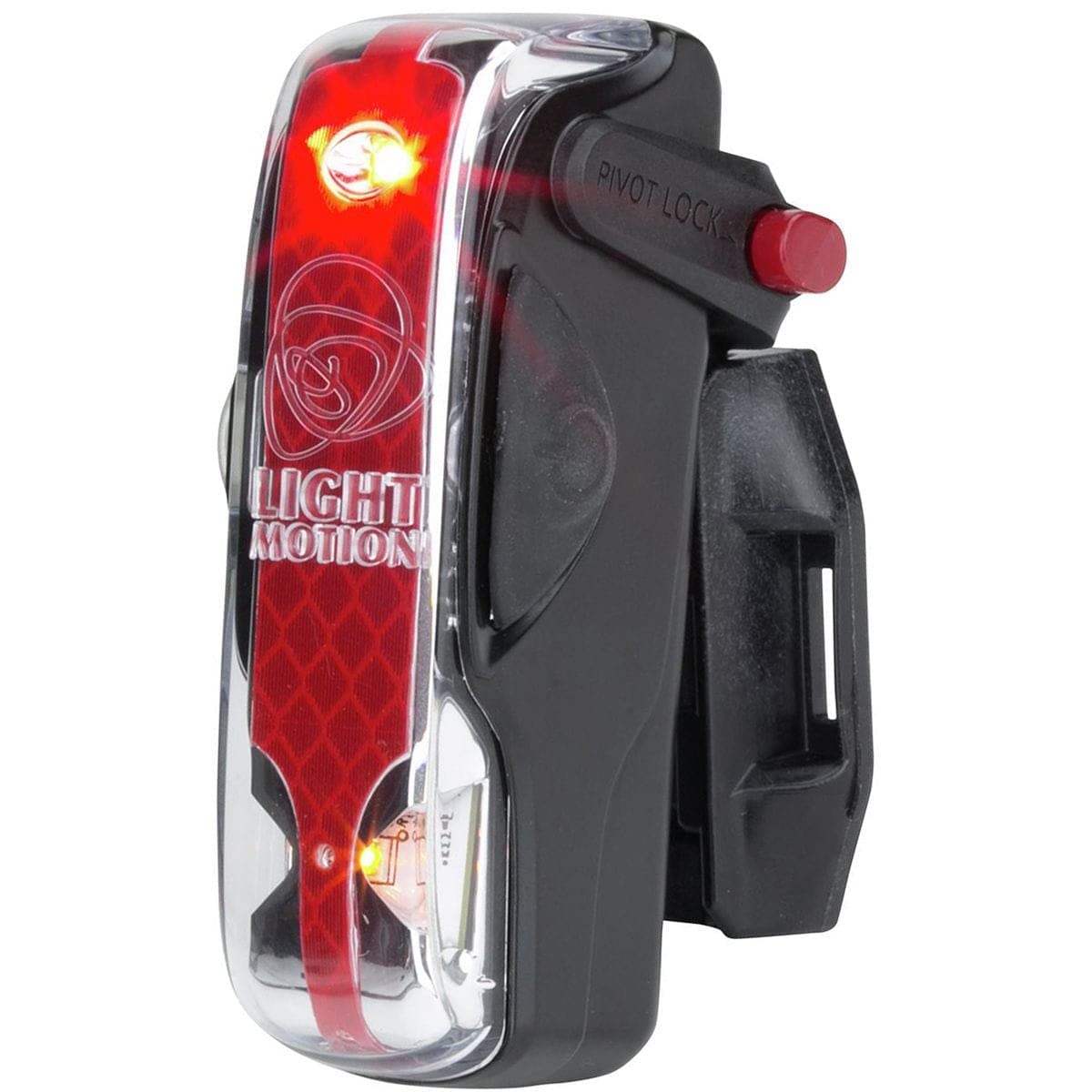
Figure 1: Vis 180 Pro taillight mounted on a seat post.

Figure 2: Adjusting the light angle using the pivot lock.
3.2 Initial Charging
Before first use, fully charge the Vis 180 Pro taillight.
- Locate the Micro USB port on the taillight.
- Connect the Micro USB charge cable to the taillight and a compatible USB power source (e.g., computer, wall adapter).
- The charging indicator will show the charging status. A full charge typically takes approximately 4 hours.
4. Operating Instructions
4.1 Powering On/Off and Mode Selection
The Vis 180 Pro features a single power button to control its functions.
- To Power On: Press and hold the power button for approximately 1 second.
- To Cycle Modes: Once powered on, short press the power button to cycle through the available modes.
- To Power Off: Press and hold the power button for approximately 1 second.
4.2 Light Modes
The Vis 180 Pro offers four distinct lighting modes:
- High Pulse: Provides maximum visibility with a strong pulsing beam.
- Low Pulse: A less intense pulsing mode, suitable for varied conditions.
- Steady: Constant illumination for consistent presence.
- Paceline: Designed for group riding, this mode turns off the main rear light to avoid distracting riders behind, while keeping the amber sidelights active for critical side visibility.
Video 1: Overview of Vis 180 Taillight features and operation.
5. Key Features
- SafePulse Mode: This mode is engineered to improve driver attention and depth perception when approaching the rider, enhancing overall safety.
- 180-Degree Visibility: The design incorporates powerful amber sidelights, providing broad visibility from various angles, which is particularly beneficial at intersections.
- High Lumen Output: Delivers up to 150 lumens, ensuring strong visibility for other road users.
- USB Rechargeable: Equipped with a rechargeable Li-ion battery, offering convenient charging via Micro USB.
- Durable Construction: Built with aluminum and nylon materials, and features an IP65 International Protection Rating, ensuring reliability in various weather conditions.
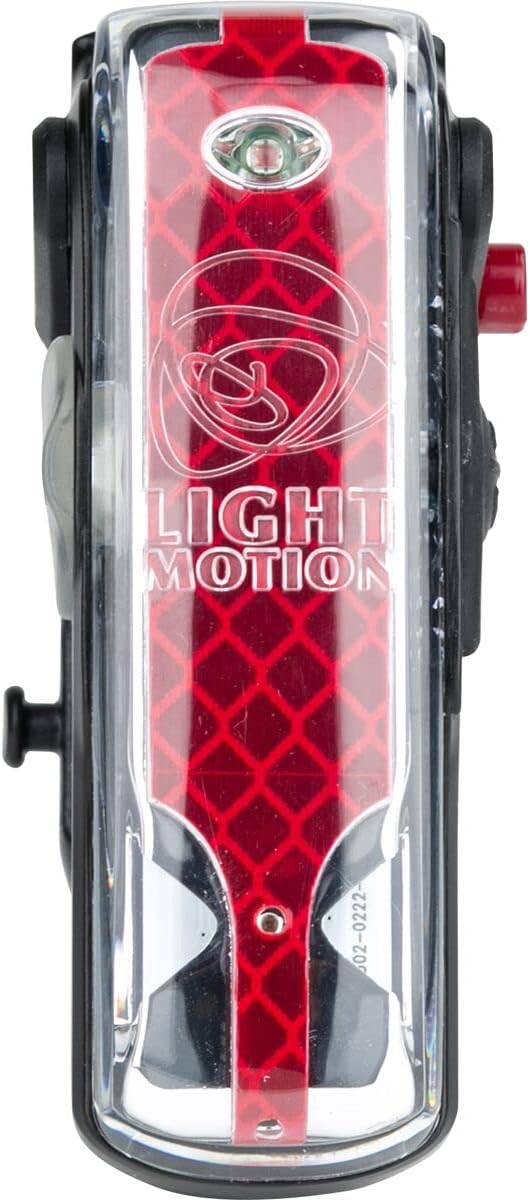
Figure 3: Front view of the Vis 180 Pro, showcasing its light elements.

Figure 4: Vis 180 Pro providing rear visibility at night.
Video 2: Highlights of the Vis 180 Pro's benefits and features.
6. Maintenance
6.1 Charging
To ensure optimal performance, regularly charge your Vis 180 Pro taillight. Connect the Micro USB cable to the light and a power source. The light is designed to provide 6-12 hours of run time in SafePulse mode, depending on the setting.
6.2 Cleaning and Care
Wipe the light with a damp cloth to remove dirt and debris. Avoid using harsh chemicals or abrasive materials that could damage the lens or casing. The light's waterproof construction (IP65) allows for use in various weather conditions, but it should not be submerged.
7. Troubleshooting
- Light not turning on: Ensure the battery is charged. Connect to a power source and check the charging indicator.
- Light not holding charge: Verify the charging cable and power source are functioning correctly. If issues persist, contact customer support.
- Mounting issues: Ensure the seat post mount is correctly installed and the light is clicked firmly into place.
8. Specifications
| Model Number | 856-0657-A |
| Light Output Maximum | 150 Lumens |
| Number of Settings | 4 |
| Power Source | Battery Powered (Rechargeable Li-ion) |
| Item Weight | 104.3 Grams |
| Material | Aluminum, Nylon |
| Mounting Type | Seat Mount |
| International Protection Rating | IP65 |
| UPC | 812190019362 |
9. Warranty & Support
The Light & Motion Vis 180 Pro comes with a 2-year warranty. For detailed warranty information, technical support, or service inquiries, please visit the official Light & Motion website or contact their customer service department.
Ask a question about this manual
Ask about setup, troubleshooting, compatibility, parts, safety, or missing instructions. Manuals+ will review the question and use this page’s manual context to help answer it.